
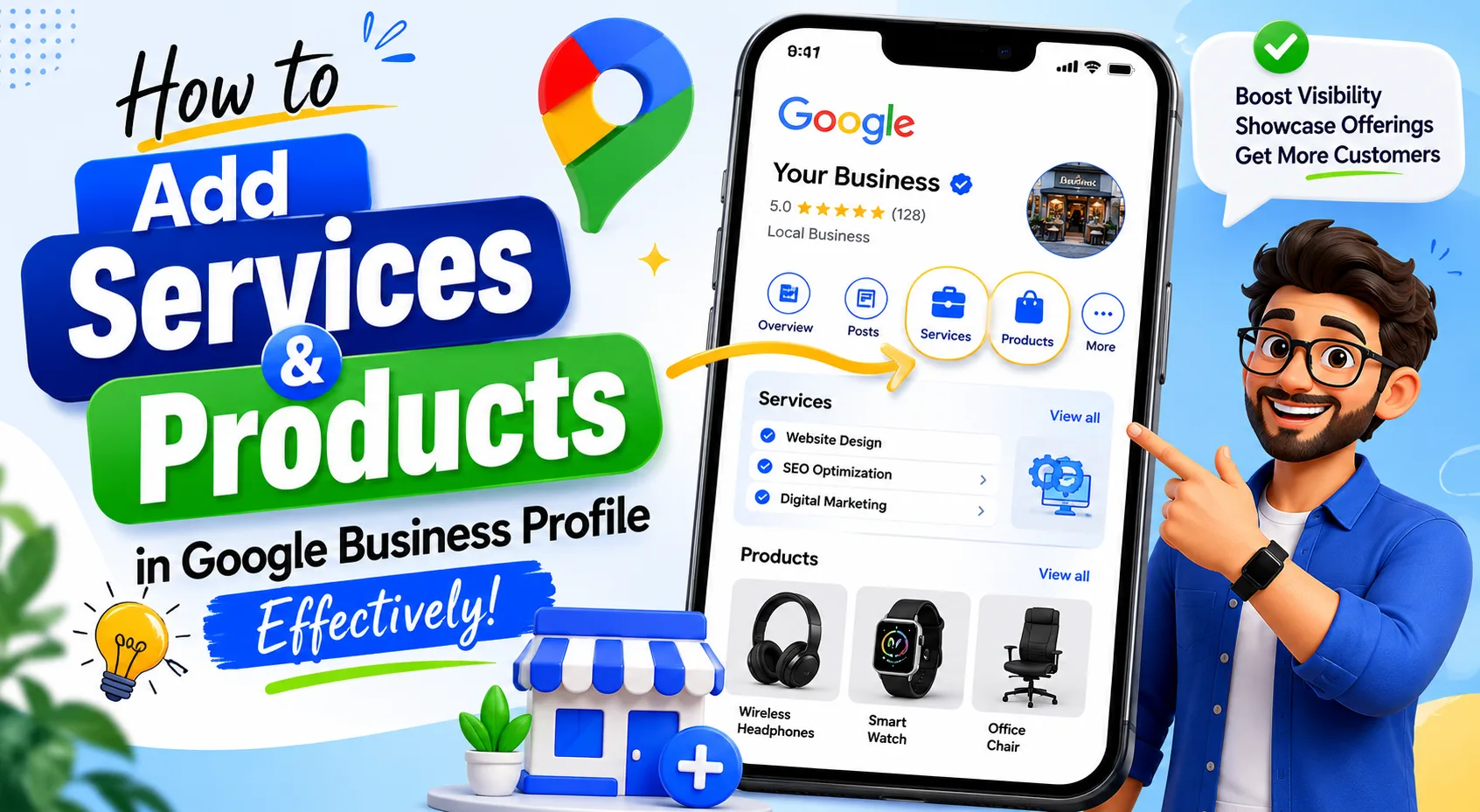
A well-optimized Google Business Profile (GBP) helps businesses appear in local search results and Google Maps. One of the most overlooked features of a Google Business Profile is the ability to add services and products. When used correctly, these sections provide valuable information to potential customers, improve visibility, and increase engagement with your business listing.
Why Adding Services and Products Matters
Google Business Profile allows businesses to showcase what they offer directly within their listing. This helps users quickly understand your offerings without visiting your website.
Benefits of Adding Services and Products
- Improves local search visibility.
- Provides detailed information to potential customers.
- Increases customer trust and engagement.
- Helps Google better understand your business.
- Encourages more calls, website visits, and inquiries.
- Enhances your profile's completeness and professionalism.
How to Add Services to Your Google Business Profile
Services are ideal for businesses such as agencies, consultants, contractors, healthcare providers, salons, and repair services.
Steps to Add Services
- Sign in to your Google Business Profile.
- Select the business you want to manage.
- Click Edit Profile.
- Navigate to the Services section.
- Choose the relevant business category.
- Add your services one by one.
- Include descriptions where applicable.
- Save your changes.
Best Practices for Adding Services
- Use clear and accurate service names.
- Include all major services you provide.
- Write concise descriptions explaining each service.
- Avoid keyword stuffing.
- Keep information updated regularly.
- Organize services under the correct categories.
How to Add Products to Your Google Business Profile
The Products section is especially useful for retailers, e-commerce businesses, manufacturers, and local stores.
Steps to Add Products
- Open your Google Business Profile dashboard.
- Click Edit Products or Products.
- Select Add Product.
- Upload a high-quality product image.
- Enter the product name.
- Add a detailed product description.
- Include pricing information if available.
- Add a product category.
- Include a call-to-action button or product link.
- Save the product listing.
Information to Include
- Product name
- Product image
- Product description
- Price or price range
- Product category
- Purchase or inquiry link
Tips to Optimize Services and Products for Better Results
Adding services and products is not enough; optimization is equally important.
Follow These Tips
- Use customer-friendly language.
- Upload high-quality images.
- Highlight your most popular offerings.
- Update products and services whenever changes occur.
- Include relevant local keywords naturally.
- Remove outdated products or discontinued services.
- Monitor customer interactions and update listings regularly.
Common Mistakes to Avoid
Many businesses fail to maximize their Google Business Profile because of avoidable mistakes.
Avoid These Errors
- Leaving descriptions blank.
- Using low-quality or generic images.
- Adding duplicate services or products.
- Stuffing keywords unnaturally.
- Providing inaccurate pricing information.
- Forgetting to update discontinued offerings.
How Services and Products Help Local SEO
Google uses information from your Business Profile to understand what your company offers. Well-structured services and product listings can improve relevance for local searches and increase the chances of appearing in Google Maps and local search results.
A complete profile also improves user experience by helping customers find the information they need quickly, which can lead to more conversions and inquiries.
Conclusion
Adding services and products to your Google Business Profile is a simple but powerful way to improve your online presence. By providing accurate descriptions, high-quality images, and up-to-date information, you can attract more local customers and enhance your visibility in Google Search and Maps. Regularly reviewing and updating these sections ensures your profile remains relevant and competitive.
Need Help Optimizing Your Google Business Profile in Kerala?
XL Technologies provides expert Google Business Profile optimization, local SEO, profile management, and listing recovery services in Kerala. Contact our team to improve your local visibility and attract more customers through Google Search and Maps.
FAQs
1. How many services can I add to my Google Business Profile?
Google allows businesses to add multiple services based on their primary and secondary business categories. You should include all relevant services your business offers.
2. Can I add products even if I sell services?
Yes. If your business offers both products and services, you can use both sections to showcase your complete offerings.
3. How often should I update my products and services?
Review and update your listings regularly, especially when introducing new products, changing prices, or discontinuing services. Keeping information current helps maintain customer trust and profile accuracy.