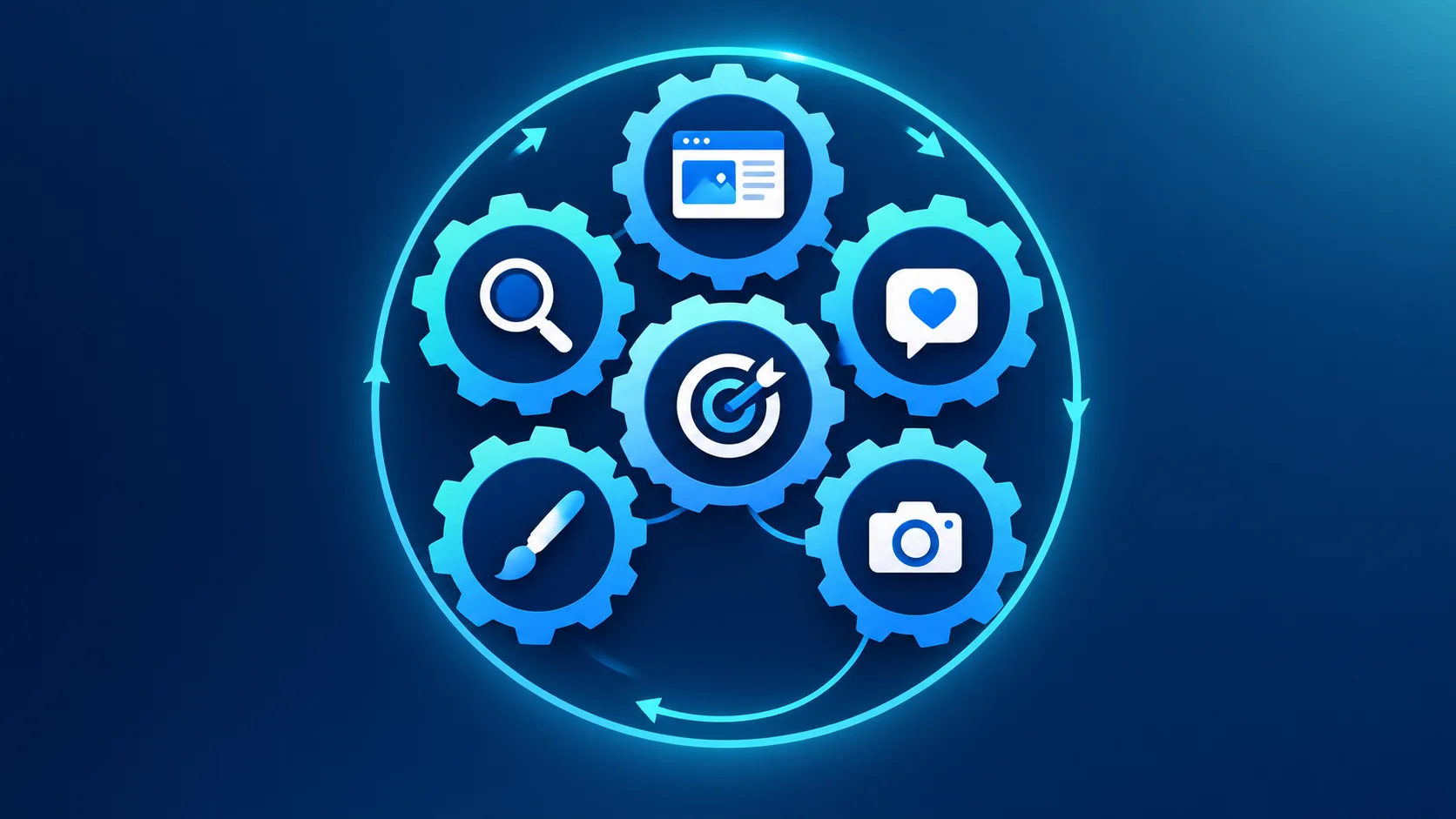

In today’s fast-paced digital world, staying organized, focused, and efficient isn’t just a nice-to-have—it’s essential. Whether you’re a remote worker, a student, an entrepreneur, or part of a large team, the way you structure your day can make the difference between feeling overwhelmed and achieving meaningful progress. This is where productivity tools come into play. Far from being just another app to download, the right tools can fundamentally reshape how you work, think, and collaborate.

The Modern Productivity Problem
Before the rise of digital workspaces, productivity often meant paper planners, sticky notes, and long email chains. While these methods worked for a time, they don’t scale well in an era of information overload, constant communication, and hybrid work environments. The average knowledge worker switches between dozens of apps and tasks daily, leading to mental fatigue, missed deadlines, and reduced creativity.
The core challenge isn’t a lack of effort—it’s a lack of effective systems. Without a clear framework to capture tasks, prioritize goals, and minimize distractions, even the most motivated professional can end their day wondering what they actually accomplished.
What Are Productivity Tools?
Productivity tools are digital solutions designed to help individuals and teams manage time, tasks, information, and communication more effectively. They range from simple to-do list apps to comprehensive platforms that integrate project management, note-taking, scheduling, and automation. Their ultimate goal is to reduce cognitive load, automate repetitive work, and create space for deep, focused work.
These tools generally fall into several key categories:
Task & Project Management: For breaking down goals into actionable steps (e.g., Trello, Asana, Todoist).
Time Management & Focus: For structuring your day and minimizing distractions (e.g., RescueTime, Focus@Will, Pomodoro timers).
Note-Taking & Knowledge Management: For capturing ideas and creating a searchable personal knowledge base (e.g., Notion, Obsidian, Evernote).
Communication & Collaboration: For reducing inbox clutter and streamlining team interaction (e.g., Slack, Microsoft Teams).
Automation & Integration: For connecting apps and automating workflows (e.g., Zapier, Make, IFTTT).
The Transformation: How Tools Reshape Your Workflow
Adopting the right productivity tools isn’t about working more—it’s about working smarter. Here’s how they catalyze a transformation in your daily workflow:
1. From Chaos to Clarity
Our brains are brilliant at having ideas but terrible at storing them. When every task, idea, and deadline is bouncing around in your head, it creates background anxiety—what productivity expert David Allen calls "psychic RAM." The simple act of capturing everything into a trusted task manager (a core tenet of his Getting Things Done methodology) clears mental clutter. This externalization provides immediate clarity, allowing you to see your workload objectively and prioritize from a place of calm, not panic.
2. From Reactive to Proactive
Without a system, we tend to react to the loudest demand—the latest email, the most recent notification. This is a reactive workflow, and it leaves your important, long-term goals perpetually on the back burner. A project management tool acts as your strategic command center. By scheduling time for important tasks, setting deadlines, and visualizing project timelines (like with a Gantt chart), you shift control from your inbox to your intentions. You decide what’s important, and the tool helps you stick to that plan.
3. From Fragmented to Focused
Context-switching is a primary productivity killer. Studies show it can take over 20 minutes to regain deep focus after an interruption. Productivity tools designed for focus help you create boundaries. A time-blocking calendar app protects hours for concentrated work. A website blocker prevents the temptation of social media during those hours. A "do not disturb" mode on communication tools signals to colleagues that you’re in a flow state. Together, they build a fortress of focus around your most valuable work.
4. From Isolated to Integrated
How many tabs do you have open right now? For many, work happens in a dozen siloed apps: one for documents, one for chat, one for tasks, another for files. Modern productivity platforms like Notion or Coda challenge this fragmentation by bringing notes, databases, tasks, and wikis into a single, interconnected workspace. Furthermore, automation tools like Zapier act as digital glue, allowing your apps to talk to each other—automatically creating a task from an email or saving a Slack file to Google Drive. This integration creates a seamless workflow where information flows effortlessly, saving countless hours of manual copying and pasting.
5. From Individual Effort to Team Synergy
The true power of productivity tools multiplies when applied to a team. A shared project board creates transparency, so everyone knows who is doing what and by when. A centralized knowledge base prevents the "I have that document somewhere" scramble. Asynchronous communication tools reduce meeting overload. The result is aligned effort, reduced friction, and a collective ability to execute complex projects with far greater efficiency and less frustration.
Choosing the Right Tools: A Strategy, Not a Collection
The biggest mistake is jumping on every new app trend. Tool fatigue is real. The strategy is to be intentional:
Identify the Friction: Start with a pain point. Is it missed deadlines? Cluttered communication? Wasted time on repetitive tasks? Diagnose the problem before seeking the solution.
Start Simple: Begin with one tool to master one workflow. A task manager is often the best foundational piece. Overcomplicating at the start leads to abandonment.
Prioritize Integration: Choose tools that either natively integrate with your existing ecosystem (e.g., Google Workspace, Microsoft 365) or can be connected via automation platforms.
Commit to the Habit: A tool is only as good as the habit supporting it. Schedule a daily 5-minute review of your task list or a weekly planning session in your calendar. Consistency turns the tool into a system.
The Human Element: Tools Are Enhancers, Not Replacements
It’s crucial to remember that productivity tools are amplifiers. They cannot instill discipline, clarify your life’s goals, or replace creative thinking. They require thoughtful setup and regular review. The most elegant system will fail if it doesn’t align with how you actually think and work.
The transformation occurs in the interplay between the tool and the user. The tool provides the structure, and the user provides the purpose. When combined, they free up your most precious resources: mental energy and time. This allows you to shift from merely being busy to being genuinely productive, channeling your efforts toward work that is impactful, meaningful, and ultimately more fulfilling.
Conclusion: Your Workflow, Transformed
Transforming your daily workflow isn't about a complete overnight overhaul. It’s a gradual process of implementing smart systems that work for you. By strategically adopting productivity tools, you move from a state of constant reaction to one of intentional action. You trade fragmentation for focus, and individual effort for collaborative power. In the end, these tools do more than just help you get things done—they help you reclaim your time, reduce stress, and create the space to do your best work. The investment in finding and learning the right tools is, ultimately, an investment in a more controlled, purposeful, and productive professional life.