Every call into a clinic carries something sensitive: a name, a date of birth, a symptom, a prescription. Once those details are written down, stored or recorded by an outside vendor, they become protected health information, and the vendor handling them has to meet HIPAA's rules. That's why choosing a HIPAA compliant answering service is less about who has the friendliest greeting and more about how patient data is captured, stored and passed back to your team.
Whether you're replacing a traditional call center or adding an AI voice agent for after-hours calls, the same checklist applies. Here's what to look at before you sign.
Start with the Business Associate Agreement
Under HIPAA, any outside company that creates, receives, stores or transmits protected health information on your behalf is a business associate, and you need a signed Business Associate Agreement (BAA) with it. The U.S. Department of Health and Human Services publishes sample BAA provisions on its website if you want to see what a standard agreement covers.
If a vendor hesitates to sign a BAA, or says its service doesn't really touch PHI, treat that as a red flag. An answering service that takes messages about appointments, symptoms or refills is handling PHI by definition.
Ask where call data lives and who can see it
A compliant service should be able to answer a few basic questions in plain language:
- Are call recordings, transcripts and messages encrypted in transit and at rest?
- Who on the vendor's side can access them, and is that access logged?
- How long is data kept, and can you set your own retention period?
- Are subcontractors, such as telephony carriers and transcription or AI providers, also covered by BAAs?
That last point matters more than it used to. An AI answering service is usually built on several layers, and each layer that touches patient data needs to be covered. A vendor that has done the work will be able to tell you how.
Look at how messages reach your team
Plenty of answering services are careful on the phone and careless afterwards. A message that arrives as a plain-text email or an unsecured text with a patient's name and symptoms undoes a lot of the protection upstream.
Ask how messages are delivered. Good options include a secure portal, an encrypted app, or a direct write-back into your scheduling or EHR system, so details don't have to be copied by hand. Ask, too, whether there is an audit trail showing who opened what and when.
Check how urgent calls are handled
Compliance isn't only about data. A patient calling at 11 PM with chest pain needs to be told to call 911, and a post-operative patient with a fever needs to reach the on-call provider quickly. Find out how the service recognizes urgent calls, what script it follows, and how it pages or transfers to your on-call clinician.
With AI-driven services, ask to hear test calls for your most common urgent scenarios before go-live. Your clinical lead should sign off on the escalation rules rather than leaving them to the vendor's defaults.
Human call center or AI voice agent?
Both can be HIPAA compliant, and both can fall short. Traditional answering services usually take a message and pass it on. AI voice agents can go further: answer instantly, book or reschedule appointments against your real calendar, capture refill requests, and route only the calls that genuinely need a person.
The trade-off is setup. An AI agent needs to be trained on your call types, connected to your systems and tested. Done properly, it gives you consistent handling of every call, day or night, with every interaction logged in one place. Done badly, it traps patients in a frustrating loop. Ask any vendor how long onboarding takes and what support you get in the first weeks.
A quick pre-signing checklist
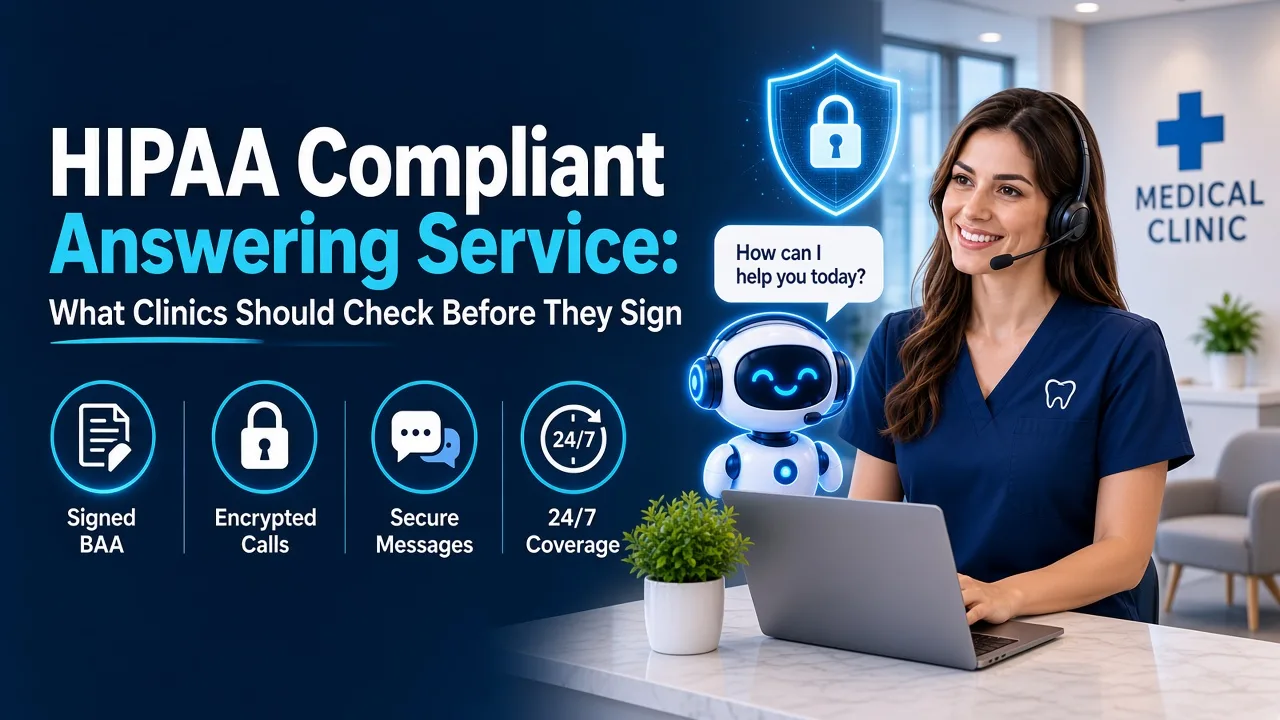
- A signed BAA, plus confirmation that subcontractors are covered
- Encryption in transit and at rest for recordings, transcripts and messages
- Role-based access and audit logs you can review
- Secure delivery of messages, ideally straight into your systems
- Clear, clinician-approved rules for urgent and emergency calls
- A defined data retention policy
- Easy transfer to a human whenever a patient asks for one
Questions to ask on the demo call
Sales pages for answering services tend to sound alike, so the demo is where the real differences show up. Bring a short list of questions and ask for specific answers rather than general reassurance:
- Can you show me a sample BAA, and which of your subcontractors are covered by it?
- Where exactly are recordings and transcripts stored, and can we turn recording off for certain call types?
- What happens to a call if your system goes down? Does it fail over to a voicemail, a backup line or our own staff?
- How does a message reach our team, and can it write directly into our scheduling or EHR system?
- Can we review and approve the scripts and escalation rules before go-live, and change them later without a support ticket?
- What reporting do we get on call volume, outcomes and transfers?
Ask to run a few test calls yourself during the trial, including an after-hours call, a refill request and an urgent symptom call. Listening to how the service handles real scenarios tells you more than any feature list. It's also worth asking for a reference from a practice similar in size and specialty to yours, so you can hear how onboarding went and how the service performs once the novelty wears off.
The bottom line
HIPAA compliance is the minimum, not the selling point. The best service for your clinic is the one that protects patient data and also takes real work off your front desk, so calls stop going to voicemail and staff stop retyping messages.
If you're comparing options, Brilo AI's overview of its HIPAA compliant answering service walks through how an AI voice agent handles secure capture, urgent routing and audit-ready records for medical practices.