
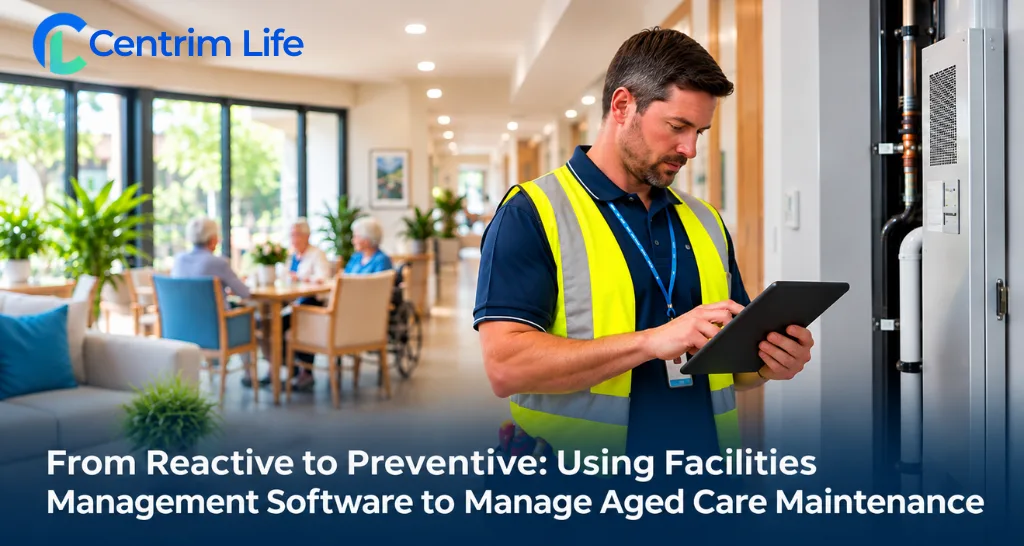
Every maintenance manager in aged care knows how quickly the day's plans can change. A lift stops working, a kitchen cool room fails to maintain its temperature, or a resident's room develops a plumbing problem. Whatever was scheduled suddenly has to wait.
Urgent repairs will always be part of maintaining a residential aged care facility. Equipment can fail without warning, even when it has been serviced regularly. The difficulty comes when urgent work starts taking up so much time that routine maintenance is continually pushed aside.
A maintenance request might be passed on verbally. A servicing date may be recorded in a spreadsheet that hasn't been updated. By the time someone notices a problem, it may already need an expensive repair.
Facilities management software helps aged care providers move towards a more preventive approach by connecting maintenance requests, scheduled servicing, work orders and asset information in one system.
Rather than relying on staff to remember every inspection or chase updates across different records, maintenance teams have a clearer picture of what needs attention and what has already been completed.
Reactive vs Preventive Maintenance in Aged Care
Reactive maintenance means dealing with a problem after it occurs. A hot water system breaks down, a door stops locking properly, or an essential piece of kitchen equipment fails. The maintenance team responds, arranges repairs and works to restore normal operations.
There is nothing inherently wrong with reactive maintenance. Some faults simply cannot be predicted. The problem is relying on it as the main way of managing a facility.
When most work begins with a breakdown, maintenance teams have less control over their schedules. Contractors may need to be called at short notice, planned servicing gets postponed, and several urgent jobs can quickly overwhelm a small team.
Preventive maintenance takes a different approach. Equipment is inspected, serviced and maintained at planned intervals, based on its condition, risks, manufacturer recommendations and applicable requirements.
For example, rather than waiting for a commercial dishwasher to stop working, the maintenance team can plan servicing and review previous faults before another breakdown interrupts meal preparation.
The difference is not that preventive maintenance eliminates repairs. It gives facilities a better opportunity to identify developing problems and address them before they become disruptive.
Why Reactive Maintenance Creates Problems for Aged Care Facilities
A few problems come up again and again for maintenance teams in care settings:
Maintenance in residential aged care involves more than keeping buildings presentable. Facilities depend on equipment and infrastructure that residents and staff use every day.
A faulty air-conditioning system can affect resident comfort. A broken laundry machine can interrupt essential routines. An unavailable lift may create access difficulties for residents with mobility needs.
The maintenance team may be able to resolve each issue, but repeated interruptions make the wider workload difficult to manage.
Maintenance requests get lost between shifts
A care worker notices a loose handrail and mentions it to someone from maintenance. The issue is acknowledged, but no formal request is recorded. When shifts change, the next team may have no way of knowing whether the repair has been assigned or completed.
Even when staff are attentive, verbal handovers are not always enough to manage a busy maintenance workload.
Preventive servicing gets pushed aside
Routine checks are often the first tasks to be postponed when urgent repairs appear.
A scheduled inspection might be moved to the following week. Another job is delayed because a contractor is unavailable. Without a reliable way to monitor outstanding work, these delays can become difficult to track.
Asset information is scattered
An aged care facility may have hundreds of assets, including beds, hoists, kitchen appliances, laundry equipment and building systems.
When asset registers, maintenance histories and contractor details are kept separately, finding the right information takes longer than it should.
This becomes especially difficult for providers operating multiple facilities.
Managers lack a clear view of outstanding work
Facility managers need to know which jobs have been completed, which remain open and whether important servicing activities are overdue.
If updates are spread across emails, spreadsheets and handwritten notes, even a straightforward maintenance review can require considerable administrative work.
These problems often develop gradually. A facility may manage reasonably well with paper records for years, until the number of assets, maintenance requests or locations becomes too difficult to coordinate.
How Facilities Management Software Supports Preventive Maintenance
Facilities management software provides a more structured way to organise everyday maintenance.
Instead of managing requests, servicing schedules and equipment information as separate activities, teams can connect them through a shared digital system.
1. Plan preventive maintenance before equipment fails
Preventive maintenance scheduling allows teams to organise recurring inspections and servicing activities.
For example, a maintenance manager might establish schedules for air-conditioning servicing, equipment inspections and routine building checks.
The frequency of each task should reflect relevant safety requirements, manufacturer instructions and the facility's own maintenance procedures.
A digital schedule makes upcoming work easier to see. Reminders and overdue-task tracking can also help managers identify jobs that need attention.
This gives maintenance teams more control over their workload rather than leaving every task dependent on someone's memory.
2. Keep maintenance requests and work orders connected
When a fault is reported, it needs to reach the right person and remain visible until it is resolved.
Digital work order management allows teams to record the issue, assign responsibility and monitor progress.
A leaking tap, damaged door or faulty light fitting can be entered as a maintenance request rather than left in a notebook or passed between staff verbally.
Managers can then check which requests are awaiting attention, which are in progress and which have been completed.
The benefit is straightforward: fewer unanswered questions about who is handling a job.
3. Connect asset records with maintenance history
Asset management becomes more useful when equipment records are connected to the work carried out on each item.
An asset register can help maintenance teams organise information such as equipment location, identification details, servicing history and related maintenance activity.
Consider a mobile hoist that has been moved between different areas of a facility. Staff need to know where it is and whether its servicing information is current.
Keeping asset details and maintenance records together reduces the need to search through several different files.
Over time, maintenance history can also help managers recognise equipment that requires repeated repairs and consider whether replacement may be more practical.
4. Coordinate contractors and external suppliers
Not every maintenance task can be completed by an internal team.
Electrical work, specialist equipment servicing and certain building repairs may require qualified external contractors.
When contractor information and job details are managed separately, facility staff can spend unnecessary time checking appointments, following up on progress and locating previous service records.
Facilities management software can help teams organise supplier information, share job details and monitor the progress of external maintenance work.
For providers managing several locations, this creates a more consistent process for coordinating contractors.
5. Maintain digital inspection and servicing records
Maintenance records matter long after a job has been completed.
Facility managers may need to review previous inspections, investigate repeated equipment failures or retrieve servicing documentation during an internal quality review.
Digital forms and maintenance records can make this information easier to organise and access.
They also help teams distinguish between work that has been scheduled, work that is still outstanding and work that has actually been completed.
A digital record is only useful when staff keep it accurate, however. The software supports the process; it does not replace the need for proper inspections and follow-up.
Read More About From Reactive to Preventive: Facilities Management Software for Aged Care Maintenance Here : https://centrimlife.com.au/blog/facilities-management-software-aged-care/