For decades, invoice processing has been one of the most repetitive and time-consuming tasks in accounting. Finance teams spend hours opening emails, downloading attachments, typing invoice details, and double-checking numbers.
It’s slow. It’s manual. And it’s full of opportunities for human error.
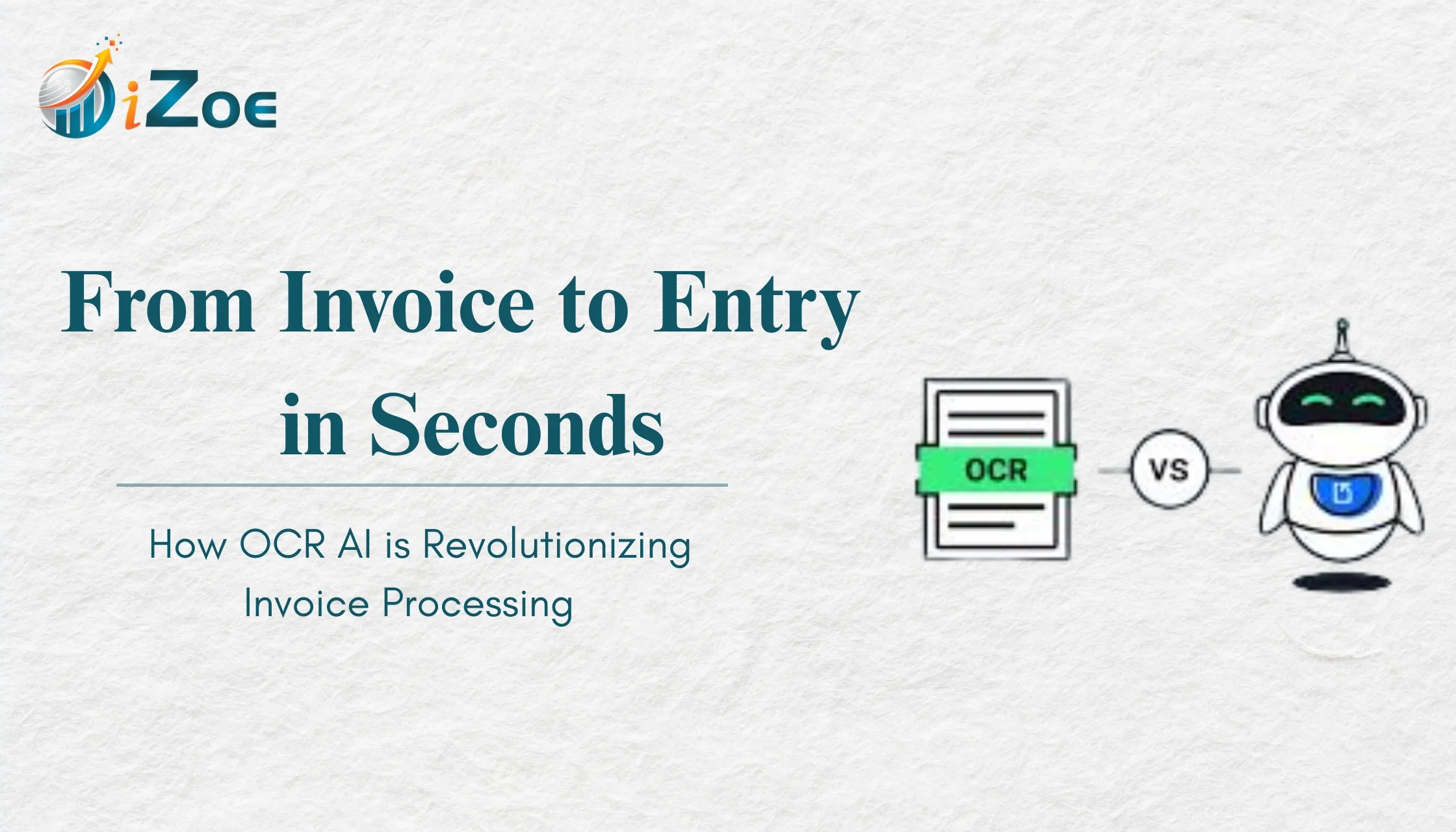
But today, OCR AI (Optical Character Recognition powered by Artificial Intelligence) is transforming how businesses handle invoices -turning a process that once took hours into something that happens in seconds.
Let’s explore how OCR AI is reshaping invoice processing and why modern finance teams are rapidly adopting it.
The Traditional Invoice Processing Problem
Before understanding the impact of OCR AI, let’s look at how invoice processing typically works.
A typical manual workflow looks like this:
- Receive invoice via email or paper
- Download or scan the invoice
- Manually read the details
- Enter data into accounting software
- Verify numbers and tax details
- Store the invoice for records
Now multiply this by hundreds or thousands of invoices every month.
This leads to:
- Endless data entry
- Slow processing cycles
- Frequent human errors
- Delayed financial reporting
- Compliance risks
It’s no surprise finance teams are actively searching for automation.
What is OCR AI in Accounting?
OCR (Optical Character Recognition) allows software to read text from images and PDFs.
When combined with Artificial Intelligence, OCR becomes much more powerful.
AI-powered OCR doesn’t just read text -it understands documents.
It can identify:
- Vendor names
- Invoice numbers
- Invoice dates
- GST numbers
- Line items
- Tax amounts
- Total payable amounts
And then automatically convert this data into structured accounting entries.
In simple terms:
Invoice → AI reads → Accounting entry created automatically.
Why Manual Invoice Entry No Longer Makes Sense
Manual entry isn’t just slow - it’s expensive.
Finance teams spend a significant portion of their time on repetitive data entry instead of strategic work. As invoice volumes grow, the workload becomes impossible to manage without hiring more staff.
Manual workflows create several hidden costs:
- Employee time spent on repetitive tasks
- Cost of fixing mistakes
- Delays in approvals and payments
- Compliance risks and penalties
This is exactly where OCR AI creates massive value.
How OCR AI Transforms Invoice Processing
1. Instant Data Extraction
OCR AI can process invoices in seconds. Instead of reading invoices manually, finance teams simply upload or forward them.
The AI extracts all key fields automatically and prepares them for accounting entry.
Result:
Invoices that once took minutes now take seconds.
2. Higher Accuracy and Fewer Errors
Typing mistakes are one of the biggest problems in accounting. Even a small error can cause reconciliation issues later.
AI reduces human intervention and validates extracted data using intelligent checks.
Result:
Cleaner data and more accurate books.
3. Faster Approval Workflows
When invoice data is captured instantly, approvals can begin immediately.
No waiting for manual entry. No lost invoices in email threads.
Result:
Faster approvals and on-time payments.
4. Better GST Compliance
For Indian businesses, GST compliance adds complexity to invoice processing. Incorrect tax entries or missing invoices can create compliance risks.
OCR AI automatically captures GST numbers and tax details, making reconciliation much easier.
Result:
Reduced GST mismatches and smoother filings.
5. Real-Time Financial Visibility
When invoices are processed instantly, financial data stays up to date.
This gives businesses real-time insights into:
Outstanding payables
Cash flow impact
Upcoming payments
Result:
Smarter and faster decision-making.
Why Businesses Are Adopting OCR AI Now
The shift toward AI-powered accounting is accelerating because businesses want:
Faster operations
Reduced manual workload
Improved accuracy
Better compliance
Real-time insights
OCR AI solves all of these at once.
Instead of spending hours on repetitive tasks, finance teams can focus on analysis, planning, and growth.
The Future of Invoice Processing is Automated
Invoice processing is no longer just a back-office task. It’s becoming a strategic part of financial operations.
As businesses scale, automation is no longer optional. OCR AI allows finance teams to handle increasing invoice volumes without increasing workload.
The result is a more efficient, scalable, and future-ready finance function.
Conclusion: Moving Toward AI-Powered Invoice Processing
Manual invoice entry is quickly becoming a thing of the past. OCR AI has transformed invoice processing from a slow, error-prone task into a fast, intelligent, and automated workflow.
Businesses that adopt AI-powered accounting tools are gaining a major advantage - saving time, reducing errors, and improving financial visibility.
To help businesses make this transition, iZoe offers Akounter AI, an AI-powered accounting tool designed to simplify invoice processing and bookkeeping.
With Akounter AI, businesses can:
- Convert invoices into accounting entries using OCR AI
- Run 50+ automated checks to keep books error-free
- Detect GST mismatches automatically
- Sync with existing accounting software
- Generate real-time financial reports and insights
If your team still spends hours entering invoice data, it’s time to explore smarter automation.
FAQs
1. What is OCR AI in invoice processing?
OCR AI reads invoice documents and extracts key information automatically, converting it into structured accounting data.
2. How accurate is OCR AI for invoices?
Modern OCR AI tools can achieve very high accuracy and include validation checks to ensure reliable data extraction.
3. Can OCR AI handle different invoice formats?
Yes. AI can process invoices in multiple formats including PDFs, images, and scanned documents.
4. Is OCR AI useful for small businesses?
Absolutely. Small businesses benefit greatly by saving time and reducing manual accounting workload.
5. Does OCR AI replace accountants?
No. OCR AI handles repetitive data entry, allowing accountants to focus on analysis, advisory, and financial strategy.