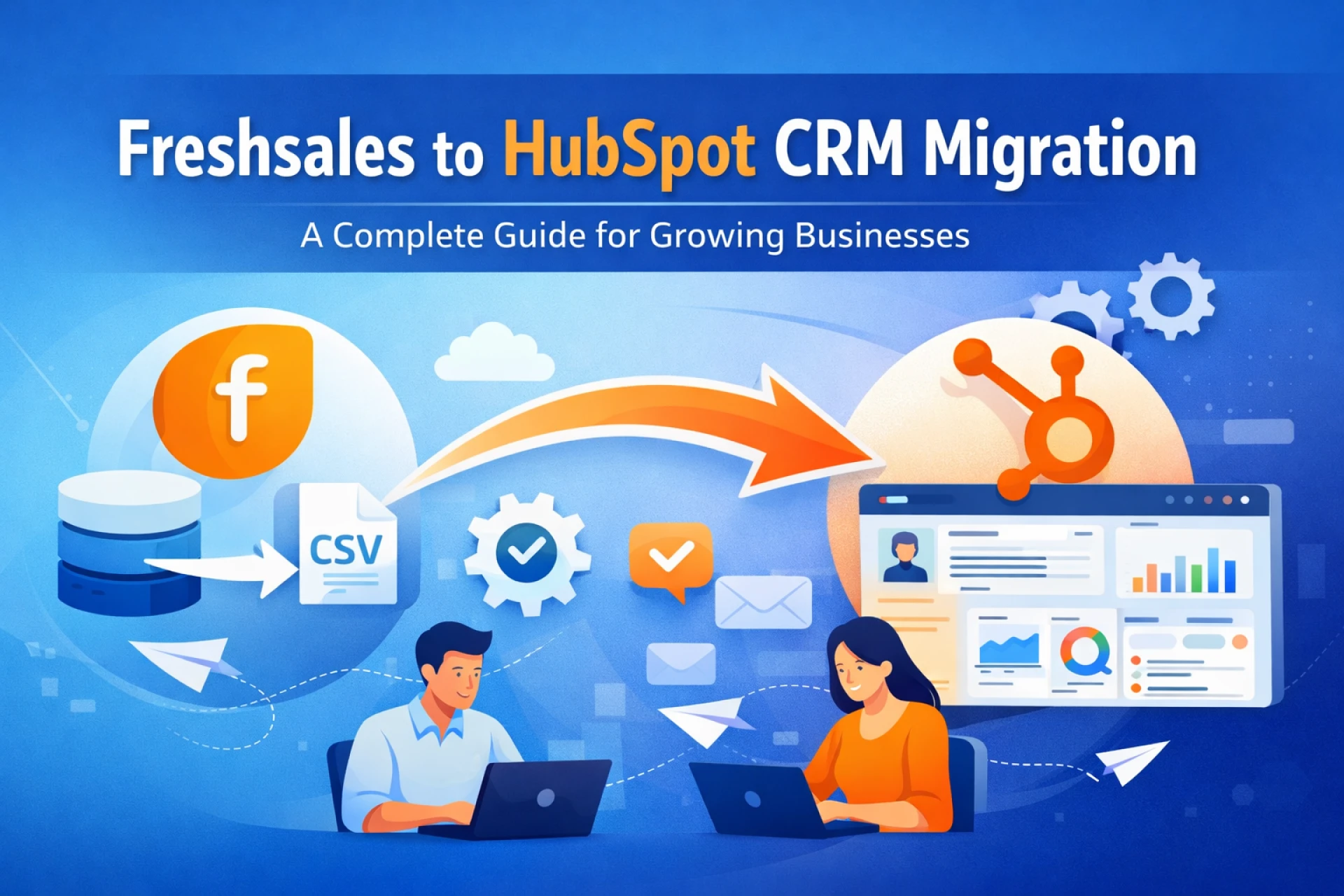
Migrating from one CRM to another is a big decision—but often a necessary one. As businesses scale, their requirements evolve, and tools that once worked well may start to feel limiting. If you're considering moving from Freshsales to HubSpot CRM, you're likely looking for better automation, deeper marketing integration, and a more unified customer experience.
This guide walks you through why businesses make the switch, what to prepare, and how to execute a smooth migration without losing valuable data or momentum.
Why Migrate from Freshsales to HubSpot CRM?
While Freshsales is a solid CRM for small to mid-sized teams, HubSpot offers a more comprehensive ecosystem that combines sales, marketing, service, and operations under one platform.
Here are some common reasons businesses choose to migrate:
1. Unified Platform
HubSpot provides an all-in-one solution with tools for:
- Marketing automation
- Sales pipeline management
- Customer support
- Content management
This eliminates the need for multiple disconnected tools.
2. Advanced Automation
HubSpot’s workflow automation is more flexible and powerful, allowing businesses to:
- Automate lead nurturing
- Trigger actions based on user behavior
- Build complex multi-step workflows
3. Better Reporting & Insights
HubSpot offers highly customizable dashboards and reports, helping teams make data-driven decisions faster.
4. Scalability
As your business grows, HubSpot scales with you—offering advanced features across its hubs without needing a full system overhaul.
Pre-Migration Checklist
Proper planning is the key to a successful CRM migration. Before you begin, ensure the following:
1. Audit Your Existing Data
Review your Freshsales account and identify:
- Contacts
- Companies
- Deals
- Activities
- Custom fields
Remove duplicates and outdated records to avoid clutter in the new system.
2. Define Migration Goals
Ask yourself:
- What problems are we solving with this migration?
- What features do we want to leverage in HubSpot?
- Which teams will use the new CRM?
Clear goals help shape your migration strategy.
3. Map Data Fields
Freshsales and HubSpot may use different field structures. Create a mapping document:
- Freshsales field → HubSpot field
- Custom properties → Custom properties
This ensures data consistency after migration.
4. Backup Your Data
Always export and store a backup of your Freshsales data before making any changes.
Step-by-Step Migration Process
Step 1: Export Data from Freshsales
Export your data into CSV files:
- Contacts
- Accounts (Companies)
- Deals
- Notes & Activities
Make sure each file is clean and properly formatted.
Step 2: Set Up HubSpot CRM
Before importing data:
- Create your account
- Set up pipelines
- Configure deal stages
- Create custom properties
This ensures your data fits correctly once imported.
Step 3: Import Data into HubSpot
Use HubSpot’s import tool to upload your CSV files:
- Start with contacts and companies
- Then import deals
- Finally, add activities and notes
Make sure to match fields correctly during the import process.
Step 4: Rebuild Automation & Workflows
Freshsales workflows won’t transfer automatically. You’ll need to recreate them in HubSpot:
- Lead assignment rules
- Email sequences
- Follow-up reminders
Take advantage of HubSpot’s advanced automation features while rebuilding.
Step 5: Integrate Tools & Apps
Reconnect your essential tools:
- Email (Gmail/Outlook)
- Marketing platforms
- Third-party apps
HubSpot’s integration marketplace makes this process easier.
Step 6: Test Everything
Before going live:
- Verify data accuracy
- Check pipelines and deal stages
- Test workflows and automation
- Ensure reports are functioning correctly
This step helps catch issues early.
Step 7: Train Your Team
A new CRM means new workflows. Provide training to:
- Sales teams
- Marketing teams
- Support teams
This ensures smooth adoption and maximizes ROI.
Common Migration Challenges (and How to Avoid Them)
1. Data Loss or Errors
Solution: Double-check field mapping and always keep backups.
2. Duplicate Records
Solution: Clean your data before importing and use HubSpot’s deduplication tools.
3. Broken Workflows
Solution: Document existing workflows and rebuild them carefully in HubSpot.
4. User Resistance
Solution: Involve your team early and provide proper onboarding.
Best Practices for a Smooth Migration
- Start with a pilot migration (small data set first)
- Maintain a migration checklist
- Use consistent naming conventions
- Document every step for future reference
- Schedule migration during low-activity periods
Should You Use a Migration Tool or Expert?
If your data is complex or large, consider:
- CRM migration tools
- HubSpot partners or consultants
They can:
- Reduce errors
- Save time
- Ensure proper setup
For smaller datasets, a manual migration works just fine.
Final Thoughts
Migrating from Freshsales to HubSpot CRM is more than just a technical move—it’s a strategic upgrade. With better automation, deeper insights, and a unified platform, HubSpot empowers teams to work smarter and grow faster.
However, the success of your migration depends on planning, data accuracy, and proper implementation. Take the time to prepare, follow a structured process, and train your team effectively.
Done right, this transition can significantly improve your sales efficiency, marketing performance, and overall customer experience.