
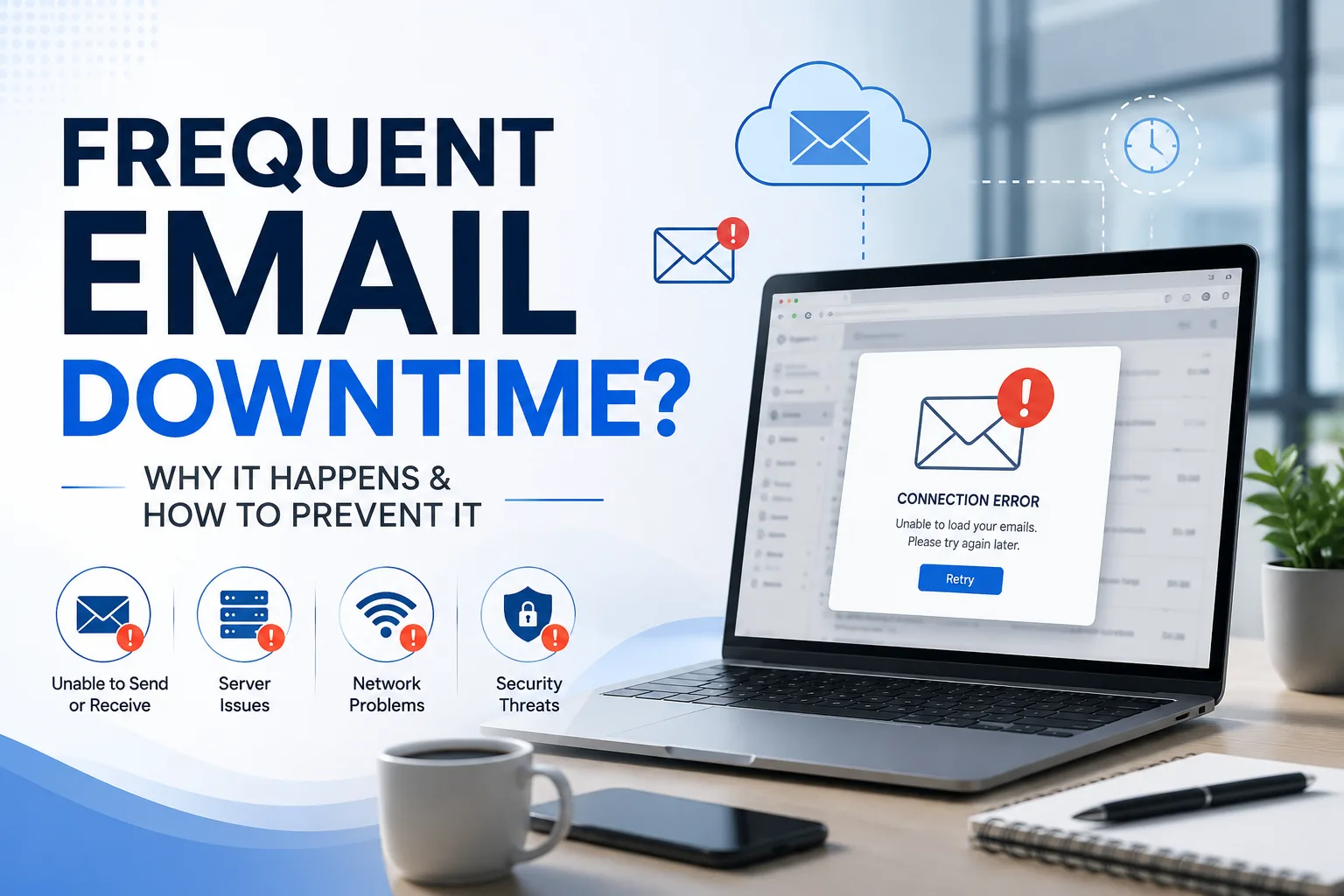
Email is one of the most important communication tools for any business. Whether you're responding to customer inquiries, sending quotations, communicating with suppliers, or collaborating with your team, your business depends on email every day. When your email service goes down, even for a short period, it can disrupt operations, delay important conversations, and lead to lost business opportunities.
Frequent email downtime is more than just an inconvenience—it can damage customer trust, reduce employee productivity, and impact your company's revenue. If your business regularly experiences email outages or unreliable service, it may be time to upgrade to a more reliable email platform.
In this blog, we'll explore the common causes of email downtime, its impact on businesses, and how Google Workspace helps ensure reliable, secure business communication.
What Is Email Downtime?
Email downtime refers to any period when your email service is unavailable or not functioning properly.
During downtime, users may experience:
- Unable to send emails
- Unable to receive emails
- Slow email delivery
- Login failures
- Mail server errors
- Synchronization issues
- Attachment upload failures
Even a few minutes of downtime can affect customer communication and internal operations.
Why Frequent Email Downtime Is a Serious Business Problem
Every missed email could mean:
- A lost sales opportunity
- A delayed customer response
- Missed project deadlines
- Poor customer experience
- Reduced employee productivity
- Damage to your business reputation
For businesses that rely heavily on email, downtime directly affects profitability.
Common Causes of Email Downtime
1. Outdated Email Servers
Many businesses still rely on aging email servers or basic webmail solutions that cannot handle growing business demands.
Common issues include:
- Hardware failures
- Software crashes
- Poor server performance
- Limited scalability
2. Hosting Server Problems
If your email is hosted on the same server as your website, server overload or hosting issues can make both your website and email unavailable.
This often results in:
- Delayed emails
- Login failures
- Temporary outages
3. Internet Connectivity Issues
A poor internet connection can prevent users from accessing email services, especially in offices with unstable network infrastructure.
4. Cyberattacks
Cybercriminals frequently target business email systems through:
- DDoS attacks
- Malware
- Ransomware
- Phishing attacks
These attacks can disrupt email services and compromise sensitive business information.
5. Poor Email Configuration
Incorrect settings such as:
- MX Records
- SPF
- DKIM
- DMARC
can cause email delivery failures or authentication problems.
6. Limited IT Support
Without regular monitoring and maintenance, small technical issues often become major outages.
Businesses without dedicated IT support typically experience longer recovery times.
Signs Your Email System Needs an Upgrade
You may need a better email solution if:
- Email outages occur frequently.
- Customers report missing emails.
- Employees cannot access their inboxes.
- Your mailbox fills up regularly.
- Email delivery is slow.
- Spam filtering is ineffective.
- Your IT team spends too much time fixing email issues.
How Email Downtime Affects Your Business
Lost Customer Inquiries
Customers expect quick responses.
If your email is unavailable, inquiries may go unanswered, allowing competitors to win potential customers.
Reduced Employee Productivity
Employees depend on email for:
- Internal communication
- Customer support
- Project coordination
- File sharing
Downtime prevents employees from completing their work efficiently.
Delayed Business Operations
Important approvals, invoices, purchase orders, and contracts often rely on email.
Email outages delay business processes and slow decision-making.
Damage to Business Reputation
Customers expect reliable communication.
Repeated email failures can create the impression that your business is unprofessional or unreliable.
Financial Loss
Every hour of downtime may result in:
- Missed sales
- Delayed payments
- Lost opportunities
- Increased IT costs
Reliable email infrastructure is an investment in business continuity.
How Google Workspace Prevents Email Downtime
Google Workspace is built on Google's globally distributed cloud infrastructure, providing businesses with highly reliable email services.
Key advantages include:
High Availability
Google's cloud infrastructure is designed for exceptional reliability, helping minimize service interruptions.
No Email Server Maintenance
Businesses don't need to maintain:
- Email servers
- Hardware
- Operating systems
- Security patches
Google manages the infrastructure for you.
Advanced Spam & Threat Protection
Google Workspace automatically blocks:
- Spam
- Malware
- Phishing attempts
- Suspicious attachments
This improves both security and reliability.
Secure Cloud Infrastructure
Your email is securely stored in Google's cloud, reducing risks associated with hardware failures and local server issues.
Access from Anywhere
Employees can securely access email from:
- Office
- Home
- Mobile devices
- Anywhere with internet access
Business communication continues without interruption.
Centralized Administration
The Google Workspace Admin Console enables administrators to:
- Manage users
- Reset passwords
- Monitor account activity
- Configure security policies
- Manage devices
Everything is controlled from a single dashboard.
Best Practices to Reduce Email Downtime
Follow these steps to improve email reliability:
- Choose a trusted cloud email provider.
- Enable Multi-Factor Authentication (MFA).
- Monitor email performance regularly.
- Configure SPF, DKIM, and DMARC correctly.
- Train employees to recognize phishing attempts.
- Keep devices and software updated.
- Review administrator access regularly.
- Partner with experienced IT professionals.
Why Businesses Are Switching to Google Workspace
Businesses upgrade because they need:
- Reliable business email
- Better security
- Cloud storage
- Real-time collaboration
- Professional email management
- Remote work capabilities
- Centralized administration
- Scalable infrastructure
Google Workspace combines all these features in one secure cloud platform.
Why Choose XL Technologies?
As a trusted Google Workspace Partner in Dubai, XL Technologies helps businesses eliminate email downtime with secure, cloud-based email solutions.
Our services include:
- Google Workspace Setup
- 100% Zero-Downtime Email Migration
- Business Email Configuration
- Google Workspace Administration
- Security Policy Setup
- Multi-Factor Authentication Configuration
- Data Migration
- Ongoing Technical Support
Whether you're using cPanel Webmail, Microsoft Exchange, Zoho Mail, or another email platform, we ensure a smooth transition with no disruption to your business.
Conclusion
Frequent email downtime can cost your business valuable time, customers, and revenue. If your team regularly faces email outages, delayed messages, or unreliable service, it's a clear sign that your current email system may no longer meet your business needs.
Migrating to Google Workspace gives your business a secure, cloud-based email platform with enterprise-grade reliability, advanced security, and powerful collaboration tools. With support from XL Technologies, a trusted Google Workspace Partner in Dubai, you can migrate with 100% zero downtime, ensuring your team stays connected and productive throughout the transition.