Working with digital documents is now part of everyday life. Students prepare assignments, professionals share reports, and business owners regularly manage invoices and important records. During these activities, people often need to bring several PDF documents together into one file. Doing this manually can be inconvenient, particularly when online tools add watermarks, restrict downloads, or require paid subscriptions.
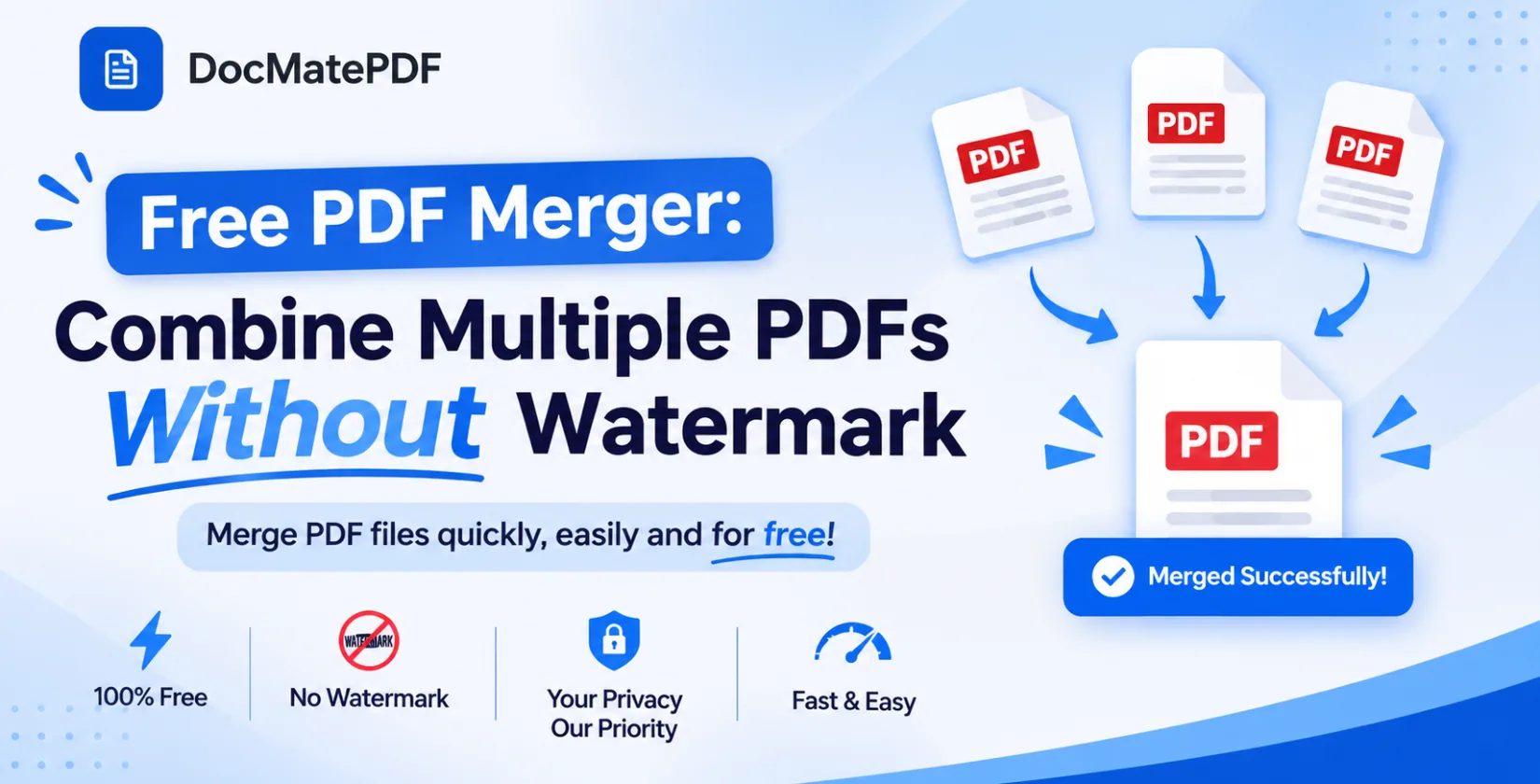
A free PDF merger offers a practical solution to this problem. It allows users to bring different documents together without installing complicated software. With DocMatePDF, you can merge PDF files without watermark and access other useful document management tools from one convenient platform.
Why Is Combining PDF Files Useful?
Imagine preparing a college project that includes a cover page, assignment questions, research material, and references. Each section might be saved as a separate PDF. Sharing all these files individually can make the submission confusing.
The same situation occurs in offices and small businesses. Employees may need to combine reports, agreements, receipts, or other paperwork before sending them to colleagues or customers.
Combining everything into one document makes information easier to access and share.
Here are some everyday situations where PDF merging can help:
- Students can collect different assignment sections into one document.
- Employees can organize reports before sharing them.
- Freelancers can combine project documents for clients.
- Business owners can arrange related records in a single file.
- Job applicants can organize certificates and supporting documents.
- Researchers can bring study materials and references together.
Instead of managing several separate attachments, users can keep related information in one organized PDF.
How to Merge PDF Files Without Watermark Online
You do not always need desktop applications to manage PDF documents. An online PDF merger can complete this task through your web browser.
DocMatePDF provides a dedicated Merge PDF tool that helps users combine multiple documents through a simple workflow.
Follow these steps to get started:
Step 1: Visit the DocMatePDF Website
Open DocMatePDF in your browser. Find the Merge PDF option from the available document tools.
Step 2: Select Your PDF Documents
Choose the files you want to combine from your computer. You can select multiple documents according to your requirements.
Step 3: Organize the File Sequence
Before merging, review the selected documents. Arrange them in the order you want them to appear in the final PDF. This is especially useful for assignments, reports, and business paperwork.
Step 4: Start the Merging Process
After checking the file arrangement, select the merge option. The tool processes your selected documents and creates a combined PDF.
Step 5: Save Your New Document
Download the completed file to your device. Open it once to confirm that the pages are complete and arranged correctly.
This straightforward process makes it easier to merge PDF files without watermark without purchasing additional software.
What Should You Look for in a Free PDF Merger?
Choosing an online PDF tool involves more than checking whether it can combine documents. A good solution should also provide a convenient and dependable experience.
No Unwanted Watermarks
Watermarks can make documents look less professional, especially when preparing reports, applications, or client presentations. Choose a PDF merger that provides clean output without adding unwanted branding.
Easy File Organization
The ability to arrange documents before combining them is important. Users should be able to create a final PDF that follows their preferred page sequence.
Clear Privacy Information
PDF documents can contain personal details, financial records, or confidential business information. Before using an online service, understand how it handles uploaded files.
DocMatePDF offers local, browser-based processing for supported tools. Its privacy information explains which operations run locally and how other processing methods work.
No Unnecessary Software Installation
A browser-based PDF merger saves users from downloading additional desktop applications for occasional document tasks.
Additional Document Utilities
It is also useful when a platform provides other tools for editing, compressing, converting, and organizing documents. This reduces the need to visit different websites for everyday tasks.
Explore More Productivity Tools at DocMatePDF
Merging documents is only one part of managing digital files. Depending on your daily requirements, you might also need tools for scheduling, billing, or reducing document sizes.
DocMatePDF offers additional utilities that can support these activities.
1. Weekly Timetable Maker Free
Managing classes, assignments, meetings, and personal activities can become difficult without a proper schedule. A weekly timetable provides a simple overview of upcoming tasks and helps users organize their time.
A weekly timetable maker free is useful for students, teachers, and working professionals who want to plan their activities without creating complicated spreadsheets.
DocMatePDF's Time Table Planner includes a visual weekly layout, customizable colors, timesheet functionality, and PDF export. Users can organize their schedules and create printable timetables in one place.
2. Small Business Invoice Generator Free
Freelancers and small business owners frequently prepare invoices for completed projects, services, and product sales. Creating every invoice manually can take valuable time.
A small business invoice generator free helps simplify this activity by providing a convenient way to prepare professional billing documents.
DocMatePDF offers an invoice generation feature with customizable templates and export options. It can help independent professionals and small businesses organize their billing paperwork more efficiently.
3. PDF Compressor to 500KB
Large PDF attachments are sometimes difficult to upload, particularly when a website specifies a maximum file size. They can also take longer to share through email or messaging platforms.
A PDF compressor to 500KB can be useful when a document needs to fit a particular upload requirement.
Compression reduces the overall size of a PDF, although the final quality depends on the original document and its contents. Always review the compressed file to make sure important text, photographs, and scanned information remain readable.
Using compression together with PDF merging gives users more flexibility when preparing documents for online submissions and sharing.
Why Use DocMatePDF for Everyday PDF Tasks?
DocMatePDF brings multiple document utilities together instead of focusing on just one type of PDF operation.
Its collection of online tools is designed for students, professionals, freelancers, and business owners who regularly work with digital documents.
Some useful platform features include:
- PDF merging: Bring multiple documents together in one file.
- Document compression: Reduce PDF file sizes for easier sharing and uploading.
- Browser-based privacy: Supported tools process documents locally through browser technology.
- Productivity features: Create weekly schedules and organize business invoices.
- Convenient access: Explore different document utilities from one online workspace.
Whether you are organizing university assignments, preparing professional reports, or managing business records, these tools can make routine document tasks easier.
Conclusion
Managing multiple PDF documents does not have to involve complicated software or unnecessary subscriptions. A suitable online PDF merger makes it easier to organize files, combine related information, and prepare documents for sharing.
DocMatePDF brings together useful solutions for different document requirements. Along with merging PDF files without watermarks, users can explore tools such as a weekly timetable maker, an invoice generator, and PDF compression utilities.
If you regularly work with digital documents, visit DocMatePDF and explore its collection of online tools.
Make document management simpler with DocMatePDF!