
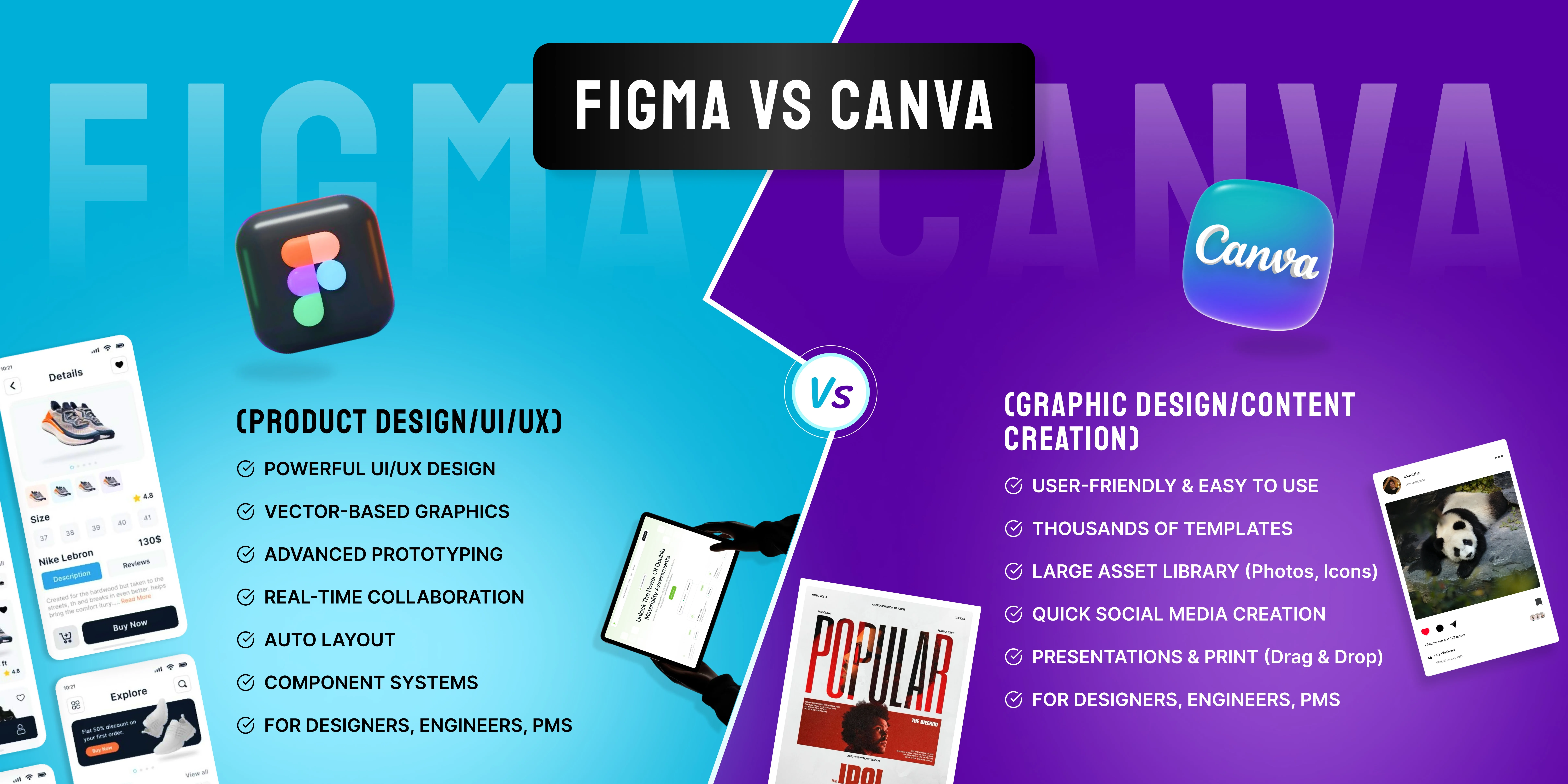
Selecting an appropriate design tool is an important aspect that can affect you a lot. Today, the two most widely used tools are Figma and Canva. Even though they are both design tools, their usage varies. Let us see what they are and how they differ from one another.
What is Figma?
Figma is a potent application for designing UI/UX designs. Through Figma, designers can design webpages, mobile applications, and interactive prototypes, among others. Its most distinctive feature is the ability to facilitate collaborative designs, whereby multiple designers can simultaneously work on the same project.
Figma is extensively utilized in the industry by designers and developers. Nonetheless, Figma requires one to acquire some skills when using it for the first time.
What is Canva?
Canva is a user-friendly graphic design website that emphasizes ease and efficiency. Thousands of designs have been prepared and can be used in different areas such as social media posts, presentations, posters, ads, and others.
The good thing about using Canva is that there is no requirement to have previous knowledge or skills in graphic design.
Key Differences Between Figma and Canva
1. Ease of Use
Canva is super easy to operate. The fact that Canva uses a drag-and-drop system makes it very beginner-friendly.
Figma, however, requires a bit more expertise when using it, making it better for people who have basic design experience.
2. Design Control
Figma gives you absolute creative freedom. Everything is created from scratch in a very precise manner.
Canva concentrates on templates, making it easy to use but limiting when it comes to customization options.
3. Collaboration
Both have collaborative functions, but Figma has superior collaborative features. This is best when creating complex designs as a team.
Although Canva has collaboration capabilities, this platform works well for simple collaborations.
4. Use Case
Figma is ideal for designing UI/UX and app interface designs as well as website designs.
Canva is great for creating social media graphics and other marketing and presentation content.
5. Templates and Assets
Canva has an extensive library of templates, images, icons, and fonts, making it very easy to design fast.
Figma lacks a lot of templates and mostly relies on customized designs.
When Should You Choose Figma?
Go for Figma if:
- You are designing websites or mobile apps
- You need advanced tools and flexibility
- You work with developers or a design team
- You want to create prototypes and user flows
- When Should You Choose Canva?
Choose Canva if:
- You need quick designs for social media
- You don’t have design experience
- You prefer ready-made templates
- You create marketing content regularly
Final Verdict
Not everyone needs to do everything. Canva and Figma are suited to serve different purposes.
Figma gives you total control over your work and should be preferred when you have serious design work to handle. On the other hand, you need Canva when you only want to make something beautiful and quick without much hassle.
Conclusion
It all comes down to your goals. If you need something more complex and require product design, then Figma can do wonders for you. Otherwise, for quick and easy content creation, Canva is tough to compete with. It’s worth noting that many people even use both of them together.