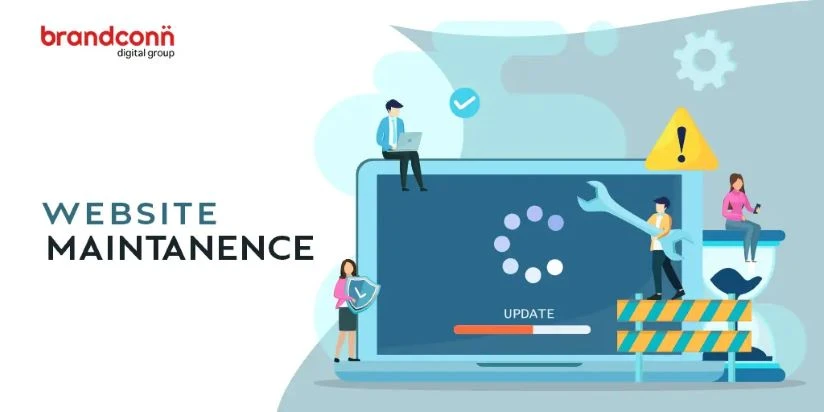
To effectively run a successful WordPress website, regular maintenance is necessary. From improving performance to tightening security, proper upkeep ensures your site remains fast, secure, and user-friendly. Whether you're managing a blog, an eCommerce store, or a business portfolio, staying on top of these tasks can make a huge difference. That's why many site owners turn to professional WordPress developers known for their technical expertise and cost-effective solutions.
Here’s a breakdown of the essential WordPress maintenance tasks every expert recommends:
1. Regular Backups
Creating regular backups is the first WordPress maintenance tip. Data loss can be caused by hacking, crashes, or simply basic human mistakes. To automate daily or weekly backups, use reliable backup plugins such as BackupBuddy or UpdraftPlus. Professional WordPress developers often set up cloud backups for added redundancy, ensuring your site can be restored quickly if anything goes awry.
2. Update Core, Themes & Plugins
WordPress is a dynamic platform, constantly updated to fix bugs, patch security issues, and introduce new features. It is necessary to maintain core software, plugins, and themes currently. Delayed updates can leave your site vulnerable. Developers usually create staging environments to test updates before going live, reducing the risk of compatibility issues.
3. Optimize Database
Regular database optimization using plugins like WP-Optimize prevents the accumulation of overhead in your WordPress database, which includes transients, spam comments, and revisions that slow down your site over time. Experienced developers schedule these cleanups to ensure your site performs at peak efficiency.
4. Security Scans
Cybersecurity threats are ever-present. Regular malware scans and security checks are essential for early threat detection. Tools like Wordfence and Sucuri provide automated protection, but an expert touch can identify subtle vulnerabilities. For the benefit of advanced threat mitigation and round-the-clock monitoring, many companies contract with WordPress developers to handle this task.
5. Check for Broken Links
Broken links hurt user experience and SEO rankings. Use tools like Broken Link Checker to identify and repair broken links on your website on a regular basis. Hire wordpress developers India often integrate these checks into their monthly audits to maintain site health and ensure all content remains accessible.
6. Speed Optimization
Website speed impacts user experience, SEO, and conversions. Tasks like image compression, minifying CSS/JS files, and enabling caching are essential for keeping load times down. Developers can implement advanced solutions like CDN integration and lazy loading for optimal performance.
7. Review Analytics and SEO
Regularly reviewing your Google Analytics and Search Console data helps track user behaviour and detect issues like high bounce rates or crawling errors. WordPress website maintenance company often includes performance reporting and SEO audits in their monthly maintenance packages to keep your growth on track.
Final Thoughts
Maintenance isn’t a one-time task—it’s an ongoing process that requires attention to detail and technical know-how. Whether you're a small business owner or a growing enterprise, working with experienced WordPress developers in India can help you stay ahead of problems and focus on growth. With the right team by your side, your WordPress site will remain fast, secure, and ready to scale.