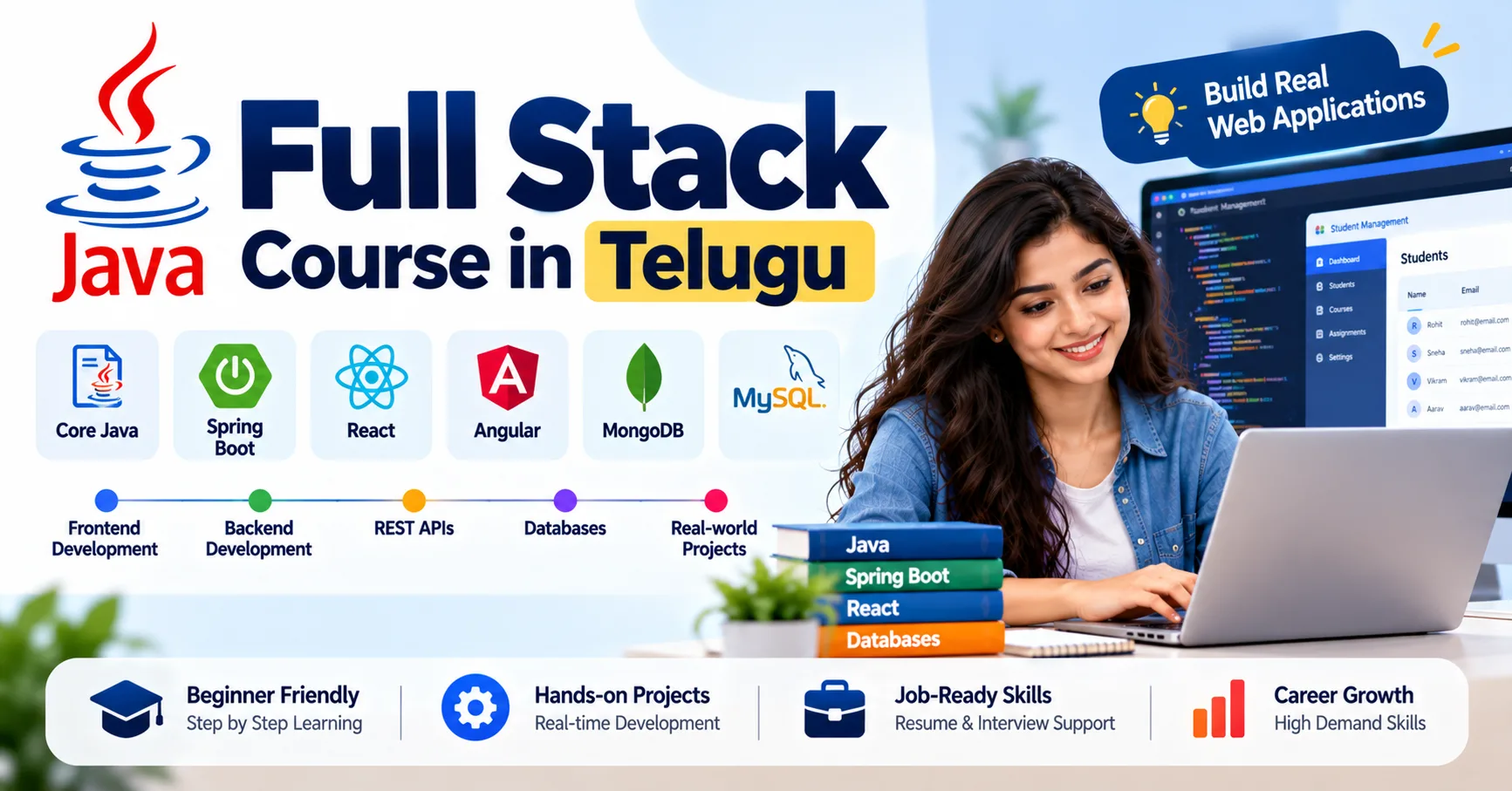
A website becomes more useful when it can respond to visitors instead of displaying the same information to everyone. Think about a learning portal where students can browse courses, create accounts, track registrations, and view updated information whenever they log in. Features like these require a combination of frontend design, backend programming, and database operations. Learners interested in understanding how these components work together can explore the Java Full Stack Course in Telugu while developing practical web application skills.
What Makes a Website Dynamic?
A static webpage mainly displays content that remains unchanged until someone edits the page. A dynamic website can display information based on user actions, stored data, or application rules.
For example, a static course page might show a fixed list of training programmes. A dynamic version could retrieve courses from a database, display their current details, and let an administrator add or update listings without manually editing every page.
Dynamic websites commonly include features such as user registration, search, form submission, personalised dashboards, product catalogues, and online booking systems.
Building these features requires different technologies to work together. The frontend presents information, the backend processes requests, and the database stores records that need to remain available over time.
How Java Full Stack Technologies Work Together
A Java full stack application usually combines frontend technologies with Java-based backend development and database connectivity. Each component has a distinct responsibility.
Frontend: HTML, CSS, and JavaScript
HTML defines the content and structure of a webpage. CSS controls its layout and appearance, while JavaScript makes the page interactive.
Suppose you are developing a course search page. HTML provides the search field and course listing structure. CSS makes the page readable across screen sizes. JavaScript can respond when a visitor enters a keyword and requests matching courses.
For more complex interfaces, developers may use a framework such as React. It supports reusable components and helps manage interfaces that change frequently.
Start by building simple pages with forms, navigation menus, tables, and responsive layouts. Then practise displaying information returned by an API.
Backend: Java and Spring Boot
The frontend cannot safely handle every business operation on its own. A backend processes requests, applies application rules, and communicates with the database.
Java is widely used for backend applications, and Spring Boot provides a convenient way to create web services and REST APIs.
Imagine a student submitting a course registration form. The Java backend can check whether the submitted details are valid, confirm that the course exists, and save the registration if the necessary conditions are satisfied.
Learn how controllers receive requests, services manage business logic, and repositories handle data access. Keeping these responsibilities separate makes the code easier to maintain as the application grows.
Database: MySQL and SQL
A dynamic website often needs to remember information between visits. MySQL can store user records, course details, bookings, and other application data.
SQL lets the application retrieve and modify those records. Learn basic queries first, followed by joins, primary keys, foreign keys, and relationships between tables.
For a course portal, you might maintain separate tables for students, courses, and registrations. A registration record can connect a student to a course using their IDs.
Good database design reduces duplication and helps maintain accurate information. The backend should also validate incoming data instead of assuming that every request is correct.
Build Dynamic Features Step by Step
The best way to understand full stack development is to create a small application and add features gradually.
Consider a simple online book catalogue.
Step 1: Create the interface. Build a webpage that displays book titles, authors, and prices. Use CSS to organise the information clearly.
Step 2: Add user interaction. Create a search field so visitors can filter books by title or author. JavaScript can manage the interaction on the page.
Step 3: Develop the Java backend. Use Spring Boot to create endpoints that return book information and handle requests to add or update records.
Step 4: Connect the database. Store book details in MySQL so that changes remain available after the application restarts.
Step 5: Connect the frontend to the API. Use JavaScript or React to request the book list from the backend and display the returned data.
Step 6: Handle errors. Show a helpful message when a book cannot be found or the server is temporarily unavailable.
At this point, you have more than a designed webpage. You have an application in which the interface, backend logic, and stored information interact.
Use REST APIs to Exchange Data
REST APIs allow frontend applications and backend services to communicate through HTTP requests and responses. JSON is commonly used to represent the information being exchanged.
For a book catalogue, an API might use the following endpoints:
HTTP methodExample endpointPurposeGET/api/booksRetrieve all booksGET/api/books/5Retrieve one bookPOST/api/booksAdd a bookPUT/api/books/5Update a bookDELETE/api/books/5Remove a bookThese are illustrative endpoints; the actual behaviour depends on the application implementation.
Learn how to send requests, interpret response codes, validate request data, and handle unsuccessful operations. Tools such as Postman can help you test endpoints before connecting the frontend.
This separation is useful because the same backend may serve different interfaces, such as a website and a mobile application, without duplicating all the business logic.
Make Websites More Useful with Authentication
Many dynamic websites provide different features to different users. A student might view courses and manage registrations, while an administrator can update course details.
Authentication verifies a user's identity. Authorisation determines which operations that user is allowed to perform.
Learn the fundamentals of secure login flows, password hashing, session management, and access control. Spring Security can help implement authentication and authorisation rules in a Java application.
Do not rely on hiding a button in the frontend to protect an operation. The backend must verify permissions whenever a restricted endpoint is accessed.
Also practise validating form input, managing errors safely, and keeping database credentials out of publicly shared code. Security should be considered throughout development, not added only after the application is finished.
Improve the User Experience
A website can have correct backend logic and still frustrate users if the interface is confusing or slow. Good development includes thinking about what happens after every user action.
For example, when someone submits a registration form, the page should provide clear feedback. If the request is being processed, show an appropriate loading state. If validation fails, explain which field needs attention. If the registration succeeds, display a confirmation.
Responsive design helps the interface adapt to mobile phones, tablets, and desktop screens. Accessible labels, readable text, keyboard navigation, and meaningful error messages make the site easier for more people to use.
You should also consider performance. Avoid sending unnecessarily large amounts of data, optimise database queries, and use pagination when a page contains many records.
Test and Maintain Your Application
Testing helps reveal problems before users encounter them. Begin with ordinary scenarios, then check what happens when someone submits incomplete information, requests a record that does not exist, or loses connectivity.
Use unit tests to verify individual pieces of Java logic and integration tests to check how application components work together. Test important API endpoints independently and verify that database operations produce the expected results.
Git is useful for tracking changes and maintaining a history of your work. Keep your code organised, write meaningful commit messages, and document how another developer can run the application.
When an error occurs, investigate it systematically. Check the frontend request, the backend response, application logs, and database results. This process helps you identify the source of a problem rather than making random code changes.
Project Ideas for Practising Full Stack Development
Once you understand the basics, try building an application with a clear purpose.
Course Management Portal: Display courses, maintain course information, and allow authorised administrators to update listings.
Appointment Booking Website: Let users select available time slots, submit booking requests, and view their booking status.
Expense Tracker: Record expenses, group them by category, and display monthly totals.
Inventory Management System: Maintain product records, update quantities, and show items that need restocking.
For each project, write down the main requirements before coding. Build the smallest useful version first, test it, and add improvements after the core workflow works correctly.
Document the technologies used, explain the main features, and include instructions for running the project. A project you understand thoroughly is easier to demonstrate and discuss during interviews than one copied from a tutorial without independent practice.
A Learning Path for Beginners
If you are starting from scratch, learn the technologies in an order that builds on what you already know.
- Java fundamentals: Learn variables, loops, methods, object-oriented programming, collections, and exception handling.
- Frontend basics: Practise HTML, CSS, and JavaScript by building interactive pages.
- Database skills: Learn SQL, MySQL, and how Java applications work with stored data.
- Backend development: Create Spring Boot applications and REST APIs.
- Full stack integration: Connect the frontend, Java backend, and database in one project.
- Professional practices: Add testing, Git, documentation, and basic security.
Move forward when you can implement and explain the current topic, rather than simply finishing a set of lessons. The time required will depend on your existing knowledge and how much time you can dedicate to practice.
Frequently Asked Questions
Can Java be used to create dynamic websites?
Yes. Java can handle server-side processing, application rules, database operations, and API development. It is commonly used with frontend technologies such as HTML, CSS, and JavaScript to create dynamic web applications.
Do I need JavaScript if I already know Java?
For most full stack web development paths, JavaScript is important because it runs in the browser and supports interactive interfaces. Java and JavaScript are different languages that serve different roles.
Is Spring Boot useful for beginners?
Spring Boot is useful after you understand basic Java programming. It provides tools for building web applications and REST APIs, making it easier to practise backend development.
Which database should a beginner learn?
MySQL is a reasonable starting point for learning relational databases and SQL. The same core database concepts can later help you work with other relational database systems.
What project should I build first?
Choose a manageable project such as a book catalogue, expense tracker, or course portal. Start with a few features, connect them to a database, and test the complete workflow before adding more complexity.
Conclusion
Creating dynamic websites with Java full stack technologies involves connecting several parts of an application rather than learning each tool in isolation. HTML, CSS, and JavaScript shape the interface, Java and Spring Boot handle backend operations, and MySQL stores the information the application needs.
Start with small features, connect them through APIs, and test how the complete application behaves. With consistent practice and a few well-built projects, you can strengthen your understanding of full stack development and prepare for further learning in web application engineering.