
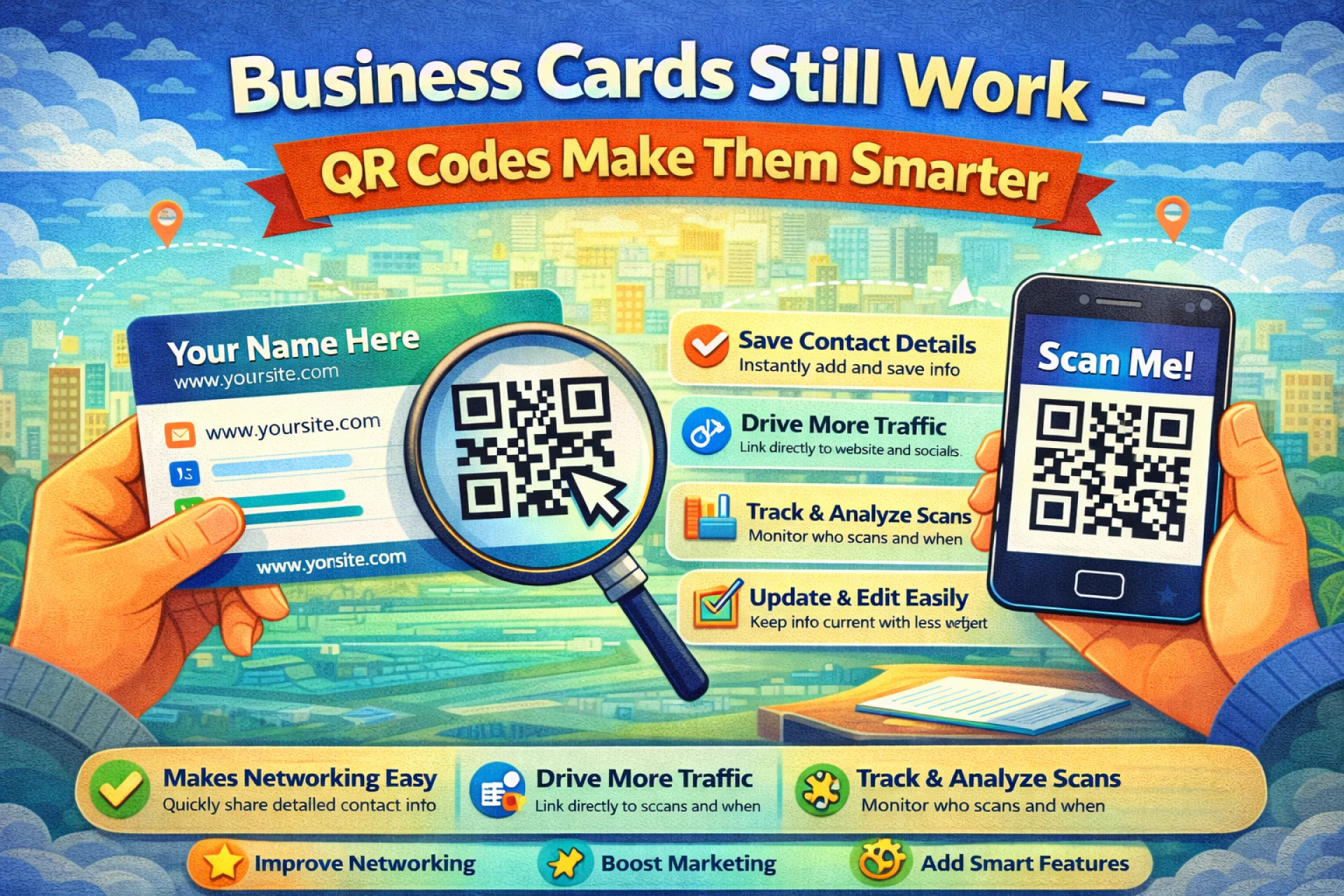
Business cards are often described as outdated, but they continue to be used every day. They’re simple, familiar, and easy to exchange. The problem isn’t the card itself — it’s what happens after the exchange.
Once the moment passes, most business cards stop being useful. People forget to save the information, cards get misplaced, and following up requires extra effort.
A QR code helps bridge that gap.
Why Traditional Business Cards Fall Short
A printed business card has clear limits:
- Only a small amount of information fits on it
- Details can’t be updated after printing
- There’s no easy way to guide the next step
Even when someone is interested, the extra steps required to look you up later often prevent the connection from continuing.
QR codes remove that friction.
What a QR Code Changes
Adding a QR code to a business card gives people an immediate option to act. With one scan, they can:
- Save your contact information
- Visit your website or portfolio
- Open a booking or contact page
- Access a page with multiple useful links
The QR code doesn’t replace the card — it enhances it by extending its usefulness beyond the printed surface.
Creating a QR code is straightforward. You can generate one quickly using an online tool like
and use it immediately without technical setup.
Choosing the Right Link
The success of a QR code depends on where it leads.
Some people prefer linking directly to a digital contact card so details can be saved instantly. Others link to a website that explains what they do and how to get in touch.
For freelancers and creators, a simple landing page or portfolio often works best. Businesses may choose a dedicated page designed specifically for new contacts.
The key is clarity. The page should load quickly, work well on mobile, and make the next step obvious.
QR Code Types and Flexibility
There are two main QR code types to consider.
Static QR codes point to a fixed destination. Once printed, they cannot be changed.
Dynamic QR codes allow you to update the destination later without reprinting the card. This is useful if your contact details, website, or priorities might change.
For long-term use, flexibility can save both time and money.
Design Details That Matter
Even a useful QR code can fail if it’s hard to scan.
A few simple guidelines help:
- Use strong contrast between the code and background
- Avoid shrinking the code too much
- Place it somewhere easy to notice
- Add a short explanation, such as “Scan to save contact”
Always test the QR code before printing large quantities.
Final Thoughts
QR codes don’t change the purpose of a business card — they improve its effectiveness.
By connecting a physical card to digital content, you make it easier for people to follow up, remember you, and stay connected. For a small addition, a QR code can significantly extend the life and value of a traditional business card.