Team productivity suffers when documents scatter across disconnected locations. Sales representatives hunt through email attachments searching for the latest proposal template. Project managers waste meetings tracking down status reports that team members saved in personal folders. Finance staff manually consolidate data because information is stored in different spreadsheets across multiple drives. Customer service representatives place clients on hold while desperately searching for contract details buried somewhere in the network.
These inefficiencies compound daily across every team member, draining productivity that organizations can't afford to waste. Teams spend more time managing documents than actually working with them. Collaboration stalls waiting for someone to find or share the right file. Errors multiply when people work from outdated versions. Frustrated employees develop workarounds that create more problems than they solve.
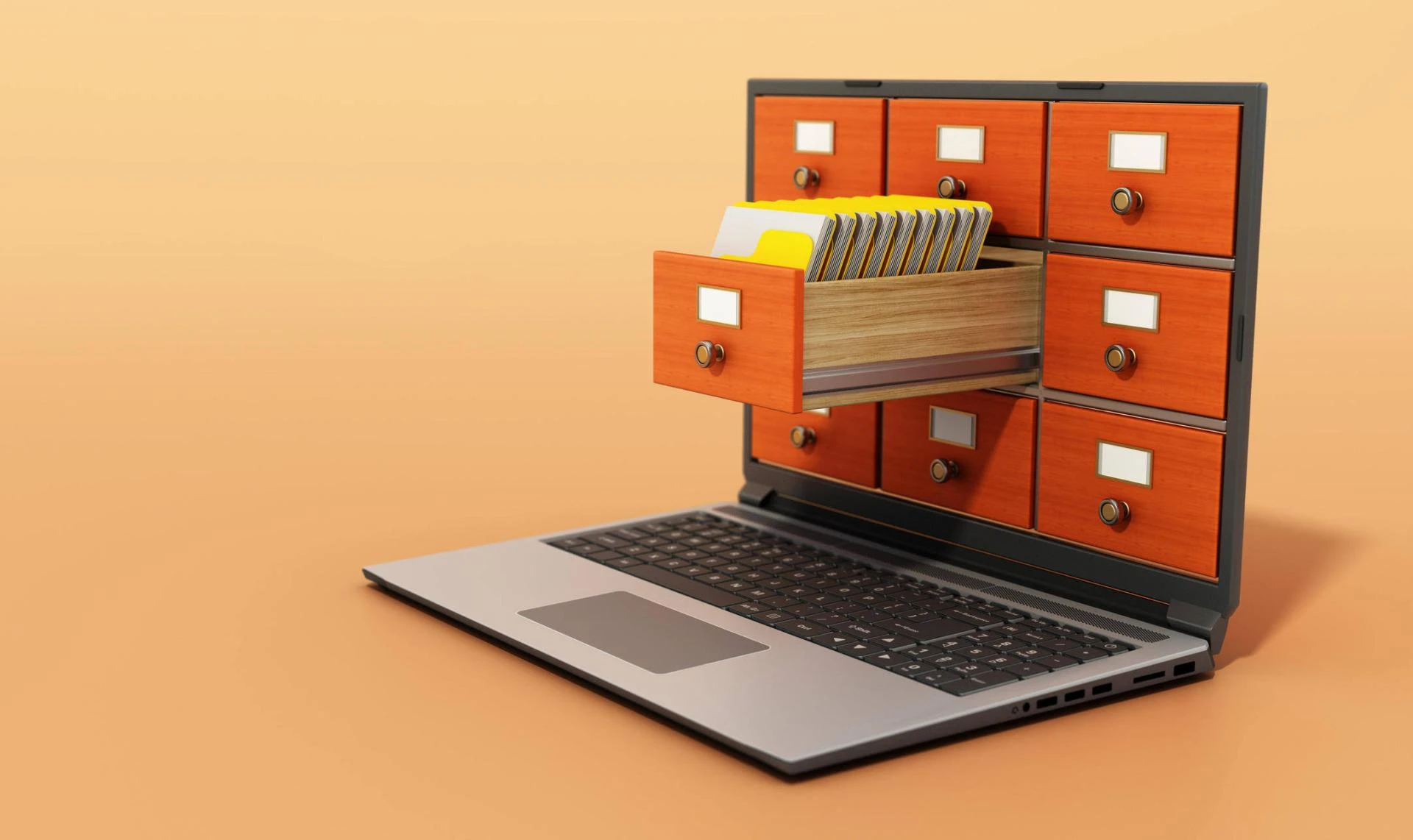
Smart organizations eliminate this friction through centralized document management, transforming how teams work together and boosting efficiency through instant access, seamless collaboration, and automated workflows that let people focus on productive work rather than document administration
Instant Access Eliminates Search Time
The most immediate efficiency gain comes from eliminating endless document searches. When documents are centralized in organized repositories with robust search capabilities, finding files takes seconds instead of minutes or hours. Teams search by client names, project codes, document types, dates, or any metadata describing content, instantly retrieving exactly what they need.
Compare this to decentralized chaos, where finding documents requires remembering who created them, when, what they were named, and where they might have been saved. Even when team members eventually find the documents, they waste productive time that centralization would reclaim. Multiply those lost minutes across dozens of searches daily and thousands of team members the productivity drain becomes staggering.
Research shows knowledge workers spend 20-30% of their time searching for information. A centralized document management system recovers significant time for productive work. Teams find documents immediately, maintain project momentum, and deliver faster results.
Real-Time Collaboration Accelerates Work
Centralized systems enable real-time collaboration, which is impossible with scattered files. Multiple team members can edit documents simultaneously, with each other's changes appearing live. Marketing teams collaboratively develop campaign materials. Engineering groups co-author technical specifications. Executive committees jointly refine strategic plans. This simultaneous collaboration compresses timelines that sequential editing unnecessarily stretches.
Version control ensures collaborative editing doesn't create conflicts. Team members work on a single authoritative document rather than creating divergent versions that someone must reconcile later. Everyone sees the same current content, complete histories track who changed what and when, providing accountability and enabling rollback if needed.
Shared workspaces organize all project-related documents, deliverables, meeting notes, reference materials, and correspondence in central locations accessible to entire teams. Team members access comprehensive project information without asking colleagues to share files or searching through email threads. This shared visibility keeps everyone aligned and informed.
Automated Workflows Eliminate Bottlenecks
Manual document routing creates bottlenecks that centralized automation eliminates. Documents automatically flow through approval processes, notifications alert relevant people about pending tasks, reminders escalate overdue items, and status tracking provides real-time visibility into process stages.
Marketing content routes through brand approval before publication. Purchase requests are escalated through authorization hierarchies based on value thresholds. Contract revisions flow to legal review, then executive approval. These automated workflows eliminate manual follow-up that typically consumes time and keep processes moving efficiently.
Integration with other business systems extends automation across organizational tools. When sales opportunities close in CRM, centralized document systems automatically provision customer workspaces, generate initial project documentation, and establish collaboration spaces. Invoice approvals in document systems trigger payment processing in accounting platforms. This cross-system orchestration eliminates manual handoffs between disconnected applications.
Mobile Access Supports Flexible Work
Modern teams work from anywhere, offices, homes, client sites, airports, and coffee shops. Centralized document management with robust mobile access ensures team efficiency continues regardless of location: field technicians access equipment manuals and complete inspection forms on-site. Sales representatives review proposals and contracts during client meetings. Executives approve critical documents while traveling.
Mobile applications provide full functionality optimized for small screens, document viewing, editing, uploading, searching, and workflow participation. Push notifications alert users about items requiring attention. Offline capabilities allow work to continue without network connectivity, and it automatically synchronizes when connectivity is restored. This anywhere access prevents the productivity losses that location constraints traditionally created
Reduced Duplication Saves Time and Prevents Errors
Teams often recreate documents because they can't find existing materials. Someone drafts a proposal from scratch, unaware that similar proposals already exist as templates. Analysts rebuild reports without knowing that colleagues have already compiled the data. This duplication wastes effort that centralized findability prevents.
Moreover, duplication creates version confusion and conflicting information. Different versions of policies circulate. Multiple spreadsheets contain different figures. Presentations show outdated branding. Centralized systems eliminate this confusion by providing a single authoritative version accessible to everyone who needs it.
Improved Onboarding Accelerates New Team Member Productivity
New team members face steep learning curves, understanding where information lives, how to find what they need, and what documents exist. Centralized systems with intuitive organization and powerful search flatten these curves. New hires quickly locate templates, procedures, reference materials, and historical projects, becoming productive faster when critical information is not scattered across multiple locations that only veteran employees know how to navigate.
Documented processes, training materials, and knowledge bases centralized in accessible repositories enable self-service learning. New team members find answers independently rather than constantly interrupting colleagues with questions about where things are or how things work.
Security Without Sacrificing Accessibility
Centralized systems strengthen security while maintaining the accessibility teams require. Granular permissions ensure team members access documents appropriate to their roles without exposing everything to everyone. Sensitive financial data is restricted to finance teams. Confidential HR records are restricted to authorized personnel, and client files are accessible only to project members.
Audit trails track document access and modifications, providing accountability that scattered files lack. Organizations know who accessed sensitive documents, when, and what they did, supporting both security monitoring and compliance verification. This visibility deters inappropriate access while providing evidence when investigations require it.
Teams achieve efficiency not through working harder but by eliminating the friction that decentralized document chaos creates. Centralized document management removes obstacles, accelerates collaboration, automates tedious tasks, and gives teams instant access to everything they need. The result? More time for productive work, faster project completion, fewer errors, and better outcomes across every team function.