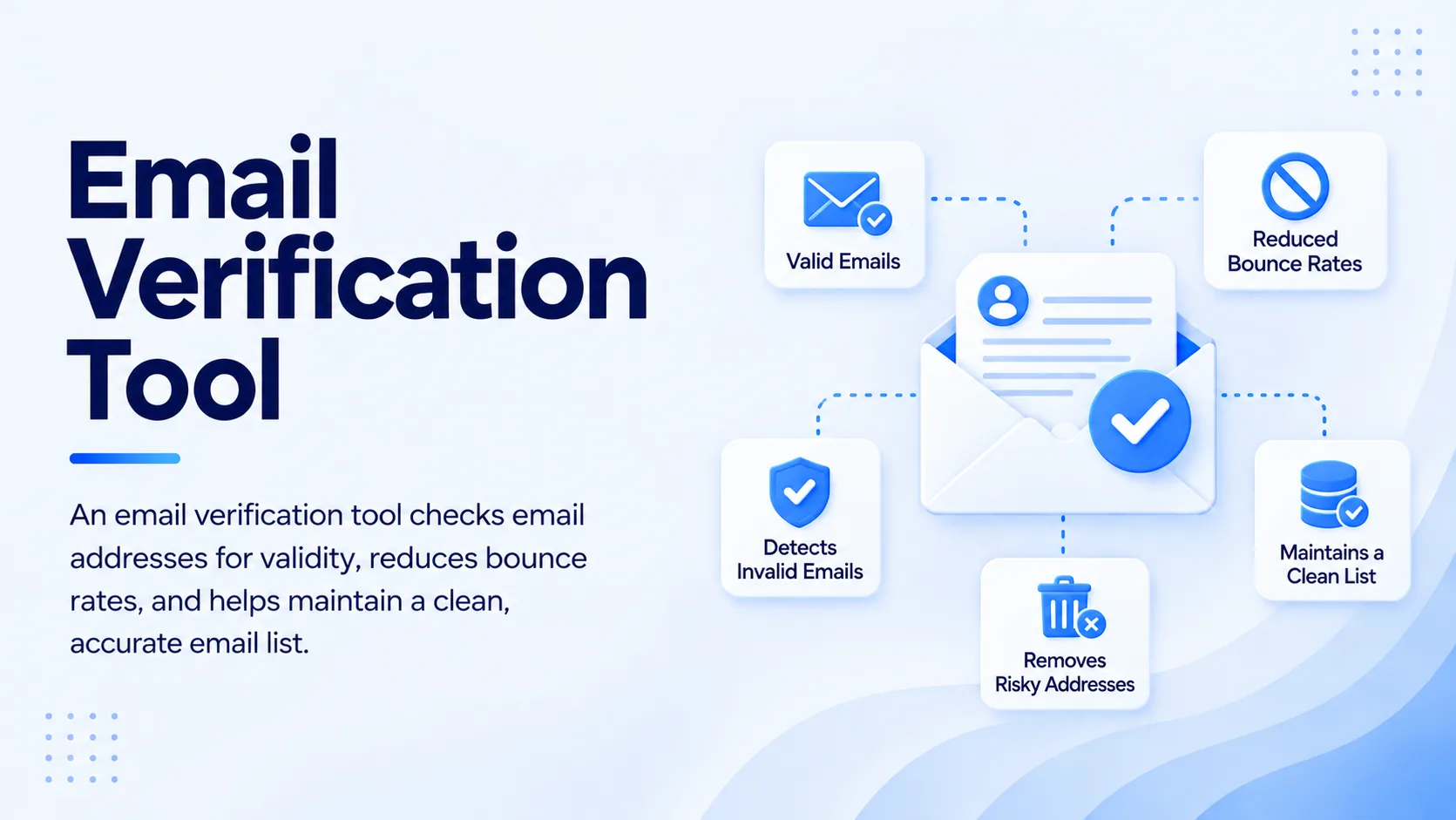
A sales rep can spend hours building a prospect list and still lose the campaign before the first conversation starts. Bad addresses create bounces, waste sending capacity, pollute CRM data, and make reps question whether the list or the message is the problem.
The best email verification tool for a sales team is one that checks whether a business address is deliverable, identifies risky or disposable addresses, handles catch-all domains sensibly, supports both real-time and bulk verification, and fits directly into the prospecting workflow. The right choice is less about a flashy accuracy claim and more about whether verification happens before bad contacts reach a live sequence.
What Should Sales Teams Look for in an Email Verification Tool?
For B2B email verification, prioritize technical checks, useful risk statuses, and workflow fit. Sales teams should be able to check an address before it reaches a live sequence.
A good email verifier should check more than email syntax. Sales teams need domain and mail-server checks, disposable-address detection, catch-all classification, risk signals, bulk processing, and an API or workflow integration for contacts entering the system.
The key is timing. A list that was clean three months ago can contain stale contacts today. People change companies, domains are retired, mailboxes are disabled, and purchased or exported lists can contain questionable addresses. Verification should happen close to the point where a prospect enters an outbound campaign.
For teams that source leads from several places, the verifier should return useful statuses instead of a simple yes or no. Valid, invalid, risky, catch-all, disposable, and unknown results give reps enough context to decide what happens next. A risky address can be held for review rather than automatically sent or automatically deleted.
How Does Business Email Verification Work Before a Sales Campaign?
The process checks technical signals around an address and its domain to estimate whether the mailbox can receive mail. Strong verification combines syntax checks, domain or MX checks, SMTP-level signals, disposable-domain detection, and risk classification rather than relying on one test.
The process normally starts by checking whether the address is formatted correctly. The system then checks whether the domain exists and has mail exchange records. A deeper verification can communicate with the receiving mail server to determine whether the mailbox appears capable of receiving messages without actually sending a campaign email.
Catch-all domains require more care. A catch-all server may accept messages for addresses that do not correspond to active individual mailboxes. That means a verifier may not be able to give the same confidence level as it can for a normal mailbox. Sales teams should treat these contacts as a separate risk category instead of assuming every catch-all result is safe.
Disposable domains deserve a separate filter too. These addresses can be created for temporary use and may have little value for a B2B sales motion. Removing them before sequencing keeps prospect records cleaner and reduces wasted sends.
The result should feed a decision, not just a dashboard. Valid contacts can move into outreach, invalid contacts can be removed or corrected, risky contacts can be reviewed, and unknown contacts can be held until more data is available. That is where email verification software becomes useful inside a sales stack.
Which Features Matter Most for Sales Email Verification?
A strong verification setup balances verification depth with workflow speed. Five capabilities matter most: technical validation, catch-all handling, bulk cleaning, real-time checks, and clear result categories.
Technical validation should go beyond syntax. A correctly formatted address can still belong to a closed mailbox, an inactive domain, or a disposable service. The verifier needs enough technical checks to separate those cases.
Bulk verification matters for older CRM lists and large prospect exports. Sales operations teams should be able to upload a list, receive status results, remove bad records, and return the cleaned data to the campaign workflow without manual rework.
Real-time verification matters at the moment a new address is captured. A form submission, enrichment event, or prospecting action can introduce bad data immediately. Checking the address at that point prevents the problem from spreading into sequences and CRM records.
Clear statuses are just as important as raw accuracy. A sales manager needs to know whether an address is valid, risky, catch-all, disposable, or invalid, and what action the team should take for each category. A dedicated email verification service can work well for teams that only need list hygiene.
API access becomes important once verification is part of an automated revenue process. If the verifier can sit between lead capture and outreach, teams can apply the same rules consistently instead of relying on reps to remember another manual step.
How Do You Compare Email Verification Platforms for Sales Teams?
Do not choose a verifier by looking at one accuracy percentage. Compare how each tool handles the situations that actually appear in your sales database.
A useful comparison starts with your own data. Include old CRM contacts, recently enriched leads, personal domains, corporate domains, catch-all addresses, and contacts from different industries. Run the same sample through each finalist and inspect the status distribution.
Then compare workflow speed. A technically strong verifier that forces reps to export, clean, and re-import lists may create more operational work than it removes. Look at bulk processing, real-time verification, API access, integrations, and how easily results move into your outreach process.
Check how the platform handles uncertain results. A tool that labels every ambiguous address as valid may look accurate on a dashboard but create problems after sending. A useful system exposes uncertainty so the sales team can make a deliberate decision.
Cost should be evaluated against usable contacts, not raw verification volume. If a system marks a large share of your list as uncertain, the practical value of the verification is lower than the headline volume suggests. Measure how many contacts remain safe enough for the specific outreach workflow you run.
What Are the Benefits of Email Verification for Sales Teams?
Verified contact data gives sales teams a cleaner starting point for outbound. Better email deliverability starts with cleaner recipient data. Sales prospect email verification should happen before a contact enters an active sequence. The immediate benefit is fewer failures.
Better data improves reporting. If a campaign contains a large number of invalid addresses, delivery metrics can distort the team's view of copy, targeting, and engagement. Separating data quality from messaging performance makes campaign analysis more useful.
Verification can improve sales productivity by removing repetitive list-cleaning work. A workflow that validates contacts before they enter sequences gives reps a cleaner queue and gives managers more confidence in campaign data.
A practical approach is to treat verification as a gate. Good email list verification keeps that rule consistent across campaigns.
How Should Sales Teams Build an Email Verification Workflow?
A reliable workflow starts before the first email is scheduled.
Step 1: Capture and Enrich the Prospect
Capture the contact with company, role, domain, and source information. Prospect email verification is most useful when it happens alongside enrichment, before stale data reaches a sequence.
Step 2: Verify the Business Email
Run the address through an email validation tool and assign a status. Bulk email verification can clean existing lists, and real-time checks protect new records.
Step 3: Apply Campaign Rules
Apply the same rules to every result. Valid addresses can enter sequences, invalid and disposable addresses can be removed, and uncertain records can be held for review.
Step 4: Sync the Result to the CRM
Store the result with the lead record. This gives reps and operations teams a shared view of contact quality.
Step 5: Recheck Aging Data
Recheck older records before major campaigns. A one-time cleanup should not be treated as permanent.
For teams that want to keep this workflow close to prospecting and outreach, SalesTarget.ai combines lead discovery, enrichment, email validation, sequencing, LinkedIn outreach, and CRM activity in one workspace. Its Lead/Email Validator uses MX and SMTP checks, disposable-email detection, and risk scoring, with real-time API and bulk list verification options.
What Are the Best Practices for B2B Email Validation?
Keep verification close to the send event. Validation works best as a recurring control, not a one-time cleanup. The longer a list sits untouched, the more likely contact data is to become stale.
Separate uncertain records from invalid records. A catch-all result does not carry the same meaning as a confirmed invalid mailbox, so applying one blanket rule can throw away useful prospects or expose the sender to unnecessary risk.
Verify at both capture and campaign stages. This creates a repeatable verification workflow for sales teams. Real-time checks protect new records, and periodic bulk verification catches older data that has changed since it entered the CRM.
Track verification outcomes as operational data. If one lead source produces far more invalid or risky addresses than another, that is a sourcing problem worth fixing. Verification can reveal weaknesses upstream, not just clean them up downstream.
Use a email verification tools for sales teams that fits the way your reps already work. The goal is to prevent bad addresses from becoming campaign problems, not to create another spreadsheet task for sales operations.
Which B2B Email Verification Tools Fit Different Sales Teams?
A small team with occasional list cleaning may be fine with a dedicated verifier and a simple upload process. A larger outbound team may need real-time verification, bulk cleaning, API access, CRM synchronization, and automated rules.
Teams that already have separate prospecting, verification, sequencing, and CRM tools should calculate the operational cost of keeping those systems connected. The question is not just which verifier works. It is whether the entire workflow stays clean from lead discovery through outreach and follow-up.
SalesTarget.ai is built for teams that want verification inside that broader workflow. It combines B2B prospect data, email validation, email outreach, LinkedIn outreach, calling, CRM tracking, and AI assistance, so reps can find a prospect, verify contact data, launch outreach, and manage the resulting activity without moving the record through a separate verification process.
What Mistakes Should Sales Teams Avoid With Email Verification?
The first mistake is verifying only once. A sales team needs a repeatable process to verify business emails before major sends. A lead email verification check can be triggered before a record enters outreach.
The second is trusting a single “valid” label. A technical result is not the same as a guarantee of engagement. The verification method and risk category still matter.
The third is deleting every uncertain address. A catch-all or unknown record may still matter for a high-value account.
The fourth is separating verification from prospecting. When reps have to move contacts across several tools, verification gets skipped under deadline pressure. Workflow friction becomes a data-quality issue.
The fifth is judging the tool only by list size or headline accuracy. Test the verifier against the messy data your team actually sends. That will tell you more than a vendor's best-case number.
Final Thoughts
The best email verification tool for a sales team is the one that keeps bad addresses out of active outreach without slowing the reps down. Look beyond basic syntax checks and compare technical validation, catch-all handling, real-time verification, bulk processing, risk classification, and workflow integration.
The strongest setup treats verification as a sales-process control. Better email deliverability starts with better contact decisions, not just sending settings. When every new prospect is checked before outreach and aging data is reverified before major campaigns, reps get cleaner lists, managers get more reliable campaign data, and sales operations spends less time fixing preventable errors.
SalesTarget.ai brings verification into the same workflow as prospecting, outreach, and CRM management. If your team is tired of stitching data tools together just to get a clean list into a sequence, use SalesTarget.ai to build a verification-first outbound process and move qualified prospects into outreach with less manual work.