B2B Sales Email Verification Techniques for Accurate Outreach
Sales teams can spend hours building a prospect list, only to discover that a large share of the contacts cannot receive email. Dead addresses create bounces, waste sending capacity, and make otherwise strong outreach harder to measure.
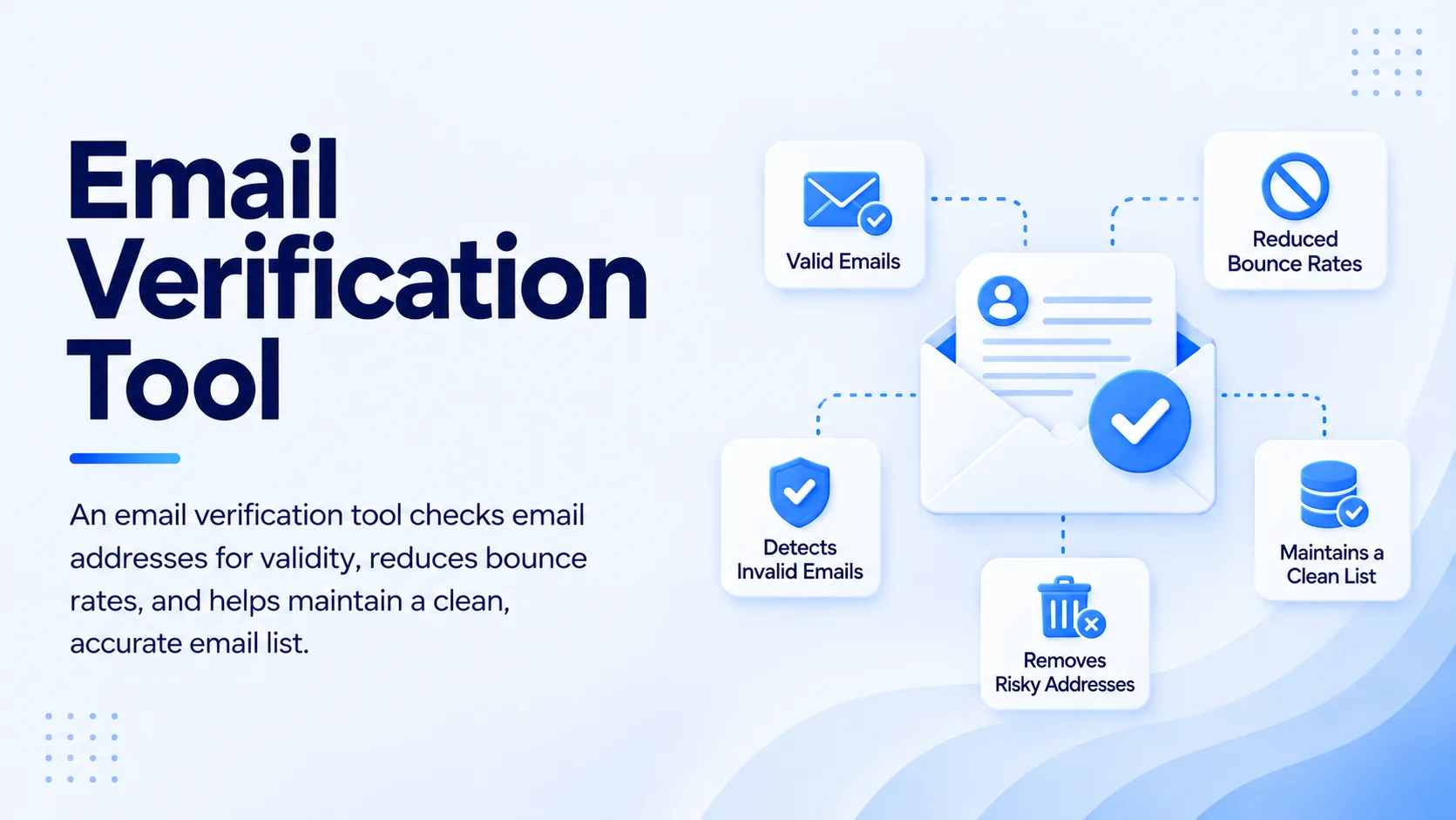
The right Email Verification Tool checks an address before it enters an active sales sequence. A useful verification process examines the address format, domain, mail-server configuration, mailbox signals, disposable status, and risk indicators. The goal is not to label every address as simply valid or invalid. It is to identify which contacts are safe to send, which need review, and which should stay out of the campaign.
What Are the Most Effective Email Verification Techniques?
The most effective approach combines several technical checks instead of trusting a single signal. Sales teams should validate the address format, confirm the domain can receive mail, inspect SMTP responses, identify risky address types, and assign an appropriate status before outreach.
A good process starts before the campaign is created. New contacts should be checked when they enter the database, before they enter a sequence, and again after meaningful changes to the underlying data. This prevents the common mistake of treating verification as a one-time list-cleaning task.
Check the email format first
Basic syntax validation catches obvious problems such as missing domains, invalid characters, accidental spaces, and malformed addresses. It is a fast first filter, but it cannot prove that a mailbox exists.
The practical benefit is simple: there is no reason to spend deeper verification resources on an address that fails a basic format check.
Confirm domain and mail-server readiness
A valid-looking address can still point to a domain that does not accept mail. Domain and MX checks provide another layer of evidence by confirming whether the domain has mail-routing infrastructure.
This matters for sales databases containing old records. A contact can look perfectly legitimate in a CRM long after the company domain has changed or the address has stopped being usable.
Use SMTP-level verification
SMTP verification provides a deeper signal than syntax or domain checks. It examines how the receiving mail server responds to the mailbox query without requiring the sales team to send an actual campaign email.
No technical check guarantees a reply, inbox placement, or human engagement. Verification reduces address-level delivery risk. Sales teams still need relevant targeting, sound messaging, proper authentication, and responsible sending practices.
How Does an Email Verification Tool Work Before Sales Outreach?
An email verification tool normally combines several checks into a risk assessment rather than relying on one test. The workflow can begin with syntax, continue through domain and MX checks, inspect SMTP responses, and flag addresses that need additional review.
The output should give sales teams actionable statuses. A clearly invalid address can be removed. A confirmed address can continue into the sequence. An uncertain or catch-all result may need another data source or manual review instead of an automatic decision.
This distinction matters for outbound teams. A verification result answers whether an address appears usable for email. It does not answer whether the person is the right buyer, whether the account fits the ideal customer profile, or whether the message deserves a response.
For a deeper reference on the role of verification in B2B outreach, see this guide to B2B email verification for accurate prospecting.
Which Verification Checks Should B2B Sales Teams Run?
A reliable workflow uses multiple signals because each check answers a different question. The most useful checks cover address structure, domain readiness, mailbox behavior, temporary addresses, shared inboxes, and uncertain delivery conditions.
Email verification should be treated as a sequence of checks rather than a single button click. That approach gives sales operations teams more control over how contacts move from raw data to active outreach.
B2B email verification should begin before contacts are placed into campaigns. This is especially important for purchased, exported, enriched, or older lists where data quality can vary from record to record.
Email verification tools should provide useful status information instead of presenting every result as a simple pass or fail. Sales teams need to know when an address is valid, risky, disposable, role-based, catch-all, or unknown.
Email verification software becomes more useful when it can operate inside the prospecting workflow. Moving a CSV between separate systems creates extra steps and gives bad records more opportunities to enter the campaign.
An email verifier should examine more than formatting. Look for domain checks, mail-server signals, disposable-domain detection, and risk classification before deciding whether a prospect belongs in an active sequence.
What Is the Step-by-Step B2B Email Validation Process?
A practical verification process has five stages: prepare the data, run technical checks, classify uncertain results, verify at the sending point, and monitor the outcome.
Step 1: Normalize and clean the source data
Start by removing obvious duplicates, correcting malformed fields, and preserving suppression records. Do not overwrite useful source information simply because a contact needs verification.
Email address verification should happen against the actual address that will receive the message. Guessing a replacement address from a naming pattern can create a false sense of data quality.
Step 2: Validate the address and domain
Run syntax checks and confirm that the domain has functioning mail infrastructure. This removes basic failures before deeper checks consume time or verification resources.
Sales email verification should happen before campaign enrollment rather than after the first bounce. Once a bad address has already entered a sequence, the damage has already started.
Step 3: Check mailbox and risk signals
Use SMTP-level signals where available, then check for disposable domains, shared addresses, and catch-all behavior. These results should feed a risk decision rather than an automatic deletion rule.
B2B email validation is strongest when it separates confirmed addresses from uncertain ones. That gives sales operations teams room to apply different campaign rules based on risk.
Step 4: Verify again at sequence entry
Lists change between the day they are created and the day a campaign starts. A prospect can leave a company, a domain can change, or an address can become inactive.
Business email verification at sequence entry adds a final quality gate before sending. This is one of the easiest workflow improvements for teams that currently verify only when building a list.
Step 5: Monitor and re-verify
A clean database can become stale. New imports, job changes, domain changes, and inactive accounts can introduce risk after the original check.
Professional email verification should be part of ongoing list maintenance rather than a one-time project. Re-check older records before major campaigns and after long periods without contact.
What Is the Difference Between Bulk and Real-Time Verification?
Bulk verification cleans an existing database, whereas real-time verification checks individual addresses as they enter a workflow. Sales teams may need both depending on how contacts are sourced.
Email verification service workflows are useful when a company receives large contact files from several sources. The team can process the list, separate risky records, and send only the appropriate contacts into campaigns.
Email checker workflows are better for one-off validation during prospect research or data entry. A rep can verify an address before committing it to a sequence.
Email list verification should happen before a large outbound push. A list that was clean several months ago may contain inactive contacts today.
Bulk email verification is particularly useful for CRM cleanup, vendor imports, event lists, and legacy databases. It allows operations teams to review thousands of records under one consistent process.
A bulk email verifier becomes more valuable when results can flow back into the CRM without manual copying. That reduces the chance that invalid records remain active in another sales system.
What Benefits Do Verified Sales Email Lists Provide?
Verification gives sales teams cleaner inputs for their outbound process. It can reduce avoidable bounces, improve database quality, protect sending resources, and give campaign metrics a more reliable foundation.
Email validation also helps separate a technical data problem from a sales messaging problem. If a campaign contains a large number of invalid addresses, reply rates and engagement metrics become harder to interpret.
Email deliverability depends on more than verification. Authentication, sending behavior, recipient engagement, complaint levels, and message quality all affect how mailbox providers handle email. Verification addresses one important part of that system.
Email list cleaning should be treated as a recurring operating task. Removing or isolating unusable records keeps prospecting data closer to the condition in which sales teams actually need it.
Teams should track valid email addresses separately from contacts that have simply been sourced. A prospect being present in a database does not mean the associated mailbox is ready for outreach.
How Should Sales Teams Handle Catch-All and Risky Addresses?
Not every uncertain result should be deleted. Catch-all domains can accept messages sent to addresses that may not correspond to individual mailboxes, so the verification result carries less certainty.
This creates an important operational distinction. A verified address can enter a normal sequence, an uncertain address can receive additional review, and a high-risk address can remain outside the campaign.
Prospect email verification should therefore produce routing decisions, not just labels. A sales team can set rules such as confirmed addresses entering standard sequences while uncertain records require another data point before activation.
Business email validation can support this workflow by identifying addresses that deserve review before they reach the sending stage. The objective is controlled risk, not a false promise of perfect certainty.
Role-based addresses need similar treatment. Addresses such as generic department inboxes can be technically valid but may not provide the direct contact path a sales rep wants. The right action depends on campaign intent and account strategy.
What Email Verification Mistakes Should Sales Teams Avoid?
The biggest mistake is treating verification as a guarantee. A technically valid mailbox does not guarantee that the recipient is relevant, interested, or likely to respond.
Another mistake is verifying only once. Contact data changes, so a database that passed a check months ago should not automatically receive the same status today.
A third mistake is deleting every uncertain result. Catch-all and other ambiguous addresses need a defined workflow. Removing them all can discard contacts that may still be useful.
Contact verification should be separated from lead qualification. Verification answers whether the contact information appears usable. Qualification answers whether the account and person are worth pursuing.
Lead verification should include both data quality and sales relevance. A perfectly deliverable address can still belong to the wrong role, wrong company size, or wrong market segment.
Email data accuracy improves when verification is connected to the CRM and prospecting workflow. Manual exports and repeated spreadsheet uploads create gaps that can reintroduce stale or invalid contacts.
How Can SalesTarget.ai Fit Email Verification Into Outbound?
SalesTarget.ai connects prospect discovery, enrichment, email verification, outreach, LinkedIn activity, and CRM workflows in one workspace. Its Lead/Email Validator uses MX and SMTP checks, disposable-email detection, and risk scoring, with both real-time API verification and bulk list cleaning.
The practical advantage is workflow continuity. A rep can discover a prospect, enrich the record, verify the available email, and move the qualified contact into an outreach sequence without maintaining separate verification and prospecting workflows.
SalesTarget.ai reports that 90% of emails are validated before sending through its Email Outreach workflow. Its Lead Explorer provides 840M+ professional profiles, 146M+ business entities, 4,000+ intent signals, and 50+ data sources, giving sales teams a way to connect contact discovery with verification.
For outbound teams, this matters more than having another isolated database tool. Verification has more value when the result controls what happens next.
Final Thoughts
B2B sales email verification works best as a repeatable control inside the sales process. Start with syntax and domain checks, add SMTP and risk signals, separate confirmed records from uncertain ones, and verify contacts again before they enter active outreach.
The right Email Verification Tool can reduce avoidable data problems without turning verification into another manual task for SDRs. SalesTarget.ai brings prospect discovery, email validation, multichannel outreach, and CRM execution into one workflow, so teams can spend less time repairing contact data and more time working qualified opportunities.
If your outbound team is still exporting lists between separate prospecting and verification tools, SalesTarget.ai gives you a practical way to bring those steps together. Use verification as a pre-send control, connect the result to your outreach workflow, and build cleaner prospecting into every campaign.