
Once there was a time when PCs used just normal computing devices used for performing basic operations. All the components were simply designed to accomplish specific operations with minimum customization options.
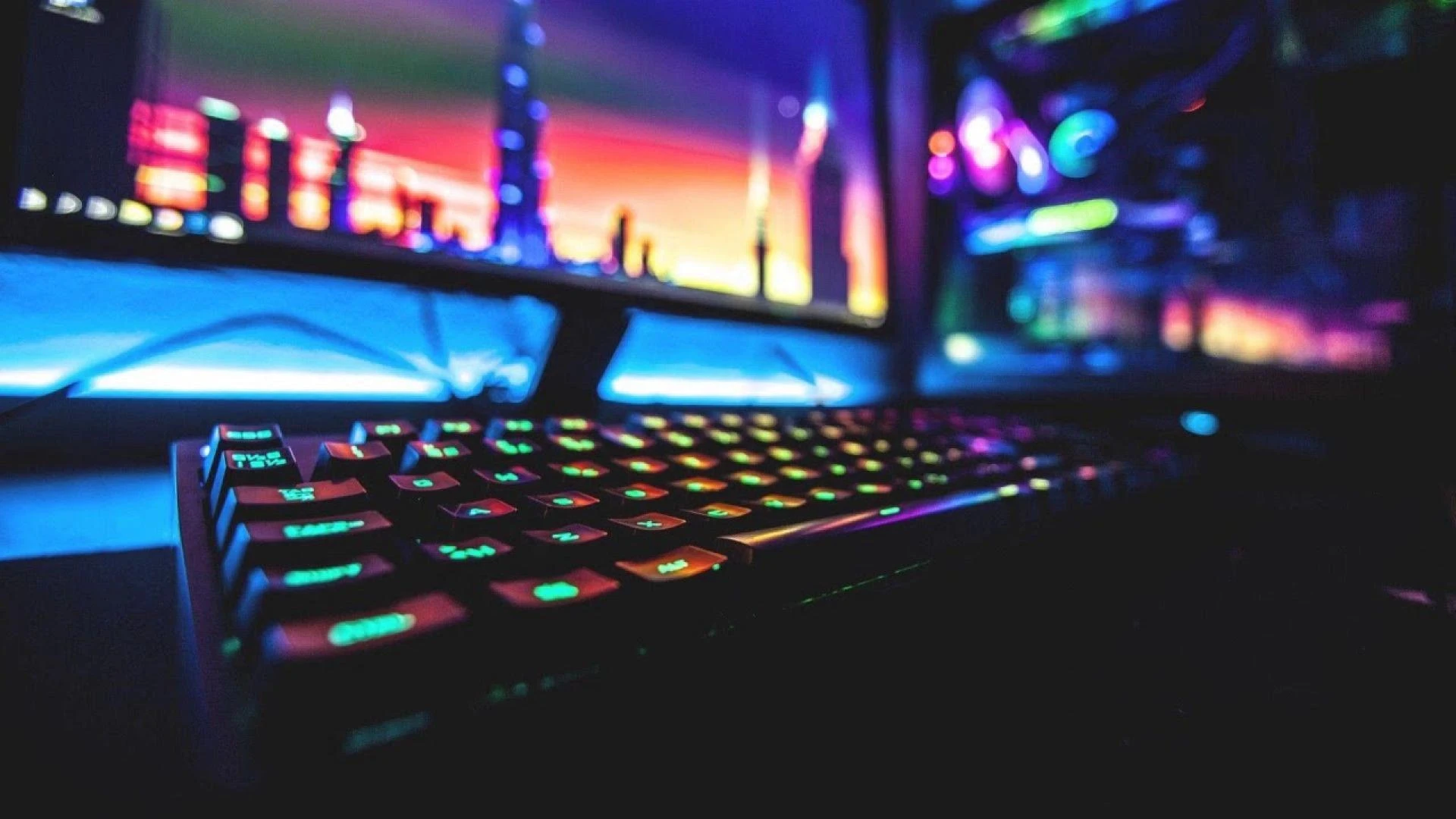
However, today each element of a PC can be customized according to our choices, giving them an aesthetic look. If you talk about modern laptops, they are equipped with backlit RGB (Red, Green, Blue) keyboards that offer better visibility with a touch of personal flair.
Laptops with RGB keyboards are particularly gaining popularity among gamers and content creators who want both aesthetics and functionality in their laptops.
But why people are so interested in RGB keyboards apart from their attractive look? What are the technicalities behind it?
Let's talk in detail to understand better!
Defining RGB Keyboards: Give A Color Splash To Your Laptops
RGB (Red, Green, Blue) are the 3 basic colours that can generate millions of colour combinations. Many modern systems such as Legion Pro 5 16 Inch AMD Gaming Laptop come with RGB backlit keyboards offering various color pallets, and lighting patterns to enhance your computing experience.
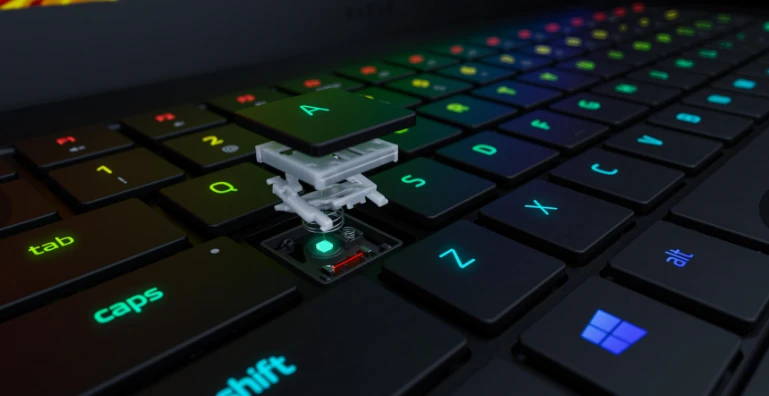
These keyboards are mostly used by gamers who prefer immersive effects, customization and increased visibility in low-light environments.
A report says that the worldwide market of gaming keyboards is expected to surpass $6.4 billion by the end of 2031.
RGB Types of Keyboards in Laptops
- Single-Zone RGB-The whole keyboard glows with customizable colors.
- Per-Key RGB key can be coloured differently according to personal taste.
- Multi-Zone RGB-These divide the keyboard into sections that can display different colors.
How RGB Keyboards Work
RGB keyboards are equipped with an LED (Light Emitting Diode) technology under the key caps. These LED lights are controlled by microcontrollers which help in the brightness, color variation, and lighting effects.
RGB Keyboard Main Components
- LED Backlighting: A source that gives vibrant colors.
- Microcontroller Unit: The brain of the keyboard that processes lighting commands.
- Software Integration: These are specialized software-lasting apps which allow people to regulate lighting preferences.
Main Reasons Why RGB Keyboards Have Become A Standard Feature In Laptops:
1. Create an Immersive Gaming Environment
The gamers want everything immersive. The RGB lights help create an ambience for much of the action and include dynamic integration of RGB triggered by in-game events. An example:
- Health status (vulcanized red when HP is critically low).
- Ability cooldowns (lighting specific calls).
- Game-specific profiles with different effects in lighting.
You might not know but the PC gaming market is huge as it's estimated to cross $287 billion by the end of 2037.
2. Productivity and Optimized Flow
Professionals and content creators are also shifting to RGB keyboard laptops. For loss of light exposure, people can draw attention with customizable art.
Software like Auto Hotkey allows the user to create his or her key mapping using different colors for different applications.
- Video editors have special mapped shortcuts, most of them color coded.
- Similarly, Programmers can designate the color of function keys to distinguish between various functions.
- Additionally, the writers use soft and dim lighting that would not strain their eyes when typing in a dark place.
3. Personalization and Aesthetic Perfection
RGB lighting is more than just a function, it’s about providing a more personalized experience. It might be a soft white glow that looks professional or something that pulses with a rainbow wave: RGB keyboards allow users to make setups that suit their personalities.
4. Comfort in Viewing and Using the Keys
Often, the traditional monochrome backlight keyboards appear very dim or harsh on the eyesight.
For example,
RGB keyboards might solve this issue because they provide various brightness levels, multiple color modes, plus warm tones that are soothing to the eyes it enhance visibility.
How to Customize Your RGB Keyboard
The process of customizing an RGB keyboard differs between producers yet most manufacturers use standard procedures.
- Among lighting effects, you can pick static mode together with breathing mode and reactive mode as well as wave mode.
- Customize the color with RGB sliders.
- Synchronize to your other peripherals: some software can synchronize the mouse, monitor, and keyboard for you.
- Save your profiles: create specific lighting setups for different tasks or games.
The Future of RGB Keyboards in Laptops
RGB keyboards continue their development path which extends past basic illumination features. The future may bring:
- Smart illumination technology adapts its lighting patterns based on individual user preferences.
- Similarly, a haptic system provides vibrations according to lighting modifications.
The implementation of battery-efficient RGB technology produces better LED performance which extends laptop battery duration.
Conclusion
RGB is not just a color combination, it's color magic that makes your keyboards a dynamic glow. From being a niche category to use of RGB keyboards in modern laptops, RGB adds a personal touch to your laptops offering both form and function.
Whether you are a gamer or a professional working in any artistic field, a laptop with RGB lighting makes your laptop stand out, making your computing setup look appealing and more personalized.