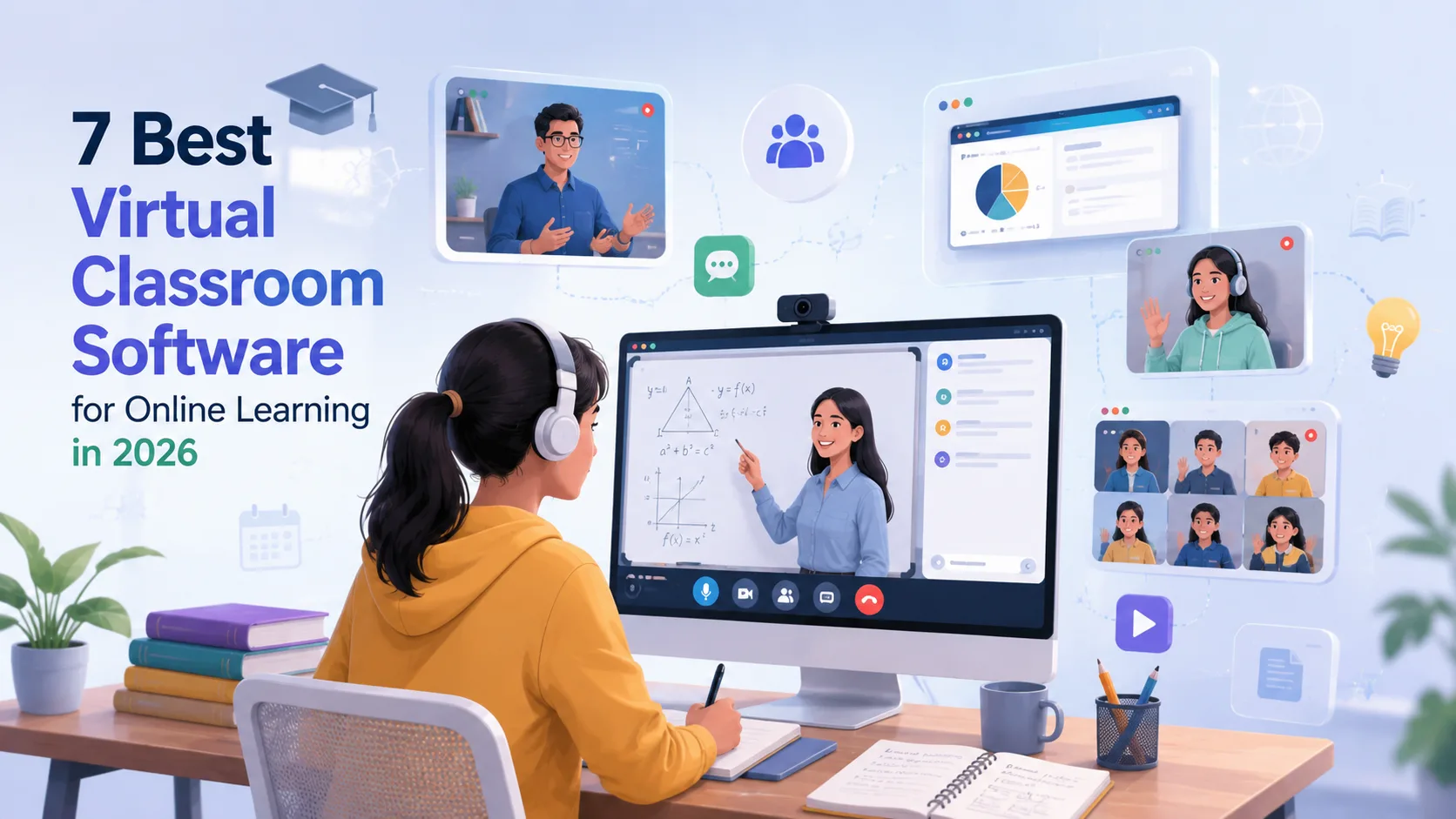
Virtual classroom software helps educators, tutors, training companies, and educational institutions deliver live online classes with tools for video conferencing, collaboration, assignments, assessments, and student management.
Here are seven popular virtual classroom software options to consider in 2026.
1. Yo!Coach
Yo!Coach is an online tutoring and coaching software solution that can support live classes, instructor management, student management, scheduling, payments, and virtual learning workflows.
Best for: Businesses building tutoring, coaching, and online teaching platforms.
2. Google Classroom
Google Classroom helps teachers organize courses, distribute assignments, share learning materials, and communicate with students. Its integration with other Google Workspace tools makes it convenient for education workflows.
Best for: Schools and academic institutions.
3. Microsoft Teams for Education
Microsoft Teams combines virtual meetings, messaging, file sharing, assignments, and collaboration tools. Teachers can create dedicated class environments and communicate with students in real time.
Best for: Schools and organizations already using Microsoft 365.
4. Moodle
Moodle is an open-source learning management system that supports online courses, assessments, discussions, assignments, and integrations for virtual learning.
Best for: Institutions wanting a customizable learning environment.
5. BigBlueButton
BigBlueButton is an open-source virtual classroom platform designed specifically for online learning. It supports live video, presentations, breakout rooms, polls, chat, and interactive teaching.
Best for: Educational organizations looking for an education-focused virtual classroom solution.
6. Blackboard Learn
Blackboard provides a comprehensive digital learning environment with tools for course management, assessments, communication, content delivery, and online learning.
Best for: Universities and larger educational institutions.
7. Zoom for Education
Zoom provides video conferencing and online classroom capabilities for educational institutions and instructors. Features include live classes, screen sharing, breakout rooms, recording, chat, and interactive sessions.
Best for: Schools, colleges, tutors, and training organizations.
Key Features to Look for in Virtual Classroom Software
Before selecting a solution, consider features such as:
- Live video and audio classes
- Screen sharing and virtual whiteboards
- Breakout rooms
- Interactive polls and quizzes
- Chat and file sharing
- Class scheduling
- Student and instructor management
- Attendance tracking
- Recording capabilities
- Assignments and assessments
- Payment integration
- Mobile compatibility
- Analytics and reporting
How to Choose the Right Virtual Classroom Software?
The right solution depends on your business model and teaching requirements. Educational institutions may prioritize LMS integration and administration, while tutoring businesses may need scheduling, payments, instructor management, and one-to-one classes.
For businesses planning to launch their own online tutoring or coaching marketplace, customizable software can provide greater control over branding, features, workflows, and monetization.
Conclusion
Virtual classroom software has become an important part of modern online education. Zoom, Google Classroom, Microsoft Teams, Moodle, BigBlueButton, Blackboard, and Yo!Coach offer different capabilities for delivering and managing online learning.
Evaluate your audience, teaching model, required features, scalability, integrations, and budget before choosing the right platform.