Managing a WordPress website involves much more than publishing pages and blog posts. Website owners often spend hours creating content, optimizing SEO, answering customer questions, updating information, and keeping everyday website tasks organized.
AI can help reduce some of this repetitive work.
Instead of treating AI as a replacement for your entire website team, it is more useful to think of it as an automation layer that assists with routine tasks while people remain responsible for strategy, quality, and final decisions.
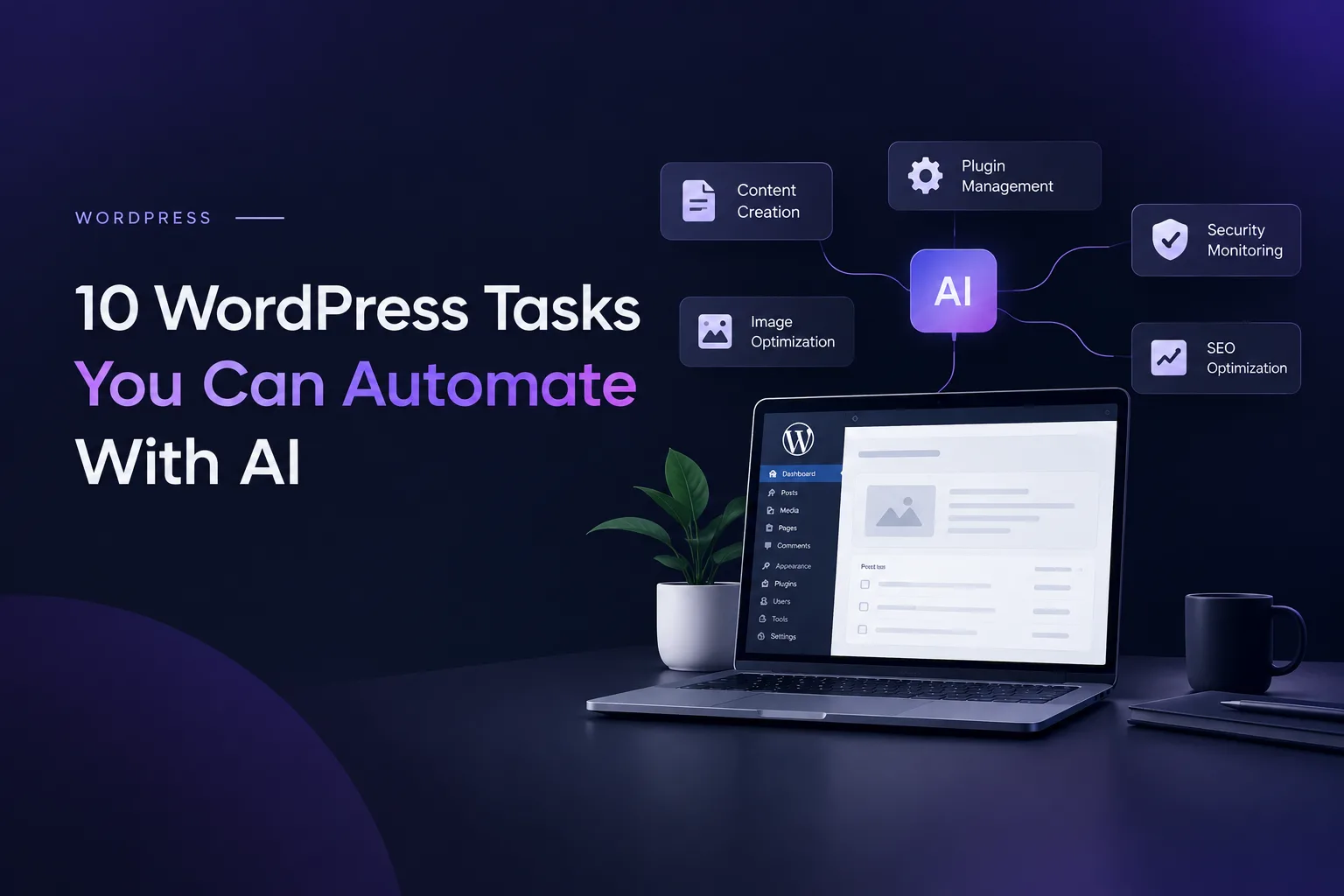
Here are 10 practical WordPress tasks you can automate with AI to make website management easier.
1. Generate Blog Topic Ideas
Coming up with useful content ideas consistently can be difficult, especially when you already have a long list of website tasks to manage.
AI can analyze your existing topics, target audience, products, and common questions to suggest relevant blog ideas.
For example, a business website could use AI to generate topics around:
- Customer problems and frequently asked questions
- Industry trends and developments
- Product features and use cases
- Common challenges faced by potential customers
- Gaps in existing website content
This makes content planning faster without removing the human input needed to choose the right topics.
2. Create Initial Content Drafts
Writing every article or product description from scratch can take considerable time.
AI writing tools can help create an initial draft based on a topic, outline, or set of instructions. The draft can then be reviewed, fact-checked, edited, and improved before publishing.
This approach is particularly useful for businesses that regularly need:
- Blog posts and articles
- Product descriptions
- Service page content
- Frequently asked questions (FAQs)
- Website updates
The goal is not to publish everything AI generates. The real benefit is reducing the repetitive work involved in preparing the first draft.
3. Optimize Existing Website Content
AI can also be useful after an article has already been published.
Instead of constantly creating new content, you can use AI to review existing pages and identify opportunities to improve clarity, structure, headings, readability, and search intent.
For example, an older WordPress article could be reviewed for:
- Missing or outdated information
- Unclear sections and explanations
- Repetitive wording
- Better heading structures
- Relevant FAQs that could be added
- Opportunities to improve content usefulness
This can help you get more value from content you have already created.
4. Create SEO Titles and Meta Descriptions
SEO requires attention to many small details, and creating titles and meta descriptions for every page manually can become repetitive.
AI-assisted SEO tools can suggest relevant title tags and meta descriptions based on page content, target keywords, and search intent.
These suggestions still need human review, but they can make the optimization process much faster.
AI can help with:
- Generating SEO title variations
- Writing concise meta descriptions
- Incorporating relevant keywords naturally
- Improving clarity and click appeal
- Suggesting alternative headings
WordPress SEO plugins such as Yoast SEO and Rank Math can support different parts of the optimization workflow.
5. Identify Internal Linking Opportunities
Internal links help visitors discover related content and make it easier to navigate your website.
Finding suitable pages to link manually can become difficult as a website grows.
AI can analyze related topics and suggest where an existing article could link to another relevant page, service, or resource.
For example, an article about WordPress automation could naturally connect to content about:
- AI chatbots
- Search engine optimization
- Website development
- AI applications
- Business process automation
The final links should still be reviewed manually to ensure they are relevant and genuinely useful to readers.
6. Answer Common Customer Questions
Customer questions are often repetitive. Businesses may receive the same questions about pricing, services, delivery, features, availability, or processes repeatedly.
An AI chatbot can handle many common questions directly on a WordPress website. Instead of waiting for someone from the business to respond, visitors can receive an immediate answer.
An AI chatbot can help businesses:
- Answer frequently asked questions
- Explain products and services
- Guide visitors to relevant pages
- Provide basic information about business processes
- Direct complex questions to the appropriate team
This can be particularly useful for websites that receive inquiries outside normal business hours.
7. Provide 24/7 Website Assistance
AI-powered chatbots can extend website support beyond regular working hours.
A visitor might arrive on your website late at night and want to understand a service, find a particular page, or ask a basic question. An AI assistant can provide an immediate response based on the information available to it.
A well-designed support workflow can:
- Respond to routine inquiries
- Help visitors find relevant information
- Guide users through basic processes
- Escalate complex requests to a human team member
- Maintain a consistent support experience
This creates a workflow where AI handles routine conversations while people focus on requests that require personal attention.
8. Automate Lead Collection
A website visitor asking a question may also be a potential customer.
AI chatbots can be configured to collect relevant information during a conversation, such as a visitor's requirements, contact details, project type, or preferred service.
Instead of simply displaying a contact form, the website can guide visitors through a conversational process.
Lead collection automation can help you:
- Ask relevant questions about a visitor's needs
- Collect contact information with appropriate consent
- Identify the service a visitor is interested in
- Route inquiries to the relevant team
- Send collected information to a CRM or another connected application
The collected information can then be passed to the appropriate team for follow-up.
9. Generate Summaries, FAQs, and Supporting Content
AI can repurpose existing website information into smaller content formats, allowing businesses to get more value from content they have already created.
For example, a long article can be used to generate:
- Short summaries
- FAQ questions and answers
- Key takeaways
- Social media content ideas
- Content briefs for future articles
- Email newsletter drafts
This can make it easier to reuse useful information across different parts of your website and marketing workflow.
However, generated content should always be reviewed for accuracy, originality, and relevance before publication.
10. Monitor and Improve AI-Powered Workflows
AI automation should not simply be installed and forgotten.
Once an AI tool is connected to your WordPress website, it is important to monitor how it performs and identify areas for improvement.
You can review:
- Common questions customers ask
- Conversations where the chatbot could not provide a useful answer
- Errors or failures in automated workflows
- The accuracy and quality of generated content
- Opportunities to improve instructions and responses
This creates a continuous improvement cycle:
Set Up → Monitor → Review → Improve → Repeat
Over time, these adjustments can make an AI-powered workflow more useful and relevant to your business.
What Should You Automate First?
You do not need to automate everything at once.
A practical starting point is to identify tasks that are:
- Repetitive: The same process is performed regularly.
- Time-consuming: The task takes time away from more important work.
- Easy to standardize: Clear rules can guide the process.
- Frequently performed: Automation can deliver value repeatedly.
- Low-risk: Mistakes can be identified and corrected before they cause significant problems.
For one website, content assistance may be the best starting point. For another, customer support or lead collection may provide more value.
The right automation depends on your website, audience, existing tools, and business workflow.
AI + WordPress: Automation With Human Oversight
AI can make WordPress management more efficient, but automation works best when it supports people rather than completely replacing them.
AI can help with repetitive work, generate suggestions, handle routine questions, and speed up content and SEO processes.
Human review remains important for:
- Content accuracy and brand voice
- SEO strategy and search intent
- Customer relationships
- Data privacy and security
- Important business decisions
The most effective approach combines AI's speed with human judgment and oversight.
Final Thoughts
AI is becoming a practical part of website management. For WordPress users, its biggest value may not come from one dramatic feature, but from automating many small tasks that consume time every day.
From generating content ideas and improving existing pages to supporting visitors and collecting leads, AI can help make everyday website operations more efficient.
Start with one repetitive task, measure the results, and gradually expand automation where it makes sense. This allows you to build a more efficient WordPress workflow without introducing unnecessary complexity.