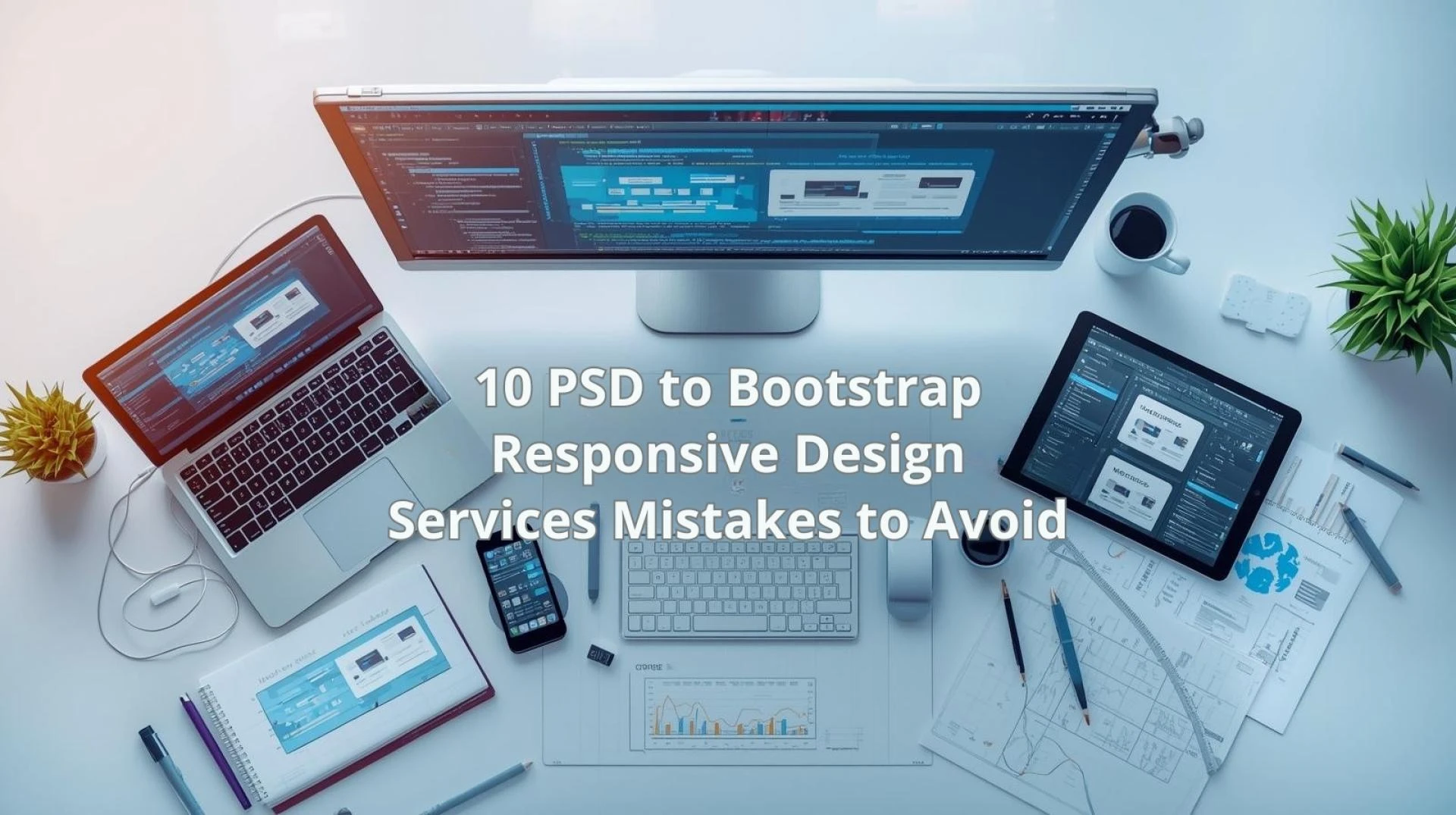
Converting static design files into fully responsive web interfaces requires precision, planning, and deep technical understanding. When PSD to Bootstrap Responsive Design Services are implemented incorrectly, the result is often poor performance, layout inconsistencies, and long-term maintenance challenges. These issues may not appear immediately, but they gradually affect usability, scalability, and business outcomes.
To achieve consistent results across devices and browsers, common pitfalls must be identified early. This guide highlights the most critical mistakes that occur during PSD to Bootstrap Responsive Design Services execution and explains how they can be avoided through structured processes, technical discipline, and industry-aligned practices.
Why Avoiding Mistakes in PSD to Bootstrap Conversion Matters
Responsive websites are expected to deliver seamless user experiences across multiple screen sizes. However, minor errors during conversion can escalate into major functional and performance issues.
When development shortcuts are taken, the Bootstrap framework is often underutilized or misapplied. As a result, scalability becomes restricted, updates become complex, and user engagement declines. Therefore, understanding these mistakes is essential for teams seeking stable and future-ready responsive implementations.
Mistake 1: Ignoring Bootstrap Grid System Principles
Poor Layout Structure Planning
One of the most common mistakes in PSD to Bootstrap Responsive Design Services is improper use of the Bootstrap grid system. Developers sometimes replicate PSD layouts visually without respecting column logic and breakpoints.
This approach leads to misaligned elements on tablets and mobile devices. Consequently, layout integrity is compromised across screen resolutions.
How It Can Be Avoided
- Bootstrap grid rules should be mapped before coding begins
- Breakpoints must be tested for each layout section
- Nested grids should be implemented carefully
By following grid conventions, responsive consistency is preserved.
Mistake 2: Converting Designs Without Mobile-First Thinking
Desktop-Only Design Interpretation
PSD designs are often desktop-centric. When mobile responsiveness is treated as an afterthought, usability issues emerge on smaller screens.
This mistake affects navigation flow, content readability, and interaction elements.
Best Practice Approach
- Mobile-first CSS structuring should be applied
- Content hierarchy must be re-evaluated for small screens
- Touch-friendly spacing should be ensured
A mobile-first approach enhances responsiveness and accessibility.
Mistake 3: Poor Code Structuring and Reusability
During responsive development, poorly structured HTML and CSS increase technical debt. This issue often occurs when PSD slicing is rushed or unplanned.
In many cases, integration with PSD to WordPress Conversion Services is expected at later stages. When code quality is low, CMS integration becomes unstable and time-consuming.
Key Impacts
- Reduced maintainability
- Higher chances of layout breakage
- Difficulty in CMS-based content updates
Recommended Actions
- Semantic HTML should be used consistently
- Reusable Bootstrap components must be prioritized
- CSS overrides should be minimized
Mistake 4: Overriding Bootstrap Styles Excessively
Excessive Custom CSS Usage
Bootstrap is designed to reduce development effort. However, overriding default classes excessively defeats this purpose.
This mistake often results in bloated stylesheets and unpredictable behavior during framework updates.
Smarter Styling Strategy
- Bootstrap utility classes should be used first
- Custom CSS must be modular and minimal
- Style conflicts should be reviewed regularly
Controlled customization ensures long-term stability.
Mistake 5: Ignoring Cross-Browser Compatibility
Limited Browser Testing
A frequent oversight in PSD to Bootstrap Responsive Design Services is insufficient cross-browser testing. Layouts that appear perfect in one browser may break in others.
This issue is especially relevant for businesses targeting diverse user bases across regions.
Prevention Measures
- Browser compatibility testing should be mandatory
- Vendor prefixes must be handled properly
- Bootstrap version compatibility should be verified
Consistent testing ensures broader accessibility.
Mistake 6: Improper Image Optimization and Handling
Heavy Image Assets from PSD Files
PSD designs often include high-resolution images. If these assets are not optimized during conversion, page load speed suffers significantly.
Consequences
- Slower page loading times
- Increased bounce rates
- Poor mobile performance
Optimization Techniques
- Responsive image formats should be used
- Image compression must be applied
- CSS background images should be optimized
Performance optimization supports better user retention.
Mistake 7: Skipping Accessibility Best Practices
Accessibility as an Afterthought
Accessibility is frequently overlooked during responsive conversion. Missing ARIA labels, improper heading structures, and low contrast ratios reduce usability.
This mistake limits reach and affects compliance with accessibility guidelines.
Accessibility Enhancements
- Semantic HTML improves screen reader support
- Proper contrast ratios should be maintained
- Keyboard navigation must be tested
Inclusive design improves overall user experience.
Mistake 8: Not Planning for CMS Integration Early
Static-Only Conversion Approach
When responsive layouts are built without considering CMS integration, scalability becomes limited. This issue commonly arises when dynamic content requirements are ignored.
At this stage, PSD to WordPress Conversion Services are often required to convert static pages into manageable templates.
Strategic Planning Benefits
- Content updates become easier
- Multi-language support is simplified
- Design consistency is maintained
Early CMS planning ensures smoother transitions.
Mistake 9: Failing to Test Responsive Breakpoints Thoroughly
Limited Device Testing
Testing only on a few devices leads to hidden layout issues. Bootstrap offers multiple breakpoints, each requiring validation.
Recommended Testing Checklist
- Mobile, tablet, and desktop breakpoints
- Portrait and landscape orientations
- Real devices and emulators
Comprehensive testing improves reliability.
Mistake 10: Lack of Documentation and Handover Clarity
Poor Knowledge Transfer
Without proper documentation, future updates become challenging. This mistake is often observed when projects are rushed toward completion.
Documentation Essentials
- Code structure explanations
- Custom class usage notes
- Responsive behavior descriptions
Clear documentation supports long-term project success.
Common Mistakes vs Best Practices Comparison
Common mistakes in responsive conversion often stem from focusing only on visual replication instead of structural logic. When grid usage is based purely on appearance, layout consistency suffers, whereas applying Bootstrap-based layout logic ensures alignment and scalability across devices. Similarly, a desktop-first approach restricts flexibility on smaller screens, while a mobile-first strategy improves usability and content flow on all resolutions.
Code quality issues also create long-term challenges. Hard-coded styles make updates difficult and increase the risk of layout breakage, whereas modular and reusable code supports easier maintenance and future enhancements. CMS readiness is another critical factor, as ignoring it early leads to integration difficulties, while early planning enables smoother content management and scalability. In addition, limited browser testing often hides responsiveness issues, whereas multi-device and cross-browser testing ensures reliable performance for diverse users.
How Indian Businesses Benefit from Error-Free Responsive Conversion
For businesses operating across regions and languages, responsive consistency is essential. Indian users access websites through diverse devices, network conditions, and screen sizes.
Error-free PSD to Bootstrap Responsive Design Services support:
- Faster content updates
- Improved regional accessibility
- Better long-term scalability
As a result, digital platforms remain competitive and adaptable.
Conclusion
Mistakes during responsive conversion may appear minor initially, but their long-term impact is significant. From layout inconsistencies to scalability challenges, each error reduces the effectiveness of responsive websites.
By avoiding these ten critical mistakes, PSD to Bootstrap Responsive Design Services can deliver structured, maintainable, and high-performing web interfaces. When supported by clean code, accessibility awareness, and CMS readiness, responsive designs remain reliable across devices and evolving business needs.
Frequently Asked Questions
1. Why is Bootstrap preferred for responsive design?
Bootstrap provides a standardized grid system, responsive utilities, and reusable components that simplify cross-device compatibility.
2. How does poor PSD slicing affect responsiveness?
Incorrect slicing leads to rigid layouts, excessive CSS, and performance issues across screen sizes.
3. Is CMS integration necessary for responsive websites?
For scalable content management and frequent updates, CMS integration is strongly recommended.
4. How important is accessibility in responsive design?
Accessibility improves usability for all users and supports compliance with global web standards.
5. Can responsive issues be fixed after deployment?
While fixes are possible, addressing issues during development reduces technical debt and future risks.