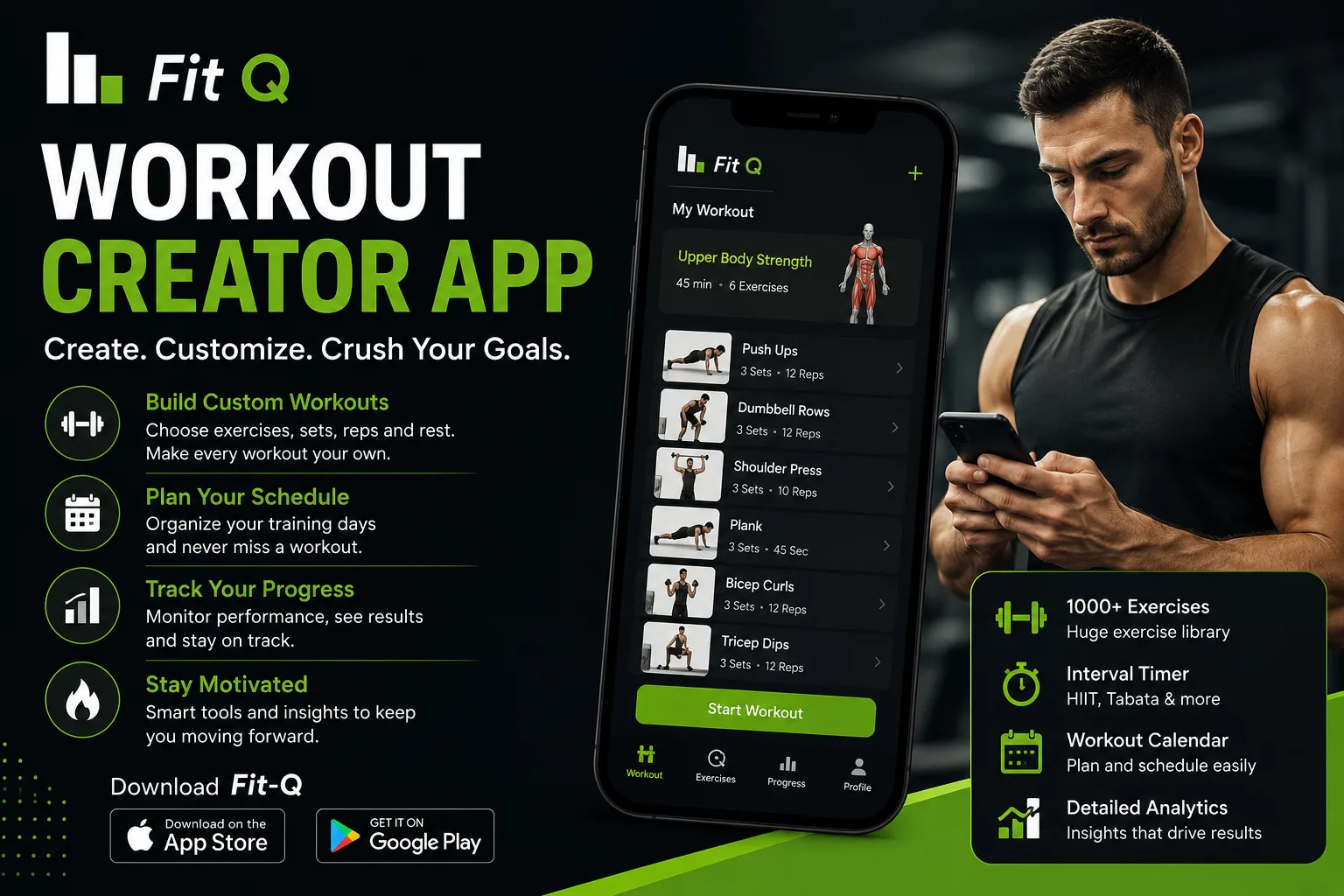
Creating a workout routine sounds simple until you actually start planning one. You may know that you want to exercise regularly, build strength, improve your fitness, or stay active at home. But deciding which exercises to include, how to organise them, and how to make your routine interesting can take time. A Workout Creator App can make this process easier by helping you explore exercise options and organise your training sessions around your preferences.
Everyone has different fitness goals and daily schedules. Someone who exercises at home may prefer bodyweight movements, while another person may enjoy strength training at the gym. Following the same workout plan as someone else does not always make sense. Having the flexibility to organise your own exercise routine can make fitness feel more practical and enjoyable.
What Is a Workout Creator App?
A workout creator app is a digital tool that helps users organise exercises into structured training sessions. Depending on its features, it may allow users to select movements, arrange exercise sequences, customise workout details, and create routines for different fitness goals.
For example, imagine that you want to create a simple home workout. You could select squats, push-ups, lunges, and planks, then organise them into a sequence. Instead of deciding what to do every time you exercise, you have a routine ready to follow.
This approach can be useful for beginners who need help organising their exercise sessions as well as experienced fitness enthusiasts who want more flexibility in their training.
Why Is Creating Your Own Workout Routine Important?
A workout plan should fit your current ability, interests, and available time. When a routine feels too complicated or demanding, it can become difficult to follow consistently. Creating a workout around your preferences gives you more control over the exercises you perform.
For instance, if you have only twenty minutes available in the morning, you might prefer a short bodyweight routine. If you have more time at the weekend, you can organise a longer training session. This flexibility allows you to make exercise part of your daily schedule without depending on a fixed gym timetable.
Another advantage is variety. Repeating exactly the same exercises can sometimes make training feel boring. By exploring different movements and organising them into new sessions, you can keep your routine interesting while still working towards realistic fitness goals.
How Does a Workout Creator App Help Organise Training?
Planning exercises manually can become confusing, particularly when you want to include several movements in one session. A digital workout planning tool can make the process more organised.
You can begin by identifying the type of exercise you want to perform. For example, a lower-body session might include squats, lunges, and glute bridges. An upper-body routine could include push-ups and other suitable upper-body movements.
Once you have selected your exercises, you can organise them into a sequence that makes sense for your training level. Depending on the app's available features, you may also be able to adjust workout details and save your routine for future sessions.
The goal is to spend less time figuring out what to do and more time focusing on exercise.
Tips for Creating a Workout That Works for You
Start by choosing a realistic fitness goal. You might want to become more active, improve general strength, or develop a regular exercise habit. A clear goal helps you decide which movements to include in your routine.
Next, consider your current fitness level. Beginners should start with simple exercises that they can perform comfortably. There is no need to include difficult movements simply because they look impressive. Proper technique and controlled movement should always come first.
Think about your available time as well. A shorter routine that you can follow consistently may be more practical than a demanding plan that does not fit your schedule. Remember to include warm-up and cool-down activities and allow enough recovery between challenging sessions.
You can also review your workout routine from time to time. As your experience changes, you may want to adjust the exercises, duration, or difficulty. A flexible plan makes it easier to keep your training relevant to your needs.
Explore Workout Planning with Fit Q
Finding a fitness routine that keeps you interested is an important part of staying active. Fit Q brings fitness and interactive technology together to offer a more engaging approach to everyday exercise.
With its fitness-focused experience, Fit Q gives users an opportunity to explore different training activities and discover ways to make workouts more interactive. Whether you enjoy bodyweight exercises, structured training, or experimenting with different fitness activities, you can explore the available features and find an approach that suits your interests.
A Workout Creator App can be a useful part of organising your fitness journey. It helps bring exercise ideas together and gives your training sessions a clearer structure.
Visit Fit Q to explore its fitness experience and available app features.
Official Website - https://fit-q.net/
Google Play - https://play.google.com/store/apps/details?id=com.statletics.bodyweightconnect&pli=1
App Store - https://apps.apple.com/us/app/fit-q-ai-fitness-gaming/id1182960944
Common Workout Planning Mistakes to Avoid
One common mistake is trying to include too many exercises in a single session. A long list of movements does not automatically make a workout better. Choose exercises that match your goals and give yourself enough time to perform them properly.
Another mistake is changing your routine too frequently. It takes time to become comfortable with exercises and understand how your body responds to training. Give a suitable routine enough time before making unnecessary changes.
It is also important not to ignore recovery. Your fitness plan should include rest and lighter activity where appropriate. If you experience unusual pain or discomfort, stop the exercise and seek professional advice when needed.
Frequently Asked Questions
What is a workout creator app?
A workout creator app is a digital tool that helps users select exercises and organise them into structured workout routines. Its features vary depending on the app.
Can beginners use a workout creator app?
Yes. Beginners can use workout planning tools to organise simple exercises and create routines that match their current fitness levels.
Can I create home workout routines?
Yes. You can organise bodyweight exercises such as squats, lunges, push-ups, and planks into a home training routine, provided the exercises are suitable for your ability.
How often should I change my workout routine?
There is no fixed schedule for changing a routine. Review your progress and make adjustments when your fitness goals, ability, or training needs change.
Why should I use Fit Q for my fitness journey?
Fit Q combines fitness and interactive technology to create an engaging exercise experience. You can explore its available features and discover different ways to make your training more interesting.
Build a Workout Routine That Fits Your Lifestyle
A good fitness routine is one that you can follow comfortably and consistently. You do not need complicated exercises or an unrealistic schedule to get started. Choose suitable movements, organise your training sessions, and make changes gradually as your needs develop.
With a Workout Creator App, planning exercise can become more convenient and structured. Explore Fit Q and discover a more interactive way to approach your everyday fitness journey.