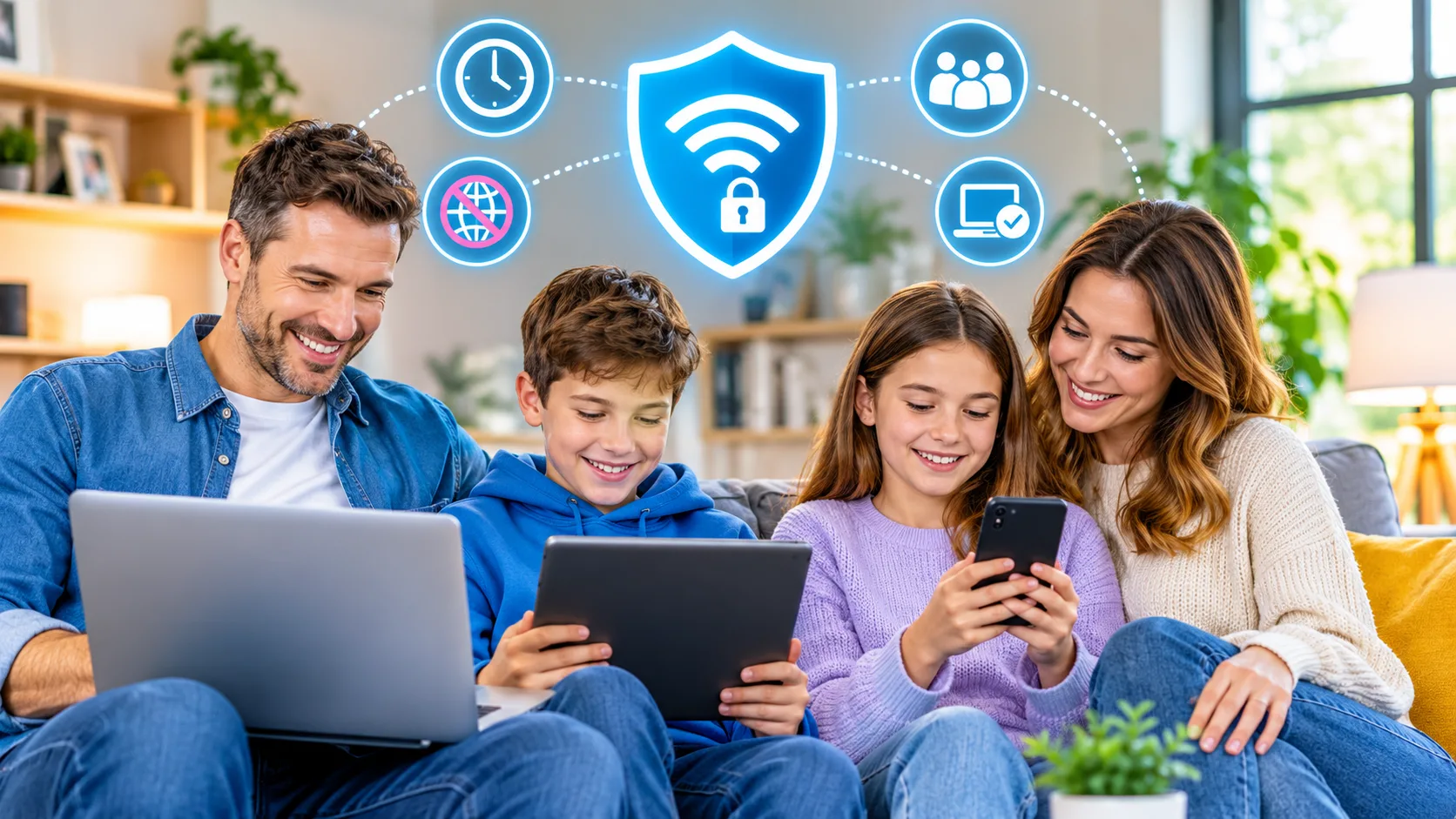
The internet has become an essential part of everyday family life. From children attending online classes and watching educational videos to parents working remotely, shopping and managing household activities, almost everyone relies on a stable internet connection. However, as the number of connected devices increases, so do the risks associated with online activity.
Many families focus on installing antivirus software or setting parental controls on individual devices, but often overlook one of the most important parts of their home network: the router.
A home router does much more than provide Wi-Fi. It acts as the central connection point between your household and the internet, helping manage connected devices, control network access and improve online security. With the right configuration, it can become an important tool for protecting children and other family members.
Understanding how router parental controls, family Wi-Fi security and home internet restrictions work can help create a safer and more reliable digital environment for everyone.
1. Understanding the Role of a Home Router in Family Safety
A home router connects your devices to the internet and allows multiple users to access the same network. Smartphones, laptops, tablets, smart televisions, gaming consoles and smart home equipment all depend on this central connection.
Because so many devices communicate through the router, it provides an important opportunity to improve household internet safety.
Modern routers often include security features that help families manage their network. Depending on the model, these may include:
- Network access controls for connected devices.
- Guest Wi-Fi networks for visitors.
- Website and content filtering.
- Parental control settings.
- Firewall protection against unwanted connections.
- Device management and activity monitoring.
These features help parents establish reasonable boundaries around internet use without needing to configure every device separately.
However, not all routers provide the same level of protection. Older equipment may lack important security features, making it worthwhile to check whether your current router supports modern security standards and regular firmware updates.
2. How Router Parental Controls Help Protect Children Online
Children use the internet for entertainment, education, communication and social interaction. While these activities offer valuable opportunities, they can also expose young users to inappropriate content, harmful websites and online distractions.
Router parental controls give parents an additional way to manage what children can access through the household network.
Depending on the router, parental control features may allow you to:
- Block websites containing inappropriate material.
- Restrict access to selected online services.
- Set internet access schedules for children's devices.
- Pause internet access during homework or bedtime.
- Create different rules for individual devices.
- Manage access to certain categories of online content.
For example, parents could configure a child's tablet to have internet access after school but restrict connectivity during sleeping hours.
One major advantage is that router-based controls can apply to multiple devices connected to the home network. This can make household internet management easier, particularly when children use several devices throughout the day.
It is important to remember that parental controls are not a complete replacement for supervision. Some restrictions can be bypassed through mobile data, alternative networks or certain applications. Combining technical controls with open conversations about responsible internet use provides stronger protection.
3. Improving Family Wi-Fi Security Against Online Threats
A secure Wi-Fi network is essential for protecting personal information and connected household devices. An unsecured or poorly configured router can create opportunities for unauthorised users to access your network.
Once someone gains access to your Wi-Fi, they may consume your bandwidth, attempt to communicate with connected devices or exploit weaknesses in outdated network equipment.
There are several practical steps families can take to improve family Wi-Fi security.
Use a strong Wi-Fi password: Avoid simple passwords based on names, birthdays or common phrases. Choose a long, unique password that is difficult to guess.
Change default administrator credentials: Many routers arrive with standard login details. Changing these credentials helps prevent unauthorised people from accessing the router's management settings.
Enable modern encryption: Use WPA3 where supported, or WPA2-AES if WPA3 is unavailable. Avoid outdated security options such as WEP.
Keep router firmware updated: Manufacturers release updates to address security vulnerabilities and improve performance. Check for updates regularly and enable automatic updates where available.
Disable unnecessary features: Turn off services such as WPS or remote administration if you do not need them and understand the security implications.
These simple measures can significantly strengthen your home network and reduce avoidable security risks.
4. Why Home Internet Restrictions Create Healthier Digital Habits
Internet safety is not only about blocking dangerous websites. It is also about encouraging balanced and responsible technology use.
Children can easily spend hours watching videos, playing online games or browsing social media. Without reasonable boundaries, excessive screen time may interfere with homework, sleep, physical activities and family interaction.
Home internet restrictions allow parents to introduce practical limits that support healthier digital habits.
For example, families can establish rules such as:
- No gaming during homework time.
- Internet access pauses during bedtime.
- Educational websites remain accessible throughout the day.
- Entertainment access is limited during family meals.
- Younger children have age-appropriate browsing restrictions.
Some routers allow parents to create individual schedules for different devices. This means a child's tablet can follow one set of rules while a parent's work laptop remains unrestricted.
The most effective approach is to make restrictions clear and consistent. Explain why certain limits exist rather than relying entirely on technical blocking. Children are more likely to develop responsible online habits when they understand the purpose behind household internet rules.
5. Protecting Smart Home Devices and Every Connected Family Member
Modern homes contain more internet-connected devices than ever before. Smart televisions, security cameras, video doorbells, voice assistants, connected speakers and other smart appliances all rely on the home router.
Although these technologies make everyday life more convenient, they also increase the number of potential entry points into a home network.
An outdated smart device or poorly secured connection could create vulnerabilities that affect other devices on the same network.
Families can reduce these risks by taking a few additional precautions.
First, create a separate guest network for visitors instead of sharing the main Wi-Fi password. Where supported, consider placing smart home devices on a separate network or VLAN to help isolate them from computers and personal devices.
Second, change default passwords on smart devices and install manufacturer security updates. Remove devices that are no longer used and regularly review which equipment is connected to your router.
Third, review router security settings and disable features that are not required.
Network segmentation is particularly useful in larger smart homes because it can help limit communication between different groups of devices. However, it needs to be configured correctly to avoid disrupting essential smart home functions.
A properly secured router therefore protects more than just family browsing. It helps provide a safer foundation for the entire connected household.
6. When Should You Upgrade or Professionally Configure Your Home Router?
Even if your router provides basic parental controls and Wi-Fi security, it may not offer everything your household needs.
Older routers can struggle with multiple connected devices, lack modern security features or no longer receive manufacturer firmware updates. Poor configuration can also leave useful security options disabled.
Consider reviewing or upgrading your router if:
- Your router no longer receives security updates.
- Your Wi-Fi frequently disconnects or becomes unreliable.
- You cannot create separate access rules for family devices.
- Your household has many smart home devices.
- You need more advanced website filtering or network management.
- You are concerned about unauthorised access to your home network.
Professional configuration can help ensure that security settings, parental controls, Wi-Fi coverage and network access rules work together correctly.
At HomeIT Services, families can get practical advice on home networking, internet filtering, parental controls and network security. Having the right setup makes it easier to manage connected devices while keeping everyday internet access reliable.
Conclusion
A home router is one of the most important components of a family's digital environment. It does far more than distribute an internet connection. When properly configured, it helps manage connected devices, restrict inappropriate content, strengthen Wi-Fi security and encourage healthier internet habits.
Using router parental controls, establishing sensible home internet restrictions and following good security practices can make a meaningful difference to family online safety.
However, technology alone cannot prevent every online risk. Parents should combine router security features with age-appropriate supervision, regular conversations and clear household internet rules.
A secure and well-managed home network provides a stronger foundation for children and adults to enjoy the benefits of the internet with greater confidence.