
Zero-trust security has moved from a specialized concept to a core requirement for modern organizations. The principle is straightforward: trust nothing by default and verify every interaction, device, and identity. Meeting this standard requires authentication methods that remove weak links created by passwords and shared secrets. This is where FIDO Based Authentication serves as a foundational pillar, offering strong, phishing-resistant identity verification driven by cryptographic keys instead of memorized credentials.
Why Zero Trust Needs a Different Kind of Authentication
Zero trust removes the assumption that internal networks are safe. Every access request must prove identity, origin, and device legitimacy. Passwords cannot meet these standards because they can be stolen, shared, reused, and guessed. Attackers target them through phishing, credential stuffing, keylogging, and social engineering.
Zero-trust environments require login methods built around possession-based credentials—tied directly to physical devices—and user presence signals that attackers cannot fake. FIDO meets this requirement without adding unnecessary friction for users.
How FIDO Aligns With Zero-Trust Principles
Identity Proof That Cannot Be Phished
FIDO authentication uses public-key cryptography, meaning the private key stays on the user’s device. Phishing websites cannot steal this private key, nor can attackers intercept it. This drastically reduces identity-related risks that often bypass traditional MFA.
Device-Bound Factors Supporting Strong Verification
Zero trust promotes device validation. FIDO keys remain tied to specific devices, allowing organizations to build identity policies that include hardware and OS verification.
Local Biometrics as a Presence Check
Biometric matching happens locally on the device, adding a presence factor without sending biometric data across networks. This aligns with zero-trust goals of verifying user and device together.
Elimination of Secrets Stored on Servers
Traditional systems store passwords or symmetric keys on servers. FIDO removes this risk entirely by storing only a public key server-side. This significantly limits mass credential theft.
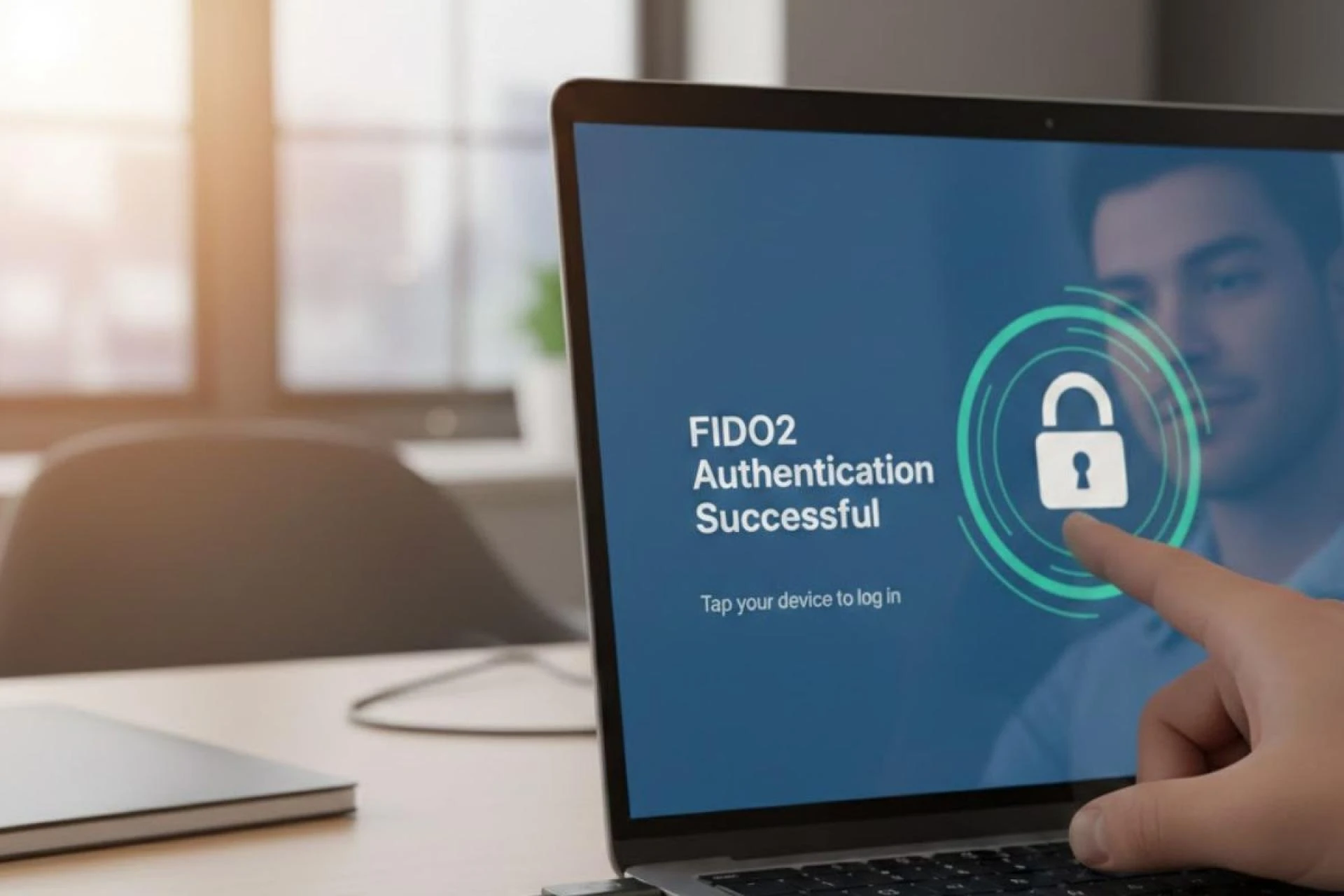
The Role of Passkeys in Zero-Trust Frameworks
Passkeys offer a modern FIDO experience by integrating directly into phones, laptops, and browsers. Their availability through OS ecosystems brings strong authentication to everyday use cases.
Cross-Device Authentication for Workforce Mobility
Passkeys allow users to authenticate from multiple devices without typing passwords or relying on legacy MFA. Zero-trust policies can incorporate:
- Device verification
- Network context checks
- User behavior patterns
This creates a stronger identity posture while supporting flexible work environments.
Resistance Against Account Takeover Attempts
Because passkeys cannot be phished or replayed, attackers cannot bypass authentication by tricking users—an issue commonly seen with MFA codes.
Integrating FIDO Authentication Into Zero-Trust Systems
A well-built zero-trust environment incorporates strong authentication across endpoints, applications, and identity providers. FIDO fits into this architecture through flexible deployment models.
FIDO for Workforce Access Controls
Organizations can secure:
- Cloud applications
- VPNs
- Local workstation logins
- Admin consoles
FIDO-based login flows verify both device and user without relying on passwords or OTPs.
FIDO for Customer Identity Workflows
Zero trust isn’t only for internal users. Customer-facing systems benefit from password removal, reducing account takeover risk and eliminating forgotten-password problems.
FIDO for Privileged Access
Privileged accounts pose the highest security threat. Tying these accounts to hardware-backed keys significantly reduces the chance of unauthorized escalation.
Key Benefits of Using FIDO in Zero-Trust Environments
Reduced Attack Surface
Passwords open countless attack vectors. FIDO minimizes this by removing shared secrets and relying on cryptographic authentication.
Strong Defense Against Credential-Based Threats
Attackers frequently use:
- MFA bypass kits
- Session hijacking
- Phishing pages
- Password reuse attacks
FIDO blocks these routes by requiring possession of the original device.
Better User Experience Without Extra Complexity
Users authenticate quickly through biometrics or hardware keys.
Compatibility with Zero-Knowledge Principles
Since private keys remain stored locally, organizations avoid storing sensitive identity material.
Strong Foundation for Passwordless Strategies
Zero trust grows stronger when authentication flows are simpler. Removing passwords reduces errors, resets, and vulnerabilities.
Practical Questions Organizations Ask Before Deploying FIDO
Can FIDO Replace Existing MFA Solutions?
Yes. Most organizations adopt FIDO as a primary authentication method, gradually phasing out older MFA types such as SMS OTP and email codes.
How Does FIDO Work With BYOD Environments?
FIDO supports device-bound and multi-device passkeys, offering flexibility for personal devices while maintaining strong identity checks.
What Happens if a User Loses Their FIDO Device?
Recovery workflows include:
- Backup passkeys
- Additional registered hardware tokens
- Admin-controlled recovery processes
Does FIDO Support Offline Authentication?
Passkeys stored in secure hardware enclaves can authenticate offline, depending on the application.
Mapping FIDO Authentication to Zero-Trust Architecture Pillars
Identity Verification
FIDO offers phishing-resistant authentication based on asymmetric cryptography.
Device Trust
Keys stay bound to devices, supporting device posture checks.
Least-Privilege Access
Identity confidence becomes stronger, allowing more precise access policies.
Continuous Validation
Repeated access requests use cryptographic authentication, supporting ongoing verification cycles.
Micro-Segmentation Support
Zero trust often divides networks into smaller, controlled zones. FIDO makes authentication stronger across these zones.
Building a Long-Term Zero-Trust Strategy With FIDO
Zero trust requires an identity-first approach supported by strong authentication. FIDO’s cryptographic model helps organizations gradually phase out passwords, adopt passkeys, and tighten access policies across devices and applications.
A long-term roadmap includes:
- Introducing FIDO for workforce authentication
- Expanding passkey support across internal and external apps
- Strengthening device trust policies
- Encouraging multi-device passkey enrollment
- Implementing secure recovery processes
- Retiring legacy password-based systems
This creates a strong foundation for continuous verification and safer identity workflows across the entire organization.
Conclusion
Zero trust is built on the principle that identity must be verified at every step, without relying on outdated trust assumptions. FIDO authentication supports this model with device-bound, cryptographic verification that prevents phishing, eliminates shared secrets, and strengthens access control across all environments. By adopting FIDO, organizations create a security posture that aligns with modern threats while offering a smoother login experience for users. As zero trust continues to guide modern security architecture, FIDO stands out as a crucial building block for reliable, passwordless identity assurance.