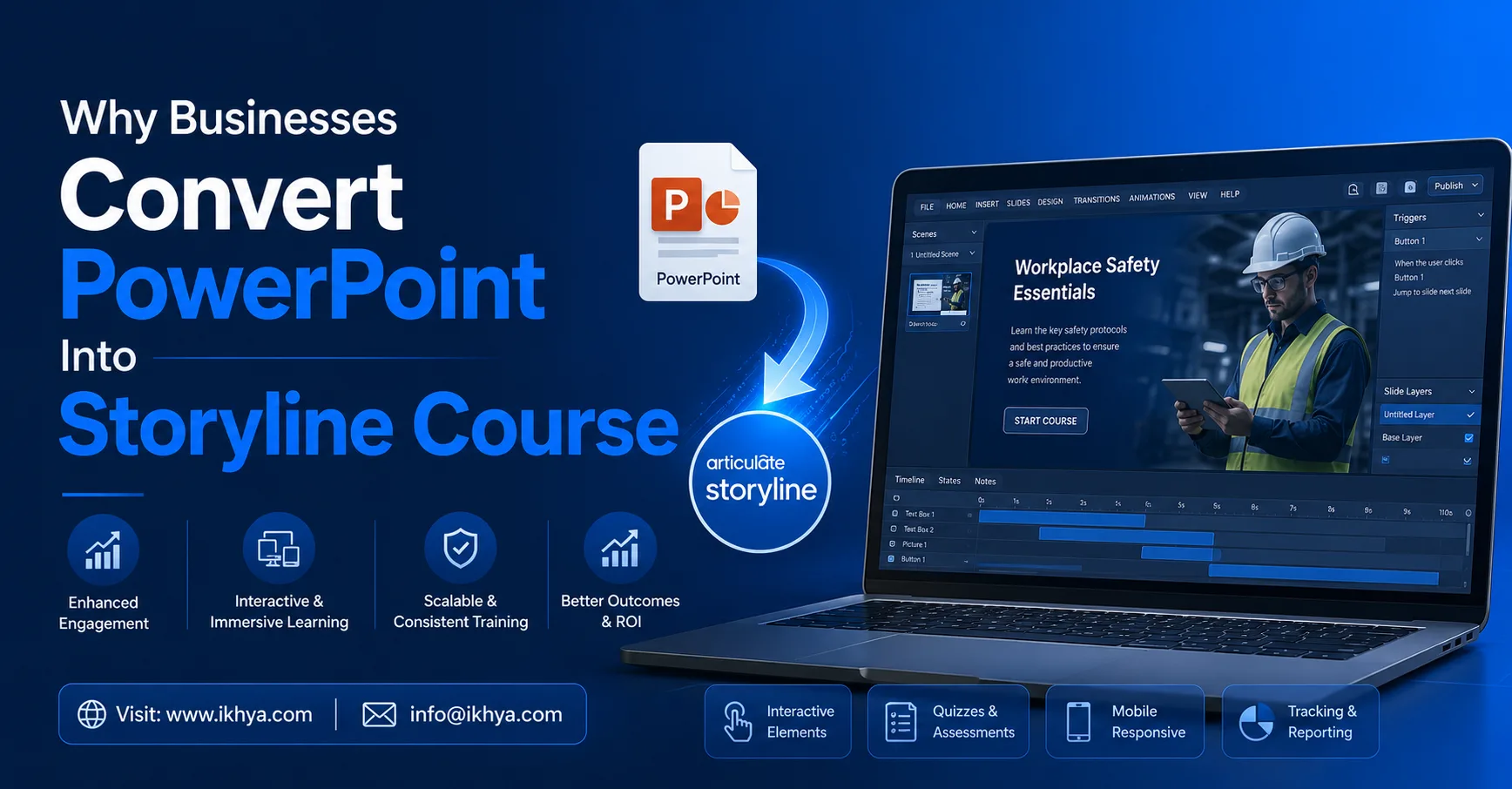
Training teams often start with slide decks that contain useful information but fail to keep learners engaged. Static presentations may work in classrooms, yet they rarely deliver strong results in self-paced digital learning environments. That is why many organizations now convert a clickable PowerPoint into Storyline course experiences that support interaction, assessments, and LMS tracking.
This shift matters because employees today expect training that is flexible, mobile-friendly, and easier to retain. A basic slide deck cannot always meet those expectations. In this article, you will learn why organizations modernize PowerPoint training, what challenges they face during conversion, and which practical strategies help create effective Storyline-based learning experiences.
Why Do Organizations Convert PowerPoint Into Storyline Course Formats?
Static Slides Often Reduce Engagement
Traditional PowerPoint presentations usually rely on long text blocks and one-way information delivery. Learners move through slides passively without interaction or decision-making.
Storyline courses improve this experience by introducing:
- Click-based interactions
- Knowledge checks
- Scenario-based learning
- Audio narration
- Branching pathways
These elements help learners stay focused and improve retention.
LMS Compatibility Becomes Easier
Many organizations need training that works inside Learning Management Systems. PowerPoint files alone cannot always track learner progress effectively.
When teams convert a PowerPoint into Storyline course structure, they can publish training in SCORM or xAPI formats for better reporting and analytics.
Remote Learning Demands Better Flexibility
Hybrid and remote work environments have changed how training is delivered. Learners now access content on laptops, tablets, and mobile devices.
Modern Storyline courses provide:
- Responsive learning experiences
- Better accessibility support
- Flexible self-paced learning
- Consistent user experience across devices
What Challenges Appear During Conversion?
Content Overload From Existing Slides
Many presentations were originally designed for instructor-led sessions. Trainers verbally explained concepts while slides only supported discussions.
During conversion, organizations often discover:
- Excessive text
- Missing explanations
- Poor content hierarchy
- Repetitive slides
This requires instructional restructuring rather than simple slide importing.
Visual Design Does Not Match Digital Learning
Slides designed years ago may include outdated layouts, inconsistent fonts, or weak visual flow.
Effective Storyline courses require:
- Cleaner navigation
- Modern UI design
- Visual consistency
- Interactive layouts
Without redesign, learners may lose focus quickly.
Interactivity Is Frequently Missing
One major issue with traditional presentations is the absence of learner participation.
For example, a compliance training deck may contain 80 slides of policies but no:
- Simulations
- Practice exercises
- Decision-making activities
- Feedback loops
This reduces learner engagement and knowledge application.
How Can Businesses Improve Storyline Conversion Results?
Start With Learning Objectives
Before converting content, teams should define:
- What learners must know
- What learners should do after training
- Which skills need reinforcement
This prevents unnecessary slide migration and keeps courses focused.
Use a Simple Conversion Framework
A practical framework many teams follow includes:
Step 1: Audit Existing SlidesIdentify outdated content, duplicates, and unnecessary information.
Step 2: Reorganize Learning FlowBreak content into smaller learning sections or microlearning modules.
Step 3: Add InteractionsInclude quizzes, clickable tabs, branching scenarios, and animations.
Step 4: Optimize for LMS DeliveryEnsure compatibility with SCORM or xAPI standards.
Step 5: Test User ExperienceCheck navigation, responsiveness, and loading speed before launch.
This process helps create structured digital learning instead of simple slide replication.
What Features Make Storyline Courses More Effective?
Scenario-Based Learning
Storyline allows organizations to simulate workplace situations.
For example:
A customer service course can present realistic client conversations where learners choose responses and see outcomes immediately.
This improves practical understanding better than passive slide reading.
Assessments and Feedback
Interactive quizzes help learners evaluate their understanding throughout the course.
Useful assessment formats include:
- Drag-and-drop activities
- Multiple-choice questions
- Hotspot interactions
- Decision branching
Immediate feedback also strengthens retention.
Multimedia Enhancements
Organizations often improve learning experiences by adding:
- Voice narration
- Explainer videos
- Motion graphics
- Interactive timelines
These features make digital training more engaging and easier to understand.
Why Does Instructional Design Matter During Conversion?
Technology Alone Does Not Improve Learning
Simply importing slides into Storyline does not automatically create effective eLearning.
Strong instructional design focuses on:
- Learner attention span
- Information flow
- Cognitive load
- Real-world application
This is where consulting and strategy become important.
Organizations reviewing broader digital learning strategies often explore resources related to eLearning consultancy services to better align training content with business outcomes and learner performance goals.
Real-World Example
A manufacturing company converted safety training presentations into Storyline modules with interactive hazard simulations.
Instead of reading procedures, employees identified risks within simulated environments. Completion rates improved because learners actively participated rather than passively reviewing slides.
This demonstrates how instructional design changes the learning experience itself—not just the format.
How Does Converting PowerPoint Into Storyline Course Support Long-Term Training Goals?
Faster Content Updates
Storyline courses are easier to maintain compared to repeatedly redesigning presentation decks from scratch.
Teams can:
- Update policies quickly
- Replace outdated media
- Add new modules
- Republish courses efficiently
Better Learner Analytics
Organizations gain access to:
- Completion tracking
- Quiz performance
- Learner progress reports
- Engagement insights
These analytics help training teams identify gaps and improve future programs.
Improved Learning Consistency
Digital Storyline courses deliver standardized training experiences across departments and locations. This is especially valuable for onboarding, compliance, and process training.
Companies such as IKHYA-eLearning Solutions Company often emphasize structured learning workflows because consistency directly affects learner outcomes and operational efficiency.
Conclusion
Converting a PowerPoint into Storyline course format is no longer just a design upgrade. It is part of a broader shift toward interactive, scalable, and measurable digital learning experiences. Organizations that modernize training content often see stronger learner engagement, improved accessibility, and better LMS reporting capabilities.
The most effective approach involves more than importing slides. Businesses should evaluate training objectives, learner needs, interactivity, and instructional structure before beginning conversion projects. Organizations assessing digital training readiness can benefit from aligning current presentation-based content with long-term eLearning strategies and scalable workforce learning goals.