You ordered the logo on a performance polo and it came back with the letters slightly narrower than the proof, a thin gap between the fill and the border, and a circle that's subtly egg-shaped. The file was built correctly. The machine ran correctly. The fabric is what happened.
Pull compensation is the setting that prevents exactly this, and it's the reason a good digitizer asks about your fabric before building the file rather than after the sample comes back wrong.
What the Machine Does to Fabric
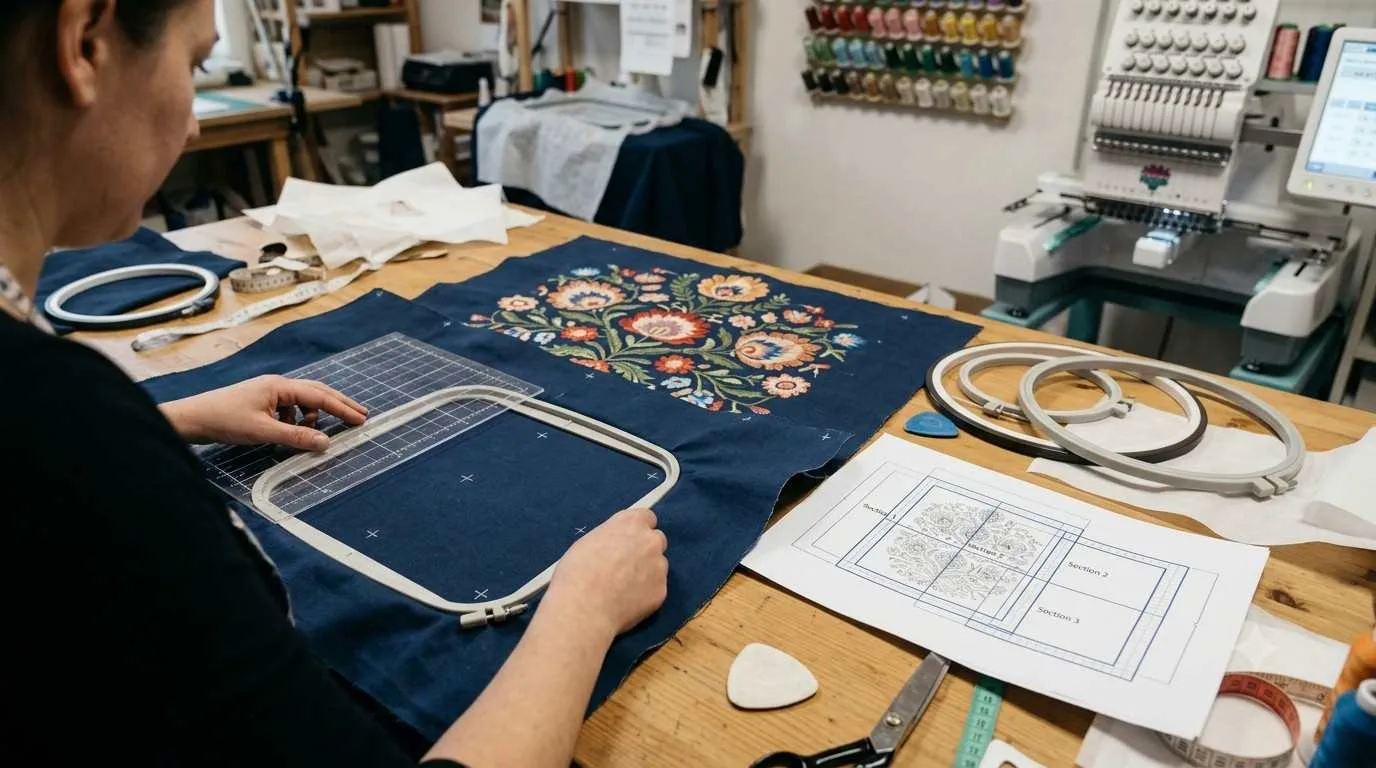
Every time a needle enters the fabric and pulls thread through, it moves the material slightly in the direction of the stitch. Individually, that movement is microscopic. Across ten thousand stitches in the same design, it adds up.
The result is that shapes shrink along the stitch direction and sometimes stretch slightly across it. A circle stitched horizontally becomes an oval. A straight border becomes slightly narrower than drawn. Two elements that should meet leave a hair-thin gap. None of this shows in a stitch simulation, because a simulation treats the fabric as if it were rigid. Real fabric isn't.
What Pull Compensation Does
The digitizer compensates by drawing the shapes slightly wider than intended, so when the fabric pulls them in, they land at the correct size.
For a satin column 2 millimeters wide, the correction is small, around 0.15 millimeters added to the width. At 5 to 6 millimeters wide, that rises to roughly 0.25 to 0.30 millimeters. At wider widths still, or on fabrics that move more, it can reach 0.40 millimeters or beyond. These aren't guesses; they follow from the stitch physics and from the digitizer's experience with specific materials.
Push compensation handles the opposite effect: some areas of a design get crowded outward at open ends and corners, and it gets managed alongside pull in the same settings pass. Most people use pull compensation as the shorthand for both.
Why Woven Fabrics Are the Easy Case
Tightly woven materials, denim, twill, canvas, heavy broadcloth, are the most forgiving substrates in embroidery. The weave structure resists movement, so the design lands close to where the software predicted. Very little compensation is needed, and what's applied is largely handling for stitch width rather than fabric shift.
This is why a corporate logo digitized for twill polos usually performs well on similar stable wovens without modification. The fabric behavior is consistent enough that the same compensation values transfer. It's also why experienced embroidery digitizing services often say these are the jobs they'd rather have.
Why Knits Are Harder
Knit construction is fundamentally different. The fabric is a series of interlocked loops rather than woven threads, which means it stretches in ways a woven fabric can't.
When a needle enters a knit, the loops around it compress and then spring back once the needle exits. The cumulative effect across a design is significantly more pull than the same design would produce on twill. That's why knits need wider compensation values, and also why underlay selection matters more: edge-run underlay along both sides of a satin column gives the top stitches a stable edge to land against, rather than letting them ride on fabric that's still moving.
Performance polyester, jersey, interlock, and four-way stretch athletic fabrics all fall into this category, with the stretchier end needing the most correction. A file built for a stable twill and run untouched on a stretch knit is a reliable way to produce the oval-circle problem mentioned at the start.
Terry and Pile Fabrics Are a Category of Their Own
Terry cloth, fleece, sherpa, and similar high-pile materials combine the challenges of a knit base with a surface that actively resists needle penetration and swallows stitches.
The compensation required on medium-weight terry can reach 0.40 millimeters, roughly double what a stable woven needs. But the bigger issue on pile fabrics is that without adequate underlay, stitches sink into the pile rather than sitting on top of it, and no amount of pull compensation corrects for a design that has effectively disappeared into the garment. A water-soluble topping laid over the fabric before stitching gives the stitches something to anchor on, and that step is as important as the compensation setting.
What Happens When It's Set Wrong
Under-compensation on a knit produces the symptoms above: shapes narrower than specified, gaps between elements that should meet, rounded shapes that aren't round. The design looks rushed rather than wrong, which is why it often gets attributed to quality rather than settings.
Over-compensation is less common but produces the opposite problem: fills that bulge beyond their intended borders, letters that look wide and heavy, elements that overlap where they should sit cleanly side by side. It's immediately obvious to anyone looking at the sample against the proof.
Both outcomes fix at the file level, not at the machine. Adjusting tension or speed doesn't correct compensation; it just changes which error is most visible. That's the point where a good embroidery digitizing services conversation becomes a production conversation.
Why the Same File Doesn't Work on Every Garment
This is the practical consequence most buyers don't anticipate.
A file built and approved on a pique polo will pull differently on a jersey tee, and differently again on a fleece hoodie. If you're running one design across several garment types, you either need a digitizer who tests for all of them or you need to accept that the result on some will be slightly off. The right answer depends on how visible the difference is and how demanding the program is.
For a simple left chest on garments that are all similar fabric weights, a single well-built file often covers the range. For a design running across twill, stretch knit, and heavyweight fleece, the honest answer is that each needs its own settings. Providers offering embroidery digitizing services for USA businesses will flag that at the quote stage rather than after the fleece sample comes back narrower than expected. A team like BitsNPixs treats the garment list as part of the brief, not an afterthought. BitsNPixs builds for the specific fabric rather than for a generic assumption, and that's what separates a file that works from one that almost works.