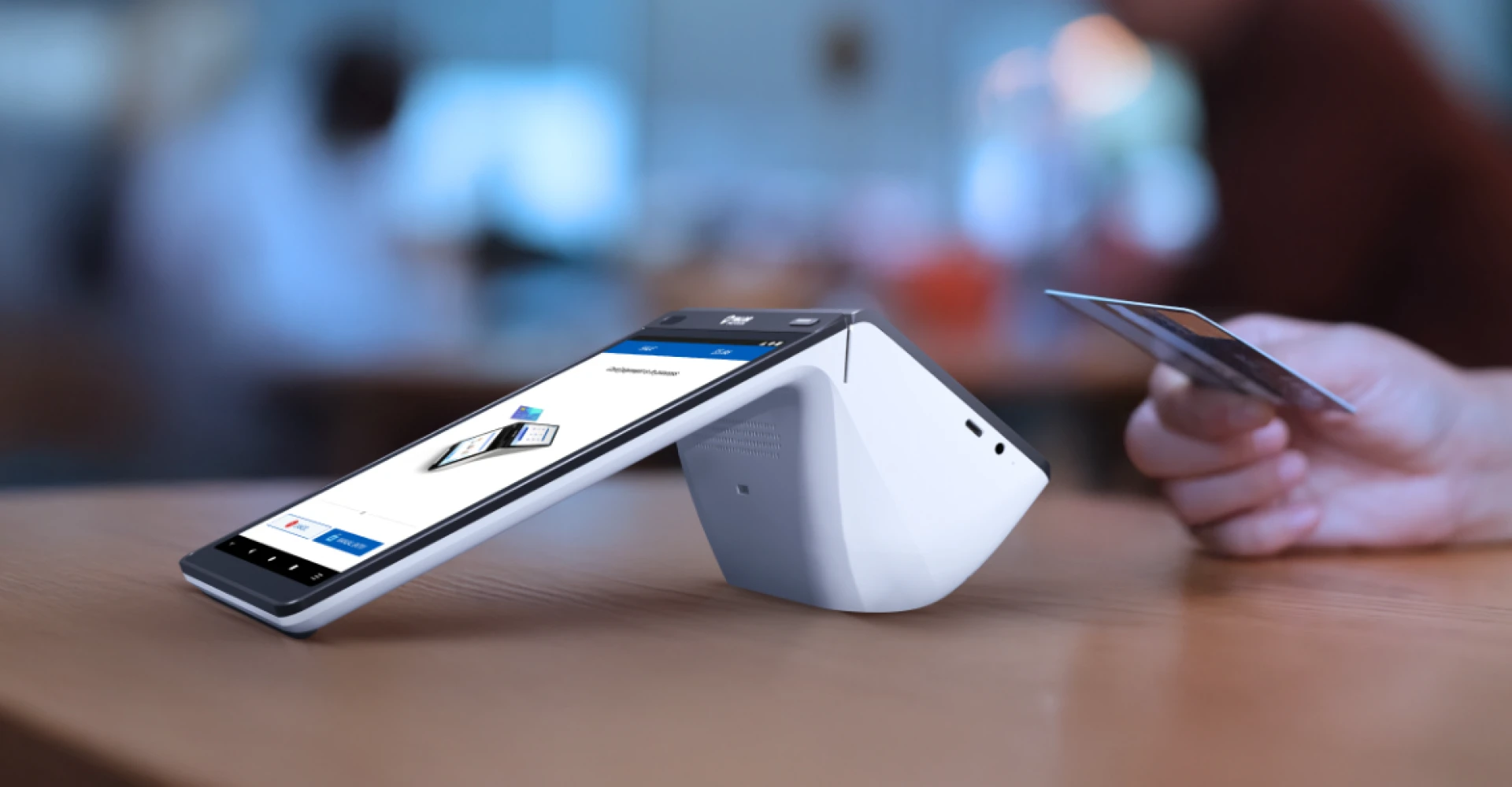
What is a POS Terminal?
A point-of-sale (POS) terminal is a combination of hardware and software that businesses use to process payments, track sales, and manage operations. It acts as the hub for financial transactions, seamlessly integrating payment acceptance with inventory and customer data management.
More than just a cash register, today’s POS terminals offer advanced capabilities like real-time analytics, customer loyalty tools, and multi-channel integrations. They provide businesses of all sizes with the ability to enhance efficiency, make data-driven decisions, and deliver exceptional customer experiences.
How does a POS Terminal work?
A POS terminal functions through a series of coordinated steps:
- Transaction Initiation: The customer selects the goods or services they wish to purchase.
- Data Input: The terminal records transaction details via a manual entry or other input methods.
- Payment Processing: Customers pay using methods such as cash, credit/debit cards, or mobile wallets. The terminal connects to the payment gateway to authorize payments.
- Receipt Generation: A receipt is issued – either printed or sent electronically.
- Data Storage: Transaction information is stored securely, enabling reporting, inventory updates, and customer insights.
These steps occur within seconds, offering both speed and reliability to businesses and their customers.
Types of POS Devices
With a wide range, one must choose the best point of sale terminal for small business. These POS machines come in various configurations to suit different business models:
1. Traditional POS Terminal for Restaurants and Cafes
- Stationary terminals are typically found at checkout counters.
- Common in retail stores, supermarkets, and full-service restaurants.
2. Mobile POS (mPOS) Devices
- Portable solutions operating on smartphones or tablets.
- It is ideal for businesses on the go, like food trucks, pop-up shops, or delivery services.
3. Cloud-Based POS Terminal for Retail Stores
- Store data on cloud servers, offering remote access and easy scalability.
- Designed for multi-location businesses needing centralized control.
4. Self-Service Kiosks
- Allow customers to place orders and make payments independently.
- Frequently used in fast-food outlets, cinemas, and retail stores to reduce wait times.
5. Integrated POS Devices
- Combine hardware and software for tailored business solutions.
- Feature integrations with accounting tools, CRM platforms, and more for a seamless experience.
Key Features of a Modern POS Device
Modern and affordable POS Device with advanced features should be equipped with the functions below:
- Multi-Payment Options: Support for cash, credit cards, mobile wallets, and contactless payments.
- Inventory Management: Real-time tracking, restocking alerts, and low-stock notifications.
- Analytics and Reporting: Insights into sales trends, customer behavior, and employee performance.
- Customer Relationship Management (CRM): Tools to manage loyalty
- programs, store purchase history, and offer personalized promotions.
- Employee Management: Tracks schedules, performance metrics, and access permissions for staff.
- Remote Access: Enables business owners to monitor operations anytime, anywhere.
- Built-In Receipt Printer: A POS terminal with built-in receipt printer provides businesses with a more efficient, cost-effective, and customer-friendly solution.
These features not only streamline operations but also provide businesses with the tools to enhance customer satisfaction and drive revenue.
Benefits of Using a POS Device
The advantages of adopting a POS terminal are vast:
Enhanced Efficiency
Speeds up checkout processes and reduces waiting times, improving overall customer experience.
Improved Accuracy
Minimizes human error in billing and inventory updates, leading to more reliable operations.
Data-Driven Decisions
Provides actionable insights through detailed analytics, helping businesses optimize operations and strategies.
Customer Satisfaction
Enables faster service and supports diverse payment preferences, catering to modern consumer needs.
Scalability
Easily adapts to the growing needs of a business, whether it’s adding new locations or handling increased customer traffic.
Cost Savings
Automates routine tasks, reducing the need for extensive manual labor and saving operational costs.