

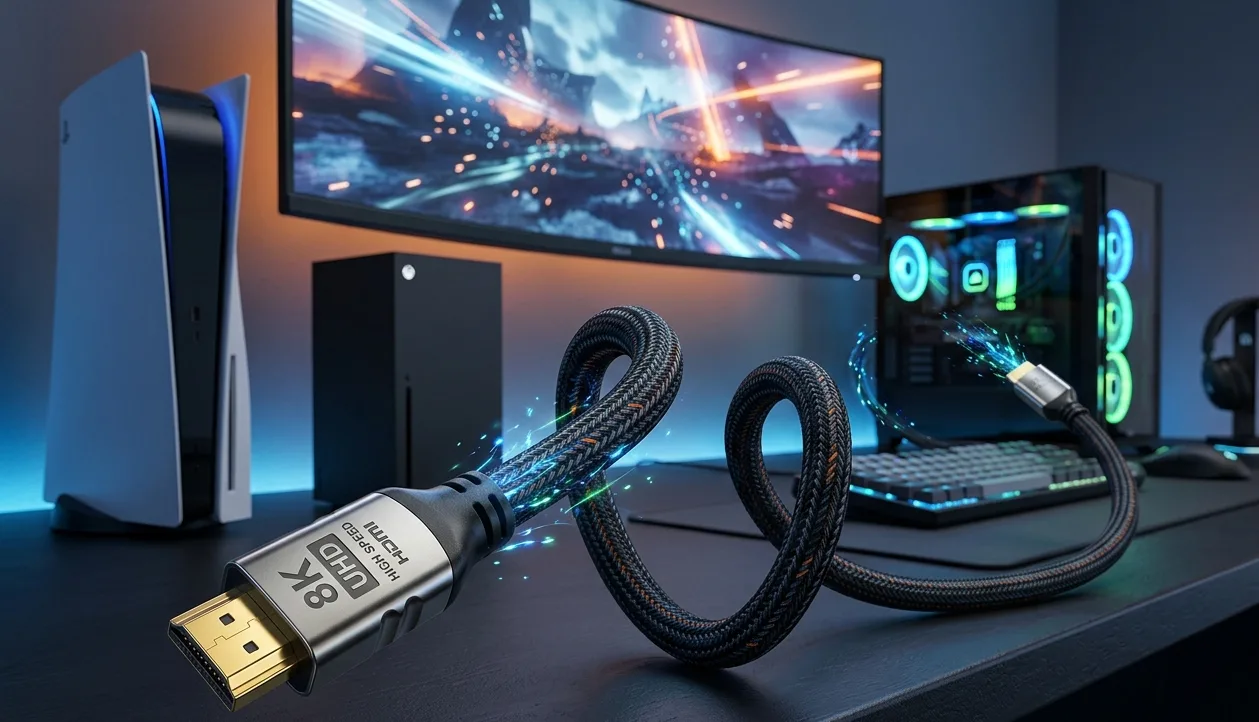
The combination of 4K resolution and 120Hz refresh rate represents a major leap in gaming quality. But it's also a combination that's surprisingly easy to accidentally set up wrong particularly when the hdmi cable for pc or console connections isn't up to spec.
Let's break down exactly what 4K 120Hz means and why the cable is such a critical part of making it work.
What Is 4K Resolution?
4K (also called Ultra HD) refers to a resolution of 3840x2160 pixels four times the pixel count of 1080p Full HD. More pixels mean sharper images with finer detail. Text is crisper, textures in games are more detailed, and the overall visual fidelity is noticeably better on a quality display.
4K has become the standard target for modern gaming. The PS5, Xbox Series X, and high-end PC gaming all aim to run games at 4K or close to it.
What Is 120Hz?
Hz (hertz) refers to how many times per second the display refreshes its image. A 60Hz display refreshes 60 times per second. A 120Hz display refreshes 120 times per second twice as fast.
A higher refresh rate means smoother motion. When a game runs at 120 frames per second on a 120Hz display, movement looks noticeably more fluid compared to 60fps on a 60Hz screen. Fast camera movements, action sequences, and quick reflex moments all feel more responsive.
Why Is 4K 120Hz Demanding?
Combining 4K resolution with 120Hz creates a massive amount of data that needs to travel from your PC or console to your display every second. The math: a 4K 120fps signal without compression requires approximately 40-48Gbps of bandwidth.
This is why an hdmi cable for pc gaming at these settings needs to be HDMI 2.1. The older HDMI 2.0 standard maxes out at 18Gbps not nearly enough to carry 4K 120fps uncompressed.
What Happens With the Wrong Cable?
If you're trying to run 4K 120Hz but your cable doesn't support the required bandwidth, a few things can happen:
The console or PC may refuse to offer 120Hz at 4K, limiting you to 4K 60Hz instead.
You may be forced into a lower color depth or compressed signal to fit within the cable's bandwidth limit.
Signal instability, flickering, or intermittent connection failures may occur.
You may not even know this is happening the system will simply silently downgrade to a compatible mode.
Checking Your Setup
On PC, you can verify your display settings through your GPU's display settings panel. NVIDIA Control Panel and AMD Radeon Software both show the current resolution, refresh rate, and color depth. If you're aiming for 4K 120Hz and the settings show 4K 60Hz, your cable or display port may be the limiting factor.
On PS5 and Xbox Series X, go to the display settings menu. Both consoles will show the current output mode and can test whether HDMI 2.1 features are active.
What You Need for 4K 120Hz
An HDMI 2.1 source port: Your GPU, PS5, or Xbox must have an HDMI 2.1 output.
A certified 48Gbps HDMI cable: Not just labeled HDMI 2.1, but certified for full bandwidth.
An HDMI 2.1 display port: Your TV or monitor must have an HDMI 2.1 input port that supports 4K 120Hz.
All three elements are required. The cable is the link in the chain that's most often wrong because it's easy to grab an old cable that looks identical but doesn't meet spec.
Once you have all three elements right, 4K 120Hz gaming is a genuinely impressive experience. It represents the best of what modern gaming hardware can currently offer, and the cable as small as it seems is a critical part of making it happen.
Original Article :- Click here


