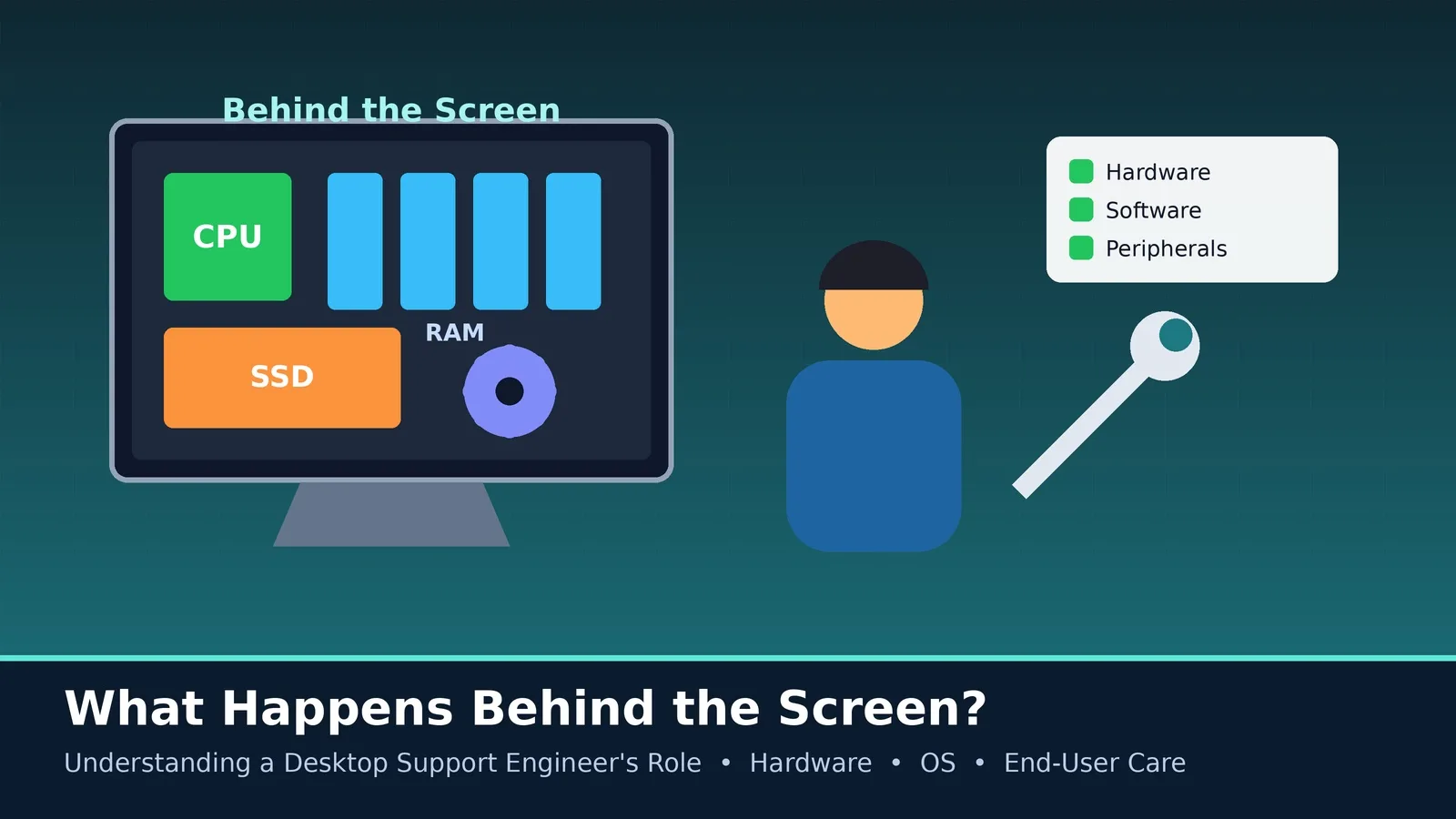
Most people only notice their computer when it stops working. So, what happens behind the screen? Understanding a desktop support engineer's role reveals the hands-on work that keeps laptops, desktops, software and peripherals ready for daily use. This guide explains the duties, skills and career opportunities of this practical IT profession.
What Is a Desktop Support Engineer?
A desktop support engineer maintains and repairs end-user devices and the software installed on them. They work closely with employees, often at the user's desk, and handle problems that cannot be solved over a short call.
Main Responsibilities
- Set up new computers, install operating systems and configure applications.
- Diagnose and repair hardware issues such as faulty RAM, hard drives, power supplies and keyboards.
- Troubleshoot software crashes, slow performance, updates and driver problems.
- Connect users to printers, Wi-Fi, VPN and shared folders.
- Remove malware and apply security updates and antivirus tools.
- Back up and transfer user data safely during upgrades.
- Maintain an inventory of devices and software licences.
- Provide on-site support for meetings, events and new joiners.
- Record work in the ticketing system and escalate when necessary.
What Goes On Inside a Computer?
Understanding the hardware is the foundation of this role. The processor performs calculations, memory (RAM) holds data that is currently in use, storage (HDD or SSD) keeps files and the operating system, and the motherboard connects everything. Knowing how these parts interact helps you identify the cause of a problem quickly.
Common Problems and Simple Checks
- Computer will not start: check power, cables, battery and display connections.
- Slow performance: check startup programs, disk space, malware and memory use.
- No internet: test other devices, restart network adapters and check the router.
- Printer not working: check connections, queues, drivers and paper or ink.
Skills and Tools
- Windows and macOS troubleshooting, plus basic Linux knowledge.
- Hardware knowledge and careful handling of components.
- Remote desktop and imaging or deployment tools.
- Microsoft 365, Active Directory and endpoint management basics.
- Good communication and a respectful attitude with users.
Safety and Professional Habits
Work with equipment turned off and unplugged when opening it, use anti-static precautions, back up data before making major changes and never share user information. Careful, honest work builds trust.
Certifications and Career Growth
CompTIA A+ is a popular starting certification, supported by Microsoft fundamentals and ITIL Foundation. From desktop support, you can move to systems administration, endpoint management, network support or cloud roles.
Watch More:- Understanding The Desktop Support Engineer Role
Conclusion
A desktop support engineer turns technical complexity into a smooth user experience. If you enjoy hardware, solving puzzles and helping people, this role offers practical skills and a clear path for growth.