In a world where speed and convenience drive user behavior, mobile experiences need to be fast, frictionless, and intuitive. That’s where App Clips come in. But before diving into how they work or why they matter, let’s start with the big question: What are App Clips?
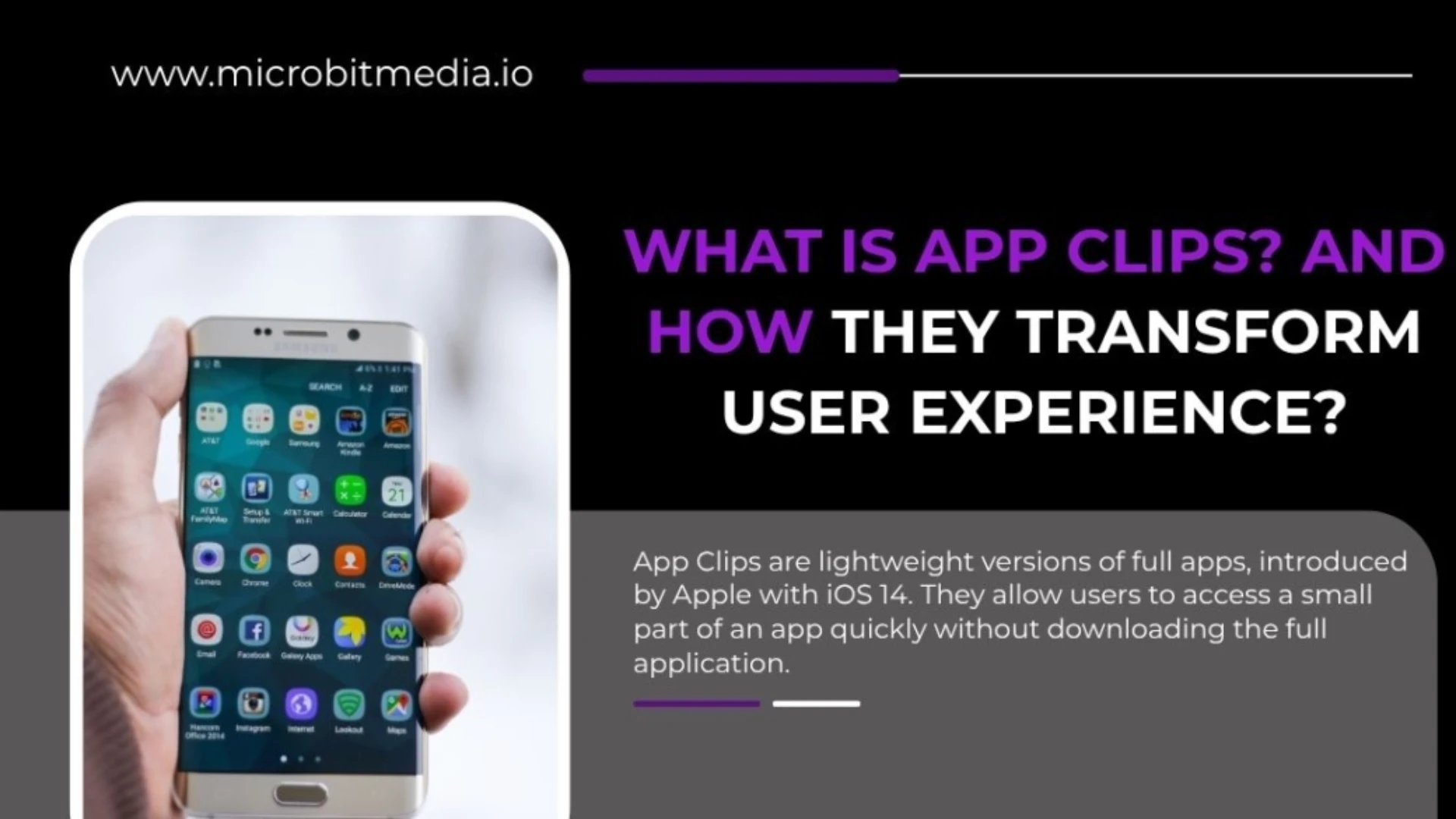
App Clips are a powerful feature in iOS that lets users access small parts of an app—just the part they need—without downloading the full version. They’re designed for quick tasks like paying for coffee, renting a scooter, or checking in at an event. All it takes is a tap or scan, and the mini-app opens instantly.
📱 What Are App Clips in Simple Terms?
If you’ve ever hesitated to download an app just to perform a single task, you’re not alone. That’s exactly the problem Apple aimed to solve when it introduced App Clips.
So, what are App Clips exactly? They are lightweight, fast-loading slices of an app (under 10 MB) that focus on completing one specific action. You don’t have to search the App Store, wait for a download, or create an account. Everything happens in the moment.
They’re ideal for things like ordering food, making payments, or signing up for loyalty programs—right when and where users need them.
🔍 How Users Access App Clips
Apple made App Clips easy to access through several methods. Users can trigger them by:
- Scanning an App Clip Code (Apple’s custom-designed QR code with NFC).
- Tapping an NFC tag embedded in signage or products.
- Clicking smart banners in Safari.
- Opening links in Messages.
- Interacting with locations in Apple Maps.
These touchpoints let businesses connect with customers at just the right moment—without relying on app downloads or complex onboarding.
Let’s say you’re in a parking lot. Instead of installing a parking app, you simply tap your phone on a sign and launch an App Clip to pay instantly with Apple Pay. That’s the magic of App Clips in action.
⚙️ Features That Make App Clips Stand Out
Understanding what are App Clips means recognizing how tightly they integrate with the iOS ecosystem. Some standout features include:
- Apple Pay for secure, one-tap payments.
- Sign in with Apple for fast authentication without creating new accounts.
- Privacy by design—they don’t ask for unnecessary data.
- Temporary presence—they auto-delete after inactivity, keeping users’ phones clean.
They’re designed to be minimal, focused, and user-friendly, all while respecting Apple’s strong stance on privacy and security.
✅ Why Businesses Should Care About App Clips
Businesses looking to increase engagement, conversions, or streamline customer experiences should take notice. App Clips are perfect for:
- Restaurants offering contactless ordering and payments.
- Retail stores promoting quick loyalty sign-ups.
- Transportation services enabling fast access to bikes, scooters, or parking.
- Events that want fast check-in solutions without full app installations.
The beauty of App Clips is that they reduce friction. No app store. No waiting. No barriers. Just instant access to your service, right when the user wants it.
📊 What Are App Clips Offering Developers?
From a developer’s perspective, App Clips are an opportunity to showcase key app functionality in a lightweight format. They’re built using the same frameworks as full apps, meaning developers don’t need to reinvent the wheel.
Best of all, once users try the App Clip, they’re given the option to download the full app. This creates a seamless conversion funnel from micro-interaction to full user acquisition—all while delivering immediate value.
🚧 Limitations to Keep in Mind
Despite the many benefits, App Clips do have limitations:
- Size cap: Must be under 10 MB.
- Limited background functionality: Not ideal for complex or persistent tasks.
- Short lifespan: They disappear from the device after a few days.
- No access to push notifications (beyond 8 hours unless the app is installed).
So, while they’re perfect for quick actions, they’re not meant to replace full apps for ongoing engagement.
🔮 The Future of App Clips
So, what are App Clips likely to become in the future? As more businesses adopt them and more users experience their convenience, App Clips could evolve into a default way for brands to interact with mobile users. Imagine walking through a mall and having access to store-specific App Clips via smart signage or AR.
Apple continues to improve how App Clips integrate with Maps, Siri, Wallet, and more—paving the way for smarter, faster, and more contextual app interactions.
📝 Final Thoughts
To wrap it up, what are App Clips? They’re Apple’s answer to the growing demand for quick, focused mobile experiences. Designed for moments when users don’t want or need a full app, App Clips provide instant value and encourage deeper engagement later.
For businesses, they’re a new way to drive conversions, simplify user flows, and meet customers where they are—without any friction. If you’re not already exploring App Clips, now is the time to start.