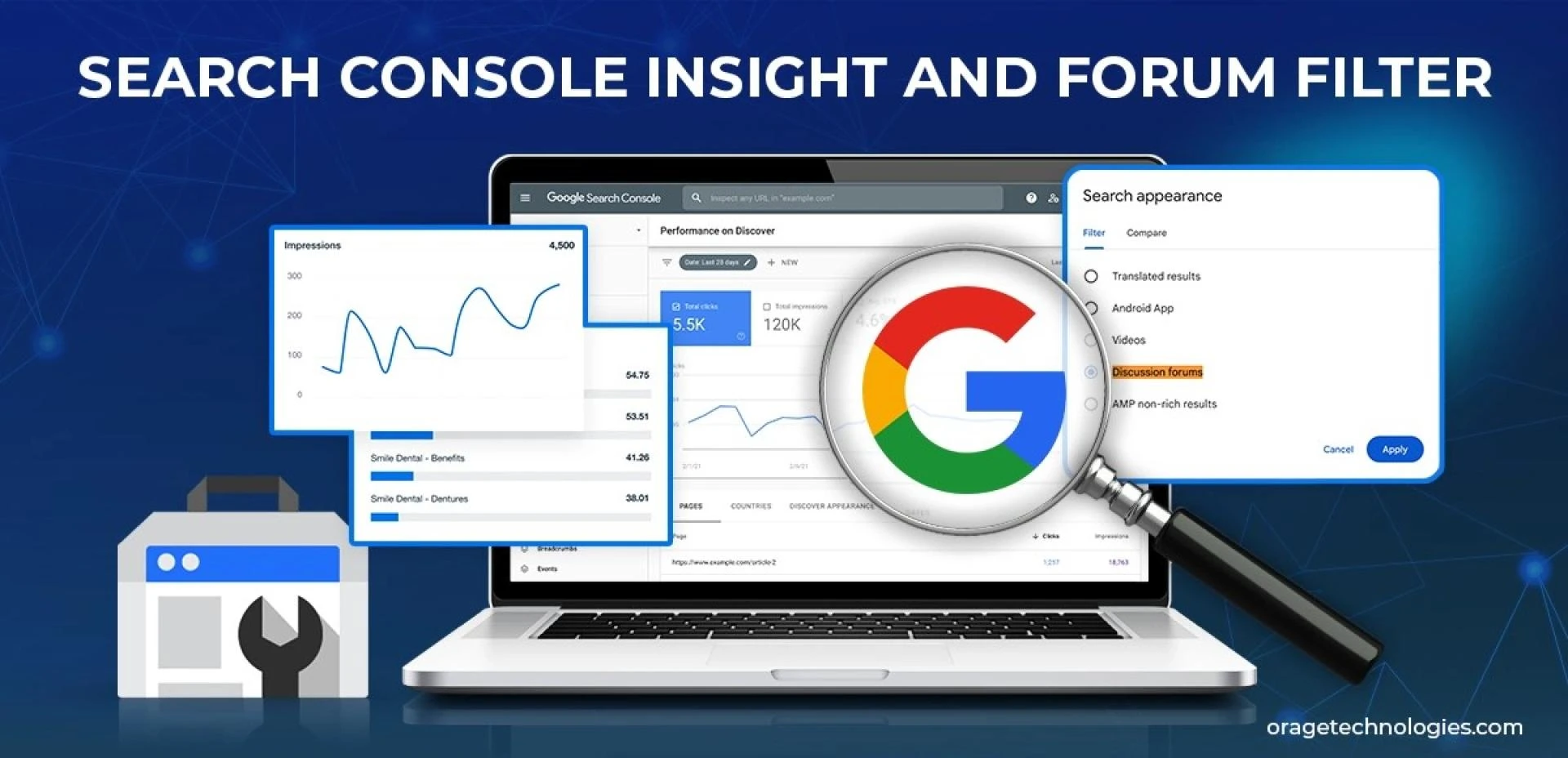
Understanding the performance of your content is essential in the fast-paced online world of today. A powerful, free software tool designed especially for web developers, bloggers, and content producers is Google's Search Console Insights. However, how exactly can you use it to develop and strengthen your SEO strategy?
In order to help you optimize your content, improve your search engine ranking, and increase your visibility, we'll walk you through how to use Search Console Insights effectively and show you how it may provide important information.
What Is Search Console Insight and Why Should You Use It?
Search Console Insight is a feature-rich, easy-to-use reporting tool based on Google Search Console and Google Analytics data. Its main purpose is to assist website owners in knowing how individuals find their content and what they keep reading.
Whereas the more techie Google Search Console is a bit hard to digest, Search Console Insight gives you bite-sized, visual insights that are easy for non-techie users like you. As a blogger, content strategist, or small business owner, it answers your questions clearly:
- Which pages rank best?
- How do people get to your site?
- What keywords or searches are driving traffic?
By knowing these, you get the clarity you need to craft your SEO tactics.
How Do You Use Search Console Insights to Find Top-Performing Content?
What works, you know, so you can make more of it. One of the first things you'll see in Search Console Insights is the Top Performing Pages tab. This shows you:
- How much time users spend on each page
- How they arrived there (search, social, direct, referral)
- What keywords brought them there
This is SEO gold because you can use this to:
- Find content that connects with your audience
- Optimize duplicate pages
- Reuse successful content in videos, social media posts, or email newsletters
Rather than guessing, you're now making content decisions based on data.
Which Searches Are Bringing Your Traffic?
This could be one of the most SEO-useful bits of data you can acquire. Search Console Insight reveals to you your top searches or keywords that drive people to your website.
But here's where it becomes potent: by looking at what people search before they hit your page, you can:
- Identify high-intent keywords
- Identify gaps in content
- Optimize titles and meta descriptions accordingly
For example, if people are hitting your article on "healthy smoothie recipes" from searching "low sugar smoothie for article, you could add a section dedicated to diabetic-friendly options.
How Do Referring Links Help Your SEO?
Referrals count. Another useful aspect of Search Console Insights is that it shows you referring pages from other websites. These are backlinks, and in the world of SEO, they're confidence votes.
Backlinks:
- Boost your domain authority
- Get pages to rank better
- Attract new audiences
Search Console Insight shows you which external pages link to your pages and how much traffic they deliver. You can then:
- Nurture relationships with those referring domains
- Offer guest post pitches
- Produce more content that attracts links
- It's one of the most actionable link-building strategy tools.
Can You Use Search Console Insights to Drive Content Engagement?
Yes. Search Console Insight points out average time on page, allowing you to estimate just how engaging your content is.
Low dwell times can signal:
- The content isn't satisfying user expectations
- Bad formatting or readability
- Lack of strong CTAs
Use this information to:
- Enhance intros and headings
- Include visuals or videos
- Break up content into skimmable sections
When visitors linger longer, it sends good signals to Google, improving your SEO efficiency.
What Are Common Errors to Steer Clear of When Using Search Console Insight?
It's simple to get pulled in by numbers and neglect context. Here are common pitfalls:
- Basing everything on high traffic pages: Oftentimes, niche or low traffic pages perform well in conversions.
- Neglecting query intent: A keyword could be sending traffic, but not the proper crowd.
- Not verifying content freshness: An outdated high-performing post can subtly lose its performance if not refreshed.
Steer clear of these by integrating Search Console Insights with weekly content audits and user feedback.
How Frequently Should You Monitor Search Console Insights?
You don't have to sit in front of it all day, but scanning it weekly is a good rule of thumb. Here's why:
- Weekly scans enable you to detect abrupt changes in traffic
- You can react fast to content that spikes or dips
- Seasonal trends are simpler to determine
Pro tip: Allocate 30 minutes of your Monday morning to go over your insights and create a note of content adjustments or ideas.
What Are Some Actionable Tips for SEO Using Search Console Insights?
In case you wish to respond fast, here are some actionable ways to get the most out of your SEO strategy:
- Refresh Old Posts: Leverage performance data to update existing content that continues to rank.
- Target Increasing Queries: Identify queries that are increasing in impressions and create content around those.
- Optimize Load Time: Low-engagement pages can be slow—check Core Web Vitals.
- Build Cluster Content: If a page performs well, create topic clusters around it to own the niche.
- Double Down on What Works: Repurpose your best content as reels, carousels, or email newsletters.
FAQs About Using Search Console Insight for SEO
Q1: Is Search Console Insight superior to Google Analytics?
Not necessarily. Both are helpful tools, but Search Console Insight is specifically designed for rapid content insights and SEO, whereas GA4 is more complex and technical.
Q2: Is Search Console Insight accessible for starters?
Yes. It's designed for simplicity and visuality, great for creators who aren't data scientists.
Q3: Do I require both Search Console and Search Console Insight?
Yes. Insight draws from Search Console and Analytics, but doesn't do the job in place of either. Think of it as a trimmed-down dashboard.
Q4: Is Search Console Insight data real-time?
No, there's typically a 1–2 day delay. For real-time stats, use GA4.
Q5: Do I get to view social media traffic?
Yes, it's broken down by channels such as Facebook, Instagram, and Twitter.
Conclusion
By using Search Console Insights routinely, you're not guessing what works; enough said. You're crafting your SEO strategy on data, context, and engagement. You're making SEO easy for creators, and what was once an overwhelming optimization process is now much more intuitive and actionable.
Let the content do the talking, but let Search Console Insight lead the way.