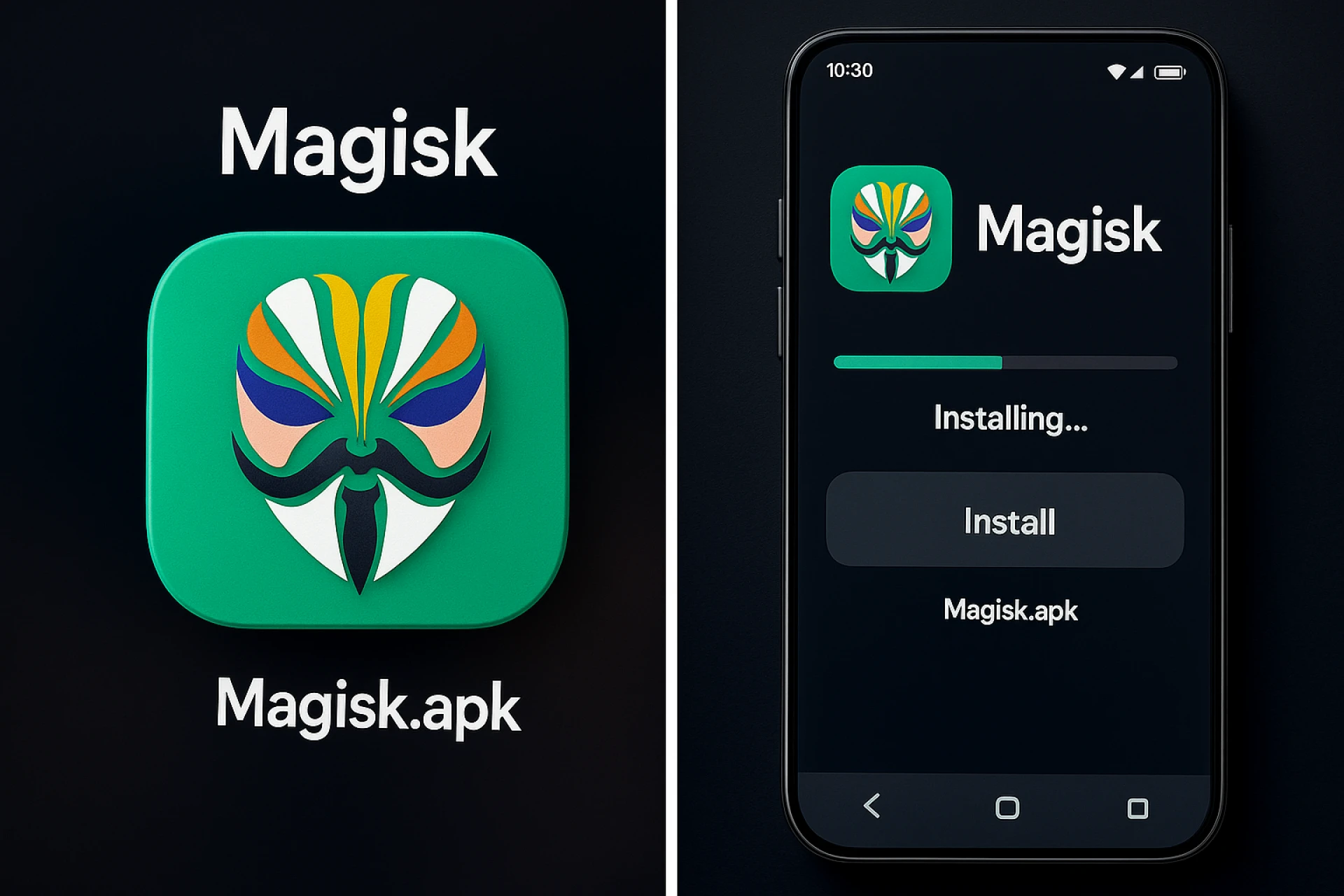
If you are an Android user who loves customization, freedom, and control over your device, then Magisk APK is a name you should know. Magisk is a powerful tool that allows you to root your Android phone safely and enjoy advanced features without breaking the system. It gives you access to hidden functions, custom modules, and many new possibilities that normal users can’t experience. Unlike traditional rooting methods that can damage your system or stop updates, Magisk works systemlessly. This means it modifies the system without touching the core files of your Android, keeping it clean and secure.
With Magisk APK, you can enjoy full control of your phone while keeping it protected. It allows you to use apps that usually block rooted phones, such as banking or streaming apps. You can hide the root access from these apps using the “Magisk Hide” feature. Whether you are a gamer, developer, or just a curious Android lover, Magisk is a must-have tool. It combines safety, flexibility, and endless customization in one simple application.
In this article, we will explore everything about Magisk APK — how it works, why it’s so popular, what benefits it offers, and how it changes your Android experience. Let’s dive in and discover why Magisk has become one of the most trusted tools among Android users worldwide.
What Is Magisk APK and How It Works
Magisk APK is a modern rooting solution for Android devices that allows you to gain full access to your system without modifying the main partitions. This is called systemless root, which means the original system files remain untouched. Instead, Magisk creates a separate layer where all modifications are applied. This keeps your Android safe, clean, and easy to update even after rooting.
The main purpose of Magisk is to give you more control over your device. It lets you modify your phone, add powerful modules, and remove unwanted apps without damaging your operating system. The best part is that it’s open-source, meaning developers around the world contribute to improving it regularly.
When you install Magisk APK, it replaces the boot image with a patched version that allows root access. This enables apps that require root permissions to function properly. But unlike older rooting methods, Magisk doesn’t interfere with Google’s SafetyNet feature. This means you can still use apps like Google Pay, Netflix, and banking apps even after rooting.
Magisk also includes a manager app called Magisk Manager, which helps you control root permissions, install modules, and hide root access when needed. It provides an easy-to-use interface that anyone can understand, even without technical knowledge.
In short, Magisk APK gives you complete control over your Android device in a smart and safe way, allowing endless customization possibilities.
Key Features That Make Magisk Special
Magisk is not just another rooting app; it’s a complete Android customization framework. The features it offers are what make it stand out from other tools.
One of the best features is systemless rooting, which allows you to root your device without modifying the core system. This means you can still receive official updates and pass Google’s SafetyNet checks. Unlike other root methods, Magisk ensures your system remains clean and functional.
Another great feature is Magisk Modules. These are small add-ons that enhance your phone’s performance and add new features. For example, you can install modules to improve sound quality, battery life, or even change the look of your entire system. These modules are easy to download and install directly from the Magisk Manager app.
The Magisk Hide feature is also very powerful. It lets you hide the root access from apps that normally block rooted phones. For example, you can use your banking or streaming apps without any issues. This is one of the main reasons why Magisk is loved by millions of users.
Magisk also includes a built-in safety check, ensuring that your system remains stable after rooting. It’s designed for both beginners and advanced users, offering flexibility, safety, and control all at once.
Overall, Magisk APK is a combination of innovation and security. It gives you the power to modify your phone exactly how you want, without losing important features or security protection.
Benefits of Using Magisk APK
The benefits of Magisk APK go far beyond just rooting. It’s a full customization tool that changes the way you interact with your Android device.
First, it offers full control over your system. You can uninstall bloatware, improve performance, and personalize every detail of your phone. Many users use Magisk to install advanced features that are usually available only in premium devices.
Second, Magisk allows systemless modifications, meaning your device remains stable even after rooting. You can easily install new updates from your manufacturer without any risk of losing data or damaging your phone.
Third, Magisk lets you bypass SafetyNet, which means you can use all your favorite apps like Google Pay, Netflix, and Amazon Prime without being blocked. This is a huge advantage over other rooting methods.
Another benefit is the Magisk Modules feature. These modules let you enhance your Android’s functionality in ways that are not possible on stock systems. From sound boosters to battery optimizers, you can find endless useful modules in the Magisk community.
Lastly, Magisk gives you complete privacy and control. You can hide root access when you don’t want certain apps to know your device is rooted. This balance between power and protection makes Magisk APK the best solution for anyone who loves Android customization.
How to Install Magisk APK Safely
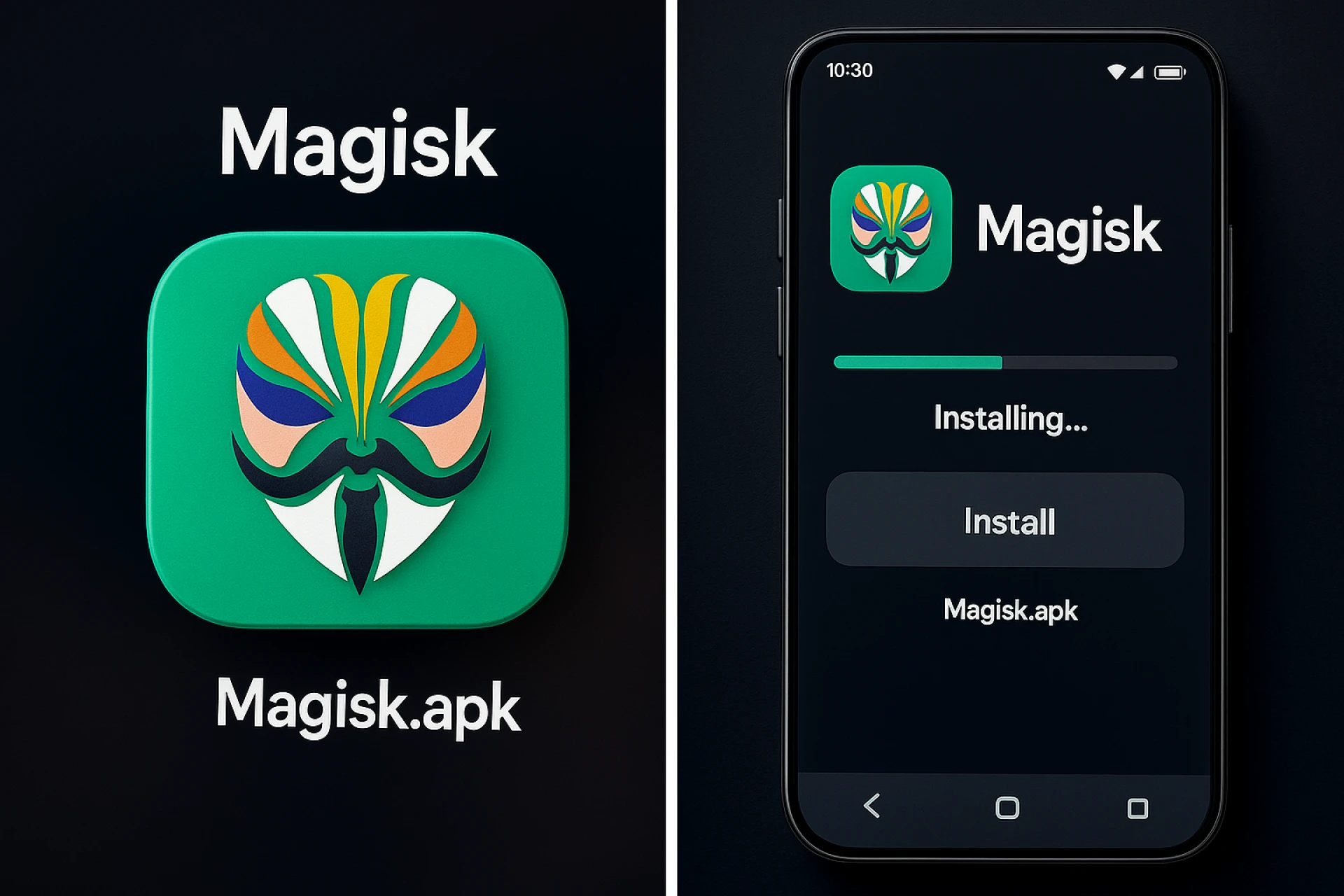
Installing Magisk APK is a simple process, but it must be done carefully to ensure safety and success. The first thing you need to do is unlock your device’s bootloader. This step is necessary for most Android phones to allow modifications. Once your bootloader is unlocked, you can install a custom recovery like TWRP (Team Win Recovery Project).
After setting up TWRP, download the latest version of Magisk APK from a trusted source. It’s important to download only from the official Magisk website or GitHub to avoid fake or harmful files. Once downloaded, install the APK on your phone. Then, use TWRP recovery to flash the Magisk ZIP file, which will patch your boot image and enable root access.
Once installed, open the Magisk Manager app. Here, you can check if the installation was successful and start managing root permissions. You can also browse and install modules directly from the app.
It’s a good idea to make a full backup of your data before starting the installation, just in case anything goes wrong. However, Magisk’s systemless nature makes it much safer than older rooting methods.
In short, the installation process of Magisk APK is straightforward and safe if you follow the steps carefully. Once completed, you will have a fully rooted Android with maximum control and flexibility.
Common Issues and How to Fix Them
Even though Magisk APK is one of the safest rooting tools available, users sometimes face minor issues during or after installation. The good news is that most of these problems can be solved easily.
One common issue is SafetyNet failing after rooting. This happens when the system detects modifications. To fix it, update Magisk to the latest version and enable “Magisk Hide.” You can also clear the data of the Google Play Services app and reboot your phone.
Another issue users face is boot loop, where the phone keeps restarting after flashing Magisk. This usually happens if the wrong file is flashed or the firmware is incompatible. To fix this, re-flash the original boot image or restore your backup through TWRP.
Sometimes, users experience Magisk modules causing problems such as app crashes or slow performance. The solution is to remove the problematic module from recovery mode or disable it through the Magisk Manager.
It’s also possible for Magisk Manager not to open or crash. This can be fixed by uninstalling the app and reinstalling the latest version from a reliable source.
Overall, these issues are minor and easily fixable. With proper installation and regular updates, Magisk APK runs smoothly and provides a stable, customizable experience for all Android users.
Why Magisk APK Is Trusted Worldwide
The reason Magisk APK has become a global favorite among Android users is because of its reliability, transparency, and innovation. Unlike other rooting methods that compromise system integrity, Magisk offers a systemless root that keeps your Android secure. This approach allows users to enjoy full root access without breaking SafetyNet or affecting OTA updates.
Developers love Magisk because it’s open-source. Anyone can check its code, verify its safety, or even contribute improvements. This level of openness builds trust and ensures that the app remains safe and transparent for everyone.
Another reason for its global popularity is its community support. Magisk has a huge online community where users share experiences, fix problems, and create new modules. This makes it constantly evolving and improving.
In addition, the Magisk Manager app makes it easy for beginners to use. It provides a clean, user-friendly interface where all options are clear and simple. From managing root access to installing modules, everything can be done in a few taps.
Overall, Magisk APK has earned its reputation because it offers freedom, security, and convenience — three things Android users value the most. It’s not just a tool; it’s a complete ecosystem for Android customization and control.
Conclusion
Magisk APK has completely changed the world of Android customization. It gives users the freedom to control their devices fully while keeping them secure and up-to-date. From systemless rooting to powerful modules and SafetyNet bypassing, Magisk offers everything an Android enthusiast could ask for.
It’s safe, easy to use, and trusted by millions of users worldwide. Whether you’re a beginner who wants to remove unwanted apps or a developer who needs full control, Magisk APK is the ultimate solution. It truly represents the perfect balance between power, privacy, and performance.
If you want to unlock your Android’s full potential without risking security, Magisk APK is the best choice for you.
Frequently Asked Questions (FAQs)
Q1. Is Magisk APK safe to use?
Yes, Magisk APK is completely safe when downloaded from official sources. It uses a systemless method, which means it doesn’t modify the core Android files, keeping your system stable and secure.
Q2. Can I receive OTA updates after installing Magisk?
Yes. Since Magisk doesn’t change the system partition, you can still receive and install official OTA updates without losing root access.