Choosing the right employee time tracking software can be difficult, especially when several platforms offer similar features. Time Doctor and Hubstaff are popular choices for businesses that want to track employee hours, monitor productivity, and manage remote teams.
However, tracking employee time alone may not be enough. Service businesses also need accurate timesheets, project visibility, attendance management, and better control over employee workloads.
Workstatus is another option for businesses looking to manage these activities from one platform.
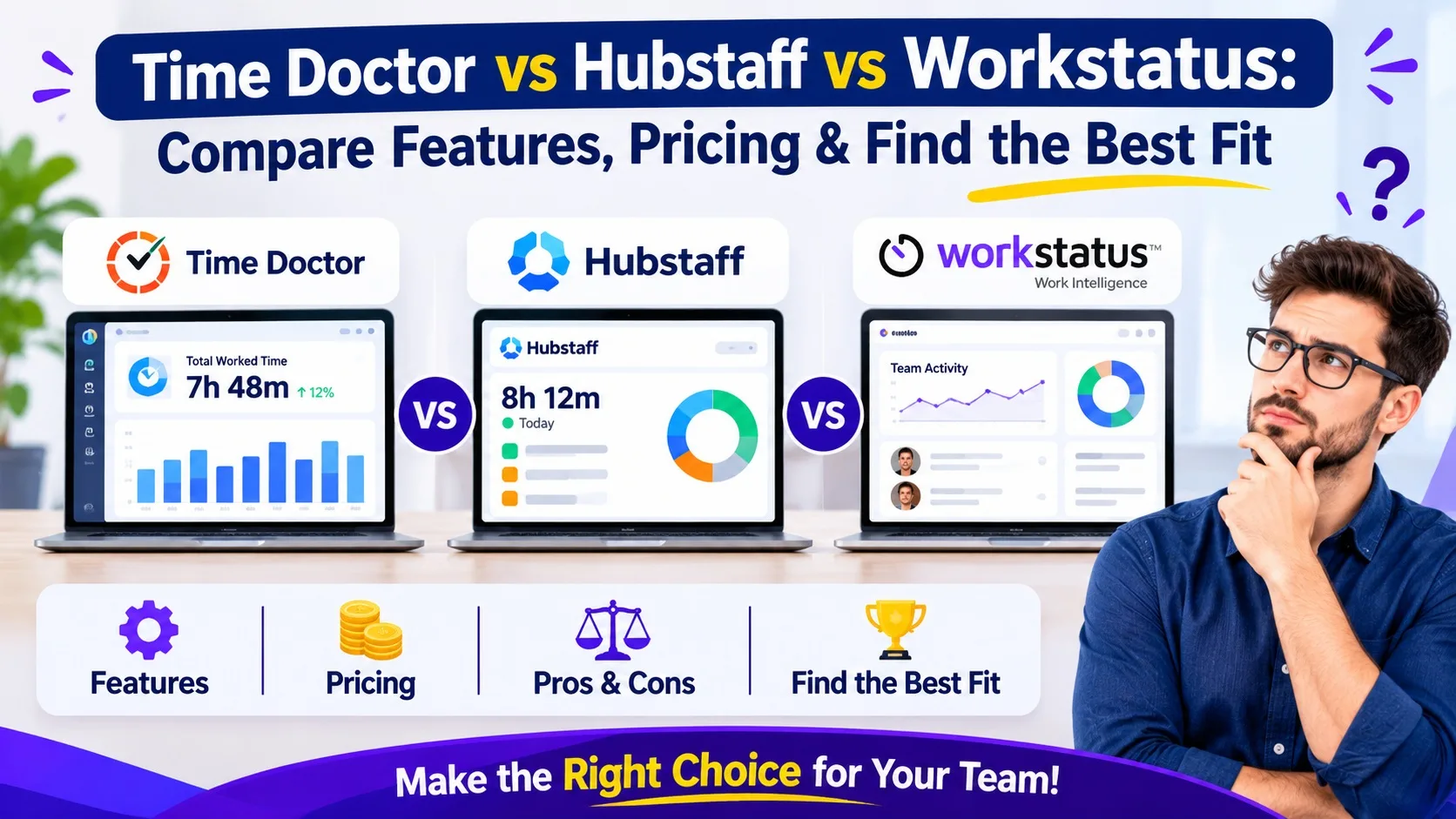
In this article, we compare all three platforms, their features, pricing considerations, and benefits to help you find the right solution.
1. Quick Overview of Workstatus, Time Doctor, and Hubstaff
All three platforms help businesses understand how employees spend their working hours, but their main strengths are different.
- Workstatus: Connects time tracking, productivity insights, project management, attendance, and workforce reporting.
- Time Doctor: Focuses on employee time tracking, productivity monitoring, activity reports, and distraction alerts.
- Hubstaff: Combines time tracking with workforce monitoring, project budgets, attendance, and GPS tracking.
The best choice depends on your business requirements, team size, and daily management challenges.
2. Compare Features: Which Software Offers More?
Before selecting software, check whether its features match your team's daily requirements.
| Features | Workstatus | Time Doctor | Hubstaff |
|---|---|---|---|
| Time Tracking | Yes | Yes | Yes |
| Timesheets | Yes | Yes | Yes |
| App & Website Tracking | Yes | Yes | Yes |
| Screenshots | Yes | Yes | Yes |
| Idle Time Detection | Yes | Yes | Yes |
| Project Management | Yes | Limited | Yes |
| Attendance Tracking | Yes | Yes | Yes |
| GPS Tracking | Yes | Limited | Yes |
| Productivity Reports | Yes | Yes | Yes |
Feature availability may depend on the selected subscription plan.
3. Time Doctor vs Hubstaff: Which Offers Better Value for Money?
When comparing time doctor vs hubstaff, businesses should look beyond the starting subscription price. The important thing is to understand which features are included and whether they support your daily operations.
Time Doctor: Offers different subscription plans based on time tracking, employee monitoring, and reporting requirements. Businesses should compare plans to find the features they need.
Hubstaff: Provides multiple plans covering time tracking, workforce management, and reporting. Some advanced capabilities are available in higher subscription levels.
Workstatus: Offers pricing options for businesses looking for time tracking, employee productivity management, project management, and workforce visibility.
Before making a decision, compare the total monthly cost for your team and check whether you need additional paid features.
4. Which Software Is Better for Managing Remote Teams?
Managing remote employees requires more than knowing when they start and finish work.
Managers need visibility into working hours, task progress, productivity patterns, and project performance.
- Time Doctor helps managers understand employee activity and identify distractions.
- Hubstaff supports remote and field teams with time tracking, activity monitoring, and location-based features.
- Workstatus combines employee time tracking, project management, attendance, and productivity reporting.
For service businesses managing employees across different projects, having these activities connected can make daily operations easier.
5. Why Consider Workstatus as an Alternative?
Many businesses start with basic time tracking but later need more features as their teams grow.
Workstatus provides several capabilities to help businesses manage their workforce.
Key features include:
- Automatic time tracking: Record working hours and understand how time is spent.
- Productivity insights: Review app usage, website activity, idle time, and productivity reports.
- Project management: Organize tasks, manage projects, and review project progress.
- Attendance management: Manage employee attendance, shifts, and leave.
- Automated timesheets: Reduce manual reporting work.
- GPS tracking: Support field teams with location-based attendance and tracking features.
These features help businesses manage employee time, projects, and workforce information from one platform.
6. How to Choose the Right Software for Your Business
The time doctor vs hubstaff comparison shows why businesses should evaluate software based on their team size, daily operations, and reporting needs.
Here is a simple way to decide:
Choose Time Doctor if:
- You need employee time tracking.
- You want activity monitoring and productivity reports.
- You manage remote employees.
Choose Hubstaff if:
- You manage remote or field teams.
- You need GPS tracking and project budgets.
- You want workforce monitoring features.
Choose Workstatus if:
- You need time tracking and productivity insights.
- You want project and attendance management.
- You need timesheets and workforce reporting together.
Always compare the available plans before selecting a subscription.
Find the Right Software for Your Business
Choosing the right workforce management software can help businesses track employee hours, improve project visibility, and manage daily operations more effectively.
Instead of using separate systems for time tracking, attendance, project management, and reporting, consider a platform that connects these activities.
Workstatus brings these capabilities together to help service businesses understand how work happens and manage their teams more effectively.