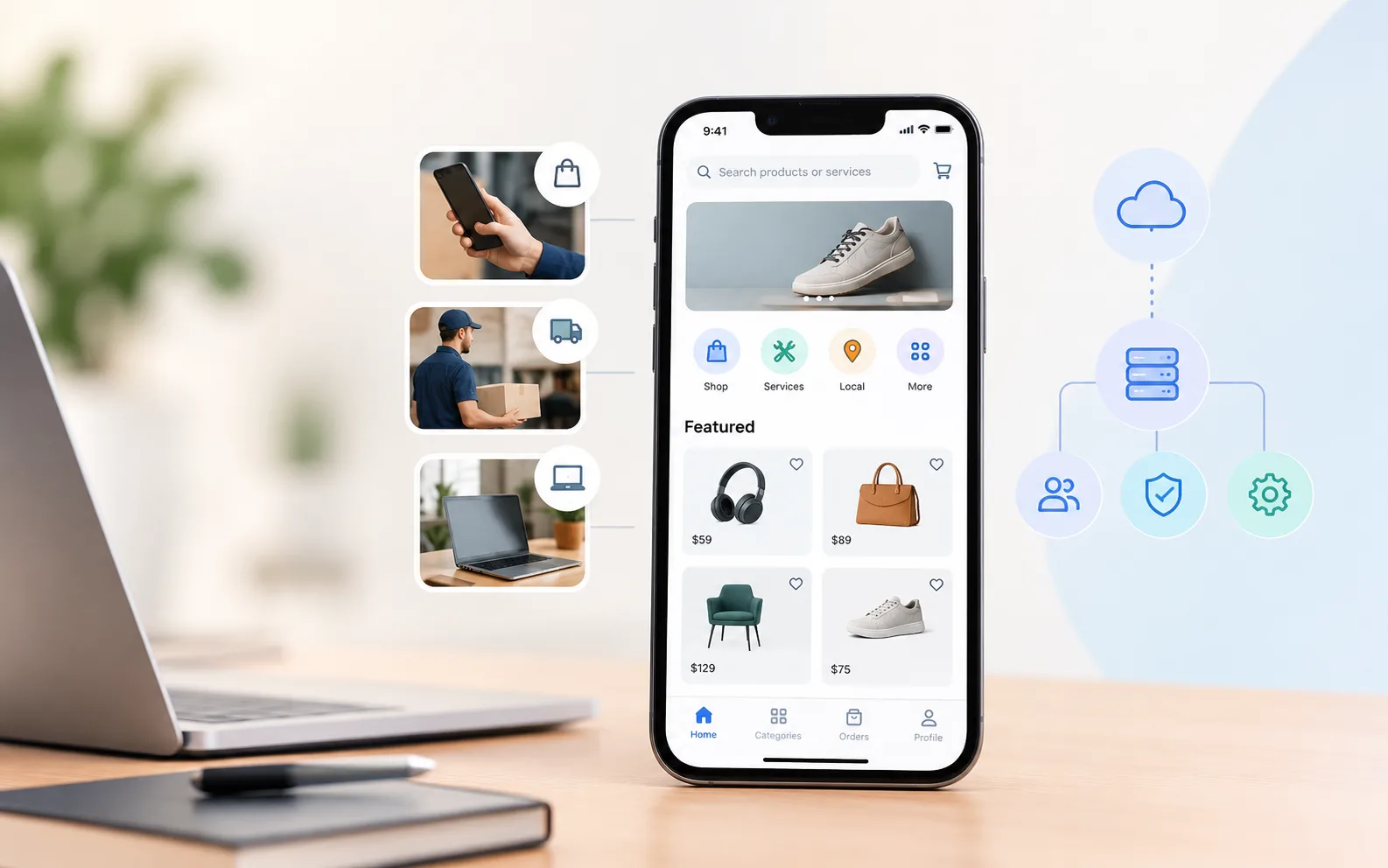
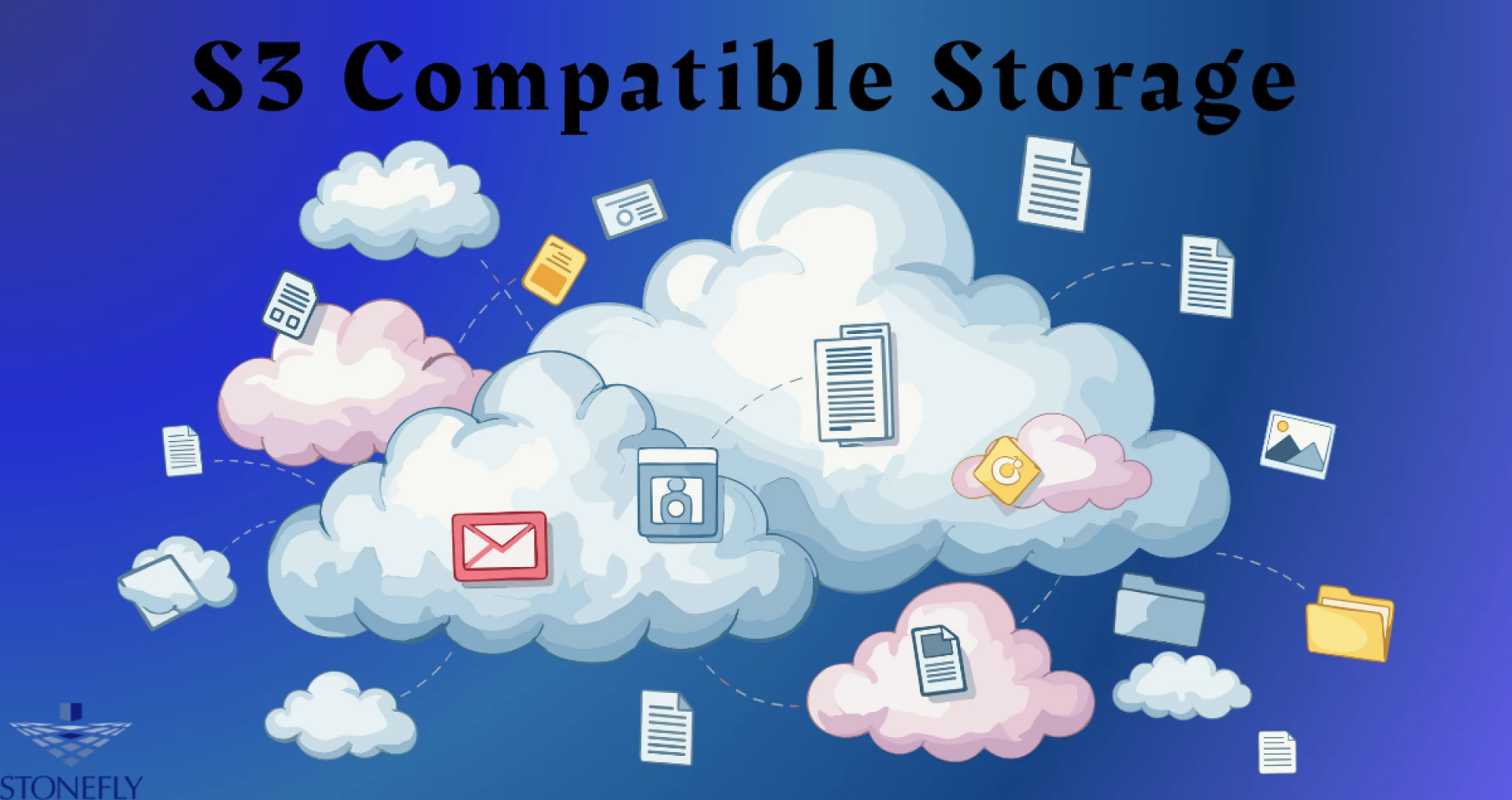
In the early days of enterprise computing, data was often trapped in proprietary silos. If you bought storage hardware from Vendor A, you were forced to use their specific software and protocols to access it. Moving to Vendor B was a logistical nightmare involving complex data migration and application rewriting. Today, the landscape has shifted dramatically. The industry has coalesced around a universal standard for object storage connectivity. By adopting S3 Compatible Storage, organizations can now deploy a flexible data architecture that separates the application layer from the hardware layer. This freedom allows businesses to mix and match infrastructure, scale without limits, and future-proof their applications against vendor lock-in.
This shift isn't just about convenience; it is about survival in a data-driven economy. Modern applications, from mobile apps to artificial intelligence models, require instant, programmable access to vast amounts of unstructured data. They need to speak a common language. This article explores how adopting a standardized protocol transforms data management from a rigid cost center into an agile competitive advantage.
The Evolution of Data Connectivity
To appreciate the power of modern storage protocols, we have to look at what came before. Traditional storage relied on file-based protocols like SMB (Server Message Block) or NFS (Network File System). These were designed for local area networks where a server "talked" to a client workstation.
The Limitation of State
These older protocols are "stateful." They maintain a constant open connection between the client and the server. If the network hiccups, the connection drops, and the file transfer fails. This works fine for an office worker saving a Word document, but it fails miserably for a mobile app trying to upload a photo over a shaky 4G connection or a distributed application running across thousands of servers.
The Stateless Web Model
The modern approach treats storage requests like web page requests. It uses HTTP or HTTPS—the same language as the internet. When an application wants to save data, it sends a "PUT" command. When it wants to retrieve it, it sends a "GET" command.
This interaction is "stateless." The storage system doesn't need to keep a channel open. It receives the request, authenticates it, executes it, and closes the connection. This architecture is infinitely scalable. It allows millions of devices to access a central storage pool simultaneously without overwhelming the system resources.
Why Standardization Matters for Developers
For software developers, infrastructure used to be a headache. They had to write code specific to the file system or database they were using. If the infrastructure team changed the storage vendor, the code broke.
Write Once, Run Anywhere
Standardization solves this. When an organization standardizes on a widely accepted API (Application Programming Interface), developers can write their code once. They simply point their application to the storage endpoint.
Whether that endpoint is a massive cloud provider, a local server in the basement, or an edge device on a factory floor, the code remains the same. The "PUT" command works exactly the same way regardless of the underlying hardware. This portability accelerates development cycles. It allows teams to build and test applications locally and then deploy them globally without rewriting the data access layer.
The Rise of Microservices
Modern applications are rarely monolithic blocks of code. They are built as "microservices"—small, independent functions that talk to each other. One service might handle user logins, another processes payments, and a third manages images.
These services need a shared place to store data. A standardized object storage system acts as the perfect central repository. Because it is accessible via simple HTTP calls, every microservice can reach it easily, regardless of what server or container it is running in. It becomes the "shared brain" of the application architecture.
Escaping the Hardware Trap
For decades, hardware vendors used proprietary features to keep customers loyal. If you used a specific vendor's replication or snapshot feature, you were stuck with them forever because no other system could read that data format.
Software-Defined Freedom
The new paradigm is Software-Defined Storage (SDS). In this model, the intelligence lies in the software, not the metal box it runs on. The software creates a storage pool that speaks the standard API.
This abstracts the hardware. You can buy commodity servers from Dell, HPE, or Supermicro and run the storage software on top. If one server fails, you replace it. If a new generation of cheaper, faster drives comes out, you add them to the cluster. The application never knows the difference because the API layer remains consistent. This commoditization of hardware significantly lowers the Total Cost of Ownership (TCO).
The Mechanics of Modern Object Storage
How does this technology handle data differently than the folders and directories we are used to?
The Flat Namespace
File systems are hierarchical. To find a file, the system must traverse a tree structure: Drive -> Folder -> Subfolder -> File. As you add billions of files, this process slows down. It's like trying to find a book in a library by walking down every aisle.
Object storage uses a "flat" namespace. There are no folders. Data is stored in "buckets." Each piece of data (an object) is assigned a unique ID. To find data, the system simply looks up the ID in a database and goes directly to the storage location. It’s like typing a book title into a computer and getting the exact shelf number instantly. This allows the system to scale to exabytes of data without performance degradation.
Metadata: Making Data Smart
In a traditional file system, you know very little about a file: its name, size, and date created.
Object storage allows you to attach "metadata"—custom tags—to every object. For example, a hospital storing a medical image can tag it with PatientID, DoctorName, Diagnosis, and Date.
Later, an application can query the storage system: "Show me all images for Patient 123 tagged with 'Knee'." The system returns the results instantly. This turns the storage system into a searchable database, unlocking massive value for analytics and machine learning.
Security in a Connected World
With data being accessible via web protocols, security is paramount. The modern standard includes robust security features that are native to the protocol, not bolted on afterwards.
The Power of Immutability
Ransomware attacks often target backups. Attackers know that if they can delete your backups, you will be forced to pay the ransom.
S3 Compatible Storage often includes a feature called "Object Lock" or Wability (Write Once, Read Many). This allows administrators to set a retention policy on a bucket. For example, "Any file uploaded here cannot be modified or deleted for 30 days."
This rule is enforced at the API level. Even if a hacker gains the administrator password and issues a "DELETE" command, the storage system will reject it. This provides a virtual bunker for critical data, ensuring it can always be recovered.
Granular Access Controls
Security policies can be incredibly detailed. You can create a policy that says: "User A can only read files from Bucket X, and only if they are connecting from the office IP address between 9 AM and 5 PM."
This "Zero Trust" approach minimizes the risk. Even if a user's credentials are stolen, the attacker's ability to do damage is strictly limited by the policy attached to that user.
Use Cases Driving Adoption
This technology isn't just for backup archives anymore. It is powering active, critical workloads across industries.
The Modern Data Lake
Data scientists need massive amounts of raw data to train AI models. Traditional storage is too expensive for this scale. Object storage provides a low-cost, high-capacity reservoir. Because of the metadata tagging, scientists can easily curate datasets for specific projects without moving the data.
Media and Entertainment
Video files are huge. 4K and 8K workflows require massive throughput. The parallel nature of object storage allows multiple editors to stream high-resolution video from the same storage pool simultaneously. The flat namespace makes it easy to manage millions of media assets without getting lost in folder trees.
Cloud-Native Backup
Backup software vendors like Veeam, Commvault, and Rubrik have all standardized on object storage as a target. It allows for faster backups because data is broken into chunks and uploaded in parallel streams. It also enables the immutable locking features that are essential for ransomware protection.
Evaluating a Storage Solution
Not all solutions that claim compatibility are created equal. When choosing a platform, there are key metrics to consider.
Compatibility Depth
Does the solution support the full range of API commands? Some "compatible" systems only support basic upload and download. You need a system that supports advanced features like Multipart Upload (for large files), Lifecycle Policies (for automated tiering), and Object Lock (for security).
Performance
Historically, object storage was considered slow. That is no longer true. Modern all-flash object storage systems can deliver millions of IOPS (Input/Output Operations Per Second). If your use case involves high-performance analytics or AI training, look for a system optimized for speed, not just capacity.
Conclusion
The era of proprietary storage silos is over. The industry has converged on a standard that prioritizes flexibility, scalability, and security. By adopting a universal API, organizations liberate their data from the underlying hardware. They empower their developers to build faster and their security teams to sleep better at night knowing that immutable locks are protecting their critical assets. Whether you are building the next great mobile app or simply trying to secure your corporate backups, speaking the universal language of data is the key to future-proofing your IT strategy.
FAQs
1. Is object storage the same as a file server?
No. A file server uses a hierarchy of folders and directories (like Windows Explorer). Object storage uses a flat structure of buckets and objects with unique IDs. While you can use software to make object storage look like a file server to a user, the underlying technology is fundamentally different and much more scalable.
2. Can I run a database on this type of storage?
Generally, no. Transactional databases like SQL or Oracle require very low latency and "block-level" locking to manage data integrity. Object storage is designed for unstructured data like images, videos, and backups. It is not suitable for the high-speed read/write operations of a live database transaction log.
3. What does "Multipart Upload" mean?
This is a feature that breaks a large file (like a 10GB video) into smaller chunks. These chunks are uploaded simultaneously (in parallel) to the storage system. If the connection drops, you only have to retry the missing chunks, not the whole file. This makes uploading large files much faster and more reliable.
4. How does the system handle duplicate files?
Many modern storage systems include "deduplication" technology. If ten users upload the exact same presentation, the system only stores one copy of the data but creates ten "pointers" to it. This saves a massive amount of storage space without the users knowing the difference.
5. Is my data safe from hardware failure?
Yes. Unlike traditional RAID (which protects against one or two drive failures), object storage uses Erasure Coding. It breaks data into fragments and spreads them across multiple servers. You can often lose entire servers or multiple drives simultaneously, and the system will still be able to retrieve your data without interruption.