
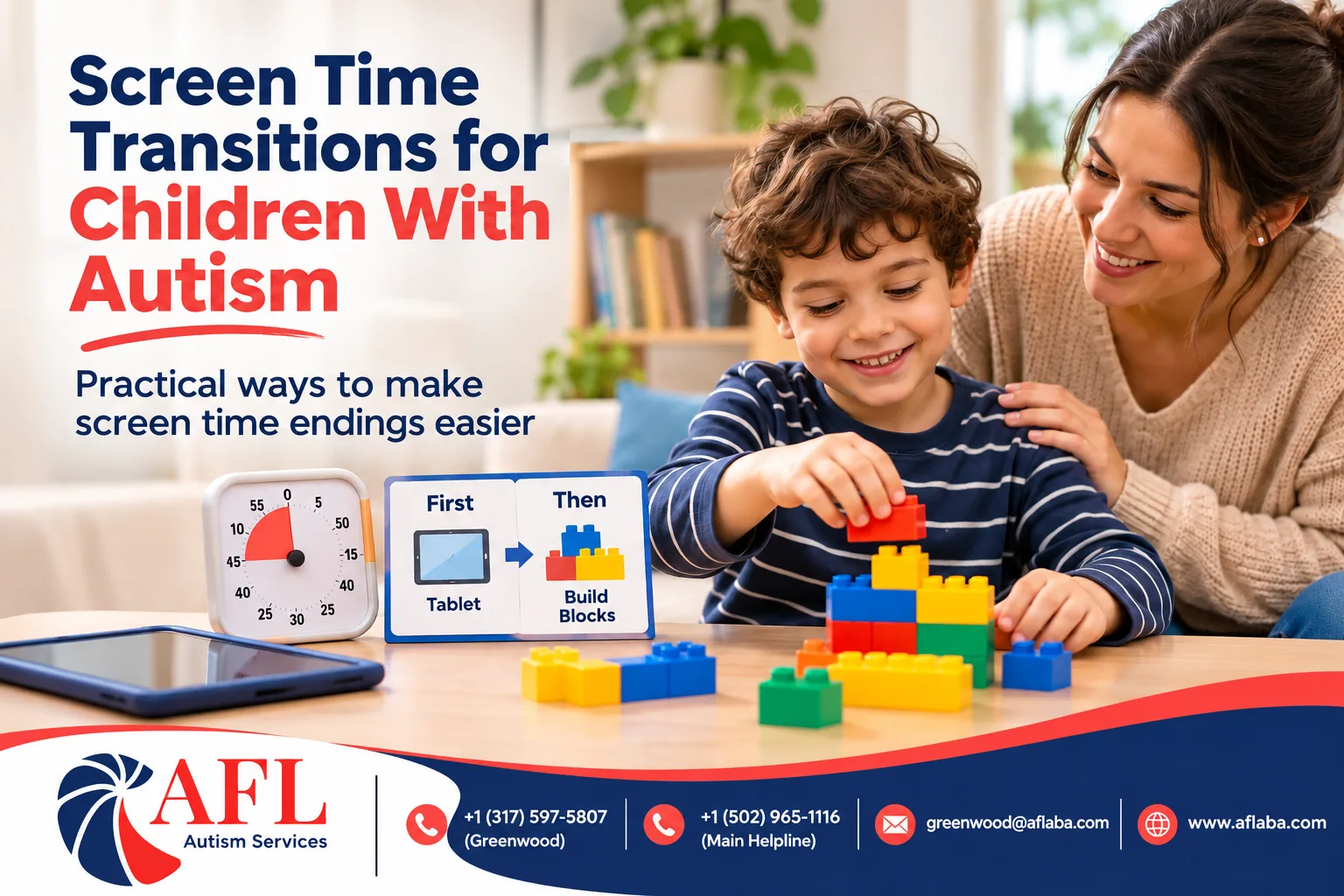
For many families, the hardest moment of the day is not homework, bedtime or meals. It is turning off the tablet. Screens are highly engaging, predictable and often calming for children with autism. That is exactly why stopping can be so hard. A simple "time to turn it off" can lead to tears, shouting or a full meltdown.
This guide explains why screen transitions are so difficult and shares practical strategies to make them smoother. It is not about banning screens. Screens can be useful tools for learning, communication and relaxation. It is about helping your child move on when it is time.
Why turning off screens is so hard
• Screens are highly rewarding. Videos and games are designed to keep us watching.
• Stopping means losing something good. Moving from a favorite activity to a less-preferred one is a hard transition for many children.
• The ending feels sudden. Videos and games often do not have natural stopping points.
• Predictability. Screens offer a predictable experience in an unpredictable world. The CDC notes that many people with autism get upset by minor changes and prefer routines.
Set clear rules ahead of time
Children cope better when they know the rules in advance.
Decide when screens are allowed
Make screen time part of the daily schedule. For example, "after school snack" or "after dinner." Avoid using screens as the default answer to every moment of boredom.
Decide how long
Choose a set amount of time, or a set number of videos or levels. A number of videos can be easier to understand than minutes for some children.
Show the rules visually
Use a visual schedule that shows screen time and what comes next. A first-then board can help: "First homework, then tablet." Or after screen time: "First tablet, then snack."
Tools for turning screens off
Visual timers
A timer your child can see helps them understand how much time is left. Some tablets have built-in timers or parental controls that end a session automatically, which can take you out of the role of the "bad guy."
Warnings
Give warnings at set intervals: "Five more minutes," "Two more minutes," "Last video." Keep the warnings the same every time.
Natural stopping points
Choose stopping points that make sense, like the end of a video or the end of a level. Stopping in the middle of something can be more upsetting.
A preferred next activity
Plan something your child enjoys right after screen time ends, at least while you are building the habit. Moving from a screen to a fun snack or a favorite game is easier than moving to chores.
A "goodbye" routine
Some children like a short routine to end screen time, like saying "bye, tablet," putting it in a special basket or plugging it in to charge. The routine makes the ending predictable.
What to do if your child gets upset
• Stay calm and keep your words short.
• Do not give the screen back to stop the upset. This can teach that getting upset brings the screen back.
• Offer a calming activity or space.
• Once your child is calm, move to the next activity.
• Praise your child the next time they turn off the screen with less upset.
Practice when it is easier
Practice short screen sessions and smooth endings when your child is well-rested and calm. You might start with very short screen times and lots of praise for handing over the tablet. Over time, gradually increase screen time while keeping the ending routine the same.
Screens as communication tools
Some children use tablets as communication devices. These should not be taken away as part of screen limits. Keep communication apps on a separate device if possible, or make sure your child always has access to their communication system. Talk to your BCBA and speech therapist about how to manage this.
Screens and sleep
Screens close to bedtime can make it harder to fall asleep. Try to end screen time at least an hour before bed. Our article on bedtime routines covers more sleep tips.
Replacement activities
Having a list of other enjoyable activities makes it easier to move away from screens. Ideas include:
• Building with blocks or magnetic tiles.
• Sensory bins with rice, beans or water.
• Coloring or play dough.
• Puzzles.
• Outdoor play.
• Music and dancing.
• Helping with simple chores like stirring or washing vegetables.
Our post on fun activities for kids in ABA therapy has more ideas.
How ABA helps with screen transitions
Screen transitions are a common goal in ABA therapy. A BCBA can look at when transitions are hardest and build a step-by-step plan with timers, warnings, rewards and a clear routine. Therapists practice the transition during sessions, and parent training helps you keep it consistent at home. Learn more about in-home ABA therapy, where sessions can target real screen time routines, and read our article on how parents can support ABA therapy at home.
A sample screen-time plan
StepWhat happens1Screen time is on the visual schedule after snack2Child chooses two videos3Visual timer shows time left4Warning: "Last video"5Child puts tablet in basket and says "bye, tablet"6Praise and preferred activity, like building blocks
Choosing what your child watches and plays
Not all screen time is the same. Some content is calm and educational, while some is fast-paced and very stimulating. Fast, loud content can make it harder for some children to stop and settle. Consider:
• Choosing slower-paced shows or games, especially later in the day.
• Watching or playing together sometimes, and talking about what you see.
• Using apps that build skills your child is working on, such as matching, counting or communication, if your BCBA or speech therapist recommends them.
• Turning off autoplay so videos do not roll from one to the next.
Screen time and the whole daily routine
Screen time works best as one part of a balanced, predictable day. When screens appear at the same times each day, children are less likely to ask for them constantly. Building screen time into a visual schedule alongside outdoor play, meals, therapy and rest helps your child see it as one activity among many. Our article on daily routine examples for children with autism shows how to build a balanced schedule.
Be consistent across caregivers
Make sure everyone who cares for your child uses the same rules and routine. Consistency makes it much easier for your child to accept limits.
Talk to Our Greenwood Team
If screen time transitions are a daily struggle and you live in or near Greenwood, our Greenwood team can help you build a plan.
Adapt For Life – Greenwood
• Address: 745 U.S. Hwy 31 N Suite 745, Greenwood, IN 46142
• Phone: +1 (317) 597-5807
• Email: [email protected]
• Location page: ABA therapy in Greenwood
• Main helpline: +1 (502) 965-1116
Ready to take the next step? Get started today and our team will walk you through intake, insurance and scheduling.
Frequently Asked Questions
Why does my autistic child have meltdowns when screen time ends?
Screens are very rewarding and predictable, and stopping means losing something enjoyable. Transitions are often hard for children with autism.
How can I make turning off the tablet easier?
Use visual timers, consistent warnings, natural stopping points, a goodbye routine and a preferred next activity.
Should I take away screens completely?
Not necessarily. Screens can be useful. The goal is clear limits and smoother transitions.
What if my child uses a tablet to communicate?
Keep their communication system available at all times. Talk to your BCBA and speech therapist about managing it.
Can ABA help with screen time in Greenwood, IN?
Yes. Contact our Greenwood clinic to learn how we can help.
References
• Centers for Disease Control and Prevention: Signs and Symptoms of Autism Spectrum Disorder
• Centers for Disease Control and Prevention: Treatment and Intervention for Autism Spectrum Disorder
• Behavior Analyst Certification Board: About Behavior Analysis