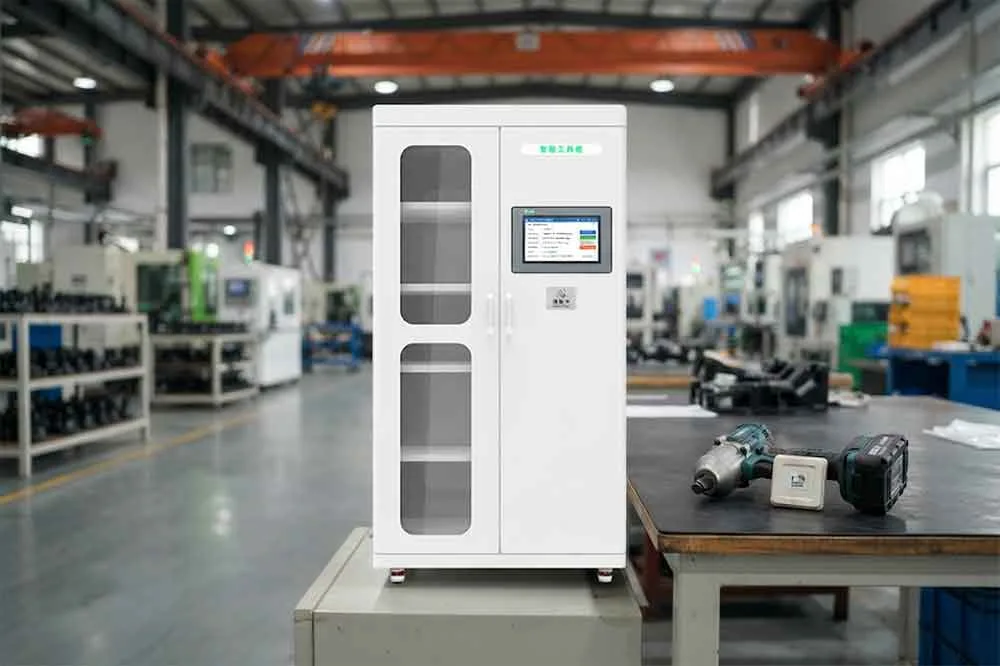
What Is RFID Tool Cabinet Data Management?
RFID tool cabinet data management is the process of creating, organizing, updating, synchronizing, and maintaining the digital information associated with RFID-managed tools.
A typical tool record may contain:
- Tool ID
- RFID Tag ID
- Tool Name
- Category
- Model
- Specification
- Department
- Owner
- Current Location
- Cabinet ID
- Status
- Current User
- Maintenance Status
- Calibration Status
- Purchase Information
- Lifecycle Status
- Transaction History
Not every project needs every field.
The data structure should reflect the actual management workflow.
Why RFID Tool Data Quality Matters
A common assumption is that RFID automatically makes tool data accurate.
It does not.
RFID can identify a tag, but the system still needs to know what that tag represents.
For example:
RFID Tag: E200123456789
The software needs to know:
Tool ID: TW-00125
Tool Name: Torque Wrench
Specification: 20–100 Nm
Location: Maintenance Cabinet 02
If the RFID tag is assigned to the wrong tool record, every later transaction can also become incorrect.
This is why RFID deployment should include a data preparation stage.
Creating a Tool Master Record
A tool master record is the central digital record for an individual tool.
A practical master record may include:
Identification
- Tool ID
- RFID ID
- Serial number
- Asset number
Description
- Tool name
- Category
- Model
- Specification
Management
- Department
- Owner
- Location
- Cabinet
- Status
Maintenance
- Maintenance interval
- Last service
- Next service
- Maintenance status
Calibration
- Calibration requirement
- Last calibration
- Next calibration
- Calibration status
Lifecycle
- Registration date
- Active date
- Retirement date
- Retirement reason
The exact structure should be adapted to the organization’s requirements.
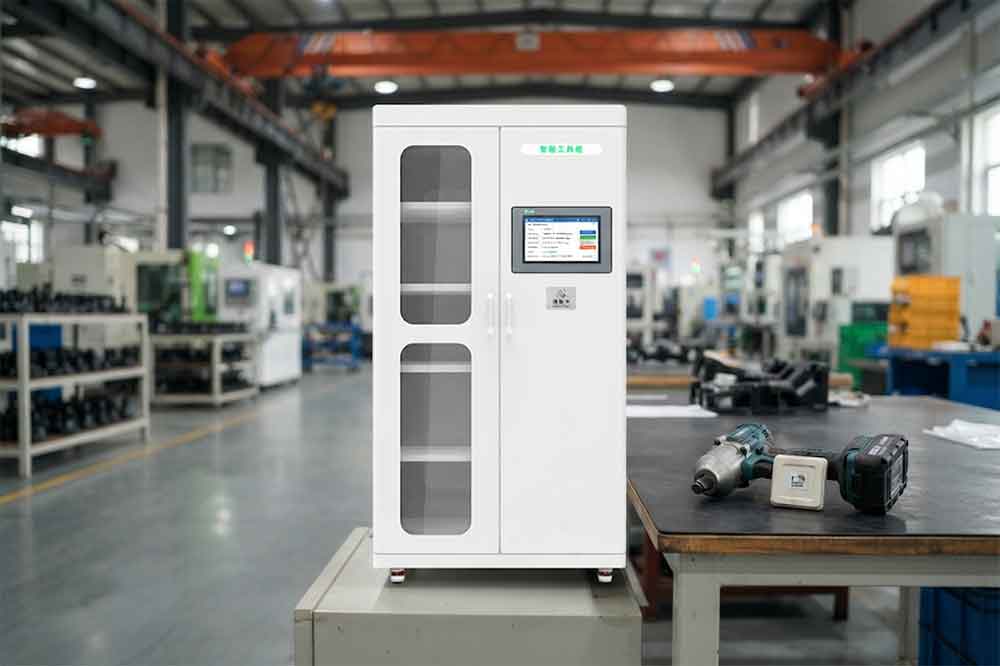
RFID Tag Data vs. Tool Master Data
These two types of information should not be confused.
The RFID tag contains or provides an electronic identifier.
The tool master record contains the business information associated with that identifier.
A simplified relationship is:
RFID Tag ID → Tool Master Record → Tool Management Information
This separation can make the system easier to maintain.
If a damaged RFID tag needs to be replaced, the new tag can be linked to the existing tool record instead of creating a completely new tool.
Standardizing Tool Data Fields
Tool records should use consistent field definitions.
For example, one system should not use:
Department
while another uses:
Dept.
and a third uses:
Responsible Area
for exactly the same concept without a defined mapping.
Common fields may include:
- Tool ID
- RFID ID
- Tool Category
- Department
- Location
- Status
- User ID
- Cabinet ID
This supports cleaner reporting and easier software integration.
For a broader standardization strategy, see RFID Tool Cabinet for Tool Standardization.
Managing Duplicate Tool Records
Duplicate records can appear during migration or manual data entry.
For example:
TW-00125
and
Torque-125
may represent the same physical tool.
If both remain active, the organization may see incorrect inventory totals.
A data cleaning process should identify:
- Duplicate tool IDs
- Duplicate serial numbers
- Duplicate RFID tags
- Similar tool names
- Old inactive records
- Retired records incorrectly marked active
Duplicates should be resolved before large-scale RFID deployment.
RFID Tag Replacement
RFID tags can eventually become damaged or unreadable.
A replacement process should preserve the existing tool identity.
For example:
Old RFID Tag → Tool ID TW-00125 → Retired Tag
then:
New RFID Tag → Tool ID TW-00125 → Active Tag
The tool’s historical transactions should remain associated with the tool.
This is especially important for tools with maintenance, calibration, or quality records.
Managing Tool Status Data
Tool status should be updated consistently.
A practical status structure might include:
- Available
- Checked Out
- In Use
- Return Pending
- Inspection Required
- Maintenance
- Calibration Required
- Restricted
- Retired
The exact terminology can vary.
The important point is that every status should have a clear definition.
For example, “Unavailable” could mean:
- Under repair
- Missing
- Reserved
- Calibration expired
- Restricted
If these situations are operationally different, they may need separate status or reason fields.