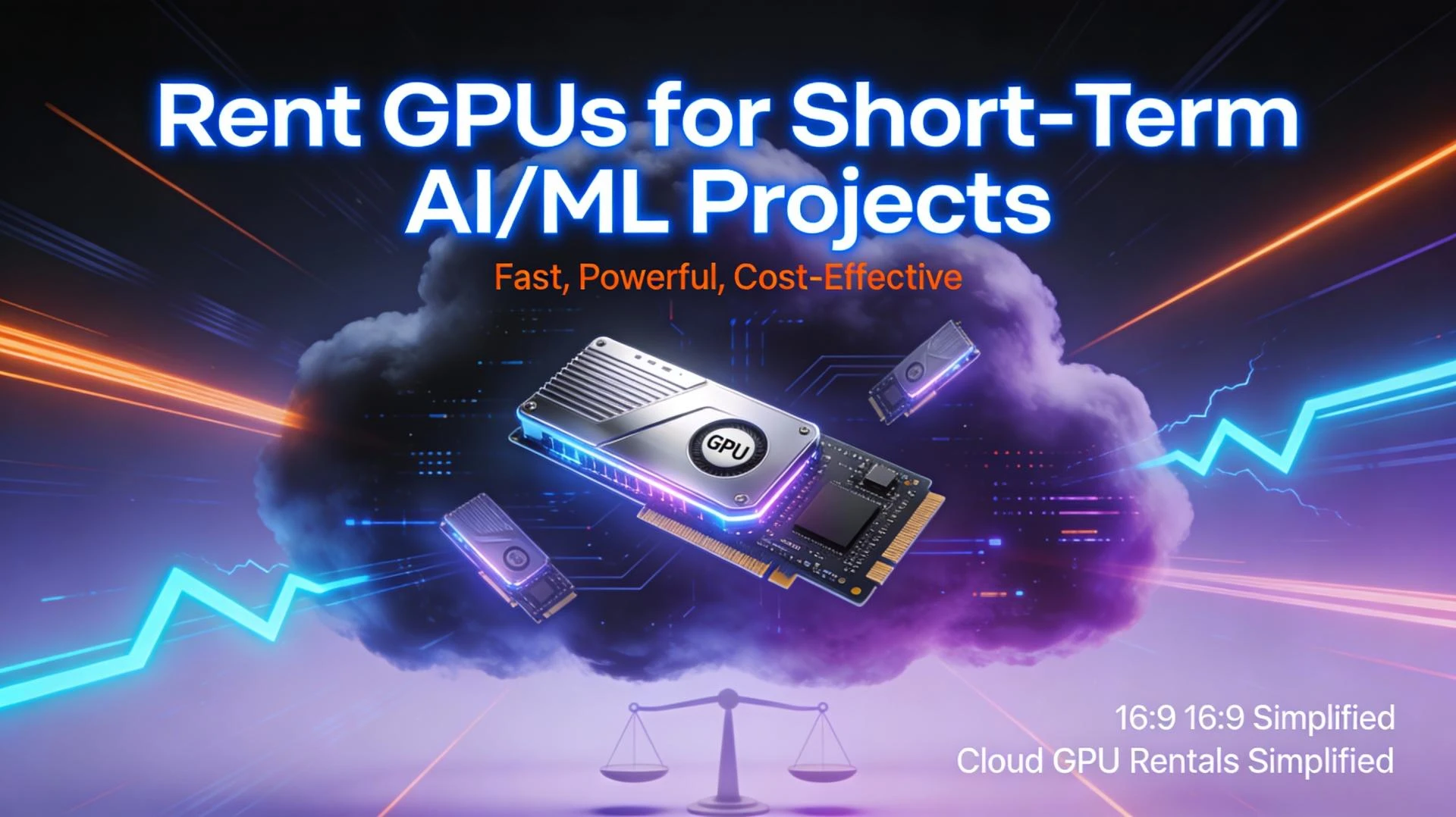
When you’re under pressure to ship a model, render a demo, or run a heavy experiment, renting GPUs can look like the obvious move. No procurement cycles. No hardware to maintain. Just swipe a card, pick an instance, and go. But like most infrastructure decisions, there’s a trade-off. If you don’t think through the full picture, that “quick” GPU rental can quietly turn into an expensive habit.
This post walks through the main pros and cons of renting GPUs for short-term projects so you can decide when it actually makes sense.
What “renting GPUs” usually means
In practice, renting GPUs today typically falls into three buckets:
- Cloud GPU instances: On-demand, spot/preemptible, or short-term reserved instances from hyperscalers or GPU-focused clouds.
- GPU marketplaces / specialist providers: Platforms that broker access to GPUs across many hosts or data centers.
- Hosted / lab-style services: Things like Colab, Kaggle, or university / research lab clusters with time-bound access.
All of these share the same key idea: you pay for access to GPUs by time and configuration, rather than owning the hardware.
For short-term work, that pay-as-you-go structure can be very attractive. But the details matter.
The upside: why renting GPUs works well for short-term work
1. No upfront hardware cost
Buying modern GPUs is expensive, especially if you need several of them. Renting lets you:
- Avoid large capital expenditure for a project that might only run for days or weeks.
- Start small and scale up as needed without committing to hardware you might not use later.
- Make experimentation possible for teams that simply don’t have hardware budget or lead time.
For hackathons, proof-of-concept work, or one-off client projects, this alone often justifies renting.
2. Instant access to high-end hardware
Renting gives you quick access to GPUs that might be hard to justify purchasing outright:
- High-memory data center GPUs for large models.
- Different GPU generations for benchmarking or compatibility checks.
- Specialized hardware (e.g., tensor-core heavy cards) for specific workloads.
If your goal is to “see what’s possible” on stronger hardware or compare different GPU types, renting is usually the most practical path.
3. Elasticity: scale up, then shut it all down
Short-term projects often come with bursty workloads:
- 10 days of intense training or rendering.
- A sprint to fine-tune a model before a demo.
- A batch of experiments that can run in parallel.
Cloud-style rentals fit this pattern well. You can scale up to many GPUs, finish the work, then tear everything down. When you’re not running jobs, you’re not paying for idle hardware.
4. Operational convenience
Renting shifts a lot of operational burden to the provider:
- No racking, powering, or cooling servers.
- No dealing with failing GPUs, replacement logistics, or warranty claims.
- Typically, access to prebuilt images, drivers, and basic monitoring.
For teams without dedicated infra/DevOps support, this can be the difference between shipping the project and never starting.
The downside: where GPU rentals can bite you
1. The total cost is more than the hourly GPU rate
It’s easy to focus on the advertised “per-hour per GPU” number and forget the rest. In reality, the bill includes:
- Persistent storage for datasets, checkpoints, and logs.
- Networking and egress if you move data in and out frequently.
- Idle time when instances are left running without active jobs.
For short, focused runs this may still be cheaper than buying. But if a “one-week” project quietly stretches to a couple of months, rental costs can overtake the cost of owning hardware quite fast.
2. Price variability and preemption risk
Lower-cost options like spot or marketplace GPUs come with trade-offs:
- Instances can be interrupted with little notice.
- Prices may fluctuate based on demand.
- Reliability can vary between providers or hosts.
To use these safely, your workflows need to support:
- Frequent checkpointing.
- Automatic resumption from the last saved state.
- Some tolerance for failed or delayed jobs.
That’s extra engineering work which not every short-term project can absorb.
3. Data movement, security, and compliance
For small toy datasets, moving data into the cloud is trivial. For real workloads, it can be a major factor:
- Uploading terabytes of training data takes time and bandwidth.
- Downloading results or models may incur egress fees.
- Sensitive data may not be allowed to leave specific regions or environments.
If your data is regulated (healthcare, finance, etc.) or already lives in a particular on-prem or cloud environment, you need to factor in policy, legal, and security constraints before deciding to rent GPUs somewhere else.
4. Environment drift and reproducibility
Short-term rentals often encourage “just spin something up and try it” workflows. That’s fast, but:
- Drivers, CUDA versions, and base images can differ between providers or over time.
- Reproducing an experiment six months later might require tracking down an old image or setup.
- Teams can end up with a patchwork of slightly different environments.
Containerization, infrastructure as code, and explicit version pinning help, but again, they add overhead to what might have started as a simple short project.
5. Lock-in if “short term” becomes long term
It’s common for a project that starts as “just a quick experiment” to become a long-running product or pipeline. If you’ve built everything tightly tied to one provider:
- Migrating to another cloud or to owned hardware can be painful.
- Discounted long-term rental deals may come with commitment periods.
- Rewriting integrations around storage, networking, and auth may be required later.
For genuinely short-lived projects this may not matter, but it’s worth asking what happens if the project succeeds.
Simple decision framework: when does renting make sense?
For most teams, renting GPUs for a short-term project is a good fit when:
- The project duration is measured in days or a few weeks.
- You need more GPU power than you can realistically buy or provision in time.
- The workload is bursty, not continuous.
- Your data can legally and practically live where you plan to rent.
On the other hand, you should think twice about pure rentals if:
- The project will run GPUs 24/7 for months.
- You’re dealing with very large or sensitive datasets.
- You already know this will become a core, ongoing workload.
A common middle ground is a hybrid approach: use a local or in-house GPU for everyday experimentation, and burst into rented GPUs only for heavy training runs or larger batches.
Practical tips to avoid surprises
If you decide to rent GPUs for your next short-term project, a few simple practices help keep things under control:
- Set budgets and alerts at the account or project level.
- Automate shutdowns so idle instances don’t keep running over nights and weekends.
- Checkpoint often, especially on preemptible or marketplace hardware.
- Keep data close to where you compute, and minimize unnecessary egress.
- Tag everything (instances, volumes, jobs) so you can attribute cost to specific experiments.
Renting GPUs is neither inherently “good” nor “bad” for short-term projects. It’s a powerful tool that solves real problems, especially around speed and access to high-end hardware. The key is to approach it with clear expectations: understand how your project will use GPUs, how long it will run, and what hidden costs might show up. With that in place, you can use rentals to move quickly without losing control of your budget or infrastructure in the process.