
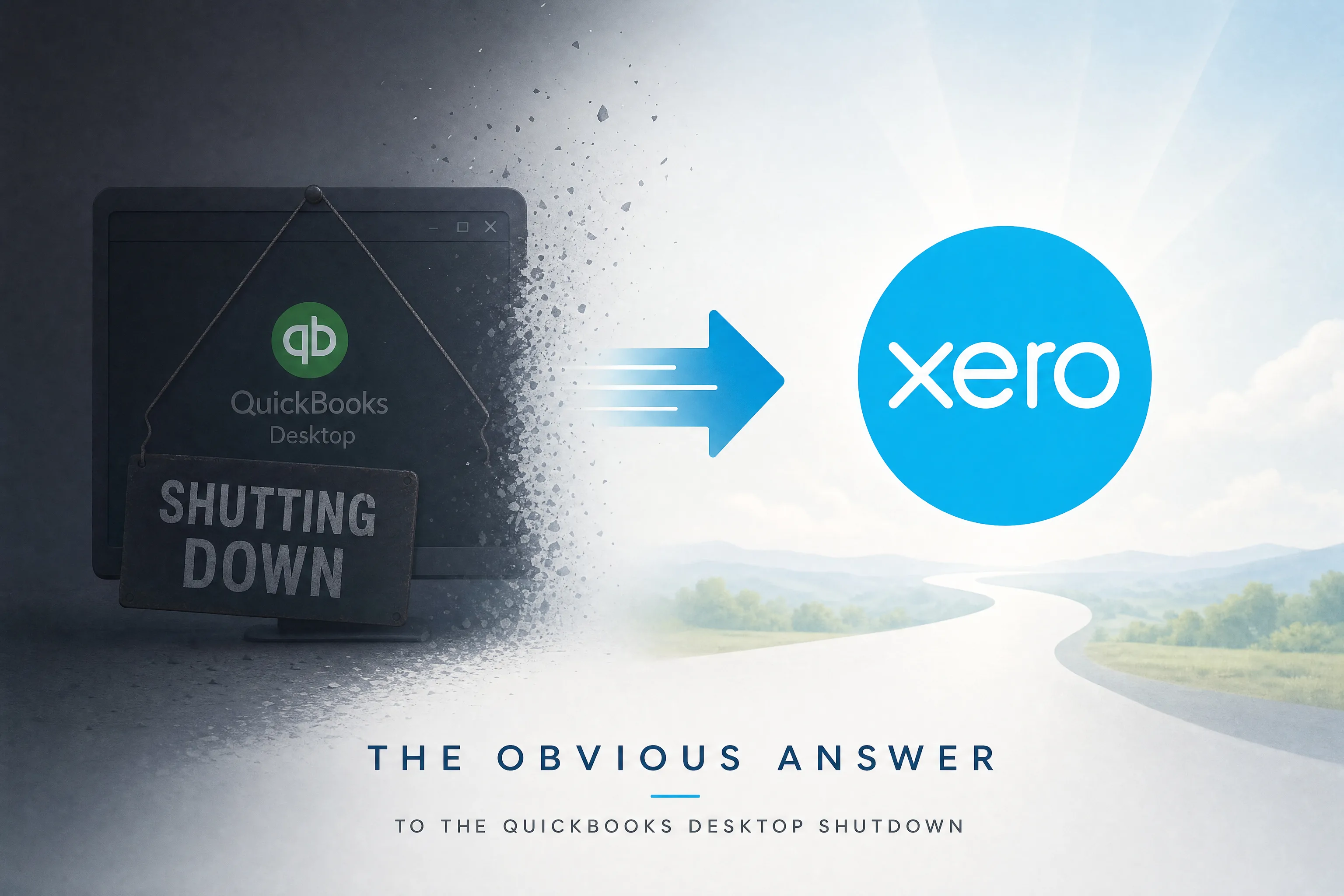
The Question Behind the Question
Intuit has confirmed it. QuickBooks Desktop 2022 lost support in May 2025. QBD 2023 ended in May 2026. QBD 2024 — the last version Intuit will sell as a desktop product — reaches end of support in September 2027. After those dates, no security patches, no bank feed maintenance, no payroll tax table updates.
So the QuickBooks to Xero Migration conversation is no longer hypothetical. It is operational. For accounting firms managing 50, 100, or 200 client files on QBD, the question is not whether to move. It is where to move.
And inside that question sits a quieter one: is Xero the obvious answer, or is it just the loudest one? It depends on the file, the client, and what your firm actually needs out of a cloud accounting platform. Some clients are better off in Xero. Some are better off in QuickBooks Online. A few should not be moved with a free tool, no matter where they end up.
This is a clear-eyed walk through it.
What Intuit's Decision Actually Means
The QBD shutdown is not a single event. It is a slow degradation that accelerates as time passes.
Security patches stop first. Any vulnerability discovered in QBD after the cutoff stays unpatched. For accounting firms holding client financial data, running unsupported software becomes a real exposure under PIPEDA in Canada and a professional liability question in any jurisdiction.
Bank feeds break next. Intuit's bank feed infrastructure relies on active maintenance with financial institutions. Once support ends, those connections are not renewed. Clients who depend on daily reconciliation start seeing disconnections.
Payroll fails last but most visibly. Payroll tax tables require annual updates. Without support, those updates stop. Firms still running QBD payroll after the cutoff are filing from outdated tables, which creates correcting work nobody wants to do.
None of these happens on the same day. But they all happen. The firms that wait for a single dramatic failure will already have been managing degradation for months by the time they act.
Why Xero Comes Up First in Most Migration Conversations
Xero was built cloud-native from day one. No desktop version exists, and none ever has. The data model, the bank reconciliation workflow, and the multi-user architecture were designed for the cloud from the start.
That matters because it shows up in the work. Three places in particular.
Bank Reconciliation Is Just Faster
Xero's bank feeds pull transactions in automatically. Matching rules apply going forward once set. Unreconciled items surface clearly without an accountant hunting for them. The monthly reconciliation that takes an hour per client in QBD often takes 20 minutes in Xero once the rules are established.
Across a portfolio of 60 monthly bookkeeping clients, that is a measurable staffing difference. It is the single feature that converts the most skeptical accountants.
Multi-User Access Is Included
Multiple staff can work on the same client file simultaneously from any browser. No file locks. No "are you in the file right now?" Slack messages. No remote desktop workarounds for the bookkeeper working from home.
For firms with five or more staff regularly in client files, this changes how the work is sequenced.
The App Ecosystem Is Broader
Xero's marketplace has more than 800 integrations covering payroll, inventory, job costing, time tracking, CRM, and vertical-specific tools. The ecosystem is actively maintained. Developers increasingly prioritize Xero because of its cleaner API.
For clients connecting their accounting platform to industry software, Xero usually has more options.
Where QuickBooks Online Genuinely Wins
Calling Xero "the obvious answer" overstates the case. There are situations where QuickBooks Online is the better destination, and pretending otherwise is bad advice.
Tight Intuit payroll integration. If a client is already on Intuit Payroll and intends to stay, QBO is the natural fit. The integration is native and requires less setup than connecting Xero to a third-party payroll provider.
Familiarity with change-resistant clients. Clients who have been on QBD for a decade often find QBO's interface more familiar. The visual language carries over. For a client who genuinely struggles with software transitions, that smoother on-ramp can be worth more than feature parity.
Existing ProAdvisor practices. Many accountants have built entire practices around QuickBooks. Switching every client to a new platform also means switching every staff member's daily workflow. That is a real cost.
The honest answer is that the xero vs quickbooks online decision is per-client, not per-firm. Firms standardizing on a single platform are making a workflow choice, not an objective one.
A Real-World Example: Two Clients, Two Different Answers
A regional accounting firm in Calgary is migrating 92 client files. Two of them look similar on the surface — both are small commercial clients with five years of QBD history, multi-currency activity, and clean reconciliations. Same industry. Same revenue band.
The first client is run by a founder who actively uses the books, runs reports weekly, and wants real-time visibility for her operations manager. She has no payroll system locked in. She is the textbook QuickBooks to Xero Conversion candidate. Cloud-native architecture, live collaboration with her accountant, and the broader app ecosystem all serve her.
The second client is a contractor running Intuit Payroll for 14 employees, with a bookkeeper who has used QBD for nine years and is openly anxious about the change. He does not look at the books. The bookkeeper does. The right migration for that file is QuickBooks Online — the payroll stays integrated, the interface stays familiar, and the bookkeeper does not have to re-learn the platform during tax season.
Same firm. Same migration project. Two different destinations.
That is what an honest answer to "Is Xero better than QuickBooks Online?" looks like in practice.
What Free Conversion Tools Will and Will Not Do
Once a client is heading to Xero, the next question is how to get them there. The Xero Conversion Toolbox and Jet Convert handle simple files well. Jet Convert, in particular, has completed more than 100,000 conversions over the years.
But the free tools fail in predictable places. Multi-currency files do not convert reliably. An extended history beyond one or two fiscal years is either capped or unsupported. Complex chart-of-accounts structures, class tracking, and inventory setups need manual intervention that the free tools do not provide.
For a firm migrating 150 client files, the math gets unworkable. A manual QuickBooks Desktop to Xero migration runs 12 to 17 hours per file. At staff cost, that is hundreds of thousands of dollars in opportunity cost across a portfolio.
This is the gap WOW BookSwitch was built to fill.
How a Professional QBD Migration to XERO Actually Works
WOW BookSwitch is a QuickBooks Desktop to Xero migration service built specifically for accounting firms managing client portfolios at scale. Every conversion runs through the same workflow:
- The QBD file is uploaded through the platform
- AI validation runs against the source file, checking the trial balance, balance sheet, and profit and loss statement
- A trained accountant reviews flagged items and applies correcting entries
- The validated Xero organization is delivered back to the firm
The base package is $399 USD per conversion. That covers the current fiscal year plus three prior years of history. Additional years are $100 USD each. Firms submitting 30 or more files get a 15 percent volume discount automatically. Turnaround is one to three business days per file.
Six months of free WOW Backup and Restore are included on the migrated Xero organization. Canadian client data routes through AWS Canada infrastructure. US client data routes through AWS US.
A few things to be straight about. Bank feeds do not transfer in any QBD to Xero migration — they are live connections to financial institutions and need to be reconnected directly in Xero after conversion. Payroll history does not transfer. Document attachments do not transfer. Memorized transactions do not transfer. GIFI code mapping is coming soon and is not yet active. Those are not WOW BookSwitch limitations — they are migration realities every accounting firm needs to plan around.
The validation framework is a three-report comparison: trial balance, balance sheet, and profit and loss. The 95 percent accuracy guarantee comes with a refund policy if the threshold is not met on those three reports.
So, Is Xero the Obvious Answer?
For most clients on QuickBooks Desktop heading into the 2027 deadline, Xero is the stronger long-term fit. The cloud-native architecture, the reconciliation workflow, the multi-user access, the app ecosystem — all of it adds up to a platform that is genuinely better suited to how accounting firms work now.
But "obvious" is not the same as "automatic." The clients with deep Intuit Payroll dependencies, the clients with bookkeepers who built nine years of muscle memory in QBD, the clients whose workflows are tightly stitched into the Intuit suite — those clients deserve a real conversation about QuickBooks Online before the migration plan is set.
The point of an honest answer is not to push every file to Xero. It is to put each file where it actually belongs, with enough lead time to validate the conversion and brief the client properly.
Start the audit now. The September 2027 deadline does not move, and the firms that begin in 2026 will be migrating on their terms instead of Intuit's.
Frequently Asked Questions
1. Can I transfer QuickBooks data to Xero?
Yes. A professional QuickBooks Desktop to Xero migration converts the chart of accounts, transaction history, customer and vendor records, opening balances, class tracking, and journal entries. Bank feeds, payroll history, attachments, and memorized transactions do not carry over.
2. Is Xero better than QuickBooks Online?
For most clients migrating from QBD, Xero's cloud-native architecture is the stronger long-term fit. For clients heavily integrated with Intuit Payroll or working with bookkeepers deeply familiar with QuickBooks, QBO can be the better answer. It is a per-client decision.
3. Why don't accountants like QuickBooks Desktop?
The file-based structure is the core friction. Each client file can only be accessed by one user at a time without additional licensing. Files grow large, slow, and prone to corruption. Remote access requires server setups or workarounds that add IT overhead.
4. Is QuickBooks phasing out payroll?
QBD payroll services are being discontinued progressively alongside the platform phase-out. After September 2027, payroll processing through QBD 2024 stops because the tax tables are no longer updated.
5. Can I import a CSV file into Xero?
Yes, for bank transactions and contacts. For full historical migration from QBD, the Xero Conversion Toolbox accepts CSV imports, but a professional service is faster and more reliable for complex files.
6. Can Xero import QuickBooks data directly?
Xero's Conversion Toolbox handles straightforward single-currency files via CSV import. For multi-currency, extended history, class tracking, or complex chart-of-accounts structures, a professional QuickBooks Desktop to Xero Conversion service is the practical option.
7. Does Xero offer a desktop version?
No. Xero is entirely cloud-based and always has been. That is what enables real-time multi-user access and automatic updates.
8. How long does a QuickBooks to Xero conversion take with WOW BookSwitch?
One to three business days per file. Simple single-currency files trend toward the one-day end. Multi-currency files with extended history sit at the three-day end.
9. What does the conversion cost?
$399 USD per conversion for the base package (current fiscal year plus three prior years). Additional history is $100 USD per year. Firms submitting 30 or more files receive a 15 percent volume discount automatically.
10. What is the migration timeline I should plan against?
QBD 2024 reaches the end of support in September 2027. Tax season is functionally unavailable for migration work in most Canadian and US firms, which leaves eight to nine usable months per year. Firms with portfolios above 100 clients should start no later than mid-2026 to finish with a buffer.
Ready to Migrate?
Start your QuickBooks to Xero Migration at https://wowbookswitch.com/get-quote for $399 USD per conversion. AI validation, trained accountant review, correcting entries applied, six months of free WOW Backup and Restore included. One to three business days turnaround. 95 percent accuracy guaranteed or your money back.
Related Hashtags:
#QuickBooksToXeroMigration #QBDMigrationToXERO #QuickBooksToXEROConversion #QuickBooksDesktopToXEROConversion #MigrateFromQuickBooksToXero #SwitchingFromQuickBooksToXero #ConvertQuickBooksToXero #XeroVsQuickBooksOnline #XeroMigration #QBDShutdown #WOWBookSwitch #AccountingFirms