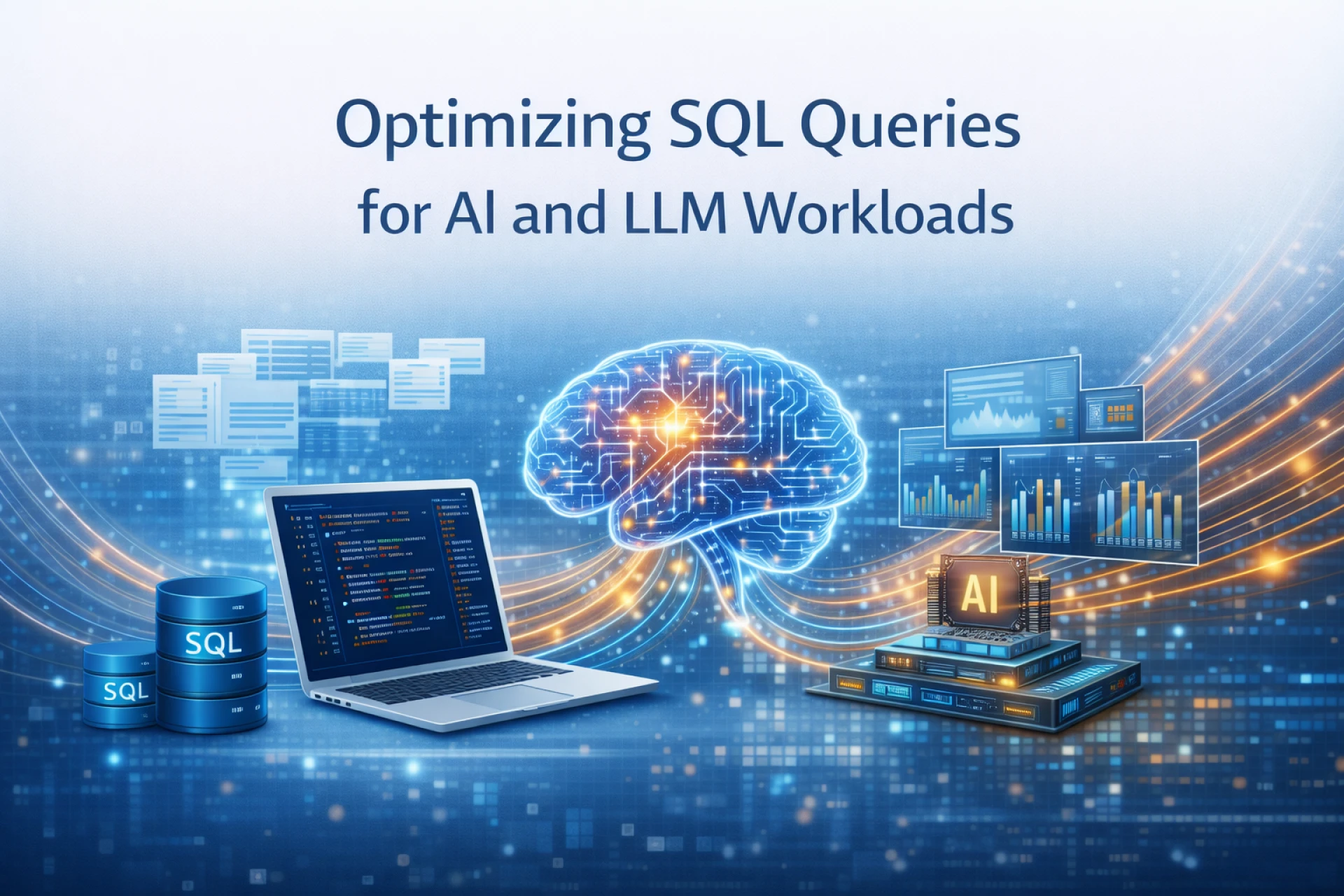
If your models feel “slow” or “expensive,” there’s a good chance the real bottleneck isn’t the GPU. It’s the SQL.
Training jobs waiting on feature queries. LLM eval jobs hammering the warehouse. Text-to-SQL agents generating wild full-table scans. All of that shows up as latency, dollar burn, and noisy alerts from your DBAs.
The good news: you don’t need exotic tricks. You need clean data modeling, sane query patterns, and a bit of discipline around how LLMs touch your database.
Let’s walk through practical ways to tune SQL specifically for AI and LLM workloads.
1. Know the workload you’re actually serving
Before touching a single query, map what your database is doing for AI:
- Offline training / feature generation
- Large scans, heavy joins, big aggregations over months or years of data.
- Online inference & feature lookup
- Small, latency-sensitive lookups keyed by user, session, or entity.
- LLM analytics & evaluation
- Ad-hoc aggregations over logs, prompts, responses, feedback labels.
Different shapes want different strategies. Data modeling guides for ML pipelines make the same point: design and tune queries with the workload pattern in mind, not just the schema you inherited.
As a rule:
- Training & analytics: think data warehouse or columnar store.
- Online inference: think fast key-value patterns or read-optimized indexes.
2. Model your data with AI access patterns in mind
If your schema was built only for OLTP, AI jobs will punish it.
For AI / ML pipelines, sensible modeling goes a long way:
- Normalize for correctness, denormalize for speed
- Start with normalized tables to keep data clean, then introduce wide “feature tables” or views for read-heavy workloads. ML pipeline articles explicitly recommend selective denormalization for common analytical queries.
- Partition large fact tables
- Partition by time (day/month) or another natural shard key to:
- Prune older data quickly
- Enable parallel reads across partitions
- Index what you actually filter or join on
- Index columns used for:
- Entity keys (user_id, account_id, item_id)
- Time ranges (event_time)
- Common filters for model slices (region, product, segment)
Be careful with over-indexing hot write tables. For streaming event logs feeding your features, you may buffer them into a warehouse or lakehouse and index there instead of on the raw ingest table.
3. Write “cheap” SQL by default
Most performance problems start in the query, not the engine.
Base rules that matter a lot for AI workloads:
- Avoid SELECT *
- Only fetch columns your model or pipeline needs. This reduces I/O, memory, and network transfer; multiple SQL best-practice guides call this out as a top win.
- Push filters down
- Filter as early as possible:
- Use WHERE on partition and index columns.
- Don’t wrap indexed columns in functions that block index usage.
- Prefer clear joins over nested subqueries
- Deeply nested subqueries are harder for optimizers. Many tuning posts recommend rewriting heavy subqueries as joins or CTEs when possible.
- Limit result sets
- Add LIMIT for debugging, LLM previews, and any user-facing “chat with your data” flows. Massive result sets are rarely useful and often crash clients.
- Use CTEs for clarity, not as a crutch
- CTEs are great for readability, but in some engines they materialize and can hurt performance. Use them to simplify logic, then profile and inline if needed for critical paths.
Think of every column, join, and row as cost. If your model doesn’t need it, don’t fetch it.
4. Lean on indexes, partitioning, and clustering
Good physical design is non-optional once you’re scanning billions of rows for features or LLM analytics.
Key tactics:
- Time-based partitioning for logs and events
- Most AI / LLM data (interactions, traces, feedback) is time-series. Partitioning by date lets the engine skip old partitions and parallelize big scans.
- Cluster / order by your main filter keys (in columnar warehouses)
- Clustering by keys like user_id or tenant_id improves data skipping and speeds up slice queries and model evaluation. Databricks and similar guides show big speedups from clustering and data skipping on wide tables.
- Covering indexes for online feature reads
- For live inference, build indexes that include the exact columns you return so lookups don’t hit the base table.
- Maintain statistics
- Tuning articles repeatedly highlight up-to-date stats as critical for the planner to pick proper indexes and join strategies.
This is unglamorous work, but it’s the difference between “my daily feature query runs in 20 seconds” and “it runs in 20 minutes.”
5. Precompute and cache what you can
If you keep asking the same expensive question, stop doing it in real time.
Common patterns for AI / LLM infra:
- Materialized views for core features
- Precompute heavy joins and aggregations into materialized views that refresh on a schedule. Query those views from training and eval jobs instead of the raw detail tables.
- Snapshot tables for training
- For a particular training run, snapshot the features into a dedicated table. Training then reads that snapshot repeatedly without hitting live tables.
- Warehouse / lakehouse result caching
- Many modern warehouses cache results or micro-partitions. Query tuning and lakehouse docs show that repeated identical queries can hit cache and return almost instantly when caching is enabled and queries are stable.
- In-app caching for inference
- For online LLM calls that need SQL lookups, keep hot keys in Redis or your app cache and fall back to SQL only when needed.
You’re trading storage for CPU and latency. For AI and LLM workloads, that’s usually a good trade.
6. Isolate heavy AI / LLM workloads from OLTP
Don’t let a “give me all user events for the last year” feature query take down your production app.
Best practice across cloud docs and warehouse tuning guides: separate transactional and analytical workloads.
Ways to do that:
- Read replicas
- Point training, feature engineering, and logging queries at replicas or a warehouse synced from OLTP.
- Separate compute pools
- In warehouses/lakehouses, run AI jobs in their own compute cluster or pool so a heavy training prep query doesn’t starve dashboards.
- Throttling and SLAs
- Give AI jobs clear quotas or separate queues so they don’t silently steal all IO/CPU from other workloads.
Your DBAs will like this. Your SREs will sleep better.
7. Make LLM-generated SQL safer and cheaper
If you let an LLM write SQL, assume it will eventually write something silly:
- SELECT * from your biggest table
- Joins without predicates
- No limits
- Filters that bypass indexes
Text-to-SQL write-ups call out both correctness and performance risks: models misinterpret schema, generate inefficient queries, or scan way too much data.
Guardrails that help:
- Constrain what the model can do
- Give it only the relevant subset of the schema, with descriptions.
- Enforce SELECT-only, single-statement queries at the connection/user level.
- Auto-inject LIMIT and default time ranges if the user didn’t specify them.
- Template its output
- Ask the model to fill in a query template:
- Named CTEs
- Mandatory WHERE on tenant / time
- Mandatory LIMIT
- This keeps structure consistent and easier to analyze.
- Validate before running
- Parse the SQL and run basic checks (no cross-db references, no dangerous functions).
- Use EXPLAIN and reject obviously bad plans (full scan of a 2 TB table for a tiny slice).
The goal isn’t to make the model “perfect”. It’s to keep the worst queries out and nudge everything toward the cheaper, indexed path.
8. Combine SQL with vector search for LLM-heavy systems
A lot of LLM workloads today are RAG: embedding content, storing it, and retrieving by similarity.
Two useful patterns here:
- SQL + vector in one place
- SQL vector databases combine standard SQL tables with vector columns and ANN search. This lets you:
- Filter by tenant, type, or time in SQL
- Then run vector search on the reduced set
- That mix is a common pattern in newer “SQL + vector” engines.
- Don’t overengineer with LLMs where SQL is enough
- A lot of “agentic” pipelines could just be a good SQL query or two. There’s a growing chorus of practitioners reminding folks to use simple SQL/OLAP for analytics-style questions and reserve vector search + LLMs for semantic or unstructured problems.
Optimizing SQL here is often about doing as much cheap, structured filtering as you can before hitting more expensive vector search or LLM calls.
9. Monitor, profile, and tune continuously
Your data grows. Your models change. Queries that were fine six months ago can become a problem.
Borrow from general tuning playbooks:
- Monitor
- Track latency, scanned bytes, and cost per query / per job.
- Break down by pipeline (training, inference, eval) and by team.
- Profile
- Regularly run EXPLAIN on slow or expensive queries.
- Look for missing indexes, bad join orders, or unnecessary columns.
- Refactor
- Turn repeated heavy queries into views or materialized views.
- Retire old queries that don’t need to exist anymore.
For AI and LLM work, also watch cost per training run and cost per 1k inferences attributable to SQL. If those numbers creep up, it’s time to re-tune.
If you treat SQL as a first-class part of your AI stack, not just “the thing feeding data into the model,” you’ll see two nice side effects: models train faster, and your infra bill stops creeping up every quarter. The GPU side gets a lot of attention. Quietly fixing the SQL side is usually where the real gains start.