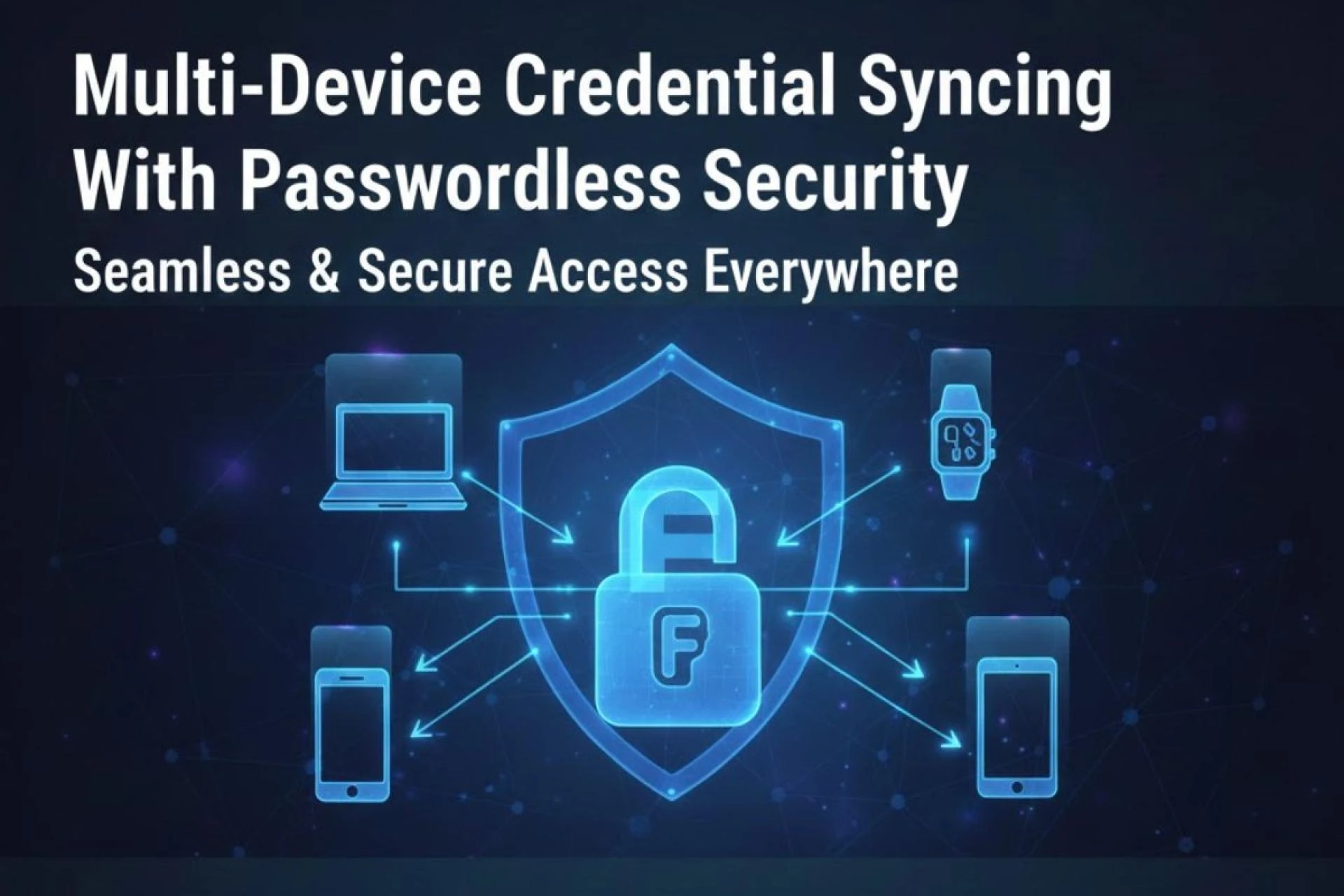
Managing identity across multiple devices has grown far more complex as users shift between desktops, laptops, tablets, and phones throughout the day. The need for a consistent and safe sign-in experience has become a priority for organizations seeking stronger control over user access. In the middle of this transition, Passwordless Authentication Security stands out as a core method that brings clarity to how credentials can travel securely across devices without exposing sensitive data.
Why Multi-Device Credential Syncing Matters Today
Users rarely rely on a single device. Whether logging into cloud applications, accessing confidential files, or managing communication tools, each device must work as part of a broader identity workflow. Without a safe syncing method, organizations face risks such as inconsistent user verification, credential duplication, or unauthorized access.
Multi-device syncing reduces that friction by allowing verified credentials to move between trusted endpoints. Instead of handling separate passwords or recovery procedures on every device, authentication becomes part of a unified identity model. This shift also reduces the common issues linked to password behavior—reuse, weak combinations, and credential sharing.
How Passwordless Systems Support Multi-Device Access
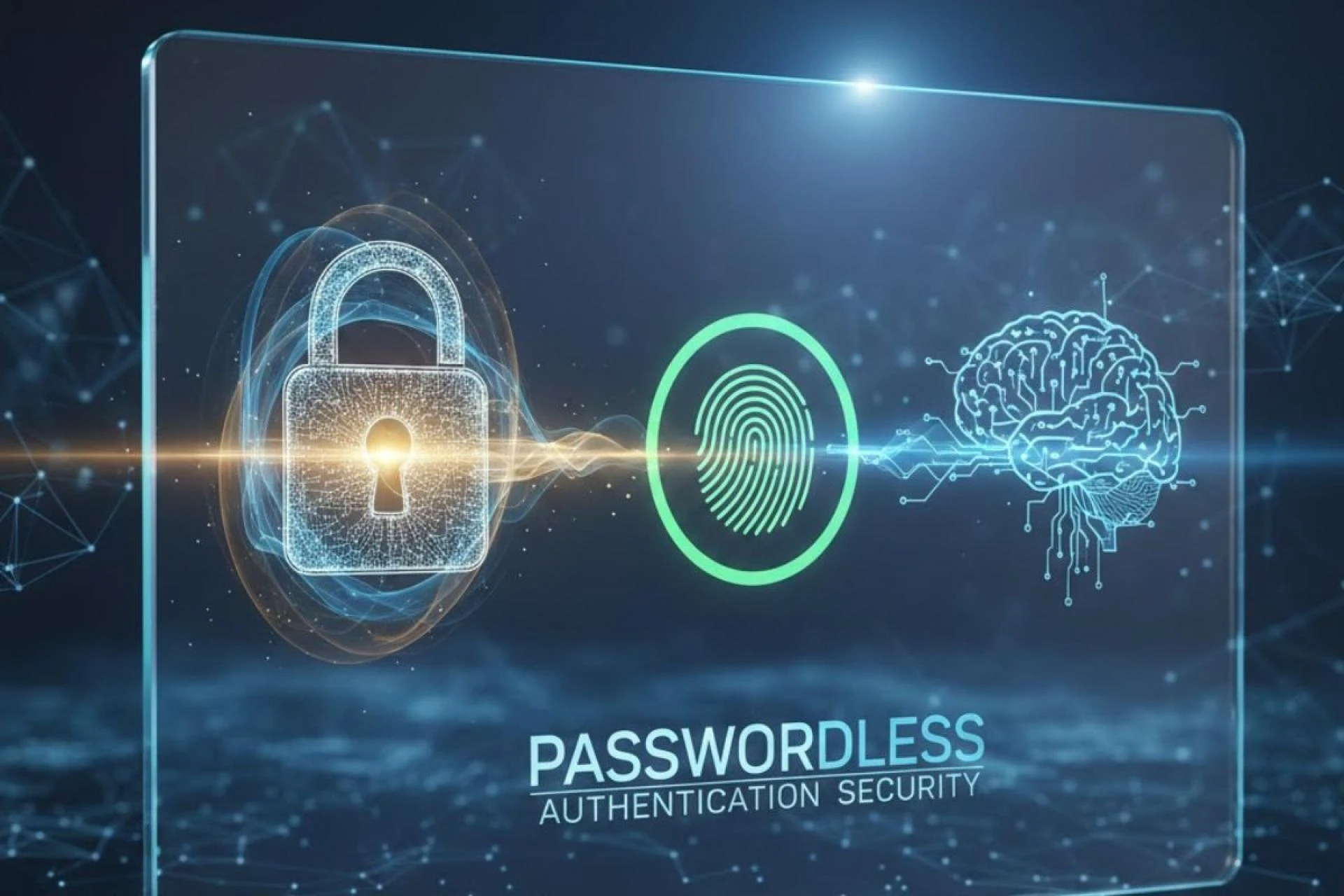
Passwordless methods shift identity verification toward cryptographic keys, biometrics, or hardware-backed authenticators. The benefit becomes clearer when moving between devices. With the right structure, credentials can sync without revealing private keys, personal biometrics, or any reusable secrets.
Syncing Through Cloud-Based Passkey Models
Passkeys introduced a new model where device-bound authentication material can be shared across multiple platforms. The syncing process uses end-to-end encryption, meaning only the user’s trusted devices can read the decrypted credential. This avoids the traditional risks of storing passwords or transmitting shared secrets over networks.
Hardware-Rooted Security for Device Linking
Many organizations prefer hardware-bound options such as security keys for tighter control. While these keys do not sync in a traditional cloud sense, they bring a stable identity that can be used across devices. Connecting the same key to each device provides consistent verification without creating duplicate credentials.
Biometric Trust Anchors Without Sharing Biometric Data
Biometrics in passwordless authentication systems play a role as local unlock methods rather than network identifiers. The user’s face or fingerprint verifies possession of the private key, but the biometric information never leaves the device. This design supports multi-device workflows without exposing personal attributes during syncing.
Challenges That Multi-Device Syncing Must Address
Credential syncing across devices sounds simple, yet it includes deeper technical and security considerations that organizations must examine.
Maintaining Identity Integrity Across Platforms
Different operating systems manage cryptographic material differently. Identity systems must allow syncing while preserving the original trust level. A credential created on a secure hardware-backed module should not lose its integrity when accessed on another device.
Keeping Private Keys Protected During Syncing
The syncing process must prevent any exposure of the private key. End-to-end encryption, local hardware modules, and device verification methods all play a role in ensuring the private key stays inaccessible to unauthorized parties.
Preventing Unauthorized Device Enrollment
One of the most overlooked risks in credential syncing is enrollment control. A malicious actor might attempt to connect an untrusted device to a syncing ecosystem. A strong passwordless system verifies the original user presence before allowing any new device to join the trusted circle.
The Role of Multi-Device Syncing in Zero Password Dependency
Passwordless workflows are only successful when users no longer rely on fallback passwords. Multi-device syncing supports this by keeping authentication consistent across the environments a user depends on daily. With syncing in place, users do not require recovery passwords, stored backup codes, or memory-based security questions.
Stable Access Across Daily Workflows
Moving from a laptop to a phone or tablet should not disrupt the identity journey. A synced credential makes the transition smooth and predictable. Whether accessing internal systems remotely or signing into productivity tools on a different screen, the user can follow the same passwordless sign-in pattern.
Reduced IT Overload
Password resets often overwhelm IT teams. Multi-device syncing minimizes these issues by eliminating the password reset loop entirely. As long as the synced credential is available on at least one verified device, recovery becomes far simpler and safer.
Stronger Alignment With Zero-Trust Principles
Zero-trust frameworks depend on strong identity proofing and continuous verification, not on shared secrets. Multi-device syncing works well within this model because it allows identity to be reassessed on every device, while still retaining the cryptographic strength of the original credential.
What Organizations Should Look for in Multi-Device Syncing Solutions
Before deploying multi-device synced credentials, organizations should evaluate solutions based on practical needs and long-term technology alignment.
Cross-Platform Consistency
A syncing method should function the same way on Windows, macOS, iOS, Android, and web-based environments. Any deviation can introduce security gaps or weaknesses.
Hardware-Backed Protection Where Possible
Relying on secure hardware like TPMs, Secure Enclave, or FIDO-compliant authenticators strengthens the underlying cryptography and reduces risks during syncing.
Transparent User Experience Without Complexity
While avoiding complicated password flows, the system should maintain clarity for both users and administrators. Device enrollment, removal, and recovery tasks should follow predictable steps.
Conclusion
Multi-device credential syncing has become essential for organizations moving toward a passwordless future. It supports consistent identity verification across desktops, mobiles, and cloud platforms while removing many of the vulnerabilities tied to passwords. By relying on cryptographic protection, hardware-backed modules, and user-verified setup flows, syncing creates a safer foundation for long-term access control. As more workflows move across multiple screens, passwordless credential syncing provides a stable and secure pathway for modern authentication.