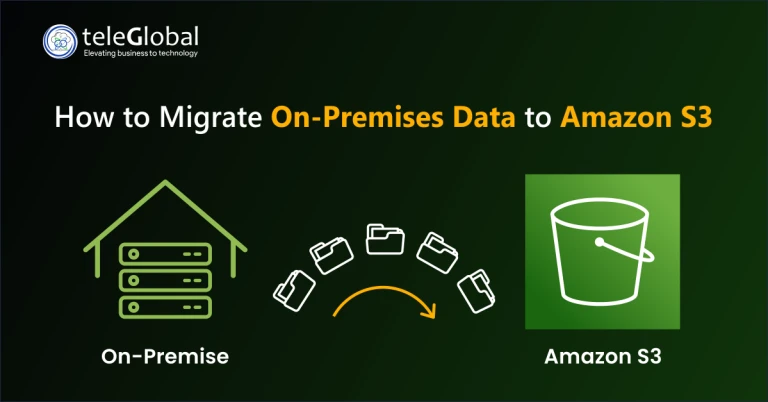
In today’s digital-first world, one thing is clear: your data needs to move as fast as your business does. That’s why more companies are moving away from traditional, on-premises storage and embracing cloud-based solutions like Amazon S3.
Whether you're a startup scaling fast or an enterprise looking to modernize, migrating your on-premises data to Amazon S3 opens the door to better flexibility, security, and cost control.
Here’s a simplified look at why Amazon S3 is making such a difference—and how to get started with your migration.
Why Businesses Trust Amazon S3 for Storage
Amazon S3 (Simple Storage Service) is built to solve real-world data challenges:
- Unlimited Scalability: Store as much as you want, whenever you want
- High Durability: 99.999999999% durability across multiple availability zones
- Pay-As-You-Go Pricing: Only pay for what you store and access
- Built-In Security: Encryption, access policies, and compliance-ready features
In short, it’s a storage solution that adapts to your business—no matter how fast you grow or change.
Key Steps for Migrating to Amazon S3
Moving data to the cloud doesn’t need to be overwhelming. Follow these essential steps to ensure a smooth migration:
1. Assess Your Data
Understand what you're migrating:
- How much data do you have?
- What type is it—structured, unstructured, media?
- How often do you need to access it?
These answers help define your storage setup and costs.
2. Pick the Right S3 Storage Class
Amazon S3 has multiple tiers:
- S3 Standard – Best for frequent access
- S3 Glacier & Deep Archive – Ideal for long-term backup
- S3 Intelligent-Tiering – Automatically adapts based on usage
Choosing the right class can save serious money long term.
3. Choose a Migration Method
Depending on the size and urgency of your data transfer, you can use:
- AWS Snowball – For massive datasets (petabytes)
- AWS DataSync – Fast, secure online transfers
- S3 Transfer Acceleration – Speeds up global uploads
- AWS Storage Gateway – For hybrid on-prem and cloud environments
4. Secure Your Data
Cloud security is essential:
- Turn on encryption (SSE-S3, SSE-KMS)
- Set strict IAM roles and bucket policies
- Align settings with industry compliance standards (e.g., HIPAA, GDPR)
5. Monitor and Optimize
Once data is in S3, keep improving:
- Use CloudWatch to monitor transfer health
- Set lifecycle policies to move data automatically to colder storage tiers
- Enable versioning for recovery and auditability
Make the Move with Confidence
Amazon S3 isn’t just cloud storage—it’s an investment in business agility and data resilience. With the right planning, tools, and best practices, you can migrate smoothly and future-proof your storage for years to come.
Read the complete guide on migrating to Amazon S3 to get a step-by-step breakdown and expert tips.