
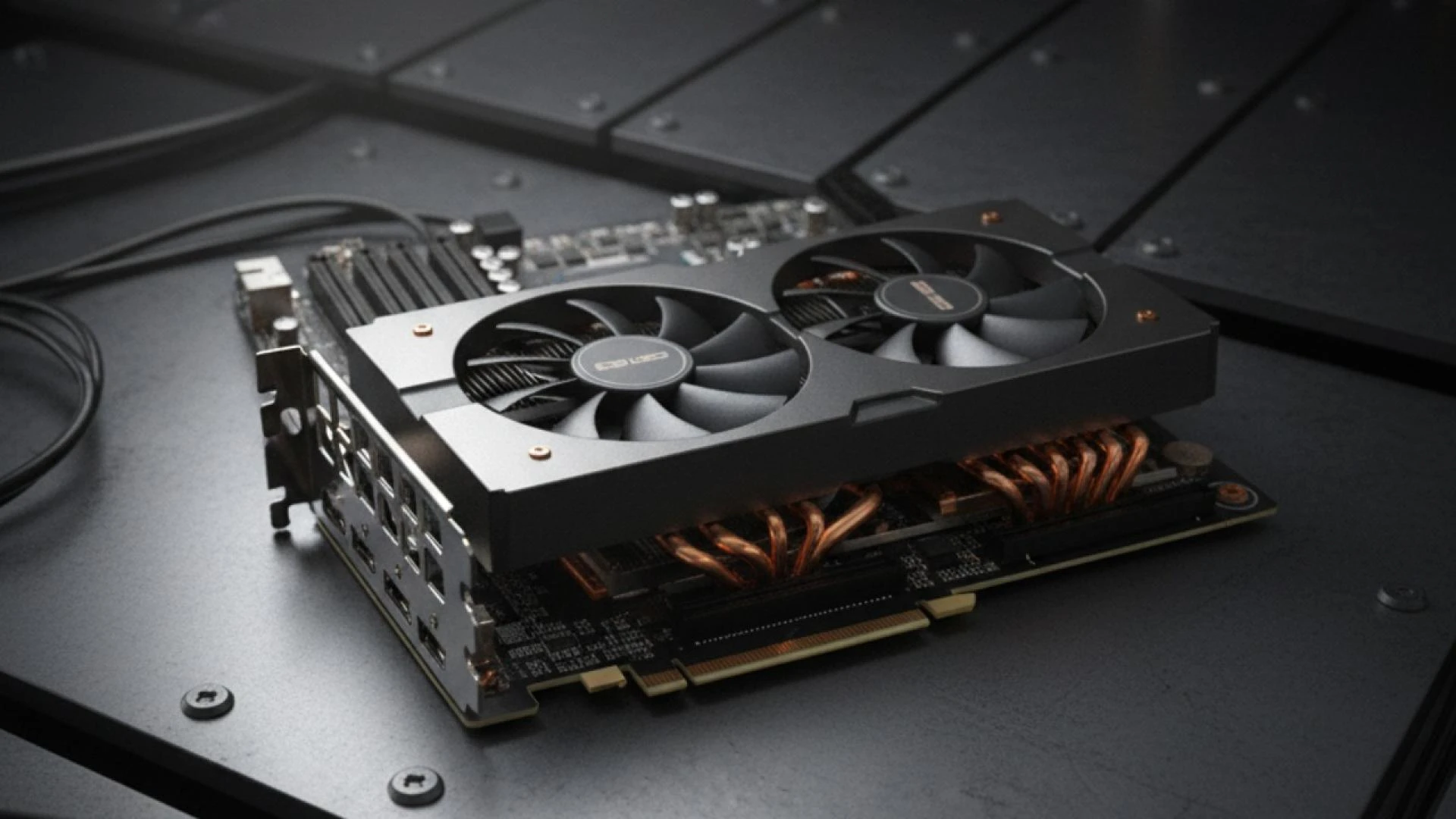
Upgrading GPUs can cut epoch time. It can also set your budget on fire. The win comes from pairing new silicon with a clear cost model, tight utilization controls, and a scheduling policy your teams can live with. Here’s a practical playbook to keep spend sane while you scale.
1) Anchor spend to a unit your business cares about
If you can’t express cost per unit of value, you’ll argue in circles.
Pick one metric and stick with it: cost per million tokens generated, cost per training step at batch X, or cost per query at target latency. This is standard FinOps advice: design unit economics that tie tech spend to outcomes so tradeoffs are obvious.
2) Build a simple TCO model before you buy
You need a number that tells you whether “more GPUs” beats “better utilization.”
Sketch a per-GPU-hour model:
GPU_hour_cost = (CapEx_amortized_per_hour + support + SW_licensing) / utilized_hours + (board_power_W + server_overhead_W)/1000 * kWh_rate * PUE + network + storageshare
Use your site’s kWh price and PUE (the multiplier that accounts for cooling/power overhead). PUE is the industry metric promoted by The Green Grid and widely used for data center energy efficiency.
If you run NVIDIA AI Enterprise for support/validated stacks, include the per-GPU subscription (published list pricing exists; check your term). Cloud marketplace variants are billed per GPU-hour.
3) Measure today’s utilization with real data
Most “we need more GPUs” requests are really “we’re not using what we have.”
Instrument your fleet with NVIDIA DCGM to capture per-process utilization, memory use, power, and health. It’s built for cluster-scale GPU ops and integrates cleanly with schedulers and monitoring stacks.
On Kubernetes, the NVIDIA GPU Operator wires up drivers, the device plugin, DCGM metrics, and the container toolkit so telemetry and scheduling stay consistent across nodes and upgrades.
4) Treat fragmentation like a cost
Idle memory on a busy GPU is still waste.
Where hardware supports it, use Multi-Instance GPU (MIG) to carve a GPU into isolated slices with dedicated compute and memory. It’s a straight utilization lever for mixed inference/training or multi-tenant clusters. Track slice occupancy the same way you track full GPUs.
Suggested Read: Check out this blog for Best Cloud Cost Optimisation Tips For Businesses
5) Enforce fair use and preemption in the scheduler
Policy beats Slack threads when capacity gets tight.
Use Kubernetes ResourceQuota to cap total GPUs and set sensible requests/limits per namespace. Pair with PriorityClass so urgent training runs can preempt low-priority jobs instead of waiting days. This keeps GPUs hot without constant human triage.
6) Right-size supply with autoscaling, not manual fleets
Let the control plane buy you time between purchase cycles.
If you’re on EKS/GKE/AKS, lean on managed autoscaling. Karpenter (on AWS) can spin up right-sized nodes in under a minute and bin-pack pods to cut waste. Keep a small on-demand base and burst with scale-to-zero node groups for jobs.
For visibility, deploy Kubecost (or OpenCost) so teams see GPU dollars by namespace, label, and deployment. It’s easier to have the “do we still need this 8-GPU job?” chat with an allocation dashboard on screen.
7) Use the right cloud discounts for the right workload
Don’t pay on-demand when your usage is predictable—or fragile.
- Steady base load: Commit. AWS Savings Plans (or EC2 Instance RIs), Azure Reserved VM Instances, and Google CUDs all trade commitment for big discounts. Model “use it or lose it” carefully so you don’t buy idle hours.
- Spiky or fault-tolerant jobs: Go Spot/Preemptible. GCP Spot VMs and AWS Spot Instances can save heavily, but you must handle interruptions. Use queues/checkpointing and watch interruption dashboards/advisors.
8) Power, cooling, and the “hidden” part of cost
Two identical GPU clusters can have very different electricity bills.
Your effective energy cost is kWh_rate × PUE × hours × load. If you’re moving to higher-TDP parts, that PUE multiplier matters. Validate with facilities before the upgrade; the finance model should include energy at expected utilization, not just nameplate TDP. PUE is the accepted way to normalize this across sites.
9) Don’t starve GPUs with a slow data path
If GPUs wait on IO, you’re paying for heat, not progress.
Enable GPUDirect Storage where it fits, so data DMA’s directly between NVMe or parallel filesystems and GPU memory. This cuts CPU bounce buffering and can reduce the number of CPU hosts you need per GPU rack—real dollars. Test with NVIDIA’s GDS guides and your filesystem’s docs.
10) Decide where to burst vs. where to own
During an upgrade, mixing on-prem and cloud often wins.
Keep latency-sensitive inference or steady training on owned gear with known PUE and cheaper power, and burst the rest to cloud with discounts. Latency-sensitive inference can include applications such as AI voice agents, conversational assistants, live translation, and interactive copilots, where infrastructure decisions have to balance response time, concurrency, utilization, and cost. Your unit metric (section 1) will tell you when public GPU hours beat waiting for the next procurement batch.
11) A step-by-step playbook you can actually run
- Baseline: Pull 14–30 days of DCGM metrics: SM utilization, memory, power, ECC errors, per-process usage. Tag workloads with owners.
- Cost model: Fill the per-GPU-hour sheet with CapEx amortization, licenses (if any), power at expected load, network, and storage shares. Add your site PUE.
- Quick wins first: Turn on MIG where under-filled GPUs exist; enforce ResourceQuota; add PriorityClass to your top two training tenants. Re-measure.
- Scale policy: Stand up or tune autoscaling (e.g., Karpenter). Define a base on-demand pool and a burst pool. Wire Kubecost for showback so teams see their GPU dollars.
- Discounts: Size Savings Plans/Reserved/CUD to the base. Move fault-tolerant jobs to Spot/Preemptible with checkpointing. Watch interruption stats and adjust.
- Data path: Pilot GDS with one training pipeline, confirm throughput and CPU offload, then decide if you can drop CPU nodes or NICs elsewhere.
- Upgrade buy: With waste removed and discounts in place, right-size the new GPUs. Your sheet should now show a stable GPU_hour_cost that justifies the purchase.
12) Cost guardrails that scale with your cluster
- Budgets per namespace plus alerts when Kubecost projects drift >X% week over week.
- Preemption rules so SLA workloads displace batch jobs instead of waiting.
- Runbooks for Spot interruption hooks and checkpoint resume.
- License tracking for per-GPU subscriptions (and their terms) to avoid surprise renewals.
Quick checklist (print this)
- Unit cost chosen and visible (e.g., $/M tokens, $/step).
- TCO sheet includes CapEx amortization, AI Enterprise (if used), energy with PUE, storage/network share.
- DCGM + GPU Operator deployed; dashboards show utilization and memory headroom.
- MIG enabled where workloads under-fill a full GPU.
- ResourceQuota and PriorityClass in place for fair share and preemption.
- Autoscaling tuned (e.g., Karpenter) and Kubecost showback live.
- Discounts bought for base; Spot/Preemptible for burst with checkpointing.
- GDS validated on at least one pipeline to lower IO cost per step.
Bottom line
New GPUs only pay off when you keep them busy and buy the right kind of hours. Put a price on your outcomes, fix utilization first, then upgrade. Your models get faster—and your finance partner actually smiles.