If you’re still comparing enterprise cloud storage the same way you compare personal cloud drives, you’ll get burned. At a small scale, almost anything works. At a few hundred terabytes, with legal, security, AI teams and finance all watching, the cracks show up fast.
This guide walks through the core features that actually matter once data becomes business critical, and gives you a simple checklist you can take into your next vendor call.
What really counts as “enterprise” cloud storage?
It helps to separate real enterprise-grade storage from “fancy sync folder in the sky”.
Enterprise cloud storage usually means:
- Built on top of public, private, or hybrid cloud environments with on-demand access to pooled compute and storage, as described by NIST.
- Designed for massive amounts of unstructured data (logs, media, documents) using object storage, not just shared network drives.
- With clear security, compliance, and admin controls aimed at companies, not individual users.
If a service can’t give you those three things, it’s not really “enterprise”, no matter how good the UI looks.
1. Scalability and predictable performance
This is usually the first point where “good enough” storage stops being good.
Look for:
- Elastic capacity - You should be able to start small, then grow to petabytes without re-architecting or doing forklift migrations. Leading object stores talk about “nearly unlimited capacity” for unstructured data.
- Performance numbers, not vibes - You want published throughput and latency expectations, and ideally some real benchmarks close to your workload.
- Multi region options - Storing data closer to your users and apps helps with latency and user experience.
Good test: can you run backups, analytics, and user file access on the same service without surprise slowdowns?
2. Security that fits a zero trust model
You’re putting the company’s crown jewels into someone else’s hardware. The security story needs to be brutally clear.
Non-negotiables:
- Encryption everywhere
- Data should be encrypted in transit and at rest, with modern algorithms. Enterprise storage guides consistently list encryption as one of the primary security features.
- Key management choices
- You should be able to bring your own keys or use a managed key service, and rotate keys without downtime.
- Strong identity and access control
- Integration with your IdP, SSO, MFA, and granular role based access is table stakes for enterprise services.
- Auditability
- Every read, write and permission change should be logged and exportable into your SIEM.
Ask vendors to show you a full access flow for a sensitive bucket and how you’d prove “who touched what” to an auditor.
3. Durability, availability and data protection
If the data is gone or offline when you need it, nothing else matters.
Most serious cloud object stores are designed for “eleven nines” of durability, which roughly means you should not lose an object in hundreds of thousands of years, thanks to replication and erasure coding across devices and sites.
For availability and protection, look for:
- Multi zone or multi region storage classes with clear uptime SLAs.
- Versioning and snapshots so you can roll back from accidental deletes or ransomware.
- Immutable or write-once options (often used for legal hold or backup “vaults”).
Tie these features back to your RPO and RTO numbers. If the service can’t help you meet those, keep looking.
4. Compliance, data residency and governance
Security answers “can outsiders get to it”. Compliance answers “can we prove we’re handling it correctly”.
Good enterprise storage should:
- Provide clear mappings to common regulations and standards like GDPR and PCI, often through third party audits and attestations.
- Let you keep specific datasets in specific regions to meet residency rules.
- Offer retention policies, legal hold, and exportable audit reports so your risk and legal teams can sleep.
If a provider hand-waves and just says “we’re compliant”, ask for specific reports and which controls they actually cover vs which ones are on you.
5. Integration, APIs and ecosystem fit
Storage is not an island. If it does not talk nicely to the rest of your stack, you’ll pay that tax in custom glue code.
Look for:
- Standard APIs - S3 compatible object APIs, solid REST endpoints, and SDKs in the languages your dev teams actually use. Many modern object stores advertise S3 compatibility and high request rates.
- Native integrations - Backup tools, data protection suites, data lake tools, AI/ML services, and monitoring tools should already know how to talk to this service.
- Eventing - Object change events that can trigger serverless functions or pipelines are gold if you care about automation.
When in doubt, ask your engineers a simple question: “How painful would it be to build on this for three years?”
6. Management, automation and observability
Someone has to operate this thing every day. Make their life easy.
Healthy signs:
- Decent admin console for quick operations, without hiding advanced settings.
- Infrastructure as code support through Terraform or similar, so you can keep storage config in version control.
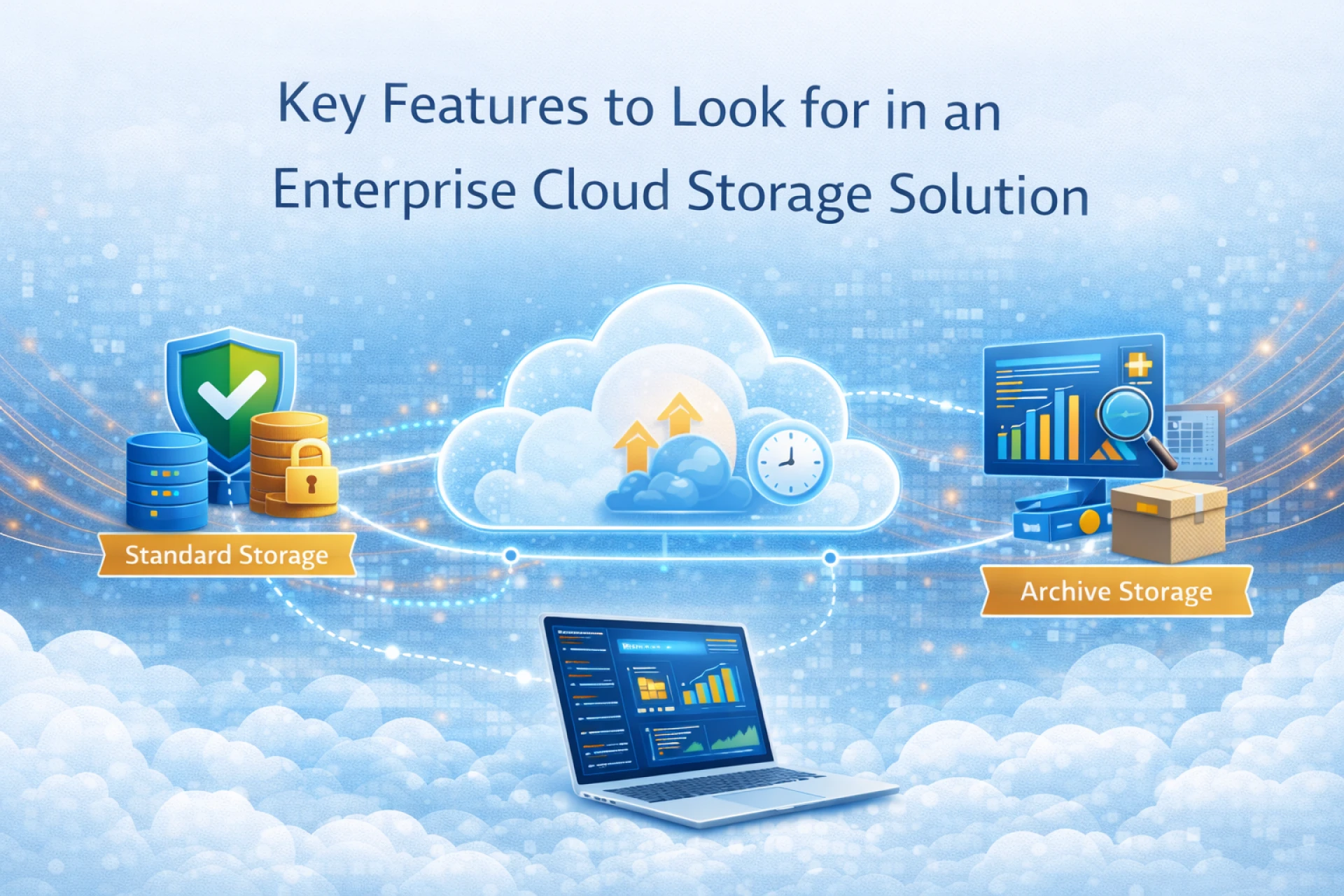
- Lifecycle policies to automatically move or delete data as it ages. Major clouds support automatic transitions between hot, cool, cold and archive tiers based on access patterns.
- Metrics and logs that plug into your existing monitoring stack so you can see capacity, performance, errors, and costs in one place.
Also check support: 24x7, clear SLAs, and humans who actually understand storage, not just generic front line scripts.
7. Cost model, tiers and avoiding surprise bills
Sticker price per GB is just one piece of the bill. The gotchas usually hide in operations and data movement.
Pay attention to:
- Storage classes / tiers
- Hot, cool, cold, archive tiers have very different storage vs access costs. Azure and other vendors document this trade off clearly: hot is expensive to store but cheap to access, archive is the reverse.
- Other line items
- Requests, metadata operations, inter region traffic, and egress can add up if you design without them in mind.
- Cost controls
- Budget alerts, per project tags, and lifecycle policies that automatically move cold data to cheaper tiers. Guides on cost tuning often stress moving inactive hot-tier data down to cool or archive tiers.
Finally, think about data mobility. Standard APIs and export tools make it easier to move away later if pricing or strategy changes.
8. Migration path and day-two support
Even if everything on paper looks great, you still have to move your existing data and workloads.
Ask about:
- Migration tooling - Bulk upload tools, parallel transfer utilities, and for very large datasets, “ship us a box of disks” style import programs.
- Professional services and partners - Especially handy if you’re moving from legacy on-prem arrays or a competing cloud.
- PoC guidance - Start with a non critical workload, then test performance, security, and restore drills before you commit.
If a provider cannot describe a clear migration story for companies like yours, that’s a warning sign.