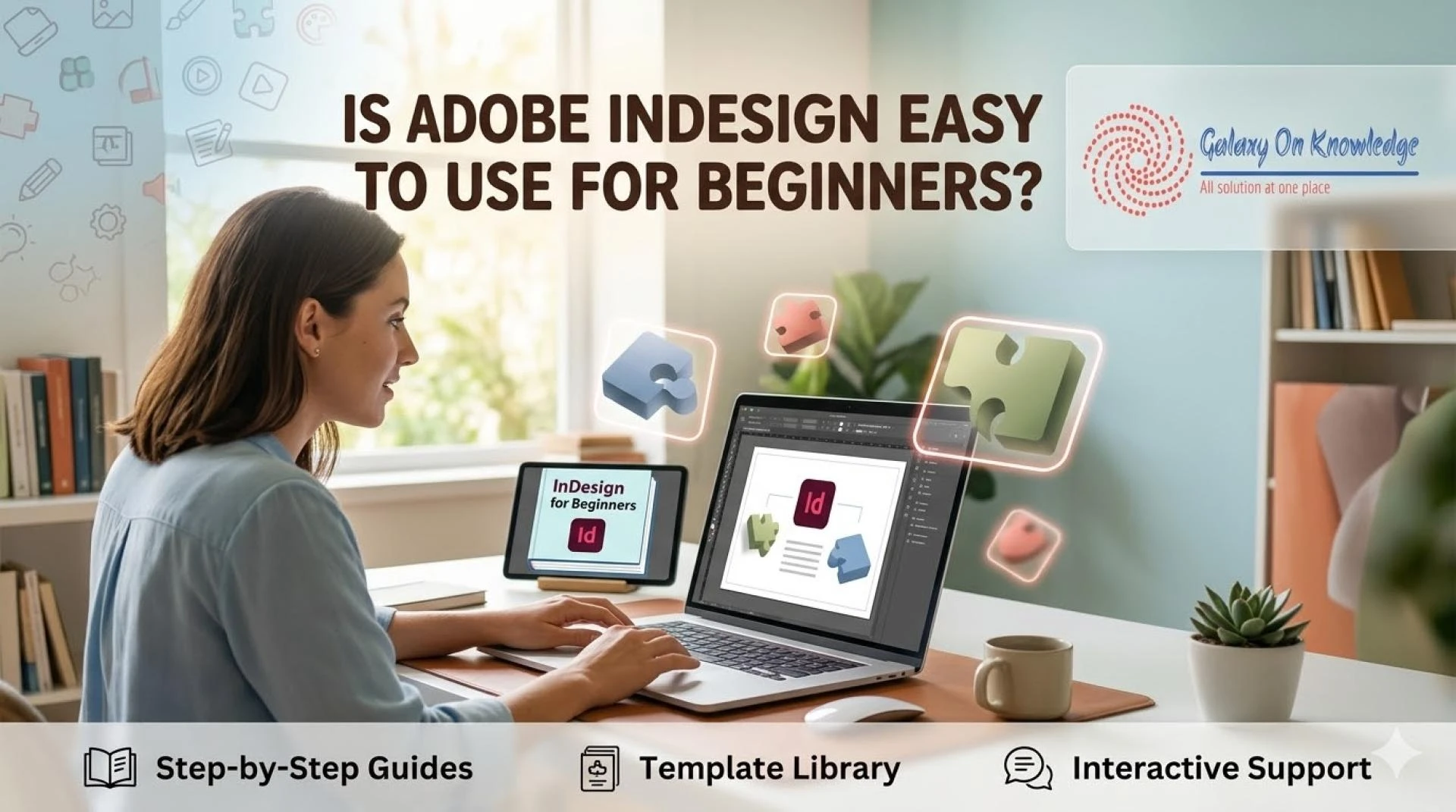
The short answer is no, not at first. Adobe InDesign is not the easiest Adobe app on day one, yet it is very learnable. Once you understand pages, frames, and styles, the program starts to feel much more logical.
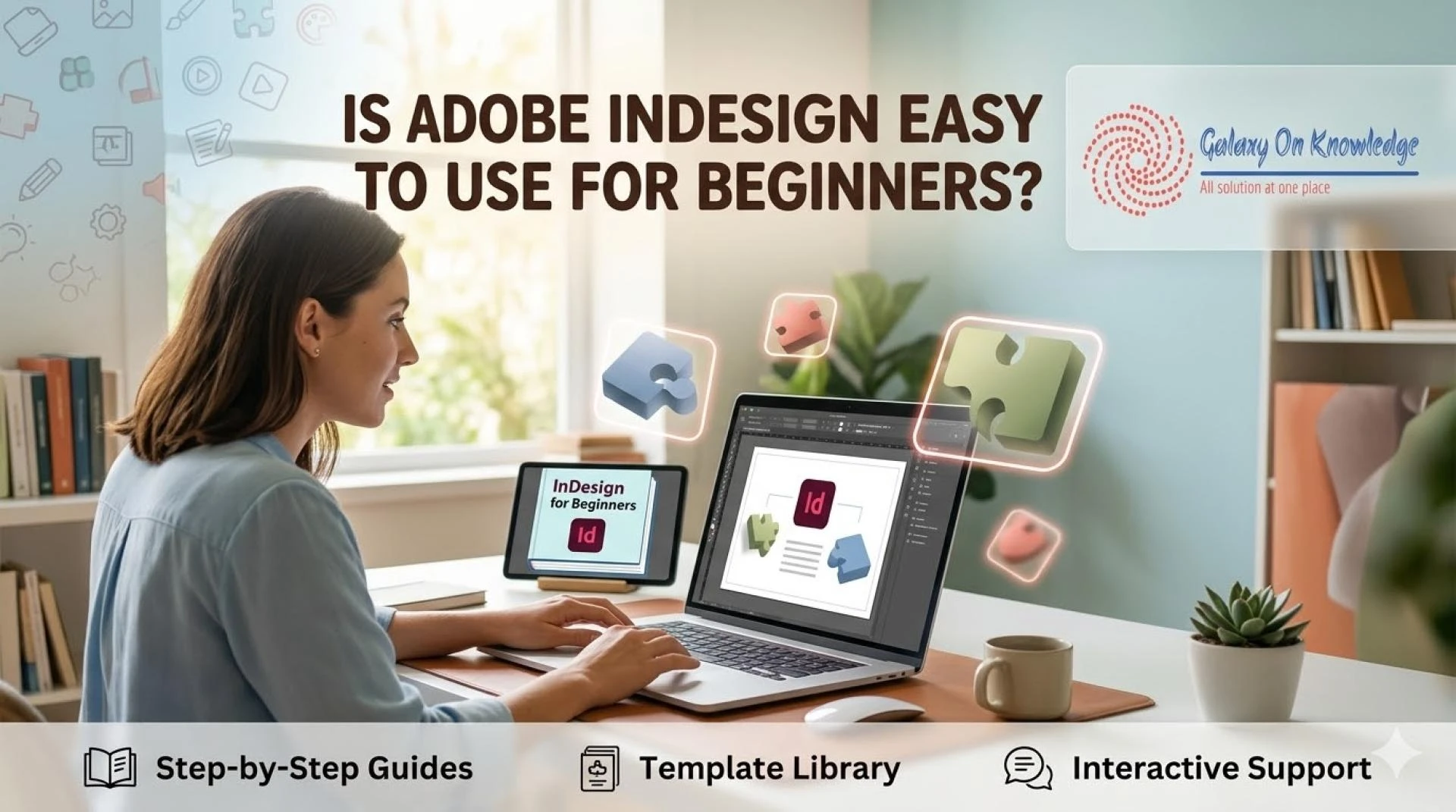
InDesign is built for page layout. People use it for books, magazines, ebooks, brochures, reports, resumes, catalogs, and other multi-page documents. In other words, if you ask What Is Adobe InDesign Used For, the answer centers on arranging content across pages, not editing photos or drawing artwork. This article takes a balanced look at beginners, cost, strengths, limits, and how InDesign compares with Canva, Photoshop, and Illustrator.
What makes InDesign feel hard at first, and why that usually changes
Many beginners ask, What Adobe InDesign Is Used for in Computer-Based Design, or more bluntly, Is InDesign difficult. That reaction makes sense. The interface can look crowded, and the layout terms may feel strange at first. Still, the learning curve is usually about page logic, not impossible tools.
The first-day learning curve comes from layouts, not from impossible tools
A new user often meets master pages, text frames, paragraph styles, margins, bleeds, and linked images within the first hour. If you've used Word or Canva, that can feel like walking into a print shop with no map.
Yet those ideas solve real layout problems. Master pages keep headers and page numbers consistent. Text frames control where copy sits. Styles keep fonts and spacing uniform. Bleeds help printed designs reach the page edge cleanly. Linked images keep files lighter and easier to update.
So, Is InDesign good for beginners? Yes, if the beginner needs print design or multi-page layout and accepts a short practice period. It feels less like a sketchbook and more like learning how shelves fit in a library.
InDesign feels hardest before page structure clicks. After that, many tools start to make sense fast.
Most people get comfortable faster once they learn a few core habits
Progress usually comes from small wins. First, place text into frames. Next, apply paragraph styles. Then align objects, manage pages, and export a clean PDF. Those steps build confidence because they match real work.
This is also why the answer to Can I teach myself InDesign is often yes. Many people do, especially through short practice projects and guided lessons. A simple flyer, mini ebook, or two-page brochure can teach more than hours of random clicking. If you want a starting point, this Beginner InDesign Training on YouTube can help build those habits.
What InDesign does best in 2026, and where other tools may be easier
Adobe InDesign used for 2026 still follows the same core strength, it handles structured layouts better than most design tools. When content repeats across many pages, consistency matters. That's where InDesign earns its place.
What Adobe InDesign is used for when a project has many pages and strict formatting
In real work, InDesign shines when documents must stay orderly. Think books, catalogs, magazines, annual reports, ebooks, marketing packets, resumes, and interactive PDFs. Teams also use it when a brand needs the same fonts, spacing, grids, and page rules from page 1 to page 80.
That explains what is Adobe InDesign used for in computer-based design. It organizes text, images, and page systems into polished output. A designer can control margins, columns, styles, image flow, and export settings without rebuilding each page by hand.
If your project acts like a booklet, report, or magazine, InDesign usually feels right. If it acts like a single poster or photo edit, another app may be simpler.
Adobe InDesign vs Illustrator, Photoshop, and Canva, which tool fits the job
Readers often ask what is Adobe InDesign vs Illustrator. The clearest answer is this: Illustrator is stronger for vector art, logos, and one-page graphics. InDesign is stronger for page layout and long documents.
The same logic applies to other tools. Is InDesign better than Photoshop? Not for photo editing. Photoshop is better for retouching images. InDesign is better for placing finished images into a structured layout. Is InDesign better than Canva? Not if you want a quick template in five minutes. Canva is easier to start with, while InDesign gives more control, better consistency, and stronger print output.
This quick comparison helps:
ToolBest forEasier for beginners?InDesignMulti-page layout, print files, reportsModerateIllustratorVector art, icons, logosModeratePhotoshopImage editing, retouchingModerate to hardCanvaQuick social posts, simple templatesEasy
The takeaway is simple. Pick the tool that matches the job, not the brand name you know best.
The real downsides, the cost, and whether InDesign is worth learning
InDesign is powerful, but power comes with trade-offs. Casual users may feel that right away, especially if their needs are small.
The biggest disadvantages of InDesign for casual users and tight budgets
When people ask what are the disadvantages of InDesign, four issues come up most often. First, the subscription cost can feel high if you only design now and then. Second, it takes time to learn. Third, it is overkill for simple graphics or one-page social posts. Fourth, it rewards organized files, which can frustrate messy workflows.
That also ties to How expensive is InDesign. Pricing changes, so the smart move is to check Adobe's current plans in 2026 before deciding. For some users, the cost is fair because the tool saves time on large projects. For others, it is too much for occasional use.
Some people also ask, What is the most difficult Adobe software. There is no single answer. Difficulty depends on your goal. Still, InDesign can rank among the harder Adobe apps for people who have never worked with page systems.
Can AI replace InDesign, or just make the work faster
The better question is not only Can AI replace InDesign, but what parts of the job AI can speed up. AI can help draft copy, clean images, suggest page variations, resize assets, and support routine tasks. That saves time.
Even so, AI does not replace skilled layout decisions. A good document still needs hierarchy, spacing, brand control, print settings, and editorial judgment. Those choices are less about automation and more about taste, logic, and purpose.
So, is learning InDesign worth it? If you create books, magazines, reports, or other page-heavy documents, yes. If you only need quick graphics, probably not.
Conclusion
InDesign is not the easiest design tool on day one, but it is manageable for beginners with the right goal. It becomes much easier once page structure, frames, and styles stop feeling foreign. That is why InDesign remains a strong choice for books, magazines, reports, and other multi-page work. Start with one small project, learn the core habits, and build from there. Skill grows faster when the tool fits the task.