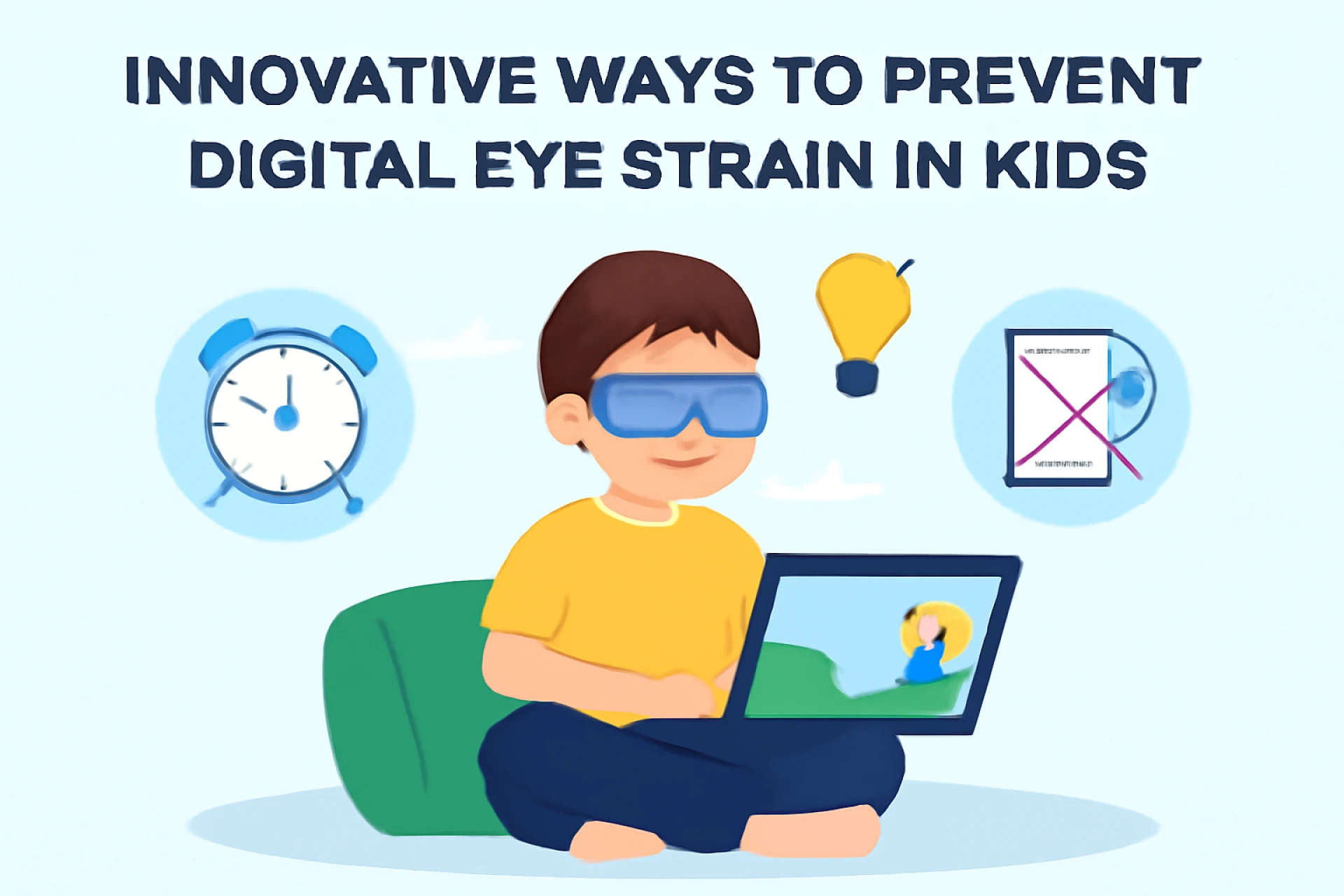
In today’s tech-driven world, kids spend more time in front of screens than ever. Whether it’s for virtual classes, completing assignments, gaming, or staying connected with friends, digital devices have become an essential part of everyday life. While these tools offer educational and entertainment value, prolonged screen time can negatively impact eye health, often resulting in digital eye strain, also known as computer vision syndrome.
Prioritizing family eye care in Quincy, IL, can protect children’s vision. Below are some innovative and practical strategies to help prevent digital eye strain and support healthier screen habits for kids.
Understanding Digital Eye Strain in Kids
This condition develops when the eyes become fatigued due to long periods of screen usage without adequate breaks. In children, it can cause:
- Blurry vision
- Headaches
- Eye discomfort or dryness
- Trouble focusing
- Neck and shoulder pain
These symptoms may go unnoticed or be mistaken for other issues, so parents must be aware and proactive.
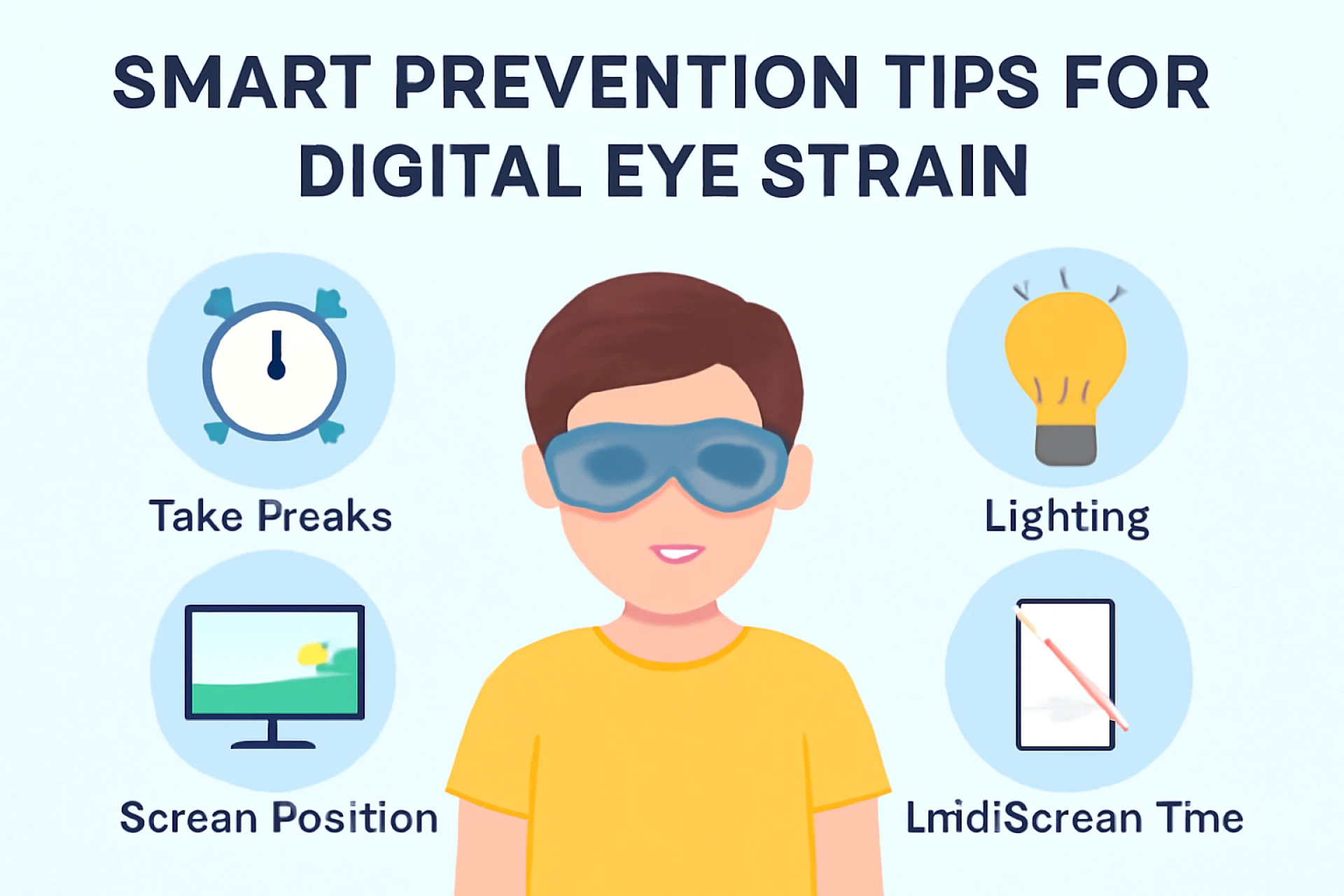
Smart Prevention Tips for Digital Eye Strain
1. Try the 20-20-20 Technique
The 20-20-20 technique is a practical and widely recommended method to reduce screen-related eye stress.
This brief pause helps relax the eye muscles and minimize strain caused by continuous close-up screen use.
2. Limit Continuous Screen Time
Encourage breaks between digital activities. Even during online classes, children should get up and stretch, blink often, or walk around.
Tip: Use timers or reminders to take screen breaks every 30–60 minutes.
3. Ensure Proper Lighting
Poor lighting can worsen eye strain. Avoid screen glare by ensuring:
- Natural light is behind the screen, not facing it
- The room is softly lit — neither too dim nor too bright
- Anti-glare screens or matte screen protectors are used, if needed
4. Adjust Screen Settings
It's also essential to ensure the screen’s brightness and contrast are correctly adjusted to match the surrounding room lighting for optimal comfort. Increase font sizes and enable blue light filters or night mode to reduce eye stress.
5. Maintain the Right Distance and Posture
Children should view screens at eye level and about 18–24 inches away from their eyes. Maintaining proper body alignment while using screens is essential: Sit upright in a chair with back support
- Ensure your child sits upright with good back support.
- Keep screens slightly below eye level to reduce neck strain
6. Encourage Outdoor Time
Spending time outdoors helps prevent myopia (nearsightedness), which is increasing among children due to excessive screen use. Natural light supports eye development and reduces the risk of vision problems.
Try to include at least 1 to 2 hours of outdoor play or activity each day to give their eyes a break from screen time.
7. Regular Eye Exams
Children should also undergo a full eye check-up annually to catch any signs of vision issues or digital fatigue early. Vision changes may not be noticeable, especially with increased screen usage.
For active kids and teens who are responsible with their eyewear, specialized lenses or contact lenses may offer both clarity and comfort for their lifestyle.
8. Use Vision Correction if Needed
Make sure kids who require vision correction are using the right prescription. Some children wear contact lenses, such as monthly lenses, for convenience and clear vision. These lenses provide clear vision and are a practical option for active children and teenagers who can manage them responsibly.
Be sure the lenses are:
- Prescribed by an eye care professional
- Properly cleaned and stored
- Replaced monthly, not worn beyond their lifespan
9. Promote Healthy Eye Habits
Teach children to:
- Blink often to keep eyes moist
- Avoid rubbing their eyes
- Keep screens clean and free of dust or smudges
- Stay hydrated throughout the day
These small habits go a long way in preventing eye fatigue and discomfort.
Signs Parents Should Watch For
Sometimes kids may not express their discomfort. Watch for these warning signs:
- Squinting or frequent blinking
- Complaints about headaches or tired eyes
- Holding devices too close
- Rubbing eyes often
- Avoiding screen activities due to discomfort
Early signs of digital eye strain can indicate a need for an updated vision prescription or better screen habits.
Final Thoughts
Digital devices are a part of modern learning and play, but their usage must be balanced with smart habits and protective measures. Parents can significantly reduce the risk of digital eye strain by making small but consistent changes in how children interact with screens. One helpful resource for this is exploring practical Tips for Healthy Vision in the Digital Age, which guide parents on maintaining healthy screen habits.
Ensuring good eye care habits, limiting screen exposure, and scheduling regular vision checkups are the foundations of protecting your child’s vision today and for years.