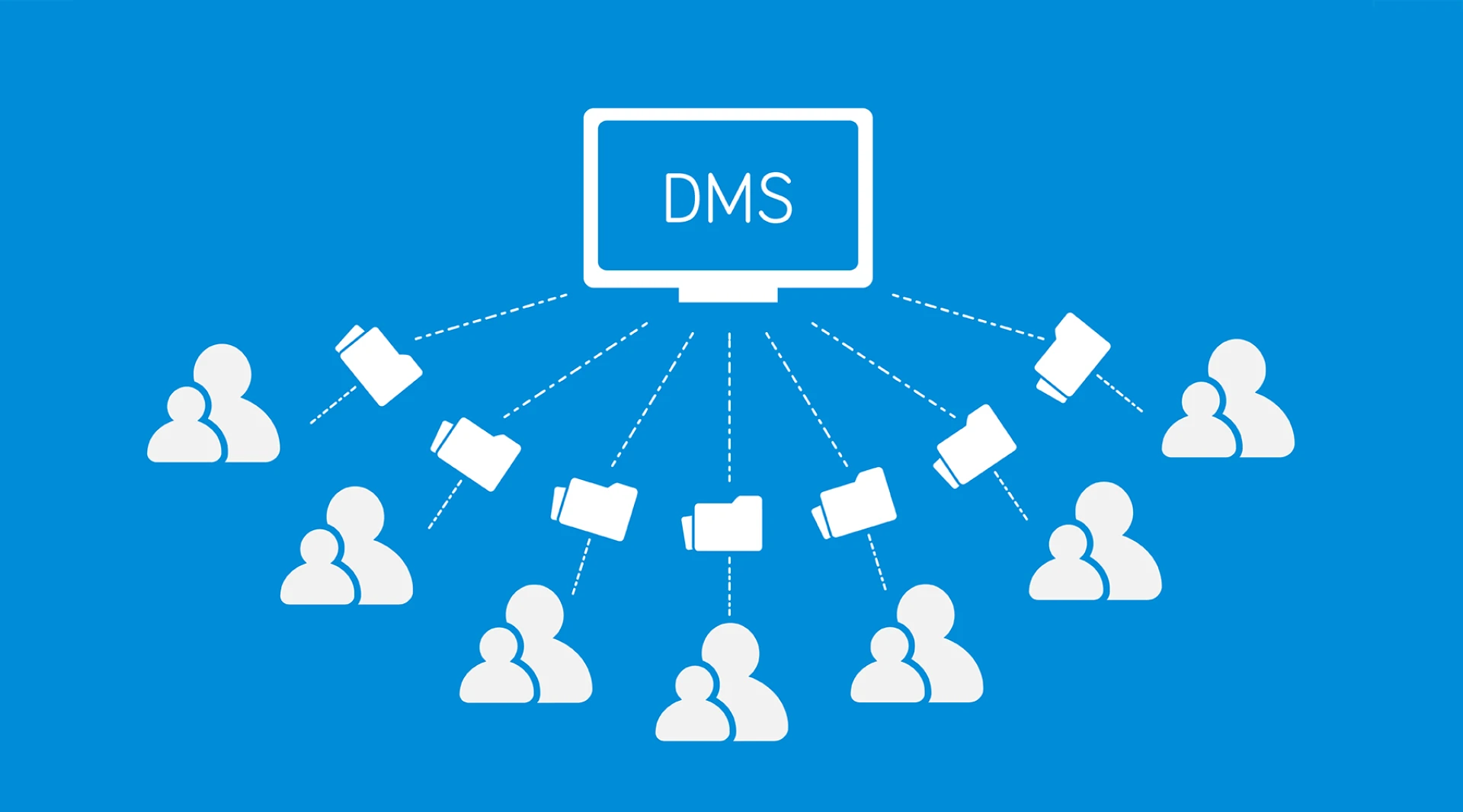
Finding documents quickly separates productive organizations from those where employees waste hours hunting for information. Traditional file systems rely on folder hierarchies and file-naming conventions that break down under real-world complexity. Users forget where they stored files, navigate through endless nested folders, or search through dozens of similarly named documents, hoping to stumble upon the right one. This search frustration multiplies across organizations, wasting thousands of productive hours annually.
SharePoint document management systems offer a fundamentally superior approach through metadata and tagging. Structured information describing documents enables instant, precise discovery regardless of folder location or filename. Organizations that master metadata transform search from frustrating scavenger hunts into effortless retrieval, taking seconds rather than minutes or hours.
Understanding Metadata's Power
Metadata describes documents beyond just filenames. A contract isn't simply "Agreement.pdf"; it relates to specific clients, covers defined dollar amounts, spans defined date ranges, involves specific parties, and addresses particular services. Capturing this descriptive information as structured metadata makes documents findable through multiple pathways.
Users search by client name and instantly see all their contracts, regardless of where files reside in folder structures. They filter by date ranges to identify contracts expiring next quarter. They identify all agreements above a specified threshold. These precise searches deliver exactly what users need without requiring knowledge of folder locations or perfect filename recall.
SharePoint automatically captures metadata, including creation dates, authors, file sizes, and modification history. Real power comes from custom metadata fields tailored to specific content types and business needs. Legal departments add metadata for case numbers, practice areas, and opposing counsel. Finance teams capture vendor names, invoice amounts, and payment terms—marketing departments tag content with campaign names, target audiences, and publication channels.
Designing Effective Metadata Schemas
Not all metadata proves equally helpful. Effective schemas balance comprehensiveness with simplicity, capturing information that genuinely aids discovery without overwhelming users with excessive fields.
Start by understanding how people actually search for documents. What questions do they ask when looking for content? "Show me contracts expiring in Q2." "Find all invoices from Vendor X." "Which projects involve Technology Y?" These natural queries reveal what metadata fields provide value.
Use appropriate column types for different metadata. Choice columns with predefined options ensure consistency everyone selects from the same department list rather than typing variations. Date columns enable chronological filtering and sorting. Person columns link to organizational directories. Managed metadata provides hierarchical taxonomies with controlled vocabularies
Limit required fields to truly essential information. Excessive mandatory metadata frustrates users and encourages minimal compliance, where people enter meaningless data just to satisfy requirements. Make metadata entry as automatic as possible through default values, calculated columns, or AI extraction from document content.
Implementing Intelligent Tagging
Tags provide flexible categorization beyond rigid metadata fields. Documents receive multiple tags describing attributes such as project names, topics, technologies, departments, and document types. This multi-dimensional tagging enables discovery through numerous pathways without forcing documents into single categorical boxes.
Managed metadata term stores create organizational tag vocabularies, ensuring consistency. Rather than users inventing tags ad hoc, some typing "Q1-2025" while others use "First Quarter 202,5", controlled vocabularies provide standard options everyone can select from.
AI-powered auto-tagging analyzes document content and automatically suggests relevant tags. Users review and approve suggestions rather than manually identifying every applicable tag. This automation ensures comprehensive tagging without excessive manual effort.
Leveraging Search Refiners
Metadata and tags power SharePoint's search refiners, which progressively narrow results. Users search broadly, then refine by selecting metadata values. Search for "contract" returns hundreds of results. Refine by client name, then by date range, then by contract value. Each refinement narrows to more relevant documents.
These refiners appear automatically based on metadata fields you've defined. The same search interface that seems simple to users actually leverages sophisticated metadata structures operating behind the scenes.
Creating Metadata-Driven Views
Beyond search, metadata enables the creation of multiple organized views of the duplicate content. Contract libraries provide views organized by client, expiration date, contract value, or responsible attorney, each showing the same underlying documents, arranged differently based on metadata.
Users choose whichever view best matches their current need, without documents being stored in multiple folder locations. Conditional formatting highlights essential metadata visually, contracts expiring within ninety days appear in red, and high-value agreements are displayed in bold.
Training Users on Metadata Practices
Metadata only works when teams apply it consistently. Train users on both mechanics and importance. Demonstrate concrete examples showing how metadata makes their work easier, finding critical contracts in seconds instead of twenty-minute searches
Establish metadata standards organization-wide. Define controlled vocabularies, naming conventions, and tagging guidelines that everyone follows. Inconsistent metadata undermines searchability just as much as no metadata.
Make metadata entry intuitive by using well-designed forms, clear field descriptions, and logical default values. The easier the metadata application is, the more consistently users will use it.
Measuring Search Effectiveness
Track metrics revealing whether metadata delivers search improvements. Search analytics show what users search for and whether they find relevant results. Low click-through rates suggest metadata isn't surfacing appropriate content. High search abandonment indicates users aren't finding what they need.
Survey users about search experiences before and after metadata implementation. Time-to-find measurements demonstrate concrete productivity improvements, justifying metadata investments while identifying areas needing refinement.
Organizations that master metadata and tagging transform SharePoint document management systems from passive storage into intelligent retrieval systems. Finding the correct document becomes nearly instantaneous, productivity improves measurably, and document management shifts from a source of frustration to a competitive advantage, enabling faster, more innovative work.