
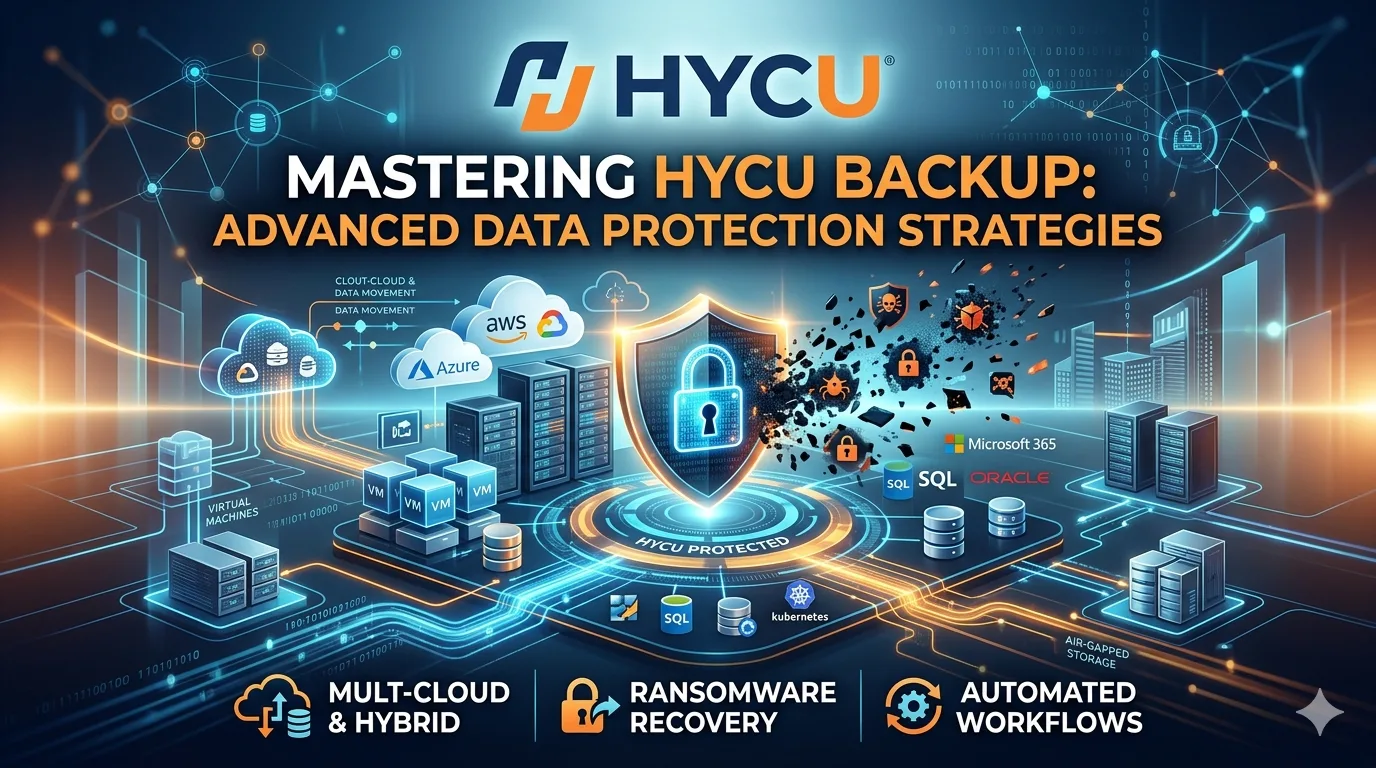
Enterprise data protection requires solutions that integrate tightly with native hypervisor APIs and cloud infrastructures. Legacy backup mechanisms relying on physical agents and cumbersome management servers introduce unnecessary latency and security vulnerabilities. HYCU delivers a purpose-built, agentless architecture that operates natively within modern hybrid cloud environments. By leveraging an API-driven control plane, HYCU eliminates the overhead associated with traditional backup software, offering precise application-consistent recoveries.
This guide examines the architectural mechanics of HYCU, detailing advanced deployment topologies, immutability frameworks, and performance optimization strategies for system administrators and cloud architects.
Architectural Deep Dive and Deployment Models
HYCU utilizes a tightly integrated, agentless architecture that separates the control plane from the data plane. This design ensures that backup traffic does not bottleneck management operations. Instead of deploying software agents on individual virtual machines, HYCU communicates directly with hypervisor management interfaces and public cloud APIs.
Deployment typically involves deploying the HYCU backup virtual appliance within the target environment. For on-premises clusters, the appliance requires minimal compute resources and scales dynamically. The platform auto-discovers virtual machines, applications, and network topologies, applying default backup policies based on predefined service level objectives (SLOs). In public cloud environments, HYCU operates as a fully managed Backup-as-a-Service (BaaS), eliminating infrastructure maintenance while retaining strict tenant isolation.
Advanced Protection Mechanisms
Data integrity and defense against malicious encryption are critical components of a modern disaster recovery strategy. HYCU implements several advanced features to secure enterprise workloads.
Data Immutability and WORM Storage
HYCU supports Write Once Read Many (WORM) storage targets. When integrated with Amazon S3 Object Lock, Azure Blob storage with immutability policies, or Nutanix Objects, HYCU ensures that backup payloads cannot be modified or deleted before the retention period expires. This configuration fundamentally neutralizes ransomware strains designed to seek out and destroy backup repositories.
Multi-Cloud Capabilities
Workload mobility demands a backup solution capable of protecting data across disparate platforms. HYCU facilitates cross-cloud mobility, allowing administrators to back up an on-premises virtual machine and restore it natively as an Amazon EC2 or Azure Virtual Machine instance. This automated conversion process handles the underlying hypervisor drivers and network abstractions, streamlining cloud migration and disaster recovery testing.
Ecosystem Integration: VMware and Nutanix
HYCU was originally engineered for Nutanix, providing granular integration with Nutanix AHV and AOS storage protocols. It utilizes Nutanix REST APIs to execute storage-level snapshots with zero impact on application performance.
For VMware vSphere environments, HYCU leverages VMware vStorage APIs for Data Protection (VADP). It intelligently bypasses the host network by reading directly from the storage fabric using SAN or HotAdd transport modes. Furthermore, HYCU provides application-aware quiescing for Microsoft SQL Server, Exchange, and Active Directory by interacting with Microsoft Volume Shadow Copy Service (VSS) components, ensuring transaction logs are properly truncated without requiring guest agents.
Optimizing Performance and Recovery
Achieving maximum throughput requires careful configuration of both the HYCU appliance and the underlying infrastructure.
- Target Sizing and Concurrency: Configure backup targets to handle concurrent write operations. Adjust the maximum number of concurrent tasks within the HYCU policy settings to prevent overwhelming the primary storage controllers during backup windows.
- Network Segmentation: Isolate backup traffic using dedicated VLANs or physical network interfaces. This prevents high-volume data transfers from competing with production application traffic.
- Tiered Retention: Implement tiered policies that send short-term backups to high-performance local storage (NVMe or SSD tiers) for rapid operational recovery, while archiving long-term backups to low-cost cloud object storage.
Troubleshooting Advanced Configurations
Even within highly automated environments, anomalies occur. System administrators must be equipped to diagnose and resolve backup failures systematically.
Snapshot Stun and Timeout Issues
If virtual machines experience high latency during snapshot consolidation, verify the underlying storage latency. Adjust the snapshot retry limits within HYCU and ensure VMware tools or Nutanix Guest Tools are fully updated. For highly transactional databases, consider staggering backup schedules to distribute the I/O load.
VSS Writer Failures
Application-consistent backups depend on healthy VSS writers within the guest operating system. When a backup fails with an application awareness error, execute the vssadmin list writers command within the target OS. Restarting the specific application service or the VSS service resolves most transient state failures. Review the HYCU event logs for precise hexadecimal error codes to identify the exact failing component.
Securing the Future of Enterprise Data
Data protection must evolve synchronously with infrastructure advancements. HYCU provides a scalable, API-first approach to data resiliency, stripping away the complexity of legacy backup systems. By mastering HYCU's native integration capabilities, immutability features, and multi-cloud architectures, infrastructure teams can guarantee stringent recovery point and recovery time objectives. Implementing these advanced configurations ensures enterprise data remains secure, compliant, and rapidly recoverable against any disruption with a backup appliance.