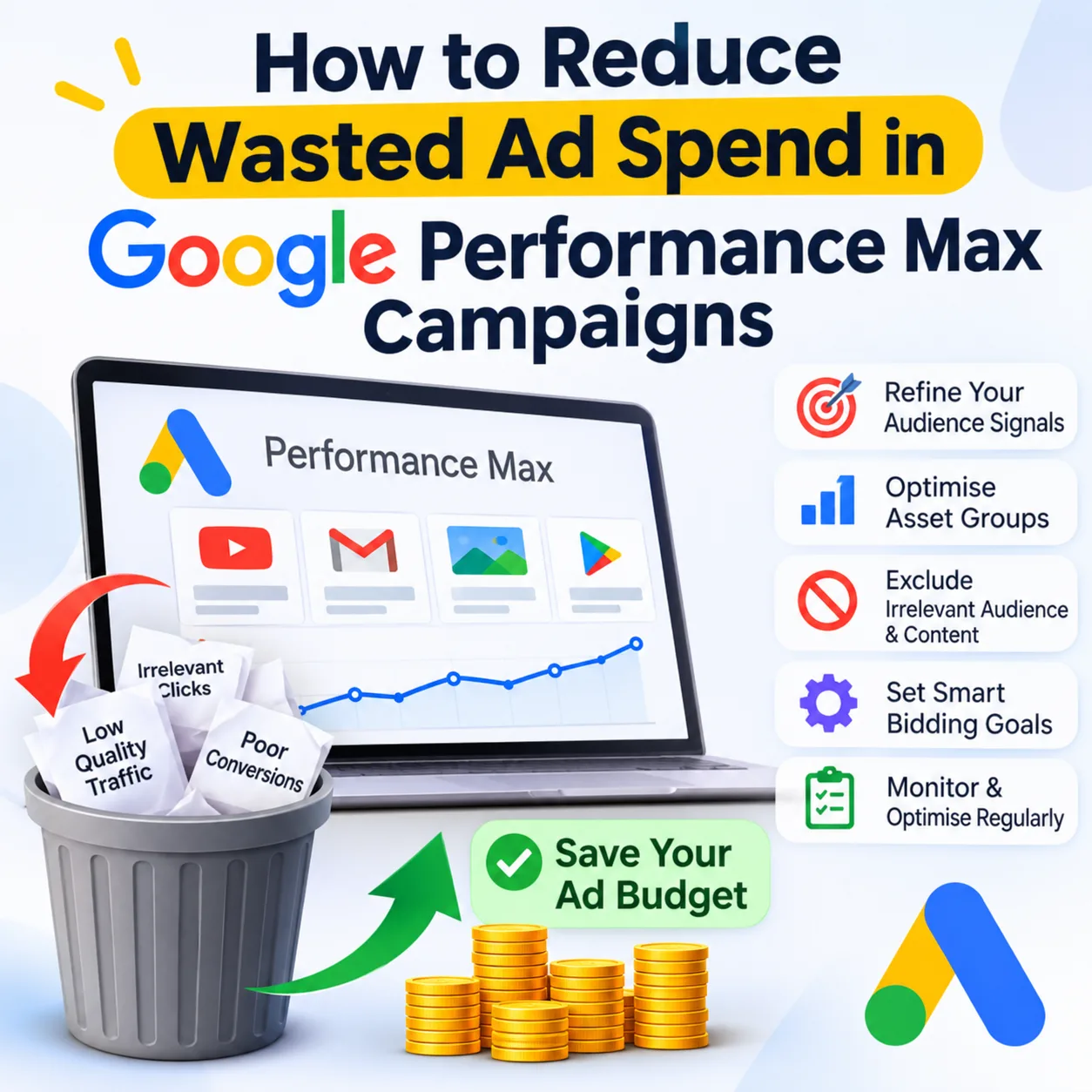
Google Performance Max (PMax) promises one campaign that reaches every Google channel: Search, Shopping, YouTube, Display, Discover, Gmail and Maps. For many advertisers it delivers. For others, it quietly burns budget on low-intent clicks, branded searches and placements that never convert.
The good news: PMax waste is fixable. Whether you manage campaigns in-house or rely on professional PPC packages, the steps below will help you tighten your paid search marketing spend and improve return on ad spend (ROAS).
Why Performance Max Wastes Budget
PMax is driven by automation. You supply assets, audience signals and conversion goals; Google decides where and when to show ads. That lack of transparency creates common leaks:
- Branded search cannibalization: PMax often claims conversions from people who would have found you anyway.
- Low-quality conversion tracking: If you count micro-actions (page views, button clicks) as conversions, the algorithm optimizes for junk.
- Poor asset quality: Weak images, generic headlines and missing video lead to irrelevant placements.
- Broad targeting without guardrails: Without negatives or exclusions, ads appear for unqualified queries and placements.
- Unclean product feeds: For ecommerce, bad titles and categories cause mismatched Shopping impressions.
1. Fix Your Conversion Tracking First
PMax can only optimize toward what you measure. Before changing anything else:
- Track only primary conversions that reflect real business value: purchases, qualified leads, booked calls.
- Remove soft actions (scroll depth, page views) from the campaign's conversion goals.
- Import offline conversions or CRM data so Google learns which leads actually become customers.
- Use conversion values, not just counts, and enable value-based bidding (Maximize Conversion Value with a target ROAS).
- Turn on Enhanced Conversions to recover signal lost to cookie restrictions.
This single step often delivers the largest reduction in wasted spend, because every other optimization depends on it.
2. Separate Brand From Non-Brand Traffic
Brand searches are cheap and convert well, which makes PMax look better than it is. To avoid inflated results:
- Apply brand exclusions at the campaign level (Google now supports this natively).
- Run a dedicated brand Search campaign so you control brand messaging and bids.
- Compare new-customer versus returning-customer conversions. Enable new customer acquisition goals with a bid premium so PMax prioritizes fresh buyers.
3. Add Negative Keywords and Exclusions
PMax once gave advertisers almost no negative keyword control. That has changed, and you should use it.
- Request account-level negative keywords and apply them across campaigns (irrelevant terms like "free," "jobs," "DIY," "cheap" where they don't fit your offer).
- Review the search terms insights report in PMax and add negatives for irrelevant themes.
- Apply placement exclusions at the account level to block low-quality sites and apps.
- Use location and language exclusions to prevent spend outside your service area.
This is a core discipline in effective paid search marketing: the queries you block matter as much as the ones you target.
4. Use Search Themes and Audience Signals Wisely
Audience signals don't restrict PMax, but they guide its early learning.
- Feed in first-party data: customer match lists, past purchasers, high-value leads.
- Add search themes that reflect your real buying-intent keywords.
- Exclude existing customers when your goal is acquisition.
- Refresh signals regularly, since stale lists teach the algorithm outdated patterns.
Strong signals shorten the learning phase, which is where much early waste occurs.
5. Improve Creative and Asset Group Structure
PMax assigns performance ratings to assets. Use them.
- Create separate asset groups by product category, service line or customer intent instead of one catch-all group.
- Replace assets rated "Low" and keep adding variations to those rated "Best."
- Upload video yourself. Otherwise Google auto-generates it, often poorly.
- Write headlines around specific benefits, offers and differentiators, not generic claims.
- Make sure landing pages match the asset group's theme and load quickly on mobile.
6. Optimize the Product Feed (Ecommerce)
If you sell products, the feed is your targeting.
- Write keyword-rich, specific product titles (brand, type, size, color, key attribute).
- Use custom labels to segment by margin, bestsellers or seasonality.
- Remove out-of-stock items and low-margin products that drag down profitability.
- Build separate campaigns or asset groups for high-margin and low-margin products so budget follows profit.
7. Set Realistic Budgets and Targets
Aggressive targets starve the algorithm; overly loose ones let it spend freely.
- Allow 2 to 6 weeks for the learning period before judging results.
- Avoid frequent changes. Edits restart learning and increase volatility.
- Start with a target ROAS or CPA based on historical data, then adjust gradually (10 to 15 percent at a time).
- Set budgets high enough to generate roughly 30 or more conversions per month per campaign.
8. Monitor the Right Reports
PMax reporting is limited, but it is not blind. Check regularly:
- Insights tab: top search categories and audience segments.
- Channel performance report: see how spend splits across Search, Shopping, YouTube and Display.
- Asset reports: identify weak creative.
- Landing page reports: find URLs that attract clicks but not conversions.
- Google Analytics 4: validate platform-reported conversions against actual site behavior.
If Display or YouTube absorbs a large share of budget with few conversions, tighten signals, improve assets, or test a Search-only structure.
9. Know When to Use Standard Campaigns Instead
PMax is not right for every account. Consider standard Search or Shopping campaigns when:
- You have low conversion volume.
- You need strict keyword-level control.
- Your margins are thin and every click must be justified.
- You are in a highly regulated or niche industry.
Many strong accounts run PMax alongside Search campaigns, using exact-match keywords to protect your best queries.
10. Consider Professional PPC Packages
Managing PMax well takes ongoing attention: feed audits, negative keyword reviews, creative testing, conversion troubleshooting and reporting. If your team lacks time or expertise, structured PPC services from a specialist agency can be more cost-effective than letting budget drift.
When comparing PPC packages, look for:
- Transparent management fees (flat or percentage of spend) and clear contract terms.
- A defined scope: PMax, Search, Shopping, remarketing, reporting frequency.
- Conversion tracking setup and audit included from day one.
- Regular optimization cadence (weekly or biweekly), not set-and-forget.
- Reporting tied to revenue and ROAS, not just clicks and impressions.
The right partner treats paid search marketing as a profit channel, not a traffic channel.
Quick Checklist: Cut PMax Waste in 30 Days
- Audit and clean up conversion actions and values.
- Add brand exclusions and enable new-customer goals.
- Apply account-level negatives and placement exclusions.
- Split asset groups by theme and refresh weak creative.
- Clean and segment the product feed.
- Set realistic budgets and avoid constant edits.
- Review channel, search-term and landing-page reports weekly.
- Compare PMax results against standard campaigns.
Final Thoughts
Performance Max can be a powerful engine for growth, but only when it is fed accurate data, guided by smart signals, and fenced in by sensible exclusions. Fix tracking, control brand traffic, refine creative and review reports consistently, and you will turn wasted spend into profitable conversions.
If you would rather not manage it alone, a well-scoped PPC package from an experienced paid search marketing team can help you scale PMax with confidence.