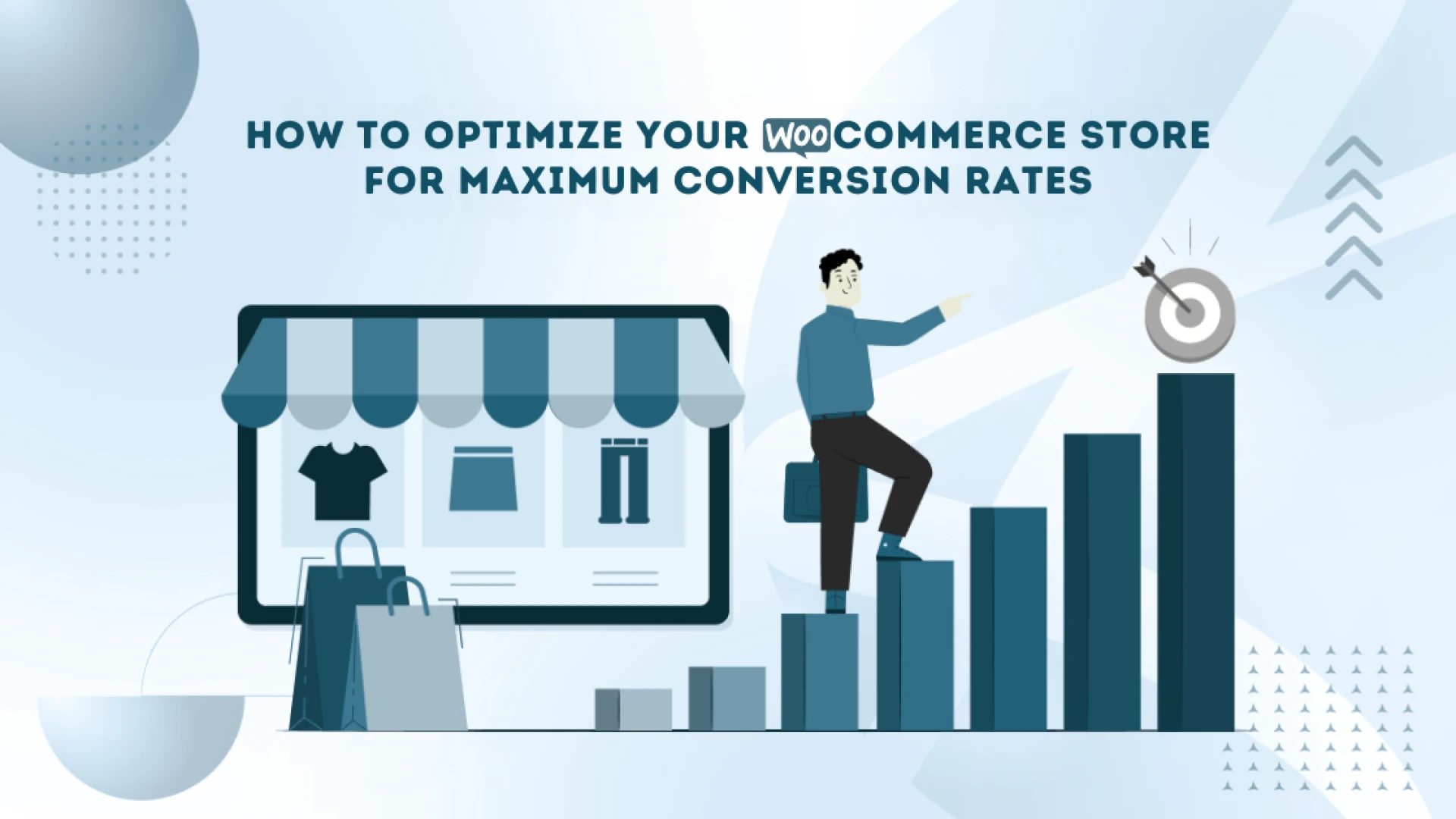
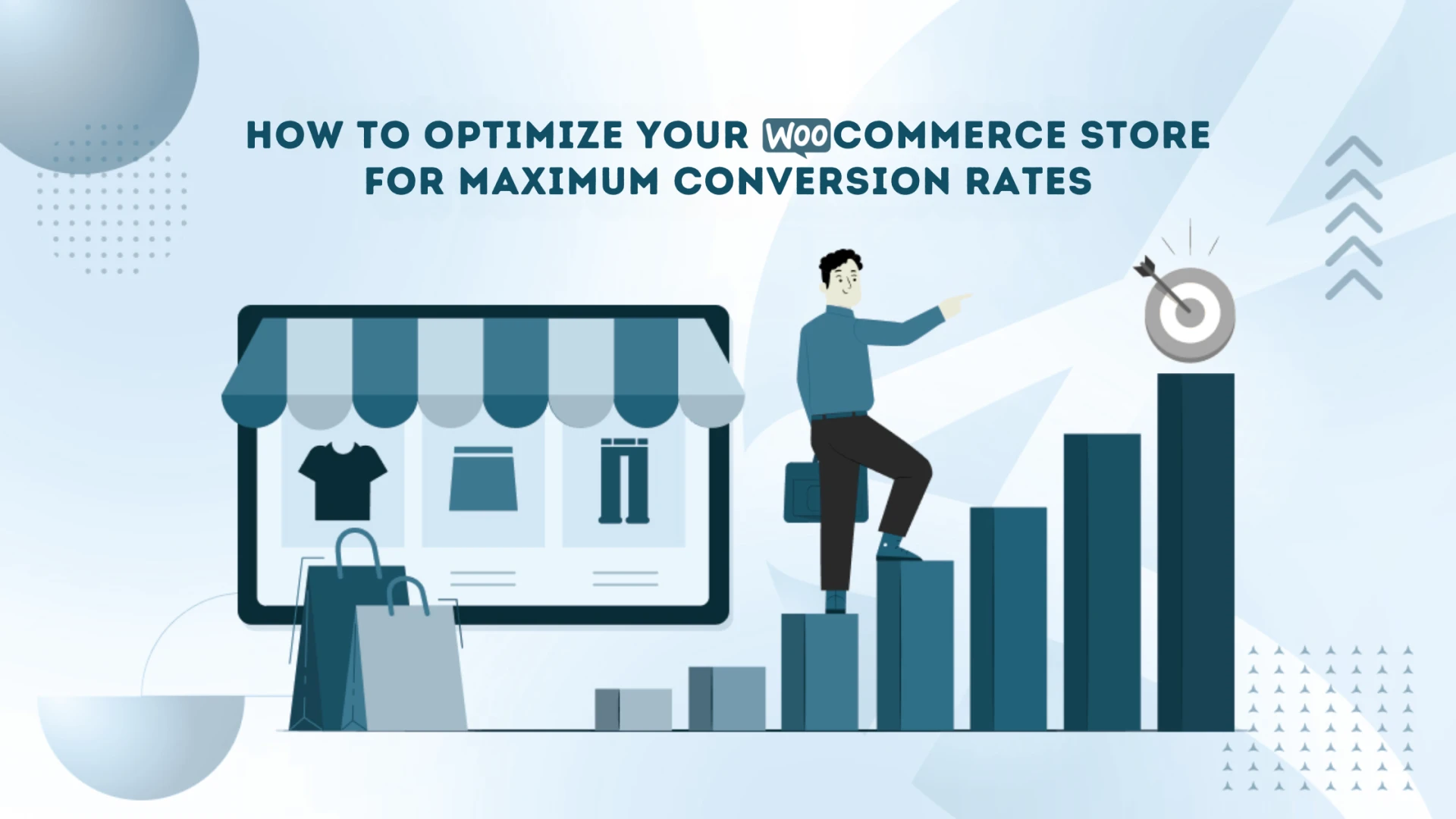
Running an online store with WooCommerce can be exciting, but the real challenge is turning your visitors into paying customers. The goal is simple — get more people to complete their purchases. That’s where smart optimization comes in. Working with a WooCommerce Development Company can help you make the right changes that boost performance and conversions. In this blog, “How to Optimize WooCommerce Store for Higher Conversion Rates,” we’ll explore the best ways to increase your store’s sales, improve user experience, and make your WooCommerce site perform better than ever.
1. Speed: The Secret to Keeping Visitors
Did you know that almost half of your visitors expect a page to load within two seconds? A slow website not only frustrates users but also reduces your chances of making sales. Fast-loading pages keep customers happy and increase the chance of conversions.
If your site feels slow, it’s time to act. You can also work with Top WooCommerce Developers who specialize in improving website performance.
How to Speed Up Your Store:
- Use a CDN (Content Delivery Network): This distributes your website content across multiple servers for faster loading.
- Compress Images: Tools like WP Smush or Imagify help reduce file sizes without losing quality.
- Enable Caching: Plugins such as W3 Total Cache or WP Rocket can make your website load quicker for repeat visitors.
- Select Reliable Hosting: Choose a hosting provider that offers WooCommerce-optimized servers like Kinsta or SiteGround.
2. Make Your Store Mobile-Ready
More than 55% of online shoppers use their phones to make purchases. That’s why having a mobile-friendly WooCommerce store is essential. Your site should look great and function smoothly on every screen size.
How to Improve Mobile Experience:
- Use a Responsive Theme: Pick themes like Astra, OceanWP, or Storefront designed for mobile users.
- Simplify Navigation: Use clear menus and consider sticky headers for quick access to the cart or checkout.
- Design Easy-to-Tap Buttons: Keep CTAs large, visible, and thumb-friendly for mobile users.
3. Simplify Your Checkout Process
A long or confusing checkout process can easily scare away customers. Make it simple, fast, and user-friendly.
How to Make Checkout Smooth:
- One-Page Checkout: Combine all checkout steps on one page using plugins like WooCommerce One Page Checkout.
- Offer Guest Checkout: Not everyone wants to create an account to buy a product.
- Use Autofill Options: Integrate smart address recognition to help users complete forms quickly.
- Provide Multiple Payment Methods: Let customers pay via credit card, PayPal, Apple Pay, or Klarna for convenience.
4. Use Better Product Images and Descriptions
High-quality product visuals can make or break a sale. Around 67% of shoppers say that clear product images help them decide faster.
How to Improve Product Presentation:
- Invest in Good Photography: Use professional, high-resolution images showing products from multiple angles.
- Write Clear Descriptions: List the features and benefits of your product in easy-to-read bullet points.
- Add 360° Views or Videos: These create a real-life shopping feel and help customers trust your products more.
5. Build Trust with Reviews and Testimonials
People often believe other buyers more than brands. Adding real reviews and testimonials is a proven way to increase trust.
How to Add Social Proof:
- Show Customer Reviews: Use WooCommerce Product Reviews Pro to display real feedback.
- Add Testimonials: Highlight customer stories using plugins like Strong Testimonials.
- Feature User Photos: Let customers share photos or videos of your products for added credibility.
6. Upsell and Cross-Sell for Higher Sales
Don’t stop at one sale — offer related products that customers might also like. This simple trick helps increase average order value.
How to Upsell & Cross-Sell:
- Use “Frequently Bought Together” Suggestions: Recommend items that go well with products in the cart.
- Offer Bundle Discounts: Give customers special deals when they buy more than one product.
- Show Checkout Upsells: Suggest complementary items before final checkout.
7. Save Lost Sales with Exit-Intent Popups
When someone is about to leave your store without buying, you can still win them back. Exit-intent popups appear right before a visitor leaves, offering them a reason to stay.
How to Use Exit Popups Effectively:
- Offer Limited-Time Discounts: Give small deals or free shipping to motivate the purchase.
- Collect Emails: Capture user emails for remarketing and newsletters.
- Re-engage Through Remarketing: Send friendly reminders to customers about their abandoned carts.
Conclusion
Boosting conversions in WooCommerce is not a one-time task — it’s an ongoing process. Focus on speed, mobile design, simple checkout, strong visuals, reviews, upselling, and smart popups. These changes can greatly improve your sales and customer satisfaction.
If you want expert guidance, Aron Web Solutions can help. Our WooCommerce Development Services are designed to improve performance, design, and conversions. Whether you need store customization or technical support, we help you create an online shop that turns visitors into loyal buyers.
FAQs
Q1. Why should I optimize my WooCommerce store for conversions?
Optimization helps you turn visitors into paying customers, reduce cart abandonment, and increase sales.
Q2. How can I improve my WooCommerce store speed?
Use caching, image optimization, CDNs, and fast hosting to boost loading speed.
Q3. What is the best way to make my WooCommerce site mobile-friendly?
Choose a responsive theme, make navigation simple, and use large, easy-to-click buttons.
Q4. How can I reduce cart abandonment in WooCommerce?
Offer guest checkout, multiple payment options, and exit-intent popups to retain users.