When applying for a job, your resume has to go through an Applicant Tracking System (ATS) first. While ATS is great for recruiters to filter resumes, it can be tough to get your resume through if it's not optimized for the system. One area where many job seekers miss the mark is in resume headings. Proper ATS-friendly resume headings can make all the difference in whether your resume is seen by a human recruiter or rejected by the ATS.
Here’s how you can optimize your resume headings for an ATS-compliant resume and increase your chances of landing an interview.
1. Stick to Standard Headings
ATS systems are designed to look for standard resume headings to easily identify important sections like Work Experience, Skills, Education, and Contact Information. If you use creative headings like “What I’ve Done” or “My Skills,” the ATS may not recognize them, causing it to skip over those sections entirely.
Best practice: Use traditional, clear headings such as:
- Work Experience (instead of “My Career” or “Previous Roles”)
- Skills (instead of “What I Can Do”)
- Education (instead of “Academic Background”)
- Certifications (instead of “My Credentials”)
Keeping it simple ensures that the ATS can read and process your resume easily.
2. Use Clear, Consistent Formatting
When it comes to ATS, consistency is key. Make sure your headings are easy to spot and consistent throughout your resume. Use a clear, simple font (like Arial or Calibri) and make your headings stand out with bold or slightly larger text.
Avoid underlining, as some ATS may have trouble recognizing underlined text. Also, refrain from using special characters, fancy symbols, or creative punctuation (like arrows or stars) in your headings.
Best practice: Keep your formatting simple, and don’t get too fancy with headers.
3. Don’t Put Headings in Headers or Footers
While it may seem like a good idea to place your contact information or headings in a header or footer to keep things neat, ATS scanners can have difficulty reading them. Many ATS systems simply skip over text in headers and footers, which means your contact information or section headings could be missed.
Best practice: Keep all your headings and contact info in the main body of your resume, ensuring they’re easily read by the ATS.
4. Make Sure Your Headings Are Specific
Some ATS may struggle with vague or generic headings. For example, using “Professional Information” instead of “Work Experience” can confuse the system. The more specific and standard the heading, the better the ATS can parse and categorize your resume content.
Best practice: Stick to standard, specific headings like:
- Professional Experience (instead of “Work History”)
- Skills (instead of “My Talents”)
- Education (instead of “Schooling”)
This allows the ATS to better understand the sections and rank your resume accordingly.
5. Avoid Fancy Formatting or Non-Standard Fonts
While creative fonts or formatting may make your resume stand out visually, they can be a problem for ATS systems. These systems often struggle to read non-standard fonts or unusual formatting choices. To ensure your resume is ATS-friendly, stick to basic fonts like Arial, Calibri, or Times New Roman, and avoid using non-standard fonts, images, and columns.
Best practice: Choose easy-to-read, ATS-compatible fonts and avoid adding unnecessary formatting.
6. Use Keywords in Headings When Possible
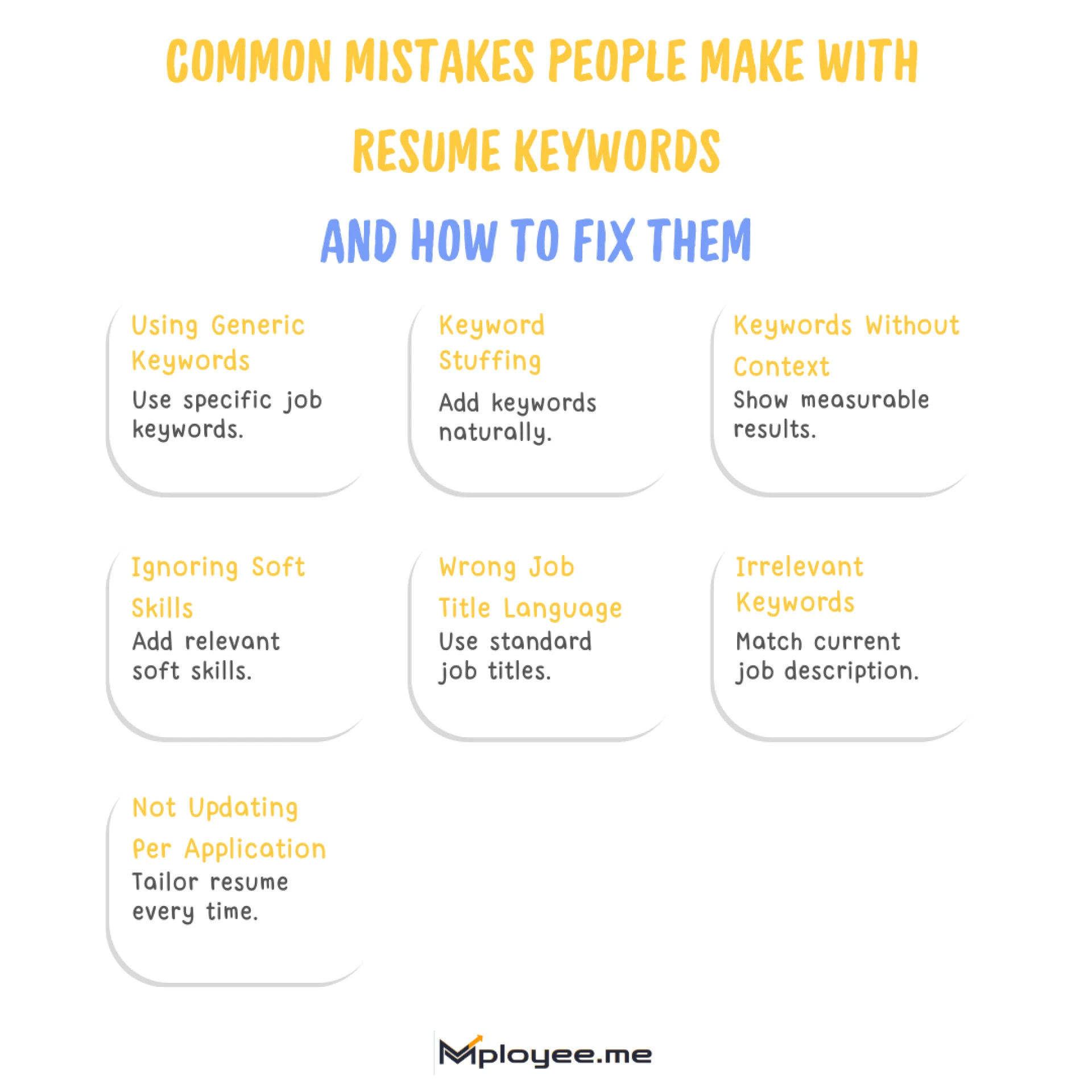
An effective strategy to improve your ATS score is to align your headings with keywords from the job description. Some ATS systems rank resumes based on the frequency of relevant keywords. For example, if the job description requires “project management,” you can consider adding "Project Management" as a heading under your Work Experience or Skills section, provided it fits naturally.
Best practice: Add keywords from the job description in the headings where relevant. For instance:
- If the job requires “Data Analysis,” include “Data Analysis” as a heading in your Skills or Work Experience sections.
7. Optimize for Section Headings in Resume Templates
When using a resume template, ensure that the template is ATS-compatible. Many templates use graphic design elements, columns, or unusual section headings that ATS systems can’t read properly. Stick to templates that are simple, with clearly marked and easy-to-read sections.
Best practice: If you’re using a template, ensure it's designed with ATS in mind by using standard, recognizable headings and simple formatting.
8. Keep it Simple with One or Two Main Headings per Section
ATS systems generally look for one or two main headings per section. If you break down sections too much (e.g., using multiple sub-headings in the Skills section), ATS could struggle to process the information and might even skip over it.
Best practice: Keep it simple and concise—don’t over-complicate sections by adding too many sub-headings or categories.
9. Test Your Resume with an ATS Scanner
Once you’ve optimized your resume headings, it’s a good idea to run your resume through an ATS scanner to check how well it’s likely to perform. There are many tools available, like Jobscan or Resumake, that can show you how ATS-friendly your resume is and provide suggestions for improvement.
Best practice: Use an ATS resume scanner to get feedback on your headings and overall resume structure.
Conclusion
Optimizing resume headings for ATS is crucial to ensure that your resume gets noticed by both the system and recruiters. By using standard, clear headings and incorporating relevant keywords, you can improve your ATS score and increase your chances of landing an interview. So, keep it simple, stay consistent, and make sure your headings are ATS-friendly—this small change can have a big impact on your job search!