
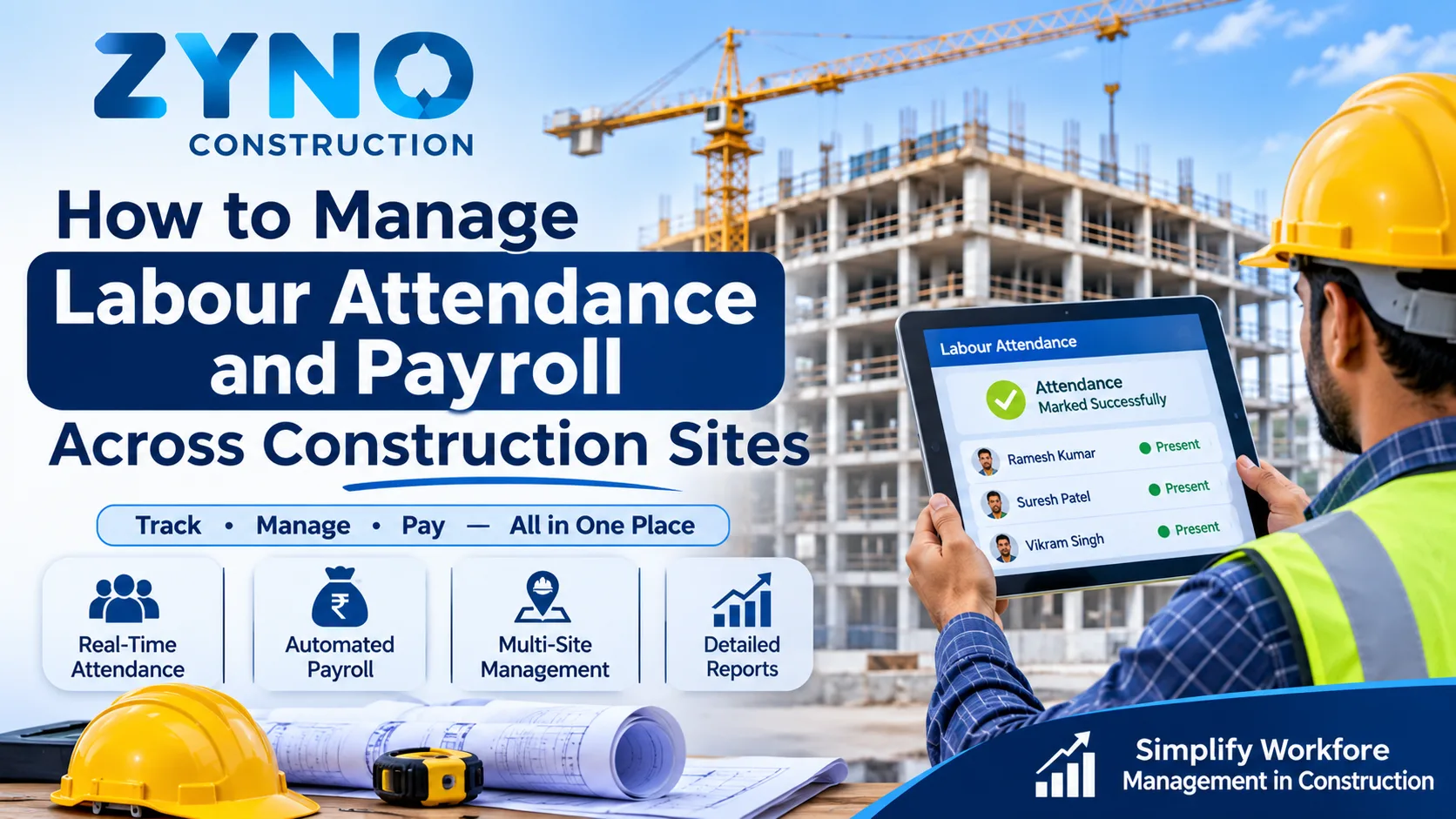
Labour is one of the largest cost heads in construction, and also one of the hardest to manage. Workers move between sites, daily-wage crews change from week to week, subcontractors bring their own teams, and attendance often lives on paper registers that reach the office days late. When payroll is built on that kind of data, mistakes are almost guaranteed: wrong wages, delayed payments, disputes and workers who simply stop turning up.
This guide explains the main labour management problems on construction sites and gives you a practical process to manage attendance and payroll accurately across multiple sites, with or without software.
Why Labour Attendance and Payroll Are Hard in Construction
Unlike an office, a construction site does not have a fixed workforce or a fixed location. Common challenges include:
- Multiple sites. Workers may be moved between projects, and each site keeps its own records.
- A mix of worker types. Permanent staff, daily-wage workers, contract labour and subcontractor crews all follow different pay rules.
- Manual attendance. Paper registers and phone calls lead to late, incorrect or duplicated entries.
- Variable pay components. Overtime, shift allowances, advances, deductions and piece-rate work complicate wage calculation.
- Delayed payments. When payroll takes days to process, wages reach workers late.
- Compliance requirements. Labour records must meet the statutory rules that apply in your country and state.
- Poor cost allocation. Wages are not always charged to the right project, which distorts project cost.
What Happens When Labour Management Goes Wrong
The effects spread beyond the payroll sheet.
- Overpayment and ghost workers. Paying for attendance that did not happen drains project profit.
- Underpayment and disputes. Wrong wages cause conflict, absenteeism and loss of skilled workers.
- Site delays. A crew that is unpaid or short-staffed slows progress.
- Wrong project costing. If labour cost lands on the wrong project, budgets look better or worse than they really are.
- Compliance risk. Missing or inconsistent records create problems during inspections and audits.
8 Steps to Manage Labour Attendance and Payroll Across Construction Sites
1. Create a Single Worker Database
Start by keeping one master record for every worker, with identity details, skill category, wage rate, bank or payment details and the sites they have worked on. A single database avoids duplicate entries and makes it easy to see who is working where.
2. Standardise Attendance Capture
Choose one consistent method for attendance across all sites, and make sure it is recorded on the day of work, not reconstructed at month-end. Whether you use digital check-ins, biometric devices or a supervisor-entered mobile record, the key is that data reaches the office quickly and in the same format from every site.
3. Define Clear Wage Rules for Each Worker Category
Write down how each category is paid: monthly staff, daily-wage workers, piece-rate workers and subcontractor labour. Fix the rules for overtime, holidays, allowances, advances and deductions, so payroll follows a rule instead of a judgement call.
4. Link Labour to Projects and Cost Heads
Every attendance entry should be tied to a project and, where possible, a work package. This way, wages flow into the correct project budget automatically. When your system connects labour records to project budgeting, you can see labour cost against plan in real time. With construction budgeting software, actual spend is tracked against estimates, so a labour overrun shows up early.
5. Use Software to Automate Attendance and Wage Calculation
Manual wage calculation is slow and error-prone. Dedicated labour management software helps you capture attendance, calculate wages and manage workers across project sites, so payroll no longer depends on collecting and re-typing paper registers.
6. Run Payroll on a Fixed, Predictable Cycle
Workers trust employers who pay on time. Set a fixed cycle, such as weekly for daily-wage labour and monthly for staff, and close attendance by a fixed cut-off. Integrated HRMS and payroll software for construction handles both staff and daily-wage labour and processes payroll on time across all your sites.
7. Manage Subcontractor Labour Separately but Visibly
Subcontractor crews usually work under agreements rather than your own payroll, but their attendance and progress still affect your schedule and compliance. Record agreements, work done, attendance and payment schedules in one place. Using subcontractor management software, you can monitor these details with complete transparency and avoid billing disputes.
8. Review Labour Reports Weekly
Compare planned and actual labour days, productivity, overtime, absenteeism and labour cost for each site every week. Spotting a pattern, such as heavy overtime on one site, allows you to rebalance crews before costs rise. Real-time construction reports and analytics across projects, finance and workforce operations make this review quick.
Manual vs Software-Based Labour Management
AreaManual processWith construction ERPAttendancePaper registers, late entryDigital records captured on the dayWage calculationSpreadsheet formulas, frequent errorsAutomated rules for each worker categoryPayroll timeSeveral days each cycleFaster processing on a fixed cycleProject costingWages allocated at month-end, if at allLabour cost linked to each projectSubcontractorsVerbal updates, disputed billsRecorded agreements, progress and paymentsComplianceRecords scattered across filesOrganised, audit-ready recordsReportingManual and delayedLive reports across sitesA Simple Weekly Labour Control Checklist
- Confirm that attendance for every site has been submitted and verified.
- Check for duplicate entries and workers marked at two sites on the same day.
- Review overtime and approve it against actual work.
- Verify advances and deductions before payroll.
- Match labour days with progress recorded for each site.
- Review pending subcontractor attendance and bills.
- Compare labour cost with the project budget.
- Confirm the payment date and communicate it to workers.
Why Spreadsheets and Registers Fall Short
Paper registers and spreadsheets work for one site with a small crew. As soon as you add more sites, they struggle: data arrives late, formats differ between supervisors, and it is hard to catch duplicates or proxy attendance. Each payroll cycle then becomes a manual clean-up exercise.
A construction ERP removes this burden by keeping attendance, wages, subcontractor records, project costing and reports in one system, so a single update flows to every place that needs it.
How ZYNO Construction Helps with Labour Attendance and Payroll
ZYNO Construction is an AI-powered, cloud-based construction ERP built for builders, contractors and infrastructure companies. For labour and payroll, it offers:
- Attendance tracking and wage calculation for staff and daily-wage labour across project sites.
- Payroll processing on a fixed cycle, with compliance built in.
- Subcontractor management covering agreements, work progress, attendance and payment schedules.
- Project-linked labour cost, connected to budgets and project accounts.
- Live dashboards and reports across projects, finance and workforce operations.
As shared in ZYNO's published case studies, a residential real estate developer with 300+ daily-wage workers across four sites used ZYNO Construction to automate attendance capture, wage calculation and statutory compliance, and brought monthly payroll that once took four days down to under six hours. This is a client-reported result from one project, so outcomes will vary with each business.
Frequently Asked Questions
How do you manage attendance for daily-wage workers across multiple sites? Keep one worker database, record attendance on the day at every site in a standard format, and link each entry to a project so that wages and costs are allocated correctly.
What is the best way to calculate construction labour wages? Define clear rules for each worker category, including overtime, allowances, advances and deductions, and automate the calculation so it follows the same rules every cycle.
How can I prevent proxy attendance and ghost workers? Use a single worker master, capture attendance on the day with a verifiable method, check for duplicate entries across sites, and compare labour days with recorded site progress.
Can one system handle both staff payroll and daily-wage labour? Yes. ZYNO Construction handles payroll for both staff and daily-wage labour across all your project sites.
How does labour management software help with compliance? It keeps attendance, wage and payment records organised in one place, which makes it easier to produce the documentation required under the labour rules that apply to you.
Is construction ERP suitable for small and mid-sized contractors? Yes. ZYNO Construction is suitable for both growing and large-scale construction businesses, and lets you import existing projects and data to get started.
Final Thoughts
Accurate labour attendance and on-time payroll keep crews productive, protect project margins and reduce disputes. The recipe is simple: one worker database, same-day attendance, clear wage rules, project-linked costing and a weekly review. When these run on a connected construction ERP, payroll stops being a monthly struggle and becomes a routine process.
Ready to simplify labour attendance and payroll? Book a free demo of ZYNO Construction ERP software today.