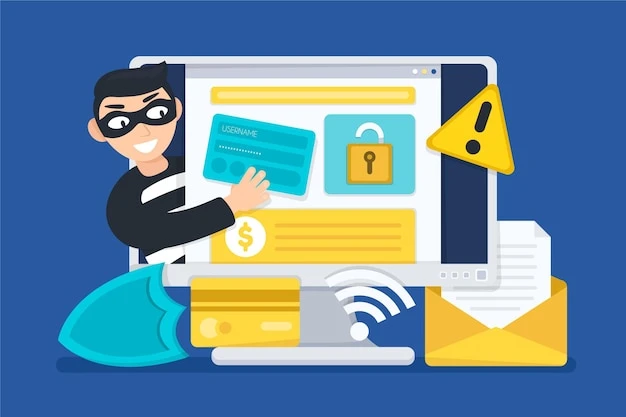
In today’s digital landscape, file encryption is no longer just a security feature it has also become a favorite weapon of cybercriminals. Every year, thousands of individuals and businesses fall victim to malicious file encryption attacks, commonly known as ransomware. These threats are silent, fast-moving, and devastating if not addressed quickly.
Whether you’re running a company or just trying to protect your personal files, knowing how to detect and remove encryption threats can save you from serious loss of data, money, and peace of mind.

Understanding the Threat: It’s More Common Than You Think
Malicious file encryption works like this: once a device is infected typically via a phishing email, unsafe download, or vulnerability in software the malware silently encrypts your files. Important documents, images, videos, spreadsheets everything gets locked behind an unbreakable wall of encryption. The attacker then demands a ransom in exchange for the decryption key.
Many victims panic and pay the ransom, but there’s no guarantee the files will be restored. That’s why prevention, early detection, and proper response strategies are essential.
To stay a step ahead, explore more on ransomwares.net, where you can find detailed insights, tools, and updates about the latest ransomware threats and solutions to counter them.
Signs You May Be Under Attack
File encryption threats often work quietly in the background. However, there are a few telltale signs to watch out for:
- Unusual file extensions: If your files suddenly have unfamiliar extensions (like .locked or .crypt), it's a major red flag.
- Access denied errors: You may find yourself locked out of documents you just accessed.
- System slowdown: Some ransomware strains heavily consume resources while encrypting, slowing down your system dramatically.
- Pop-up ransom notes: Once encryption is done, you'll likely receive a message demanding payment, often in cryptocurrency.
- Disabled antivirus: Many malware strains try to disable your security software first.
If you spot any of these symptoms, disconnect from the internet immediately to prevent the infection from spreading.
First Steps After Detection
Time is critical once you detect an encryption threat. Here’s what to do right away:
- Isolate the Device: Disconnect from the internet and any shared networks.
- Don’t Pay the Ransom: There’s no assurance your files will be returned, and paying encourages more attacks.
- Identify the Strain: Use a free tool or database to determine what type of ransomware you’re dealing with.
- Remove the Malware: Use trusted antivirus or anti-malware tools. In many cases, safe mode scanning can help.
- Attempt File Recovery: Some older ransomware variants have known decryption tools available. If you have backups, use them.
For verified removal techniques, decryption tools, and expert advice, explore more on ransomwares.net a trusted resource for understanding and fighting encryption-based cyberattacks.
Long-Term Prevention Strategies
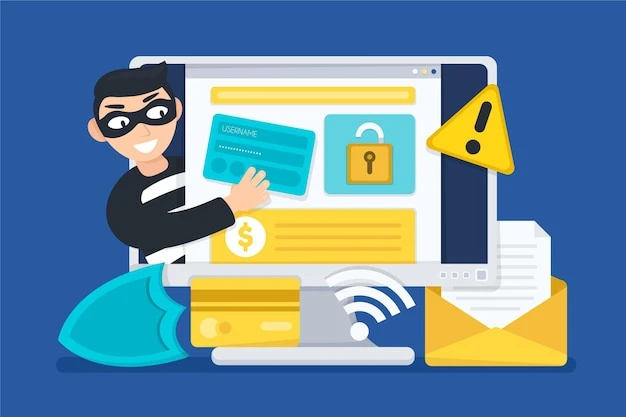
Fighting ransomware isn’t just about cleaning up after an attack it’s about ensuring it doesn’t happen again. Here’s how to reduce your risk:
- Regular Backups: Back up files to external drives or cloud storage not directly connected to your system.
- Email Caution: Don’t click unknown links or download suspicious attachments.
- Software Updates: Keep your operating system, apps, and antivirus updated to patch vulnerabilities.
- Employee Training: In business settings, make sure your team is trained on how to identify phishing and social engineering tactics.
- Use Reputable Security Tools: Enable firewalls, anti-malware, and intrusion detection systems.
Businesses
For businesses, ransomware can mean legal trouble, customer data breaches, and millions in losses. Implement endpoint protection, develop an incident response plan, and conduct regular penetration tests to uncover weaknesses before attackers do.
It’s also wise to keep a digital forensics partner on standby who can jump in quickly if a breach occurs. Cyber threats don’t operate on a 9-to-5 schedule and neither should your defenses.
Conclusion
Malicious file encryption is evolving. Attackers are constantly looking for new ways to break into systems, bypass firewalls, and exploit human error. Staying informed is your first line of defense.
Whether you're a parent protecting family photos or a business leader safeguarding sensitive data, the steps you take today can prevent irreversible damage tomorrow.
Want expert help or to learn more about the latest threats and how to combat them Explore more on ransomwares.net and equip yourself with the knowledge and tools needed to stay one step ahead of cybercriminals.